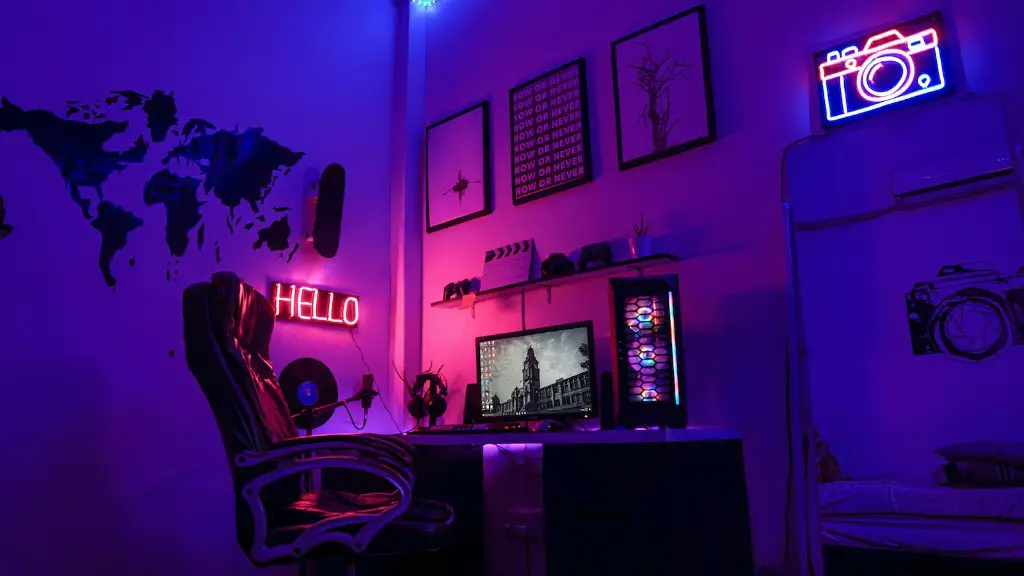
Building a gaming PC can be a complex process and there are significant costs associated with the venture. The price of hardware components required for assembling a system can vary depending on the specifications and brand. Other factors such as where the components are being purchased from can also be influential.
The main components to think about when it comes to the cost of assembling a gaming PC are the processor, motherboard, GPU, RAM, storage, and power supply. The price of these components can range anywhere from a couple hundred to thousands of dollars. It’s not uncommon for a high-end gaming PC to cost upwards of $2000.
A totally DIY approach can be an economical way of achieving a suitable build. With this setup, the owner has complete control over the cost they’re willing to spend. For example, one can opt to buy a second-hand processor or GPU with comparable performance. These components can be obtained at significantly lower prices compared to their newer versions.

On the other hand, pre-built gaming PCs often provide better value for money. That’s because most stores offer discounted rates for components when bought as a package. Another advantage is that all the components are guaranteed to be compatible with each other, avoiding compatibility problems. However, pre-built PCs are generally more expensive compared to DIY options.
Building a gaming PC can be made a relatively simple and cost-effective task with careful planning and research. Aspects such as budget, desired performance, and long-term reliability are some points to consider when creating an ideal gaming PC. A combination of patience and some technical knowledge can help in assembling a top-notch gaming PC.
TheGPU
The GPU (Graphical Processing Unit), also referred to as a graphics card, is arguably the most important component when it comes to gaming. A GPU can impact the gaming experience drastically, making it the most expensive component. High-end GPUs can cost anywhere between $400 to $1000. Going for a mid-range card offer a good balance between performance, price, and energy efficiency.
The motherboard is another important component, providing a base structure to the whole system. A motherboard is the heart of any system, connecting the GPU, RAM, storage and other components. Choosing the ideal one requires understanding your own preferences and needs. Entry-level boards can cost around $50, whereas a high-end one can cost over $500.
A processor is a generally dependable way to deliver performance increases in gaming. A top-of-the-line processor can augment the speed and quality of a gaming session significantly. However, prices for processors change depending on their architecture. Intel’s i9 processors start at around $500, whereas AMD’s Ryzen Ryzen 5 or Ryzen 7 processors start at around $200.
Opting for an adequate amount of RAM is also crucial, as 8 GB is the minimum required for gaming. RAM prices range from $30 to $100. Additionally, selecting the right storage option is important. Popular storage solutions like SSDs provide better performance compared to HDDs, but they tend to be more expensive. A 250GB SSD usually costs around $50.
Finally, the power supply should not be forgotten. It can be considered the last line of defense between your PC and power outages. Buying a low-end power supply can put your components at risk. There are two types of power supplies, modular and non-modular. Both cost around the same, but a modular one is preferable as it takes up lesser space inside the CPU case and is easier to install.
The CPU Cooler
A CPU cooler is a device used to reduce the processor’s temperature by dissipating heat. A large CPU cooler requires fewer fans and takes up less space inside the CPU cabinet, providing better cooling performance. CPU coolers tend to range from $50 to $100.
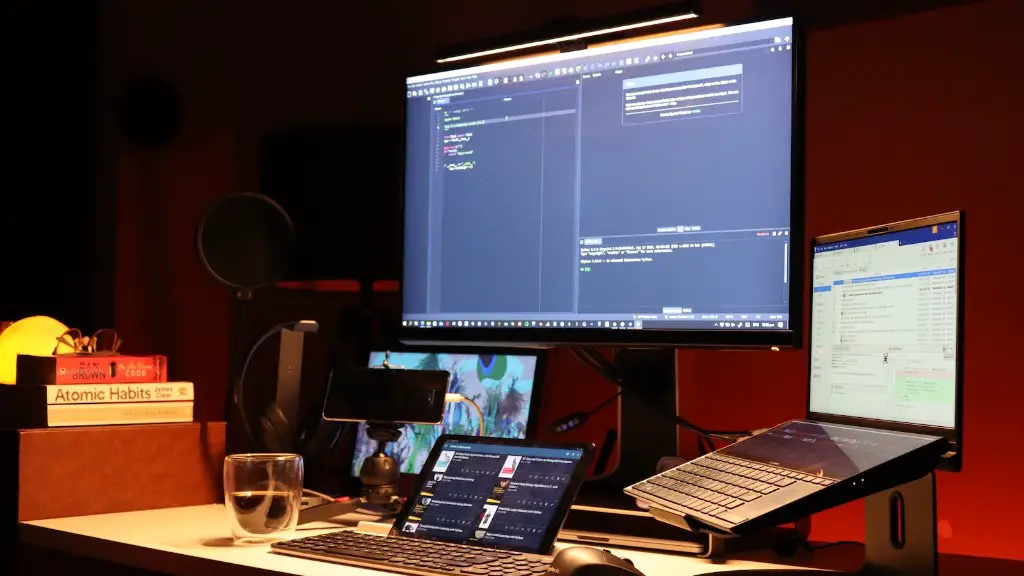
When it comes to assembling the gaming PC, certain technical skills might be needed. With the right tools and a bit of caution, the process of assembly can be relatively simple. Professional installation services may be sought to ensure quality and safety. Having someone help with installation can save time and reduce any potential accidents.
There are various online tutorials and videos available to simplify the task. Of course, additional charges may apply when one is offering to help. Learning more about hardware components, their compatibility, and specifications can also be advantageous.
Finally, gaming PCs can also be rented from popular cloud gaming services, such as Google Stadia. Buying a ready-made system both eliminates the hassle of assembly and allows you to upgrade later on with the help of a professional.
Case & Peripherals
Factors such as noise reduction, aesthetics, and compatibility with components should be taken into account when selecting the right CPU case. A mid-range CPU case usually costs around $100 and offers good performance. Additional peripherals such as a monitor and gaming chair should also be considered. But their prices may vary depending on the quality of products.

A gaming monitor has one of the most direct impacts on the visual aspect of gaming. It’s important to decide what features are most important for a gaming experience. If a large gaming monitor is being opted for, prices can range from $200 to $500. Additionally, a gaming chair should be comfortable and ergonomic to ensure user comfort and support. Prices for gaming chairs can range from $50 to several hundred dollars.
Overall, the total cost of assembling a gaming PC depends on the specific components, their quality, and the platform chosen. Taking a DIY approach and buying second-hand parts can offer more cost-effective solutions compared to pre-assembled gaming PCs. But whatever the case, it is important to research and come up with a best suitable setup for your gaming PC.
The Operating System
An operating system must also be considered when creating a gaming PC. Windows 10 Pro is the standard operating system of choice used by many gamers. It provides all the necessary features required for playing high-end games. The price of an operating system can vary anywhere between $100 to $200.
Furthermore, additional software like drivers for specific components can be helpful for gaming. Although drivers are generally included when purchasing components, many new ones might be available from the manufacturer’s website. Built-in drivers from the operating system might work fine, but downloading newer versions might improve overall performance.
Security tools, such as malware protection software, should also be taken into account. These tools can deal with malicious software, ensuring the safety of the system and its components. Prices for antivirus software can range from $50 to $100, depending on how advanced the features are.
Finally, software and services required for online gaming can also impact costs. Purchasing a license for games, as well as services such as PlayStation Plus and Xbox Live Gold, can add to the overall cost of a gaming PC. Prices for these services usually range from $60 to $100 per year.
Networking & Performance
Other important factors which might affect the cost assembly of a gaming PC are networking equipment and performance-enhancing software. The price of a Wi-Fi router or an Ethernet cable can range anywhere up to $200, depending on the features being offered. Additional networking peripherals such as powerline adapters or extenders might also be necessary.
Performance-enhancing programs and tools can be beneficial in order to maximize the gaming experience. These come in the form of overclocking tools and utilities which help in tuning the system to deliver higher performance. Such tools can be obtained from the manufacturer’s website and are usually priced affordably.
The cost of assembling a gaming PC can escalate if one is attempting to build a powerful system. High-end components, peripherals, and gaming accessories can push costs significantly. It’s important to create a well-rounded setup with moderate yet reliable hardware components to benefit from the most cost-effective option.
Additionally, shopping during sales events like Black Friday or New Year’s can help in getting discounts on components. One should look out for online flash deals and compare the prices with various stores. Finally, understanding one’s own needs, researching extensively and planning ahead are key points to consider when putting together a gaming PC.
