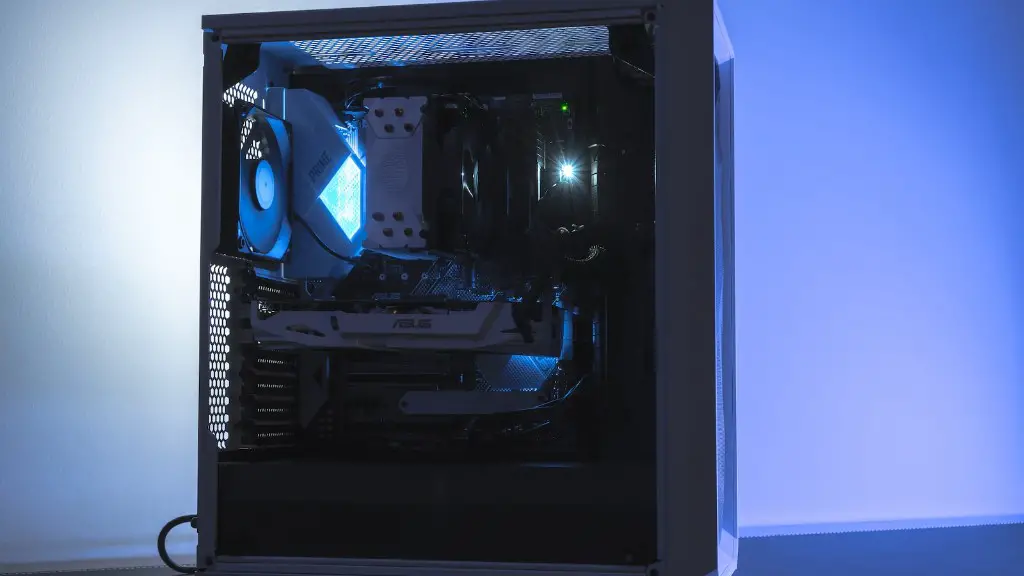
What Is A Good Price Range For A Gaming Pc?
The most important considerations when choosing a gaming PC are performance, features, and price. When deciding on the right price range for a gaming PC, it’s important to consider your budget and the type of gaming you’re looking to do. Different price ranges offer different levels of gaming performance, depend on the type of graphics card and other components you choose. Here are five good price ranges for a gaming PC.
The most affordable gaming PC range is generally considered to be between £600 and £999, which will get you a powerful enough machine for casual gaming or light AAA titles. You won’t be able to max out the graphics settings on newer games, but overall performance should be good enough for most gaming sessions. This price range usually includes machines with mid-range graphics cards like the Nvidia GTX 1660 and Ryzen 5 processors.
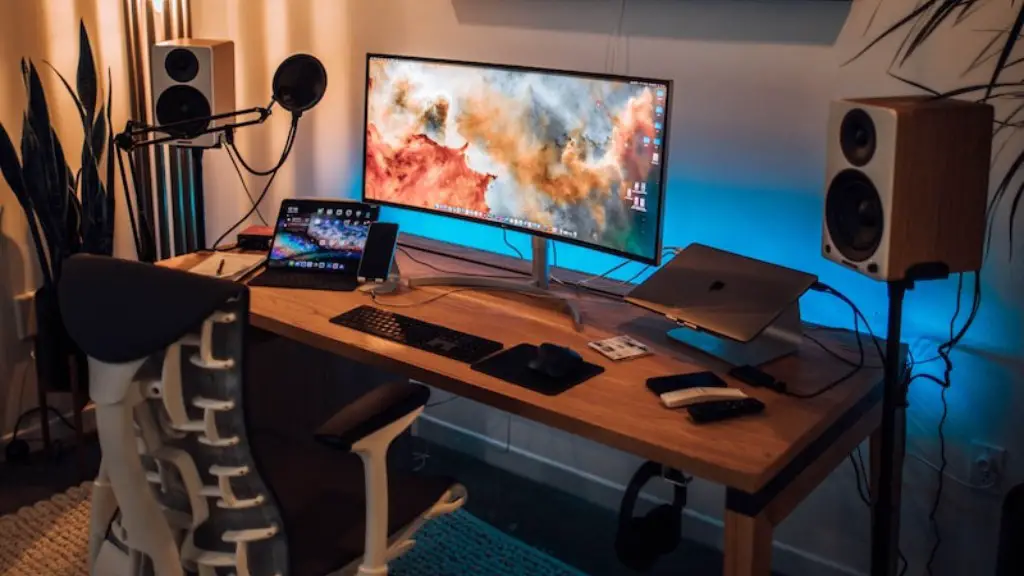
Moving up a step to the £1000 to £1499 range is a great choice if you’re looking to buy a gaming PC with a more powerful graphics card, like the GeForce RTX 2070 Super. This price range is perfect for most hardcore gamers that want to experience AAA titles and their next-gen features in full. You should be able to max out the detail settings on all the latest games, while also getting great frame rates.
The £1500-2499 range is a good choice for pro gamers and those looking to get into competitive gaming. In this price range, you can expect a top-tier graphics card and processor, such as an Nvidia RTX 3090 and an AMD Ryzen 9 5900X. With these specs, you will be able to play games on the highest settings, as well as render videos or do other professional work.
At the upper end of the spectrum, the £2500-3499 range is where you’ll find the most powerful and expensive gaming PCs. Expect an Nvidia RTX 3090 Ti and an AMD Ryzen 9 3950X processor or higher. You can expect to be able to run the newest and most demanding games on maxed out settings and enjoy smooth frame rates.
Finally, at the very top end of the gaming PC market, the £3500 and up price range features the most expesive and powerful components available. This includes the highest-end graphics cards, like the Nvidia RTX 3090 Ti and AMD Ryzen 9 5950X processor and beyond. This range is only for those who truly demand the best performance and are willing to pay a premium for it.
Why Should You Choose The Right Price Range For A Gaming PC?

Choosing the right price range for a gaming PC is important, as it ensures that you get the most bang for your buck. A more expensive gaming PC might offer higher performance, but if it’s more than what you actually need, then you’re paying more than you need to. On the other hand, buying too cheap could mean that you’re limiting yourself in terms of gaming performance. Instead, finding the right price range ensures that you get the most out of your money.
It’s also important to consider what type of gaming you’ll be doing. If you’re playing less demanding games, then you won’t need to buy the highest end hardware and you can instead save money by choosing a cheaper machine. On the other hand, if you’re playing competitively or want to experience AAA titles, then a more powerful and expensive gaming PC is the way to go.
Finally, it’s worth noting that not all hardware is created equal. You should always check the specs of a gaming PC before buying, to make sure that you’re getting the best value for money. While the specs and price of a gaming PC can give you a good indication of performance, it’s always worth doing a little bit of research to make sure that you’re getting what you’re paying for.
What Are The Advantages Of Different Price Range For Gaming PCs?
Different price ranges offer different advantages, depending on your gaming needs. Lower priced gaming PCs are great for casual gaming and light AAA titles, as they will be able to run these games at mid-range settings and should offer a smooth gaming experience. At the higher end of the spectrum, more powerful gaming PCs are able to handle more demanding titles with ease, while also allowing you to max out the in-game settings and enjoy high frame rates.
While it’s important to chose the right price range for your gaming PC, it’s also worth considering the extra features that a more expensive machine could offer. For example, a higher-end gaming PC might come with additional cooling to keep it running at optimum temperatures and could provide added durability to ensure that your machine stays in a good condition for longer. Other extras to consider include bigger CPUs, increased RAM sizes and better hard drives.
It’s also worth noting that more expensive gaming PCs often provide added benefits in terms of gaming performance. For example, a higher-end machine is more likely to feature improved overclocking capabilities, allowing you to get more out of your hardware and push your PC to its limits. This can lead to improved gaming performance, especially when playing more demanding and graphically demanding games.
Finally, some higher-end gaming PCs also come with extras like included headsets, key boards and other gaming peripherals. These often boast improved features and technologies, making them great choices for those who are serious about gaming and want the best possible experience.
What Are The Potential Downside Of High-End Gaming PCs?
There are a few potential downsides of higher-end gaming PCs that are worth considering before buying. Firstly, they are often more expensive than lower-end models, which means that they can be out of reach for some. Secondly, they do require more energy and as such, will have a higher electricity bill. Lastly, high-end gaming PCs can also generate a lot of noise, as there are often multiple fans and other components keeping them cool and running efficiently.
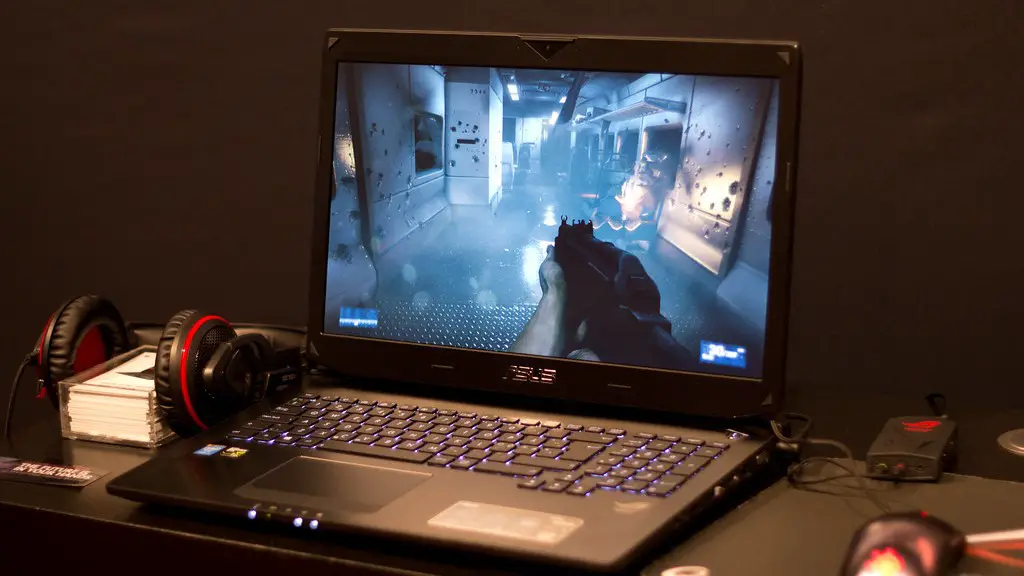
When it comes to repairs and upgrades, gaming PCs can be expensive to maintain, especially at the higher end of the spectrum. This is due to the increased cost of the components, as well as the fact that some components cannot be swapped out or repaired easily. In some cases, an entire gaming PC might need to be replaced, which can be expensive and time consuming.
Another potential downside of higher-end gaming PCs is that they can be harder to transport, as they often feature multiple components that need to be transported safely. The heavier weight and larger size can also make them more difficult to store, which could be an issue if you plan on taking your machine to LAN parties or other events.
Finally, higher-end gaming PCs may require more technical knowledge in order to install and maintain them. If you’re not familiar with overclocking and BIOS settings, then you may find yourself out of your depth when it comes to ensuring that your gaming PC is running at its best.
What Maintenance Should Be Done On Gaming PCs?
Apart from the usual cleaning and dusting of your gaming PC’s components, there are several other maintenance tasks that you should do regularly. These include ensuring that your drivers and BIOS are up to date and performing regular system scans for viruses and malware. It’s also important to monitor your system’s temperatures and make sure that it is running optimally.
Other important tasks include checking for new game updates, as these can often help improve performance. Additionally, gaming PCs should be defragged at least once a month to improve loading speeds and you should also make sure that your system is backed up regularly, just in case something goes wrong.
In terms of hardware maintenance, it’s important to check your gaming PC’s cooling system to ensure that it is functioning optimally. This includes checking that the fans are properly installed and cleaning them regularly, as well as making sure that any heat sinks are clear of dust. Additionally, you should check the power supply and make sure it is adequately sized for your PC’s components.
Another important step is to check your PC’s cables and connections, making sure that nothing is loose or broken. It’s also a good idea to check all components for any signs of damage, such as bloating capacitors, to ensure that your PC is running as it should be.
Finally, you should always make sure that your gaming PC has adequate power protection, as even the slightest issue can lead to major hardware damage. This can be achieved through using a surge protector or power strip with an adequate wattage rating that is appropriate for your gaming PC’s components.
