
The question of how to make a great gaming PC is perennially relevant for gamers. In this article, we’ll discuss the basics of constructing a gaming rig that won’t let you down. Firstly, select a good processor. The processor determines the speed and performance of your system, so it’s one of the most important parts to have. Invest in a CPU from one of the leading manufacturers such as Intel or AMD for reliable performance. Secondly, pick up a capable graphics card. It’s important to pick a card with enough power to run the games that you like. The third component you’ll need to consider is RAM. While 4GB is generally enough for most games, opt for 8GB or more if you want your PC to be future-proof. Next, decide on a storage device. Solid State Drives (SSDs) are faster than traditional HDDs and make your computer load faster. Last but by no means least, select the right power supply. Make sure the wattage matches your components, as well as being reliable and quiet.
Case
When selecting a case for your gaming PC, there are several factors to consider. You’ll need a case with good airflow and adequate space within to accommodate all of your chosen components. If you’re building in an ATX-sized case, think about where the power supply, graphics card and other components will fit. Then make sure there’s plenty of room for cables. Ensure your case supports the motherboard form factor you’ve chosen, as well as any drive bays for your storage devices. It’s also a good idea to purchase a case that has dust filters, as these make it easier to clean the inside of your PC.
Cooling
PC cooling is an important factor to consider when building a gaming PC. A good cooling system will ensure that your system runs optimally and prevents any unwanted shutdowns due to overheating. Invest in an aftermarket CPU cooler to keep your processor running efficiently, as well as good fans to draw cool air into your case and expel hot air. You might also consider a liquid cooling system if you want to push the boundaries of performance.
Peripherals
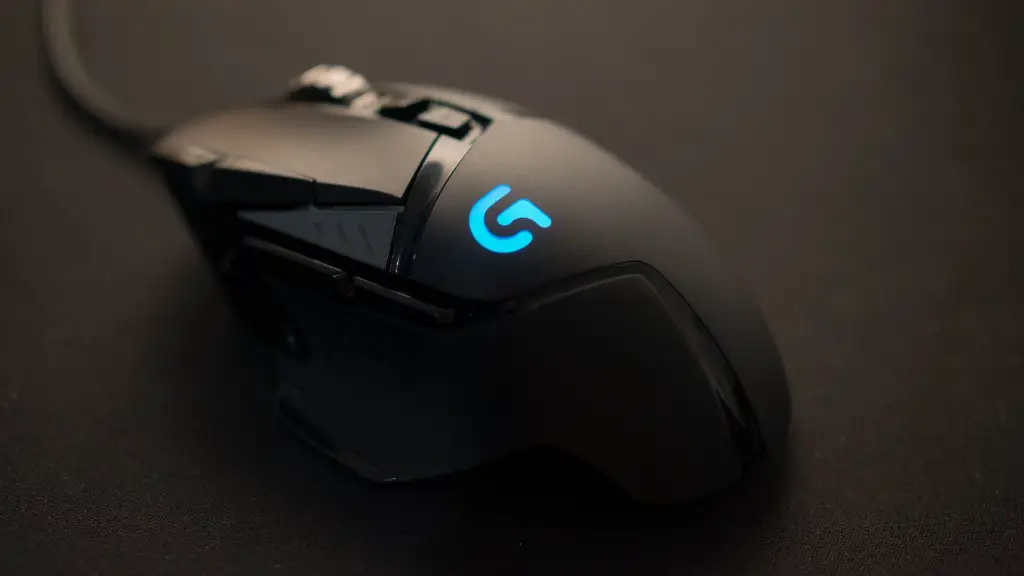
Once you’ve built your gaming PC, you’ll need some peripherals to go with it. You’ll at least need a monitor and a keyboard, and if you’re playing competitive games then a gaming mouse is a must. Look for peripherals that are designed specifically with gamers in mind, as these will have features the regular models won’t have. Look for features like adjustable weights, faster refresh rates and dpi, as these will all enhance your gaming experience.
Software
Once you’ve picked out all your components and peripherals and got them put together in your PC, you’ll want to install the necessary software. As well as the operating system, make sure you have the latest versions of all the drivers for your hardware. You should also install some anti-virus software to protect your system. Additionally, install some game optimization software to get the full benefit of your hardware and ensure your games run smoothly.
Overclocking
Overclocking is the process of pushing your hardware to run beyond its standard specifications. Doing so can improve performance, but it comes with the risk of damaging your components. Make sure you have an understanding of the basics before attempting to overclock your gaming PC, and don’t be afraid to ask for help from an experienced friend. Take your time, reach higher speeds slowly and always test for stability before going all-in.
Build Quality
As with any project, the quality of your build will go a long way to determining how good your gaming PC is. Take your time, ensure all the components are securely fixed and double-check your cabling. Make sure the fans are facing the right direction and use liquid metal on your CPU cooler, as this will help improve heat transfer. Pay attention to small details, as getting it just right will be the difference between a great gaming experience or an average one.
Upgrades
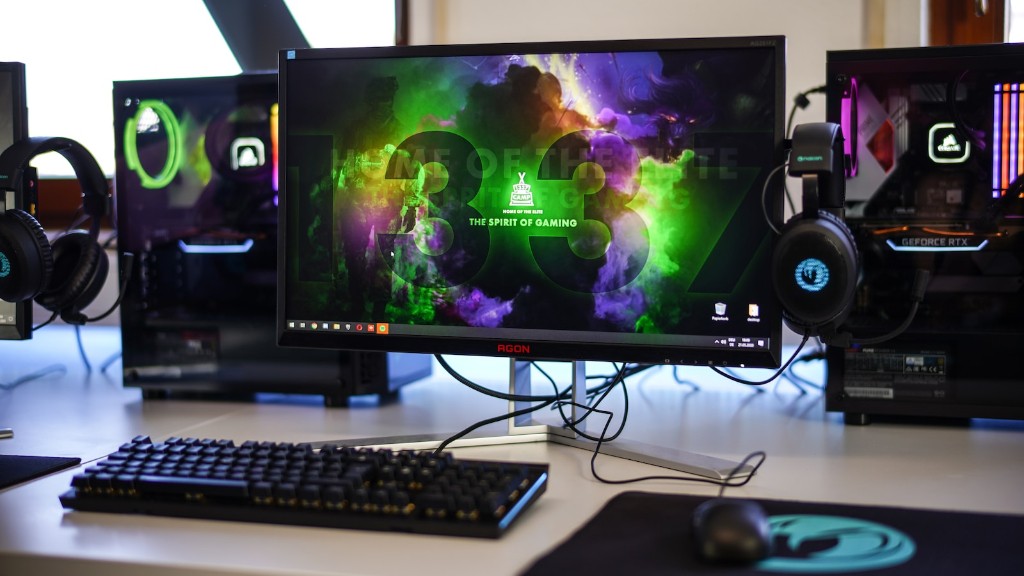
Finally, don’t forget about upgrading your gaming PC. Components become slowly outdated as time passes, so it’s important to stay on top of new developments in hardware. Consider upgrading your peripherals, graphics card or memory as these parts of your system age, as this will keep you up to date with new technologies. This will also help you to stay future-proof, and ensure your gaming PC remains a reliable system.
