
Many gamers are always looking for the best gaming experience and often find themselves asking, “How often should I upgrade my gaming PC?”. With the development of new technologies and advancements in the gaming industry, it can be hard to determine what will best suit your needs. Fortunately, this article will provide you with an overview of the factors you need to consider when deciding on whether to upgrade your gaming PC and how often.
It is important to evaluate your current gaming hardware and decide if it is still meeting your needs. For instance, if your computer is running at a slow speed, causing it to stutter or lag during game play, it’s likely that you will need to upgrade. Similarly, if your computer struggles to run the latest games, or cannot keep up with the increasing demands of new games, it may be time to consider an upgrade.
If your computer is still capable of running your games adequately, but you still want to stay ahead of the competition, you should consider regular hardware upgrades. To determine how often you should upgrade, consider the hardware component that is most limiting your gaming experience. Typically, upgrading your GPU or RAM can be the most beneficial changes for gamers. It is also important to keep up to date with new releases and the latest software updates, as these can impact the performance of your computer.
Finally, bear in mind the cost of upgrading your gaming PC. Most hardware components are relatively expensive and, unless it is absolutely necessary, it may make more financial sense to save towards a new computer rather than upgrading your existing one. Additionally, consider the implications of upgrading one component in comparison to upgrading all of them. Ultimately, it must make sense both financially and practically.
Type of Games
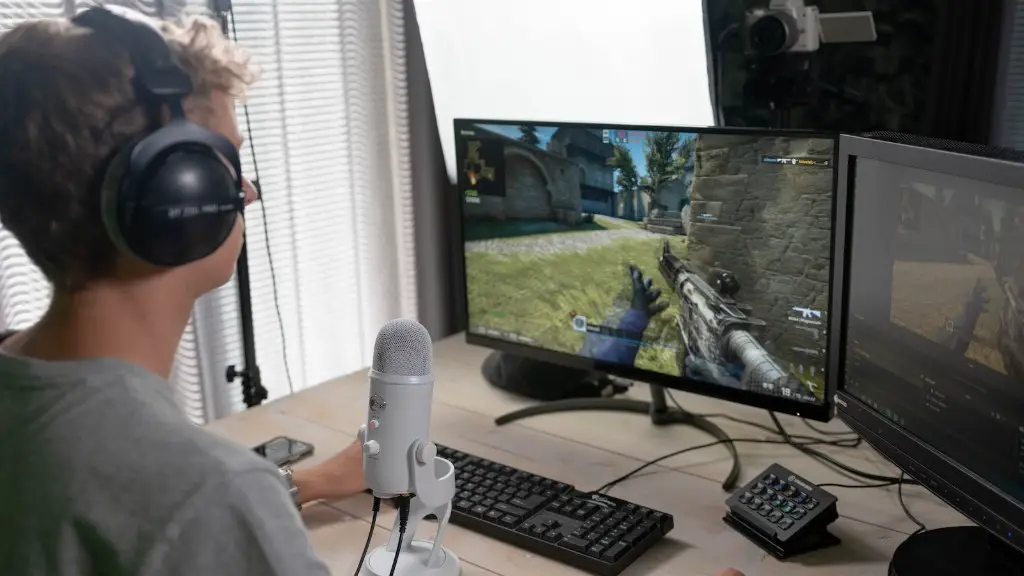
When determining how often you should upgrade your gaming PC, it is also essential to consider the type of games you will be playing. The more demanding the game, the more essential upgrades can become. For instance, if you are a fan of first-person shooter games, it is important to have high-end hardware that allows you to maintain a competitive edge over others. Generally, these games require quick processor speeds, a good graphics card, and a lot of RAM to ensure smooth performance – all of which can be gained through upgrading your gaming PC.
Similarly, if you are a strategy player it is important to have specific hardware specifications. Strategy games may require a good processor and an ample amount of RAM to effectively run without lagging. It is also important to ensure the hardware is capable of heading the frequent updates published for these games.
It is also important to consider the genre of games. Open world games such as RPGs, adventure, and sandbox games tend to require a large amount of processing power, RAM and a graphics card capable of rendering the expansive maps. Those intending on playing games with advanced graphics should strive to acquire the best GPU they can afford.
Of course, when considering upgrades, you always need to ensure your hardware is compatible with your existing system. Upgrading your GPU, for instance, may require other changes such as a higher wattage power supply – which may also increase your upgrade cost.
frequency
Generally speaking, it is not necessary to upgrade your gaming PC every year or two – especially if you are getting a good performance with your current setup. The exact frequency of your upgrades should depend on the types of games you’re playing and what budget you have available. For instance, if you are playing less intensive games, and your gaming hardware is still performing, you may not need to upgrade every year.
Those planning on playing the latest triple-A releases and wish to stay ahead of the competition may need to upgrade their gaming PC more often. Generally, every two years is a good benchmark for those wanting to stay up to date with the latest hardware releases and new games. For PC gamers running cutting edge titles, upgrades may needed more regularly depending on the type of game you are playing.
Additionally, many games now offer special features, such as 4K resolution, the number of frames per second, and virtual reality (VR). All of these features require high-end PCs, as well as specific software and hardware updates – which may also require a computer upgrade.

Ultimately, the frequency of your upgrades should be based on your budget and gaming needs. Upgrading your gaming PC will not be cost effective if you don’t understand what hardware you want and truly need. Fortunately, this article can help provide you an insight into how often you should consider upgrading your gaming PC.
DIY vs Hiring Professionals
Once you have decided to upgrade your gaming PC, you need to determine whether to do it yourself or hire a professional. Installing and replacing hardware can be difficult tasks, and you may not have the confidence or know-how should anything go wrong. Therefore, if you are unsure of your ability to complete the upgrades, it is best to hire a professional. They will have the knowledge and experience to ensure upgrades are completed correctly.
If you do decide to install the hardware yourself, it is important to make sure you have the correct tools and that the hardware you are installing is compatible with your existing system. Additionally, check for device and software updates. Failing to update software may prevent you from using certain hardware, and your existing components may not be compatible with new versions.
In some cases, you may be able to get a tech-savvy friend or family member to help you. However, it is important they are experienced with PCs, as they may not be familiar with specific gaming hardware requirements, such as power requirements and the specific connectors needed.
Finally, consider the time needed to complete any upgrades. Upgrading your gaming PC needs to be done quickly and efficiently, especially if it is becoming limiting your gaming experience. If you are unsure of how long a particular upgrade may take, it is best to hire a professional as they will be able to complete the job more quickly and securely.
Cooling System
As your gaming PC components become more powerful, you may need to invest in a new cooling system. Heat build up can quickly become a major issue, and can damage hardware. As a result, modern PCs require high-end cooling systems to ensure optimal performance. Heat symptoms can include a decrease in performance, loudness, and sudden shut downs. To ensure your gaming PC is running at a high performance, consider swapping out your old hardware cooler with a higher quality product.
Cooling systems come in various shapes and sizes, and can be expensive. Air and liquid cooling systems tend to be the most popular for gamers, and depending on your budget, you may choose to opt for a custom built cooling system that fits your case and performs best with the components installed.
Before purchasing a cooling system, make sure you do your research and understand the differences between the various types. Since cooling systems can get noisy and affect your overall gaming experience, choosing one with a low decibel level may be desirable. Additionally, if you hire a professional, they can advise you on the best possible cooling system.
Finally, consider the longevity of the system you choose. Investing in a good-quality cooling system will help keep your PC cool and performing optimally for a long time.
Safety Precautions
When it comes to upgrading your gaming PC, safety should be a top priority. This is especially important when working with electric components, such as your power supply, as they may cause severe injuries if not handled correctly. Before beginning any upgrades, make sure you are confident and comfortable with the task ahead.
Before starting, always remember to unplug the power supply. Keeping the power off at all times helps to ensure your safety, and prevents the PC from starting up unexpectedly. Additionally, make sure you have a good understanding of the components you are handling to avoid shock.
It is also important to ensure you are grounded at all times. This can be done by connecting yourself to a ground, such as by wearing a wristband. Doing this eliminates the chance of any static electricity discharging towards your gaming hardware.
Finally, it is recommended that you wear safety goggles and have appropriate handling equipment. This will help to protect your eyes and keep your hands and arms safe.
