
Assembling a gaming PC can be an intimidating task for first-timers, but if you take it step-by-step, you will be able to build your own computer with ease. Here are the key components that you’ll need to set up a new gaming PC: a CPU, a motherboard, RAM, a power supply, a GPU, a storage drive, and a case. Additionally, you’ll need to purchase a Windows operating system license, a keyboard and mouse, and an HDMI cable for video output.
Before you begin, make sure that you have all the necessary components, as well as the right tools—including a Phillips head screwdriver, pliers, cable ties, and a plastic opener—to put everything together. Additionally, read the user manuals that come with your components to understand any specific instructions.
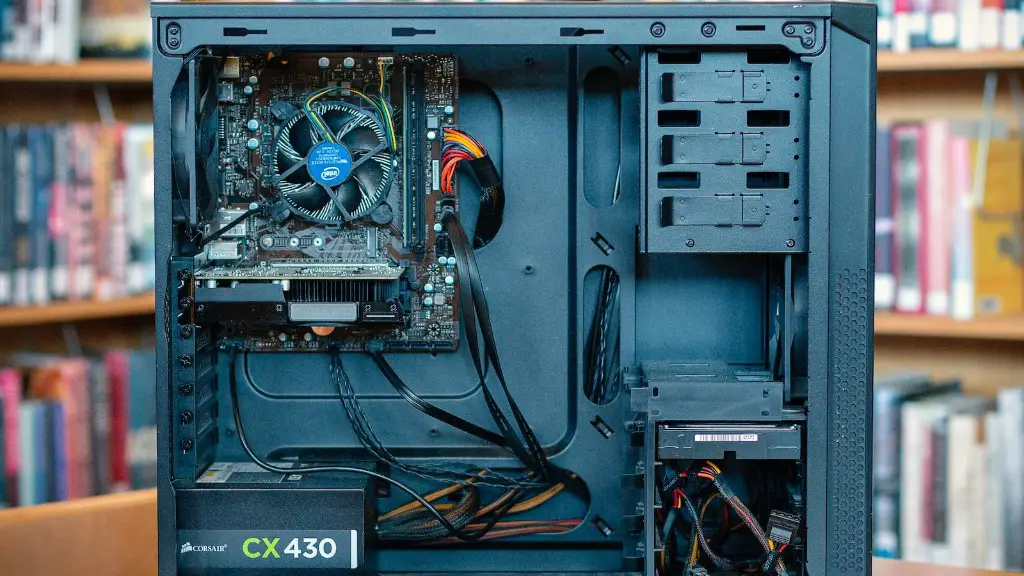
Next, it’s time to start assembling the components. To begin, install the CPU on to the motherboard using the socket provided and make sure that you secure it tightly with the lever. Once the CPU is in place, install the RAM by firmly pressing onto the slots provided on the motherboard. Then, connect the power supply to the motherboard and the CPU with the several cables that come with it.
Now, it’s time to install the GPU. Make sure you have a PCI-e slot on the motherboard that can fit your graphics card. Additionally, double-check that the power supply can power the GPU before you make any purchases. Once you have the necessary components, insert the GPU into the slot firmly, and connect the power supply with the appropriate cables.
Next, mount the storage drive onto the PC case. Secure it with screws and add the necessary cables to power it. Finally, attach the front panel case accessories like the audio jacks and USB ports. Additionally, install an optical drive if you plan on using CDs or DVDs. Lastly, attach the case chassis to the motherboard and make sure it is securely in place.
Once the hardware assembly is complete, you’ll need to install the Windows operating system. Note that you will need a license key to install the OS, so make sure you have this ready. Once the OS is installed, you can go ahead and install all the drivers you need for your components, as well as any desired games and applications.
Choosing Components
If you’re looking to build a powerful gaming PC, selecting the right components is the key. You’ll need to choose a powerful processor, such as an Intel Core i5 or i7, a motherboard with multiple RAM slots, enough power to run your graphics card, and a GPU that can handle your desired games. Additionally, you’ll need to pick out a monitor, a case, a storage drive, and a power supply that can power all of your components.
CPUs come in different generations and each has different performance benchmarks, so make sure you select the one that meets your needs. When it comes to RAM, pick out a higher capacity and make sure the frequency is compatible with your motherboard. Additionally, the GPU is essential for gaming, so choose the most powerful one you can afford.
When selecting a storage drive, you’ll need to consider the type of games you’ll play, as well as your available budget. If you’re playing large AAA titles, consider opting for an HDD or an SSD with higher capacity. Lastly, make sure you have enough power to run all of your components with the right power supply.
It’s important to research each component before purchasing and make sure it is compatible with the rest of the components. Additionally, check the warranty policies and return policies for the stores you’re buying from. That way, you can rest assured that your gaming PC is properly set up and ready for use.
Adding Cooling
In order for a gaming PC to run properly and avoid any damage to the components, you’ll need to include a cooling system. The most common cooling system consists of a case fan and a liquid cooling system. The case fan will help keep the storage drive and the power supply cool, while a liquid cooler is ideal for the CPU since it dissipates heat more effectively.
Case fans come in different sizes, including 120mm, 140mm, and 200mm. Additionally, they come in different speeds, including low, medium, and high. Before deciding on a size and speed, make sure to measure the space inside the case and calculate the CFM (cubic feet per minute) that the fan can generate.
For the liquid cooling system, you’ll need to consider the type of CPU that you have, as well as the size of the radiator and the fan speed. Additionally, if you’re looking for maximum cooling performance, you can opt to daisy chain additional fans and radiators together. Finally, make sure to pick a radiator and fan that is compatible with your build.
For more information on how to improve cooling performance, consider doing research into how to properly set up fans and radiators. Additionally, if you want to save some money, consider opting for air coolers, which are a cheaper alternative to liquid coolers.
Other Accessories
In addition to the components, you’ll need to purchase a few additional accessories to get up and running. At a minimum, you should get a licensed copy of Windows, HDMI cable, a keyboard and mouse, and a power cord. Once you have these components, you should be able to get your gaming PC online.
If you’re playing online, you’ll need to invest in an internet connection that can handle your gaming needs without any delays. Additionally, if you want to hear sound from your games, you’ll need to get some speakers or headphones. You could also invest in a gaming pad or a controller if you’re playing games that require it.
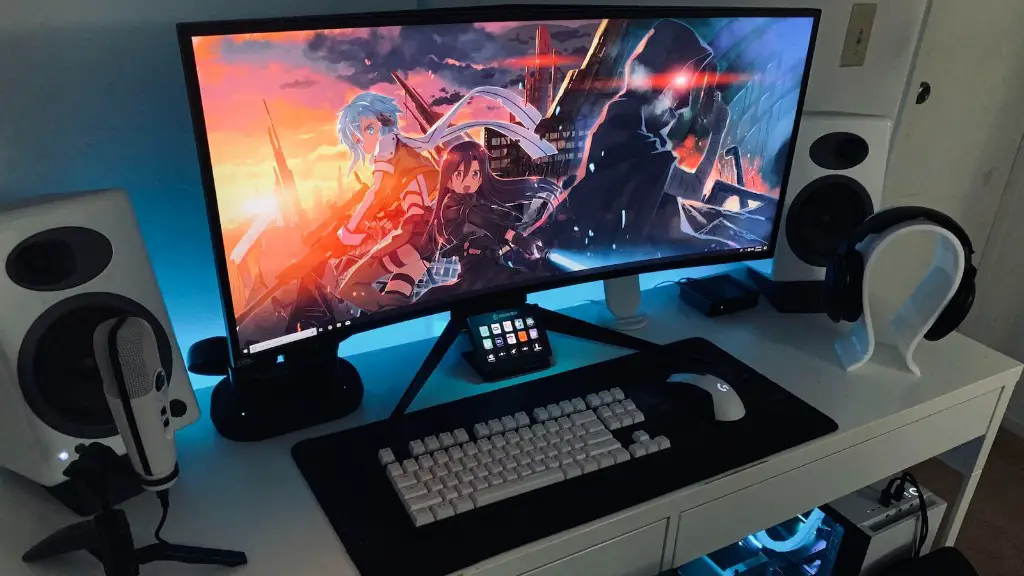
Finally, you may want to consider setting up a monitor to enjoy your gaming experience. Monitors come in different sizes and have different resolutions, so make sure to select one with the right size and resolution. Additionally, higher-end monitors come with extra features such as G-Sync and FreeSync technologies, so consider investing in one of these if you plan on playing competitive games.
Putting It All Together
Once you have all the hardware, accessories and software, it’s time to put it all together. First, make sure to read the user manual to get familiar with each component and understand the instructions for assembling it. Then, start by connecting all the power cables from the power supply to the motherboard, GPU, and storage drive.
Next, install the CPU onto the motherboard, followed by the RAM. Once those are in place, insert the GPU into its slot and power it using the power cables provided. Then, mount the storage drive into the case and add the necessary cables to plug it into the motherboard.
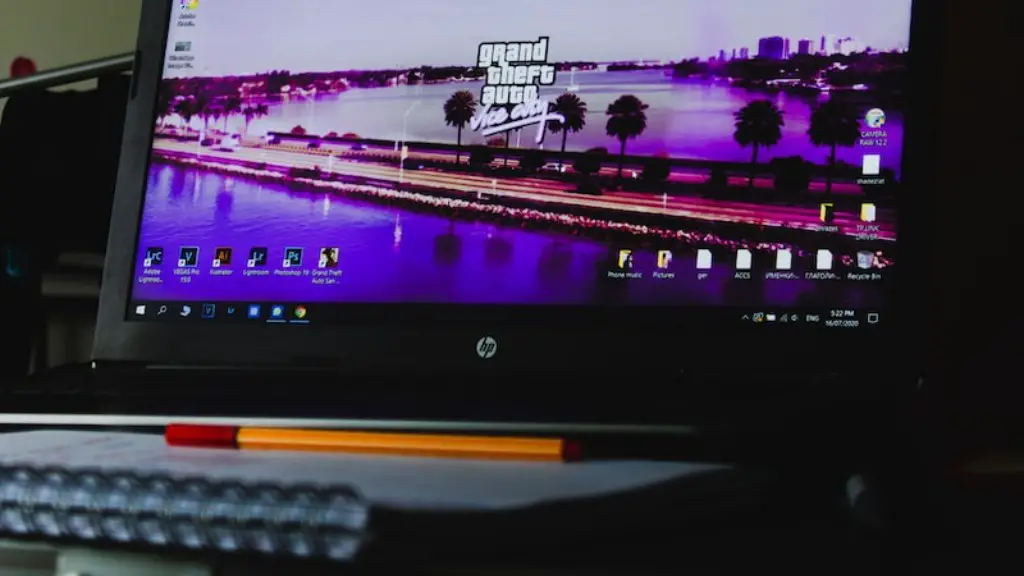
Finally, attach the chassis of the case to the motherboard and make sure that it is securely in place. Once all these components are connected properly, plug in the power cord to the power supply. At this point, you should be able to power on the PC and install the operating system.
The next step is to install the necessary drivers, so you can use all the connected peripherals and components. Once this is done, you can go ahead and install any desired games and applications. Congratulations! Now, you have a properly set up gaming PC and you can start playing your favorite games.
Upgrading Your PC
Most gaming PCs can be upgraded over time to keep up with the current gaming landscape. This includes investing in a larger SSD if you want more gaming storage, as well as purchasing better cooling systems for increased performance. Additionally, investing in a better GPU can help improve your gaming experience, especially for competitive play.
Always research each component before you buy to make sure it is compatible with the rest of your hardware. Additionally, make sure to keep your budget in mind and prioritize the components that will bring you the most value. Lastly, if you’re not comfortable with taking on bigger DIY projects, consider hiring a professional to help.
If you’re looking to save money on upgrades, consider investing in used components, or opting for refurbished parts. You can also salvage components from old PCs or ask your friends or family if they have any spare parts. You may also be able to find discounts on reputable websites or gaming forums.
If you’re looking to increase your gaming performance, focus on investing in the components that will make the biggest impact. This means opt for a better GPU, a larger storage drive, a higher wattage power supply, more RAM, and more powerful cooling solutions. These components will help you take your gaming experience to the next level without having to buy an entirely new gaming PC.
