Putting together a gaming PC is not as hard as it used to be. With the right components, patience, and some technical know-how, anyone can build their own gaming PC. But understanding how much it’ll cost is another story. So, how much does it cost to build a gaming PC in 2021?
In order to answer that question, quite a few factors need to be taken into consideration. Firstly, the type of games being played – will the PC primarily be used for casual gaming or more intense use like PC gaming? Will you be playing modern AAA titles or older games? Do you plan on streaming your gameplay? Knowing exactly which games you plan on playing, and how you will use the PC, will help determine which components to purchase.
Then there’s budget to consider. Building a gaming PC doesn’t have to be expensive. Entry-level gamers or those just getting started can expect to construct a budget-friendly gaming PC for as little as $400 to $500. That budget can get bumped up north of $700 to $800 if you want higher-end components.
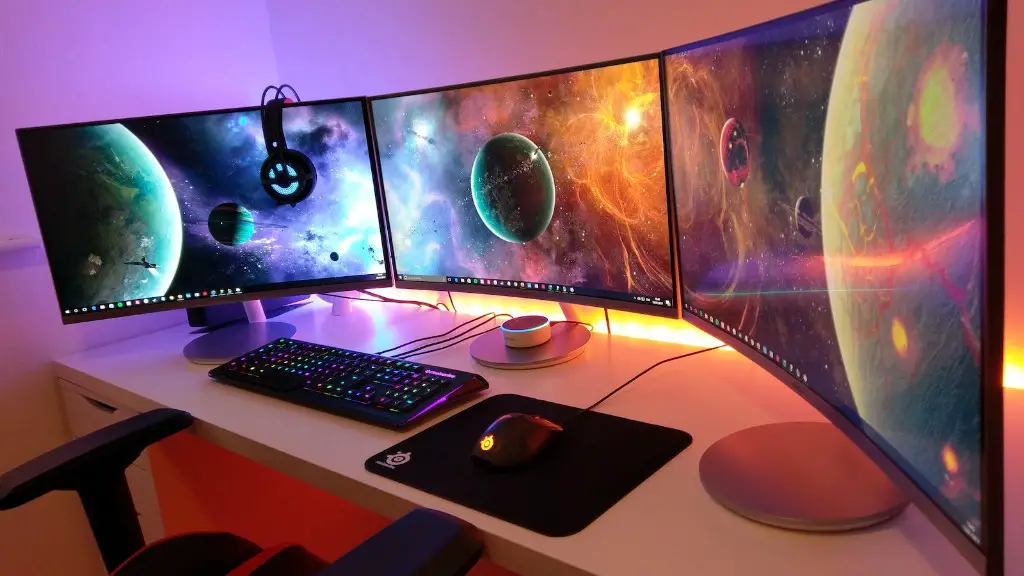
It’s important to do research when building a PC and find the best components for your budget. PC gaming can produce stunning visuals, so you’ll want to purchase high-end graphics cards with dedicated GDDR6 memory. Good processors help maximize performance, and a good motherboard to house everything. While the cost of DDR4 RAM continues to come down, larger storage units – like a 1TB hard drive – mean less worrying about storage space.
Finally, don’t forget about external components like a gaming monitor, mouse, and gaming keyboard. Even if you build the best gaming PC, it won’t do you much good if you don’t have an external monitor to view the visuals. Monitors, mice, and keyboards vary in price, so they’re another expense to consider.
Motherboard
The motherboard is one of the most important components of a gaming PC. It’s the foundation upon which all other components are built, so it’s important to choose a suitable motherboard. The best motherboard for gaming will have a fast processor, a good selection of ports and slots, and support for the latest technologies like PCI-E, USB 3.0 and more. Also, look for a motherboard with good overclocking capabilities, so you can fine-tune your PC for better performance.
Graphics Card
The graphics card is another key component for a gaming PC. The best graphics cards will offer great performance, high resolutions and advanced features like PhysX and 3DVision support. High-end graphics cards can be expensive, but you don’t need to break the bank in order to enjoy great visuals and smooth gameplay. You can find great mid-range graphics cards that won’t break the bank and should suit most gamers.
Storage
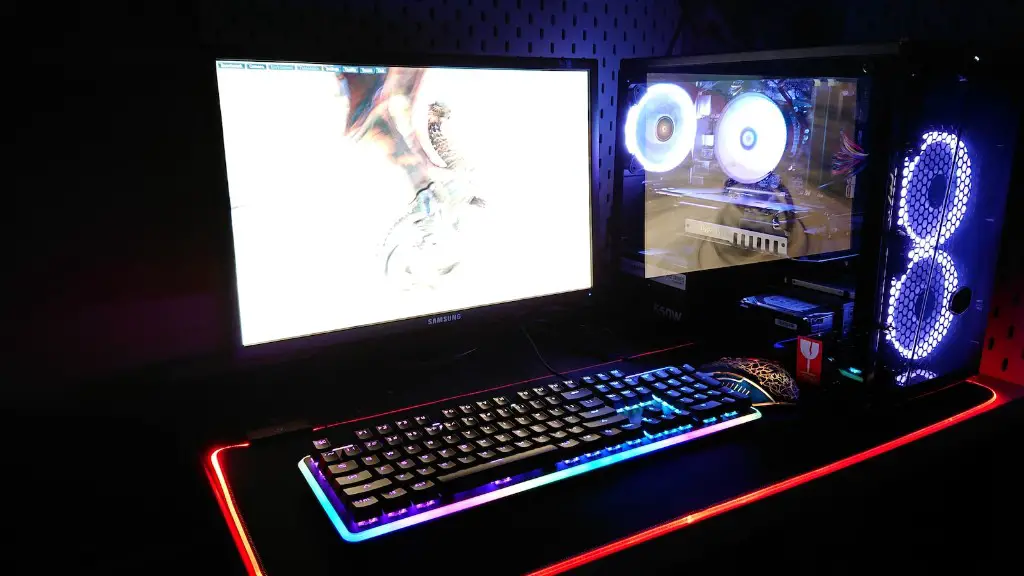
Storage is another important consideration for a gaming PC. You’ll want to make sure you have enough storage to fit your games, plus enough room for future upgrades. Generally, a 1TB SATA hard drive is enough to fit most games and store a small library of music and movies. If you’re after more space, then look into getting an SSD which is somewhat more expensive, but offers faster speeds and better performance.
Cooling
Cooling is very important in a gaming PC. The components can generate a lot of heat, so it’s important to invest in good cooling. Air cooling is usually sufficient enough to keep your PC at optimal temperatures. But, if you’re looking to overclock then it’s a good idea to invest in a decent liquid cooler.
Peripherals
Peripherals like a gaming mouse, keyboard and headset are essential components for a great gaming experience. Performance is key here, so look for gaming peripherals with features like high-accuracy sensors, customisable macros and good build quality. Of course, these peripherals come at a price, so you’ll need to make sure you budget for these too.
Software
Although software isn’t a physical component for a gaming PC, it has a big role to play. First, you’ll need an operating system. Windows 10 is the most popular choice for gamers, and you can purchase a copy from Microsoft or leverge software like Steam to download games. You’ll also need software for streaming, audio editing, video editing and more, so keep this in mind as well.
