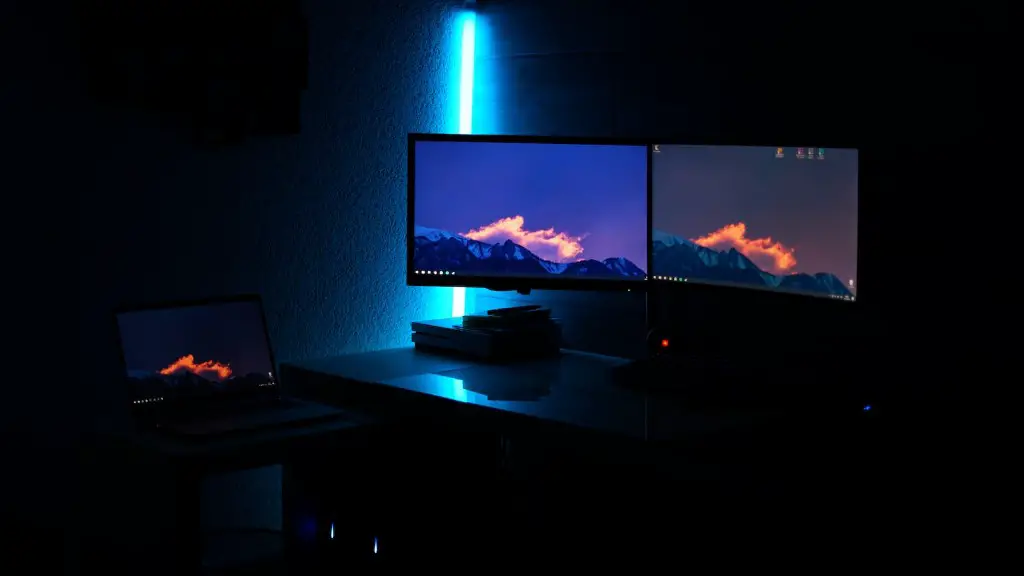
Building a $550 gaming pc has never been simpler in 2020. With numerous options in the market, it is much easier to construct a gaming system that is cheaper, yet still performs to the same level of quality and performance. There are several components that make up a gaming pc, and knowing how to assemble them correctly is critical to ensure a well functioning machine.
Firstly, begin with choosing a CPU. Picking a processor is important because it powers the whole gaming system. The most affordable CPU that isfit for running modern titles is the AMD Ryzen 5 2600. It can handle games such as Fortnight with ease,while still being relatively cheap. The AMD Ryzen 5 2600 is recommended for gamers on a budget.
After selecting the processor, the motherboard needs to be chosen. The Gigabyte B450M DS3H is the perfect choice for a gaming pc under $550. It has three PCI-E slots, latest SATA connectors, and 4 slots for RAM. It also supports overclocking gadgets for the AMD Ryzen 5000 series so gamers can overclock their CPU for the utmost performance.
Next step is selecting memory. RAM is crucial for any PC build; 8GB of RAM should be the minimum requirement for gaming PCs. For this particular build, opt for Corsair Vengeance LPX 8GB DDR4 RAM. It’s reliable, reasonably priced, and helps with gaming performance.
Then, when choosing a graphics card, the best option is the Zotac GTX 1660. It has 6 GB of GDDR6 VRAM to render crisp visuals in the latest games. It’s also the most wallet-friendly GPU that is great for entry-level gaming. For an even better gaming experience, go for the GTX 1660 Super.
Now, to store all the games and files, a good and dependable hard drive is needed. WD Blue 1TB is a straightforward choice; it’s economical, spacious and works well. However, gamers have the option of getting an SSD to load their Windows and games faster.
Finally, a power supply is necessary to power this entire system. SilverStone SST-SX600-G is an excellent choice. It offers 600 watts of power,is 80+ Gold certified and is semi-modular which makes cable management easier.
Aesthetic and Appearance
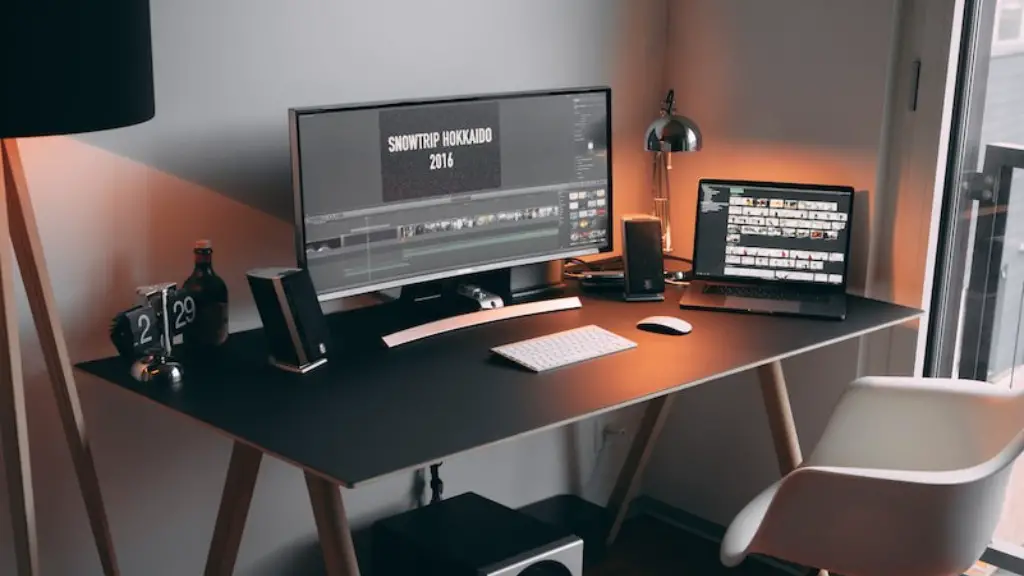
A gaming setup is incomplete without adding aesthetics and appearance to the mix. This can be achieved by getting a good gaming case. The Cooler Master MB520 RGB is the perfect Gaming Case for a $550 gaming pc. It features RGB fans, great airflow, and comes with a side window to show off the internals.
It is possible to add a liquid cooler too, but is not necessary, as the Ryzen 5 2600 has sufficient cooling ability to keep up with the current load. Monitors come in a variety of sizes; accordingly, people can choose what screen size suits their needs. The best budget monitor for gaming, however, is the AOC G2590FX 25-inch Monitor. It has 1080p, 75 Hz refresh rate, 1 ms response time, and has Freesync support – all at a very reasonable price.
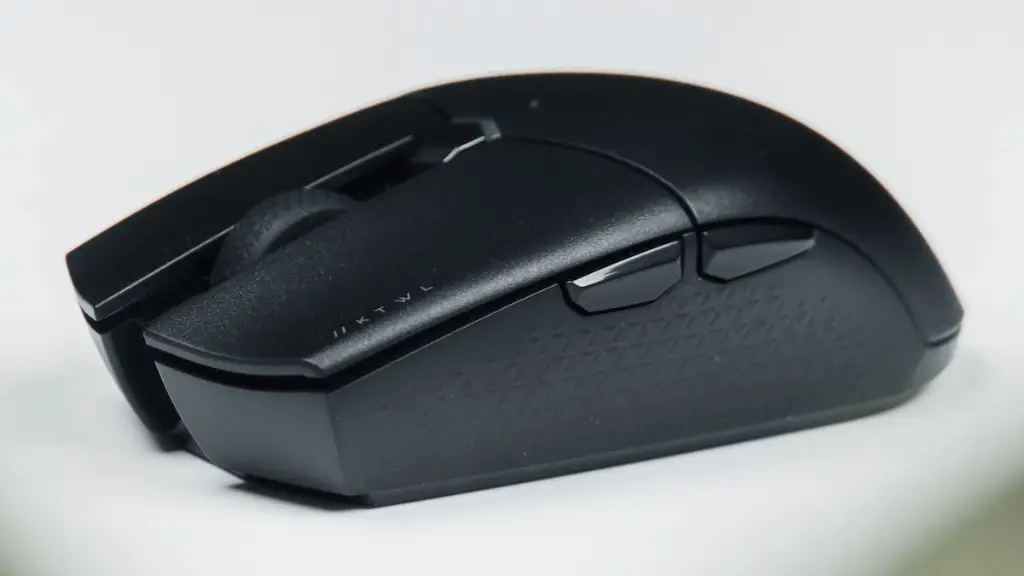
For controllers, the Logitech G302 is a great choice. It’s accurate and reliable and has a comfortable grip, making it an excellent choice for most gamers. Lastly, a good mouse mat is required. Grab the Corsair MM200 Extended Edition Mouse Mat for that extra bit of flair.
Additional Performance Upgrades
Gamers can improve their performance even further by getting few key components that can make their gaming experience much better. Upgrading the RAM to 16GB is recommended; most games today require more than 8GB. Thus, getting a 16GB RAM kit (like the HyperX Fury Black DDR4 RAM) can make games run faster, smoother, and with far fewer performance dips.

Furthermore, upgrading to an NVidia RTX 2060 graphics card can take gaming to an even higher level. Installing an SSD can improve the gaming performance significantly too. People can grab the Crucial MX500 1TB SATA SSD for that optimum level of speed. Lastly, a router such as the Asus RT-AC88U can help provide a more stable connection for online gamers.
How To Build A $550 Gaming PC
Building a gaming PC has become a much easier task in 2020. Assembling a complete gaming rig with a budget of $550 is very much possible with enough research. Begin with selecting a processor, and then move on to the motherboard, RAM, graphics card, hard drive and power supply.
Then, its time to add visual manifestations. Get a gaming case with RGB fans, a monitor, and a mouse mat that goes well with the whole setup. Although most components are necessary for a functioning PC, gamers should add extra performance upgrades such as more RAM, an SSD and a better graphics card if money allows.
Verdict
All-in-all, its never been simpler to build a $550 gaming PC in 2020. Assembling the components together with the help of various reviews and opinions, is the only way to get a gaming pc that meets the requirements of modern-day gaming. Although the build can be upgraded further, the components mentioned above should be more than sufficient to get the job done.
Overview of Components
CPU: AMD Ryzen 5 2600, Motherboard: Gigabyte B450M DS3H, RAM: Corsair Vengeance LPX 8GB DDR4 RAM, GPU: Zotac GTX 1660, Storage: WD Blue 1TB Hard Drive, Power Supply: SilverStone SST-SX600-G, Case: Cooler Master MB520 RGB, Monitor: AOC G2590FX 25 inch Monitor, Mouse: Logitech G302, Mouse Mat: Corsair MM200 Extended Edition.
