
How to Make Your Own Gaming PC
Building your own gaming PC can be a daunting task, but it can be achieved with the right guidance. The process requires a basic understanding of PC hardware, along with access to compatible components. To get started, plan out what type of gaming PC you want to build and what parts are necessary. Consider your budget, performance needs and the type of games you’ll be playing. Once the components you need are in hand, follow these steps to bring your custom gaming PC to life.
First, mount the CPU and fan onto the Motherboard. This requires a good working knowledge of the motherboard which should be researched ahead of time. To do this, unscrew the motherboard from the case and place it on a wide and non-conductive surface. Slot in the processor, insert the fan bracket, then screw the fan down. When that’s done, secure the motherboard back in place.
Second, place the RAM into the Memory Slots. Consult the motherboard manual to learn what type of RAM and how many slots are required for your custom gaming PC. The RAM sticks are straightforward to install, just press the lock clip, align the RAM sticks with the slots and push until it clicks, to secure them.
Third, attach the Storage Drives. If you’ve opted to include a hard drive or SSD to your setup, screw it into the drive cage. Be sure to also connect the necessary data and power cables to power the drive up, as well as linking it to the motherboard.
Fourth, install the Graphics Card. Place it into the PCIe slot, then secure with a bracket at the back of the case. After that, attach the necessary power cable, either a 6 or 8-pin one. Next, attach the GPU cooler. This may require applying thermal paste or a thermal pad on the GPU, and tightening the screws that hold the cooler onto the computer case.
Fifth, connect the Power Supply. Attach the cables from the PSU to the motherboard, as well as the various components and drives. Check the power sockets are compatible and secure the PSU in the case with some screws.
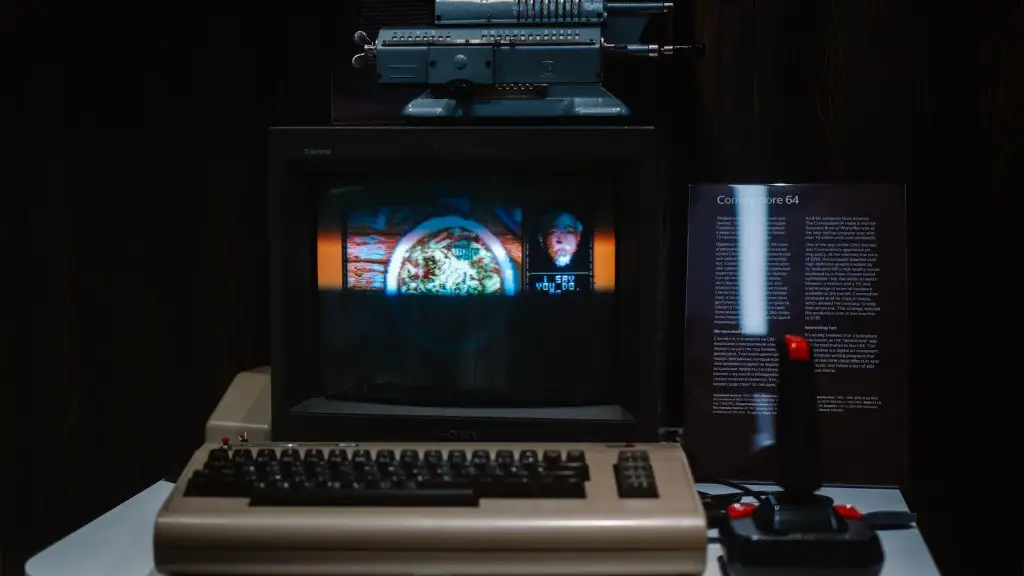
Sixth, connect the Peripherals. This includes keyboards and mice, as well as other gaming accessories like steering wheels or joysticks. Connect them either via USB or Bluetooth, depending on the devices.
Finally, TEST it all out. This is the most exciting part. Put everything together, plug in the system, power it up and check for any BIOS beeps. This means the system is working properly. Finally, install the OS and start gaming.
Additional Steps To Complete Your Gaming PC Build
Installing the Operating System is the next step. If you’ve bought a pre-built gaming PC, this will be done for you. But for a custom gaming PC, it’s a bit more manual. Once you’ve selected the preferred OS, you’ll need to create a bootable external drive via a USB, or download an installation disk with an ISO file.
Configure the Storage Drives. Usually, this requires creating a ‘master’ drive, that houses the OS and all other software, while a second ‘slave’ drive is used for applications, data and personal files. Creating partitions and formatting the drives is also needed, depending on the OS.
Install the PC Drivers. Each new gaming PC requires drivers to be installed. They enable your hardware to interact with your OS, ensuring it runs correctly and the full speed of your components can be reached. While the OS will install many of them automatically, some may not, meaning you’ll need to visit the manufacturer’s website for the latest ones.
Tidy Up the Cables. Making your system look as good as it performs is a final, but essential step. Use the necessary cable ties to bundle up the cables and try organizing them to minimize the number of unused ‘tails’. This keeps your setup cool and efficient.
Set Up the BIOS. The BIOS is the most important piece of software in your PC, and allows you to alter the system clock, adjust power management settings and enable or disable devices. It is highly recommended that you change any BIOS settings with caution.
Boosting Your Gaming PC Performance
Once your gaming PC is alive and kicking, there’s plenty of options you can use to boost performance. Some of these can be done through software, however, some require extra hardware to be installed.

Upgrade the CPU. Investing in a better processor is a great way to increase both in-game performance and multitasking capabilities. Consider investing in the latest generation of a CPU often found in gaming laptops.
Opt For Overclocking. This method allows you to extend the performance capabilities of the CPU and GPU beyond their factory settings. This is great for maximizing gaming performance, but it may put more strain on components so should be done only if your system can handle it.
Implement Multiple GPUs. Installing two or more GPU cards in a gaming PC is a cost-effective way to enjoy smoother and more detailed visuals. Running two or more GPUs in ‘crossfire or SLI’ configuration will ensure maximum gaming performance.
Add a Solid-State Drive. SSDs offer faster read/write speed than your regular HDDs, so enhancing the performance of all programs and games. This is especially beneficial if you’re running intense and graphics-heavy games, or running media-intensive tasks.
Upgrade the RAM. Adding extra RAM to your system is a proven way to boost performance. DDR3 RAM provides a great balance between cost and performance, while DDR4 RAM is the latest generation, offering higher speeds and capacities.
Customizable Options for Your Gaming PC
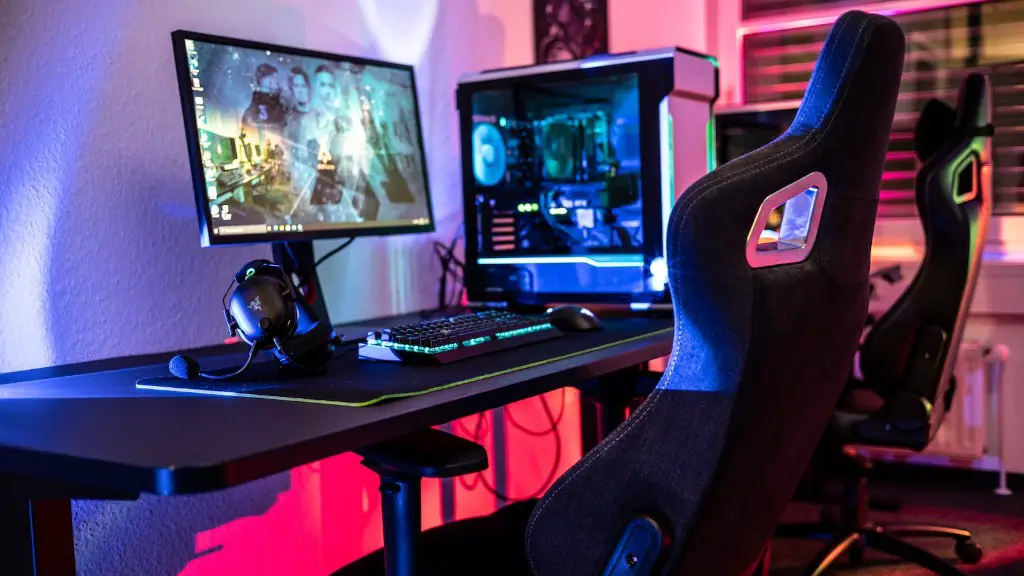
Customizing the look is almost as important as the performance of your gaming PC. Some cases come equipped with RGB lighting which can easily be changed to your desired colors and settings. Additionally, LED strips can be installed to the interior to further light up your rig. Fans with LED rings can be used for a more streaky look. Aside from having enough space for your components, you can also house a liquid-cooling system to take cooling to the next level.
Moreover, custom tubing and coolant colors offer more options to express your gaming style. Graphics cards are also available in multiple colors to match the look of your gaming PC and the theme of your games. Despite the complexity of building a gaming PC, it can be an incredibly rewarding task.
Precautions to Consider Before Building a Gaming PC
You should always make sure a compatible power supply is available, as using a different configuration may cause damage to components. Furthermore, check the type of ports you need to be sure you buy the necessary devices and accessories. Researching compatibility between parts before purchasing them is also crucial, as some may be incompatible with other components.
Depending on what parts have been chosen, getting enough space inside the gaming PC case is important. This will ensure everything fits well and can be secured with screws. You should also have a working knowledge of the warranty and refund policies related to the components of your build, in case any part may be faulty or incompatible with others.
Keeping Your Gaming PC Updated
Once you’ve built your own gaming PC, you’ll want to keep it running at its fullest potential. It’s important to stay vigilant against malware/virus threats, so be sure to have robust antivirus software installed, as well as additional tools to boost security. This is especially important for online gaming.
Apart from that, don’t forget to keep your gaming PC updated. This can involve routine tasks such as checking for updates for all of the installed programs, updating drivers, the BIOS and even the operating system. Software such as Windows Update can help you keep up-to-date with your gaming PC’s necessary updates.
Finally, check your hardware is working correctly. Check your gaming PC’s temperatures under full load and ensure they’re at acceptable levels. This is important as even a small hardware malfunction can reduce your PC’s performance and cause irreversible damage to components.
