
Testing a gaming PC is no easy task. Most novice gamers tend to overlook the importance of testing their computers before diving into a new game. Fortunately, there are several methods that, if employed properly, can help ensure that your gaming rig is up to the task. In this article, we’ll discuss why testing is important, how to do it effectively, as well as other tips to maximize gaming performance.
The first and most important step is to perform a stress test. This should be done before launching any game or software. Stress testing helps to identify any potential problems with components such as the CPU, memory, or graphics card. Popular programs like Furmark, Cinebench, and Prime95 are commonly used to do this. It’s important to select the most appropriate stress test for your particular hardware setup. This ensures maximum accuracy in identifying flaws or weaknesses that could impact performance.
It is also essential to check for any potential hardware compatibility issues. Such issues could prevent certain components from functioning correctly and consequently impacting gaming performance. Additionally, making sure all drivers and firmware are up to date is highly recommended. This helps to ensure smooth operation of the system and can prevent crash issues or incompatibility problems.
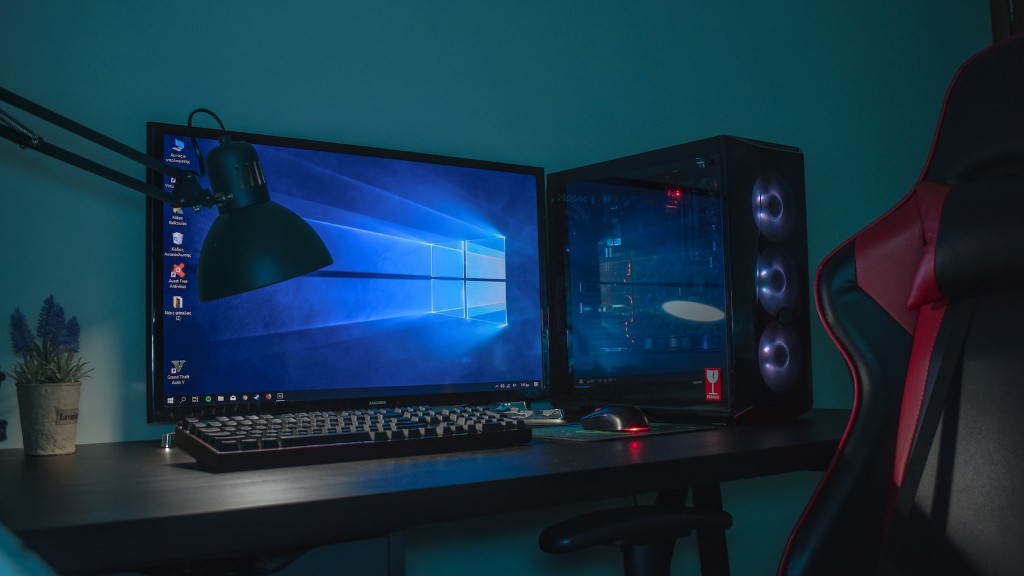
The third step involves tweaking the system settings. Adjusting settings to optimize the performance of the system is a crucial step. This includes options such as screen resolution, display quality, anti-aliasing, geometry support, and advanced in-game graphics settings. It is important to make sure all these settings are as high as possible without compromising overall performance. This can be done with trial and error, as well as experimenting with various settings to see what works best for the system.
Finally, the fourth step is to test the system with the games you intend to play. It is important to run games at different settings and monitor performance. If problems are encountered, it is recommended to adjust settings in order to achieve the optimal gaming experience. This can also be done with stress testers, as well as manually adjusting the game settings themselves.
Verifying Temps
Testing and verifying the temperatures of a gaming PC is essential for healthy and consistent game performance. Keeping hardware components within the manufacturer’s specified temperature range ensures the system remains efficient and stable. Inability to do this could result in hardware failure or an overall decreased lifespan for the PC. Many temperature monitoring software programs are available to keep an eye on temperatures and alert when any component operates outside of its intended range.
Optimizing Performance
Optimizing performance is also an important part of testing. Despite having the latest hardware, it is possible that the system is inefficiently using the available resources due to outdated software or improper settings. The aim is to achieve optimal performance without compromising stability. Tweaks such as overclocking, memory timings, and using optimized drivers may allow the system to reach its peak performance.
Power Management
Power management plays an important part in optimizing system performance. It helps to reduce the amount of power being consumed. Many gaming PCs may be oversized for their intended task. This can lead to wasted power and additional unnecessary heat. Utilizing power management techniques such as proper ventilation, power limiting, and graphics optimizations can help to ensure the system remains cool and delivers the desired performance.
Performance Comparison
In order to accurately detect problems, comparing performance over 10-20 tests can help to identify any issues or bottlenecks. Measurements such as frame rate, response time, or average frames per second can provide valuable insight into system performance. This data can help to identify potential problems and make necessary adjustments for optimal gaming experience.
Saving the Results
The final step in testing a gaming PC is to save the results. This allows to save the current configuration and revising it in the future in case of issues. It also helps to compare benchmark results from before and after any adjustments have been made. This can provide a valuable baseline for troubleshooting and fine-tuning for maximum performance.
