Gaming PCs can be a great investment if you want to experience an immersive experience in your favorite games. The good news is, there are plenty of options available on the market that cater to both budget and performance requirements. But before you go out and buy the best parts for your Gaming PC, it’s important to consider what your needs are and which components are best for you.
When it comes to selecting your hardware, start with the processor. Depending on the type of games you usually play, you may need an Intel Core i3, i5, or i7 processor. Look for a processor with a higher clock speed if you plan to play graphically intensive games like Eye of the Temple. Beyond the processor, you will also want to consider the amount of RAM you need. For most games, 8GB of RAM will be more than enough. However, if you plan to stream from your Game PC, 16GB or more may be recommended.
Next, choose a compatible graphics card for your system. GPUs from AMD or Nvidia should be a great choice for most games. Choose one with higher specs if you plan to do heavy gaming or video editing. When it comes to storage, you have a few options available. You may opt for either a conventional HDD or an SSD. However, if you have the budget, an SSD drive will be the better option for performance and reliability.
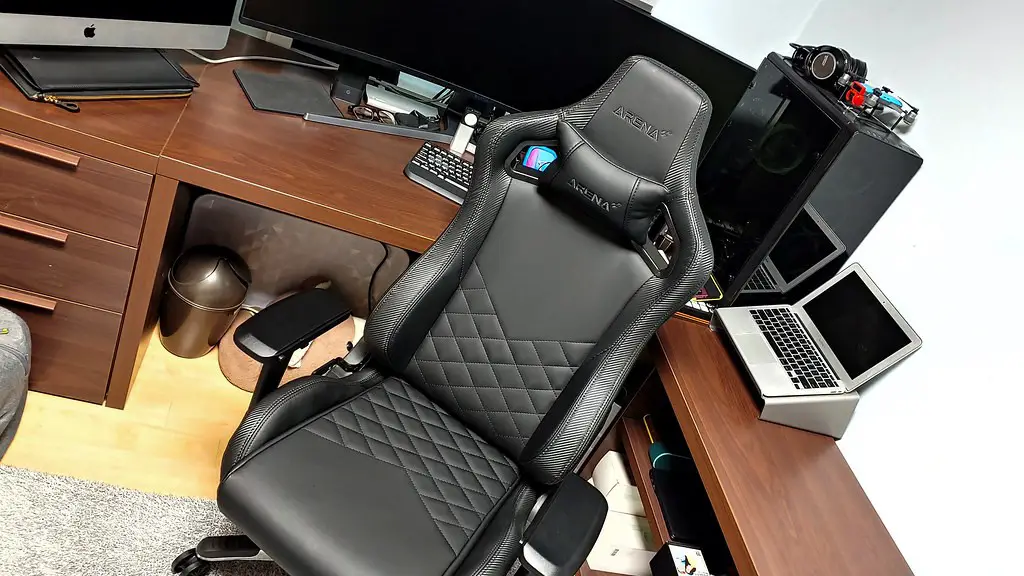
Power supply is one of the most important elements of a gaming computer, as it will provide power to your system. Look for one with a large wattage rating if you want to play games on higher settings. Make sure you purchase one with all the right connectors to properly power your components. Lastly, don’t forget to check the size of the case. Depending on your specific setup, you will want a case big enough to accommodate all the components that you have chosen.
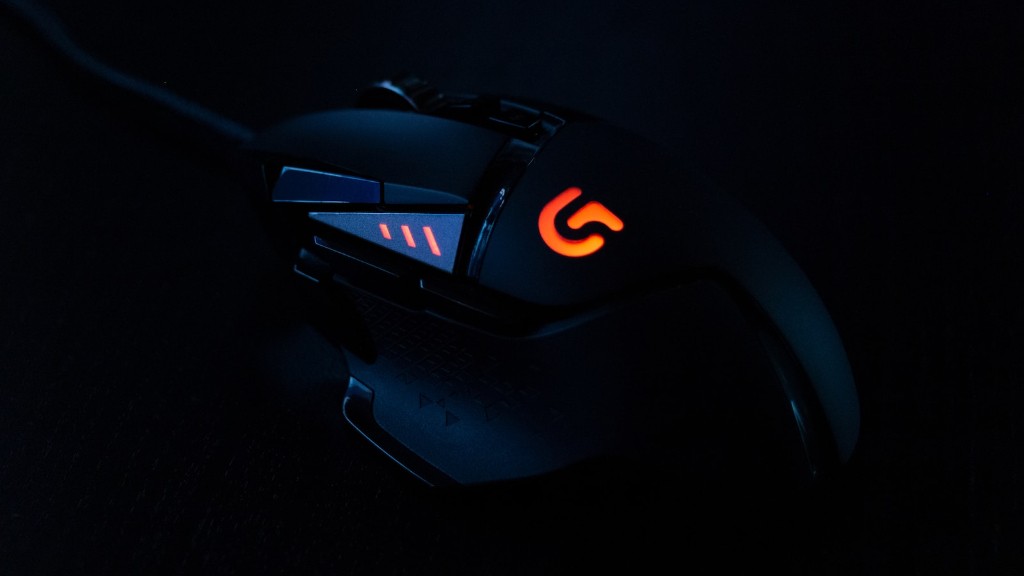
In addition to the main components listed above, there are some other components you may want to consider. A monitor is necessary if you want to increase the viewing experience of your favorite games. Additionally, a good quality mouse and keyboard combo can take your gaming skill to the next level.
Cooling System
When it comes to gaming PCs, cooling is an often overlooked element. However, an underrated cooling system is essential to ensure that your components don’t overheat, especially when playing intensive games. This is why you should consider purchasing an aftermarket cooling system. An aftermarket listing usually consists of heatsinks and fans, which will help to maintain the temperature of your parts. Make sure that the cooling system is compatible with the motherboard and other components in order to protect your gaming PC.
Cables and Connectors
In the world of gaming PCs, cables and connectors play an important role in the success of your gaming experience. Make sure that your cables and connectors are of high quality and are properly fastened in order to provide a strong and steady connection between your components. Look for high quality components that won’t require frequent replacements.
Gaming Peripherals
Investing in gaming peripherals can go a long way when it comes to improving your gaming experience. A gaming chair can be essential for those who plan to play for prolonged periods of time, and a gaming headset can be a great way to enhance the audio of your favorite games. Moreover, for console gamers, a controller is a must-have accessory.
Software
Don’t forget about the most important part of your gaming PC—software. Before you start building your computer, make sure to check your motherboard’s compatibility with your chosen software. For instance, if you plan to run Windows 10, you will need to make sure that your motherboard is capable of doing so. Also, don’t forget to install a good antivirus program to keep all your components safe and secure.
Accessories
Finally, to finish off your gaming setup, you will need a few extra accessories. An ergonomic mouse pad and a comfortable gaming mouse can go a long way in improving your overall gaming experience. You may also want to invest in a gaming headset that includes a built-in microphone if you plan to voice chat during gameplay. Additionally, you may need a few extra cables and connectors for connecting your components.
