Building your own gaming PC can be daunting, especially when you’re on a budget. But luckily, there are some tricks of the trade to help make the process easier. Here are some tips for making a budget gaming PC without breaking the bank.
First and foremost, research is key. You’ll want to find out which components will maximize performance on your budget. Check forums, recommendations from friends, and even consider buying pre-owned pieces. The better you understand the gaming PC components needed and the prices of each, the better prepared you’ll be to assemble a gaming PC that works for you.
Next, consider which components are essential for the gaming PC you want. Focus on the CPU, GPU, and motherboard. Your budget may not stretch to all the bells and whistles in one go, so prioritise. While upscaling your CPU won’t necessarily improve your gaming experience, opting for a more powerful GPU could be the difference between smooth and choppy gameplay.
Thirdly, research your OS options. While Windows 10 is the de facto choice for the vast majority of gamers, Linux and MacOS can offer gaming experiences, too. Depending on which OS you opt for, the hardware may need to be tailored to fit. Be sure to double-check which operating system works best with the chosen parts of your build.
Fourthly, ensure you have a good quality power supply. Quality PSU’s are essential for a stable gaming PC, so always choose a reliable trusted brand for peace of mind. Don’t go for the cheapest one available, as this could compromise the quality of the gaming experience.
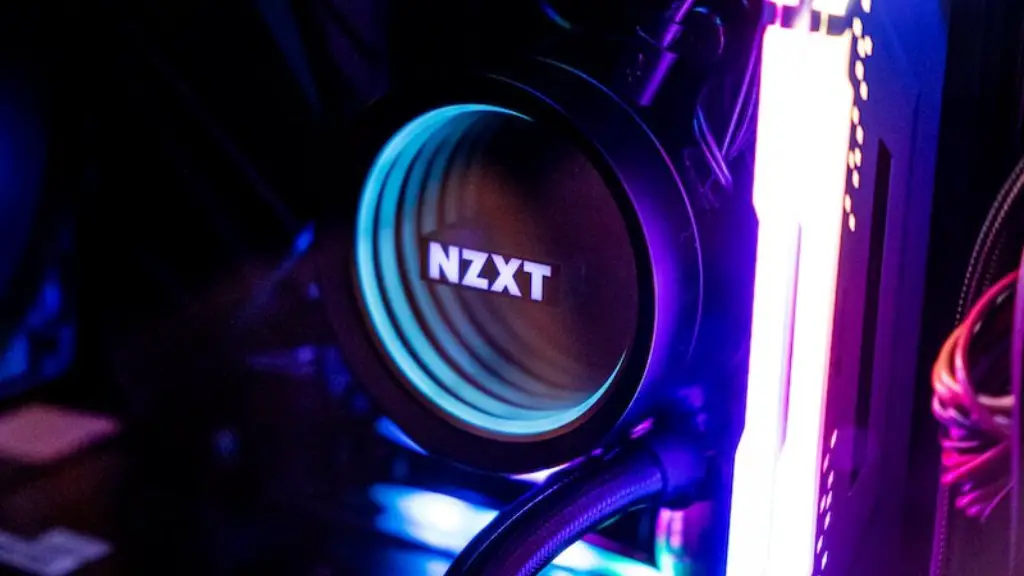
Fifthly, don’t forget about cooling. Heat is the silent killer of processors, so make sure your gaming PC is well ventilated. If you opt for air cooling, ensure the fans are powerful enough to draw the hot air from the components and clear out dust. You’ll also want to invest in a quality heatsink to regulate temperatures and provide additional cooling.
Finally, use the right tools. Having the right tools can make or break a successful build. So make sure you’ve got all the necessary screwdrivers, pliers, and RAM modules neatly organised so you won’t be running around hunting for them during the process.
Graphics Card On A Budget
Graphics cards are the core component of any gaming PC. Without a good quality graphics card, the performance of your machine will suffer. When assembling your budget gaming PC, always opt for a mid-range graphics card that offers excellent value for money. Look for models with a minimum of 4GB GDDR5 RAM, and a CUDA core count of at least 384. If You’re on an even tighter budget, consider buying a pre-owned graphics card off an online marketplace.
A good way to optimise your gaming experience with a budget card is to reduce the resolution. Going from 4K to 1440p gaming will help reduce load on the graphics card, and can bring a noticeable performance boost.
For the ultimate budget gaming experience, consider pairing an entry-level GPU with a decent processor. If you choose your CPU and GPU wisely, you can still get a great gaming experience without spending too much money.
Always remember to research thoroughly and look out for additional offers and discounts online, as these can often make the difference between an affordable and an expensive gaming PC. If you plan well and are patient enough to research and shop around, you can build a great budget gaming PC even with limited funds.
Additional RAM
As gaming demands more and more RAM, you may want to consider investing in additional RAM beyond the standard 8GB for your budget gaming PC. An additional 4GB or 8GB of RAM in the form of memory sticks won’t break the bank, and can help you get the best out of your gaming experience.
When shopping for RAM, it pays to invest in quality memory sticks from a trusted manufacturer. For gaming, aim for RAM sticks with a minimum clock speed of 2133MHz, which is essential for gaming performance.
An often overlooked component for budget PC builders is SSDs. These make a massive difference in terms of both load times and overall performance, so consider investing in an SSD to drastically reduce the wait time when starting up games or launching new applications. It’s also worth noting that SSDs use significantly less power than HDDs, so they can also help save electricity when gaming.
Finally, it’s worth looking around for deals. Major retailers such as Amazon and Newegg often run periodical sales on gaming components, so be sure to keep an eye out for bargains and discounts. You can often make considerable savings when shopping for components during sales, so it pays to be patient.
Storage Options
When it comes to storage, most gamers opt for a combination of an HDD and an SSD. HDDs are much more affordable than SSDs, so they’re generally the preferred option for those on a budget. An HDD with 500GB of storage capacity should suffice if you only plan on playing the odd game or two. For larger game libraries, consider upgrading to 1TB of storage.
If you’re on an even tighter budget, it’s perfectly feasible to game with just an HDD. An HDD with 7200 RPM will deliver the best performance when gaming, so aim for that speed if possible. You may also want to invest in an external HDD for added storage.
Alternatively, consider investing in an SSD. These are expensive compared to HDDs, but they provide far superior performance. An SSD will significantly reduce load times and generally offer a smoother gaming experience. If you can afford it, an SSD with a capacity of 240GB or higher is recommended for gaming.
The relative affordability of a hybrid drive can be a real boon for budget gamers. A hybrid drive combines traditional HDD storage and SSD technology, providing an ideal middle ground between the two. As with any storage solution, always review customer reviews and product specifications to ensure the hybrid drive is fit for purpose before purchase.
Case and Peripherals
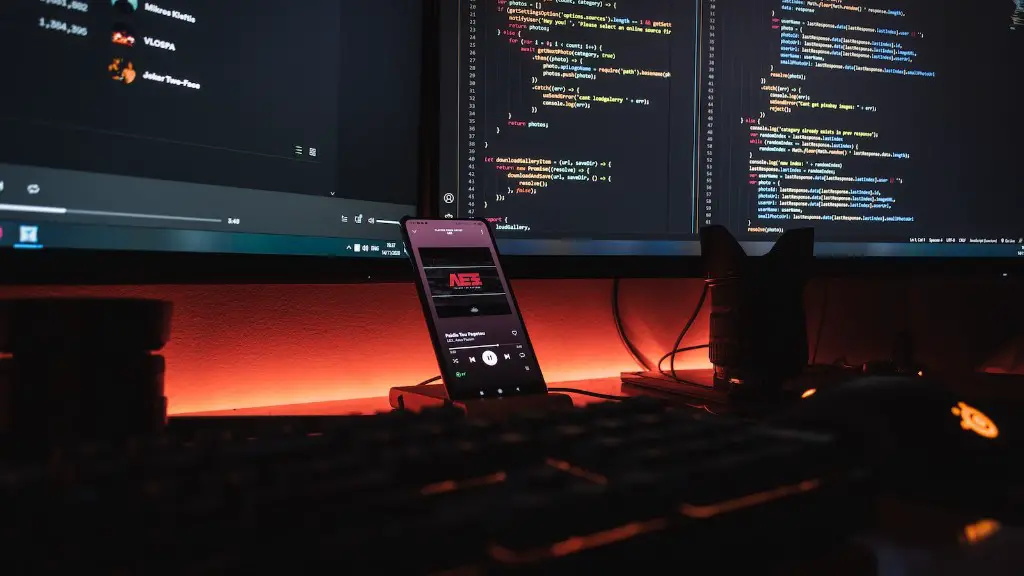
For budget gamers, it pays to look around for pre-owned cases and accessories. Doing so can often result in significant savings, as well as allowing you to customise your gaming PC to your own aesthetic tastes.
When selecting a case, consider factors such as airflow and space – especially if you’re planning on upgrading parts in the future. A mid-tower case with at least 2x USB 3.0 ports is probably the best all-round choice for a budget gaming PC, but be sure to research which specs are necessary for the components you’ve chosen for your build.
When selecting peripherals, consider the number of USB ports available and look out for optimised inputs such as USB 3.0. Gaming mice and keyboards with mechanical switches offer a noticeable performance boost and generally feel more responsive than their membrane counterparts. Investing in a gaming headset is also a good idea, as it will help you become fully immersed in your gaming experience and minimise distractions.
Finally, consider investing in an operating system. Windows 10 is by far the most popular choice, but if you’re keen to cut costs then you may want to consider an open source alternative, such as Linux or MacOS.
Optimising Performance
Having built your budget gaming PC, you’ll want to make sure it performs at its best for as long as possible. The best way to do this is to ensure your rig is regularly optimised. Regularly clean and replace old components, ensure the fans and air vents are free of obstruction, and use free tools such as CCleaner and Malwarebytes to clear out junk files.
Another important step is to keep the drivers and operating systems up to date. Many of the hardware and software changes, so regularly check the manufacturer’s website for new updates. Installing these is essential if you want to make the most of your gaming setup, as they often bring bug fixes and performance improvements.
Finally, if you want to make the most of your gaming PC, consider overclocking your components. While this isn’t necessarily advisable on budget PCS, doing so responsibly can make a real difference to your gaming experience without breaking the bank.
Temporary Overclocking
Temporary overclocking – or boosting the performance of your components for a short period of time – is a great way to enhance gaming performance without investing in major upgrades. This involves using specialised tools such as Intel Extreme Tuning Utility or MSI Afterburner to increase the clock speeds of your components beyond the manufacturer’s recommended settings.
Before overclocking, always ensure your components are well cooled and you have an adequate power supply. The power supply should provide an additional 25-50% above the base wattage if you plan on overlocking. Also, make sure you’ve got an Uninterruptible Power Supply (UPS) on hand to protect against sudden power cuts.
Be aware that the process can involve trial and error, and it’s essential to remember that it’s not a guaranteed method of performance improvement. Take your time and do your research. Also, make sure you have a fail-safe way to restore your PC’s original settings in case something goes wrong.
Conclusion
With a little bit of patience and some smart research, it’s perfectly possible to put together a budget gaming PC that delivers a great performance. Do your research to find the best components for the best price, opt for pre-owned parts where possible, and keep an eye out for deals and discounts. Finally, regular maintenance is essential if you want to make the most of your gaming PC and make sure it performs optimally at all times.
