When considering what temperature your gaming PC should run at, it’s important to first consider the components within the device. This includes the processor, RAM, storage, and graphics card. Each component has its own optimal temperature range for which it can operate at maximum efficiency. The cooler the environment, the better performance gains will be gained. It’s also important to take into account the environment you’ll be gaming in, including the ambient temperature in the room and any additional ventilation needed to keep the system from overheating.
In the ideal situation, your gaming PC should run between 20 and 30 degrees celsius. Anything above that range will start to obviously affect hardware components, leading to reduced performance, stuttering, general sluggishness, or even total shutdown. To achieve this optimal temperature range, you’ll need to adjust the fan speed accordingly as if it’s too low, the system won’t be able to keep itself cool enough.
Using a thermal compound between the CPU and the heatsink will help to transfer the heat away from the processor, preventing it from overheating. Checking the temperature regularly is essential, as some thermal pastes can degrade or leave residue on the cpu after years of use. You should also ensure that the processor fan is operating correctly, as without proper airflow, the system can easily overheat.
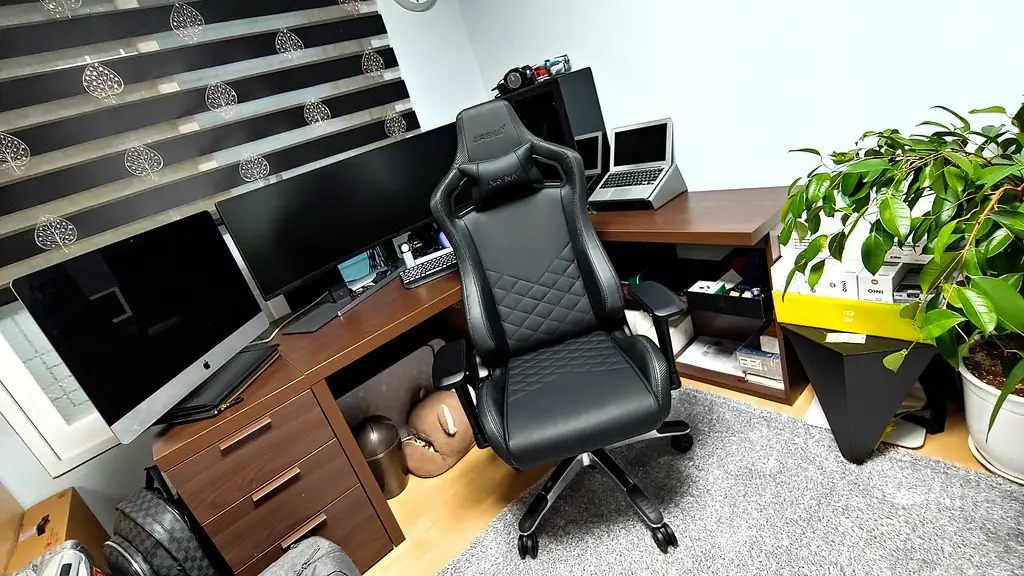
When gaming, it’s important to make sure that the PC is adequately ventilated. Dust can easily accumulate and block vents, reducing airflow and causing the components to heat up. Vacuuming or blowing the dust away is an easy way to prevent this, and it should be done frequently to ensure that there’s plenty of airflow over the components.
Finally, choosing components with a good cooling system also goes a long way in helping to keep the PC’s temperature down to a minimum. Components such as video cards and CPUs with effective liquid cooling systems work best at keeping temperatures low. This can help to ensure that the PC will run cooler and last longer.
Keeping the System Cool
To ensure the temperature of your gaming PC remains within the optimal range, it’s important to keep everything properly ventilated. If possible, using a CPU cooler or liquid cooling system can help reduce temperatures and keep the system running cooler for longer periods of time. There are also specialized air coolers which are designed to draw hot air away from your gaming PC, allowing the system to run at a lower temperature.
Making sure the hardware is properly seated and that the connectors are firmly secured is also important. Loose connections can cause heat to escape and create problems with the system. Cable management is also key to preventing build up of hot air and making sure all the nooks and crannies are free of dust.

For laptop users, you’ll want to consider the use of stands or cooling pads. Such products can help to provide a cooling boost and keep your laptop running cooler. Whichever type of device you’re running, it’s important to make sure all the fans are functioning properly and check the temperature regularly to make sure the device is running at a normal level.
Finally, when it comes to gaming PCs, the power usage must also be taken into account. The more power a PC draws, the higher the temperatures will be. It’s important to be aware of the power usage of the system and limit it to only the components and peripherals necessary for the game or applications being run. This is an easy way to prevent the system from over heating.
Managing the Temperature
While it’s important to keep your gaming PC running at optimal temperatures, there are still times when the temperature may rise beyond what’s expected. To help manage the temperature, you’ll want to periodically check the temperature of each component and make sure everything is running smoothly.
You should immediately look for the source of the heat if you notice a sudden increase in temperature. It could be a dust build-up preventing good airflow, a sudden increase in power usage or faulty parts. Finding the problem and resolving it quickly will help prevent any unnecessary damage to the gaming PC.

When it comes to managing the temperature, it’s also important to make use of temperature monitors. These programs are available for both desktop and laptop gaming PCs and can greatly assist in monitoring temperatures in real-time. This helps to allow you to identify any potential issues before they become problematic.
Many gaming PCs also come with their own built in temperature control and monitoring systems as well as overclocking software. Both of these can help to manage the temperature of the system and also allow you to control the fan speeds. This helps to ensure that all components are running at their optimal temperatures, thereby prolonging their lifespan.
Cooling Systems
When looking for the best ways to keep the temperature of your gaming PC low, there are several cooling solutions available. Some of the most popular include air cooling systems and liquid cooling systems. Air cooling is the most common and utilizes a fan to draw hot air away from the system. Liquid cooling, on the other hand, removes the heat using a liquid coolant, allowing for greater cooling performance for high-end graphics cards and processors.
Adding additional fans to the system can also be beneficial. This helps to provide additional cooling and keep the components cool while gaming. Another option is to use a dehumidifier, particularly in hot and humid climates. This can help to keep the temperature low and prevent the system from having to work harder to cool itself.
Finally, overclocking can be a great way to increase performance at the cost of higher temperatures. When overclocking, it’s important to be aware of the temperature being generated by the system. These components can quickly reach critical levels, so it’s important to use a temperature monitor to ensure the components aren’t being damaged.
Temperature Settings for Performance
When setting the temperature for optimal performance, you’ll want to think about the tasks you’ll be performing. If you’re going to be gaming at higher resolutions or resolutions involving a lot of graphics intensive tasks, a lower temperature setting may be preferred.
This will help to keep the components from overworking, leading to a slowdown in performance. If your CPU or GPU is running too hot, it will be throttled down and won’t be able to meet the demands of the game. The same is true for any sort of heavy computation tasks, such as video editing, so a way to keep the temperatures low is essential.
For more general tasks, a slightly higher temperature is still optimal. Generally, temperatures should stay between 30 to 35 degrees celsius, but this also depends on the particular components being used and the ambient temperature. Monitoring the temperature of the system regularly is always recommended to ensure that it’s performing at its best.
Conclusion
When it comes to keeping the temperature of your gaming PC running in the optimal range, there are several factors to consider. It’s important to make sure the fans are functioning properly and that the environment is adequately ventilated. You’ll also want to ensure that the components are properly seated and that the connectors are secure. Additionally, using a thermal compound can help transfer the heat away from the processor and choosing components with good cooling systems can encourage optimal temperatures.
Finally, when gaming, you’ll want to limit the power usage of the system, as this can increase the temperature. Additionally, it’s important to use temperature monitors to detect any potential problems with the system and make sure all the components are running smoothly. All of these measures should help you keep the temperature of your gaming PC within the optimal range.
