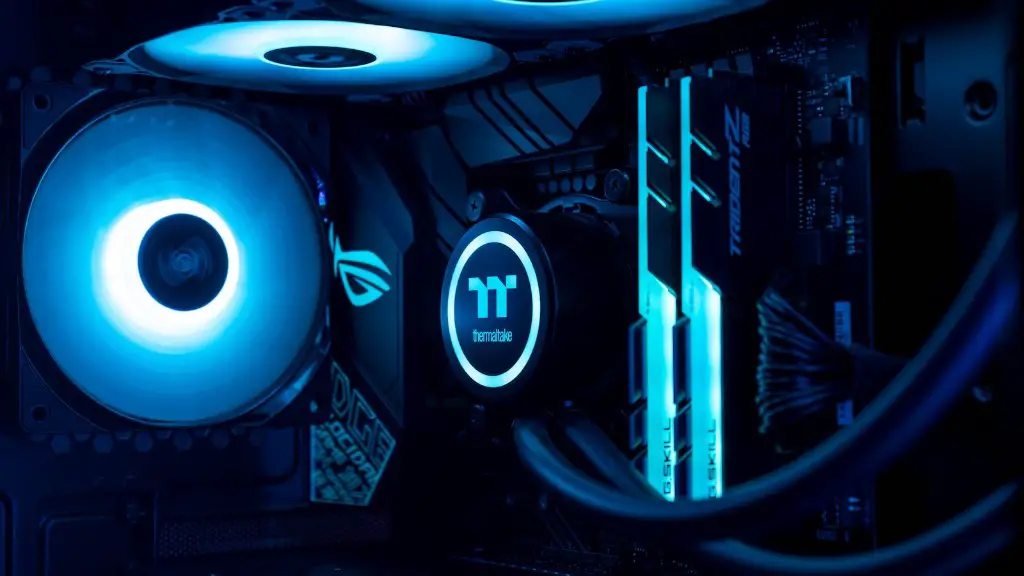
A gaming PC is the device of choice for gamers who want to get the most out of their gaming experience. This type of setup requires several components, each of which plays an important role in the overall performance of the computer. In this article, we’ll examine the core components of a gaming PC and how they work together to create a powerful gaming rig.
The first, and perhaps most important, part of a gaming PC is the processor, or CPU. This is what powers the computer and allows it to perform complex tasks such as gaming. Modern gaming PCs often feature multi-core processors, which can help to improve gaming performance by allowing the computer to multi-task. In order to ensure maximum gaming performance, it is important to select a processor that is both powerful and energy-efficient.
Next, the graphics card (GPU) is the next key component for gaming PCs. The GPU is responsible for creating the image you see on the monitor, and so having a powerful GPU is necessary for achieving smooth, realistic visuals in games. High-end GPUs can also be used for 3D rendering, which can help to create even more immersive gaming experiences.
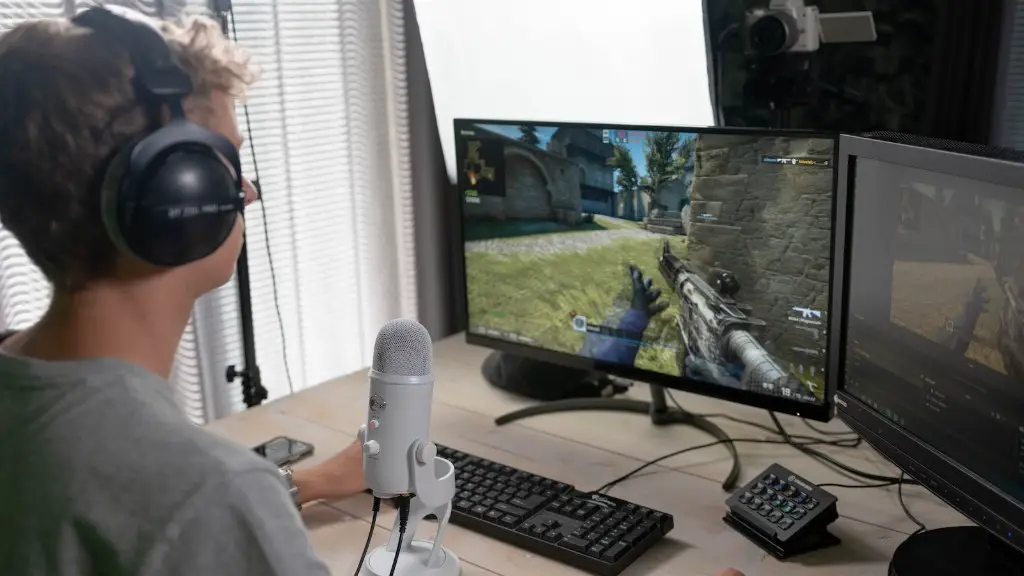
In addition, gaming PCs often feature plenty of RAM, or random access memory. This is the temporary storage that is used by the processor to store data while performing specific tasks. More RAM can help to improve gaming performance, and some setups use multiple sticks of RAM to increase the amount of memory available.
Finally, a good gaming setup relies on having a reliable power supply unit (PSU). This is the part of the PC that supplies power to all of the components, and so having an efficient, powerful PSU is essential for a quality gaming experience. It is important to select a PSU that can handle the power demands of all of the components, as a weak PSU can lead to performance issues.
What Are The Different Types Of Processors
Most gaming PCs utilize what are known as ‘multi-core’ processors, which refers to a single processor that has two or more individual processing cores built into it. Multi-core processors are able to handle heavier work loads and allow a gaming PC to manage multiple tasks simultaneously. Because of this, they are often the go-to option for gamers who want to get the most out of their gaming rig.
The most popular type of processor for gaming PCs is the Intel Core series, which consists of a range of processors from the entry-level Celeron to the high-end Core i7. Each processor has its own unique set of features and performance metrics, so it’s important to choose the one that best fits the type of gaming you are planning to do. With that said, the Intel Core i5 processors are often seen as a good balance between performance and cost.

When you’re shopping for a processor, another important factor to consider is the thermal design power (TDP) rating. This rating is a measure of how much power the processor requires to operate and is typically expressed in watts. It is important to choose a processor with a high enough TDP rating to meet the demands of your system, as a processor with too low a TDP rating can lead to performance issues.
Finally, it’s important to note that gaming PCs can benefit from having faster clocked processors. That is, a processor that is running at a higher frequency than normal, usually measured in gigahertz (GHz). Higher clock speeds can lead to better gaming performance, so it’s a good idea to select a processor with a higher clock speed if you want to get the best experience.
How Can Automated Overclocking Help Performance?
Overclocking is a process that involves increasing the clock speed of a processor or other component, thus improving its performance. For example, a processor that is running at 3.2 GHz (gigahertz) can be overclocked to run at 4.0 GHz, thus increasing its overall performance. This is usually done with the help of specialized software or BIOS settings, making it an accessible way of boosting the performance of a gaming PC.
In addition to increasing gaming performance, overclocking can have many other benefits such as improved responsiveness and lower power consumption. It can also be used to squeeze extra frames out of a game, as some games may be capable of running at higher speeds if the system is overclocked. Finally, overclocking can prove to be a cost-effective way of boosting gaming performance, as upgrading the processor or GPU can be a costly endeavor.
That said, there are a few things to bear in mind before attempting to overclock a PC. First and foremost, overclocking can void the warranties of components, so it should be done at your own risk. Additionally, some motherboards may not support overclocking, or the BIOS may not have the necessary settings to adjust processor cores. As such, it is important to check compatibility before attempting to overclock.
Finally, the process of overclocking requires some knowledge of the system in order to get the best results. Care must be taken not to go too far with overclocking, as to not cause any damage to the system, so it is a good idea to research the topic thoroughly beforehand.
What Are The Advantages Of Multi-GPU Setups?
Multi-GPU setups can provide a boost in performance for gamers looking for the ultimate gaming experience. This involves linking two or more graphics cards together, in order to share the load and increase the overall performance. This type of setup is often referred to as an SLI (scalable link interface) or CrossFire configuration depending on the graphics cards in use.
The most obvious advantage of using a multi-GPU system is the ability to generate more frames per second (FPS) in games. This can lead to smoother, more responsive gameplay and allow games to run at higher resolutions. In addition, multi-GPU setups can help to decrease load times, as each GPU can work in tandem to perform a specific task.
However, multi-GPU setups do have a few drawbacks. For starters, they are usually more expensive than a single GPU setup, as they require more components and potentially more powerful power supplies. Additionally, multi-GPU setups can be more prone to driver issues and instability, as GPUs from different manufacturers may not always be compatible with one another.
Finally, some games may not be able to take advantage of a multi-GPU setup, as they may not be coded to run efficiently with multiple GPUs. This can limit the benefits that a multi-GPU system can provide to games, and so it is important to check compatibility before investing in a multi-GPU setup.
Why Is A Good Power Supply Important?
The power supply is the heart of any gaming PC, as it supplies the power needed to run components such as the processor, graphics card, and RAM. To put it simply, a good power supply is essential for a quality gaming experience, as it ensures that all components function at their optimal levels.
When selecting a power supply, it is important to consider the power needs of all components. Power supplies are rated in watts, and it is necessary to select one that has a wattage rating that is higher than the total power requirements of the system. This will ensure that components can run to their full potential and prevent any possible issues caused by insufficient power.

In addition to a power supply that is powerful enough, there is also the issue of reliability and durability. Power supplies come in different grades, so it is important to select one that is of a high quality. This can help to ensure a better overall gaming experience, as a low-quality power supply can be unreliable and prone to failure.
Finally, it is important to consider the performance of the power supply. Different power supplies have different levels of efficiency, and so it is a good idea to select one that is both powerful and efficient. This will help to save money on energy bills in the long run, and may also help to prolong the life of components.
