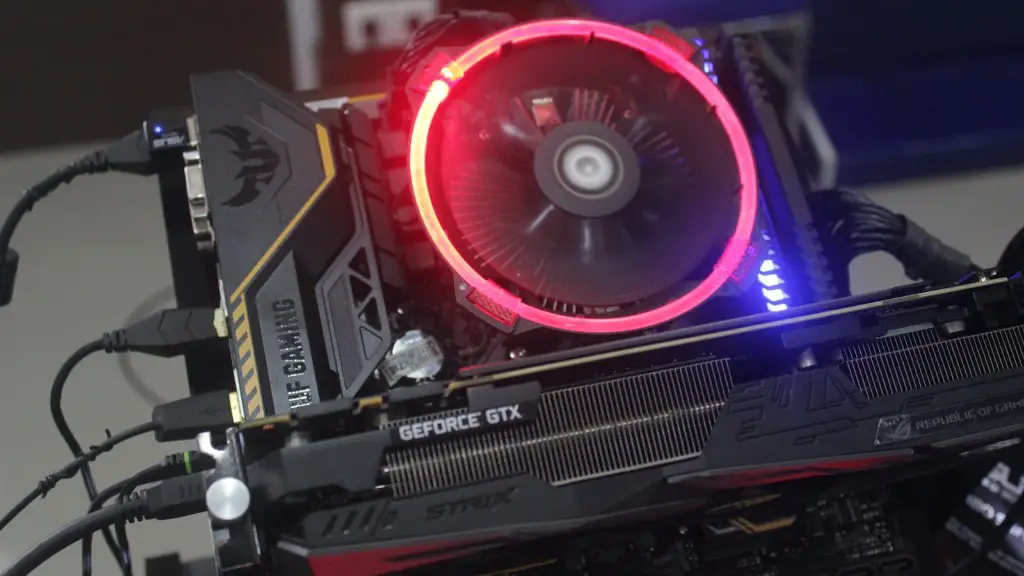
Building a gaming PC requires research and money but with the right parts and an eye to expandability, it can provide a great way to enjoy high-end gaming experiences. Here’s what you need to start your build.
First of all, you need a reliable processor. Your processor provides the power and performance allowing you to run the latest games as well as multitask with ease. Consider an Intel Core i5 or AMD Ryzen 5 CPU when building a gaming PC. These processors offer the best balance of power and performance making them ideal for gaming.
You also need the right type of graphics card. Dedicated graphics cards are essential for high-end gaming. Consider opting for high-end offerings from Nvidia and AMD such as the GeForce RTX 2070 or Radeon RX 5700. These will handle even the most demanding of games as well as give you the best performance.
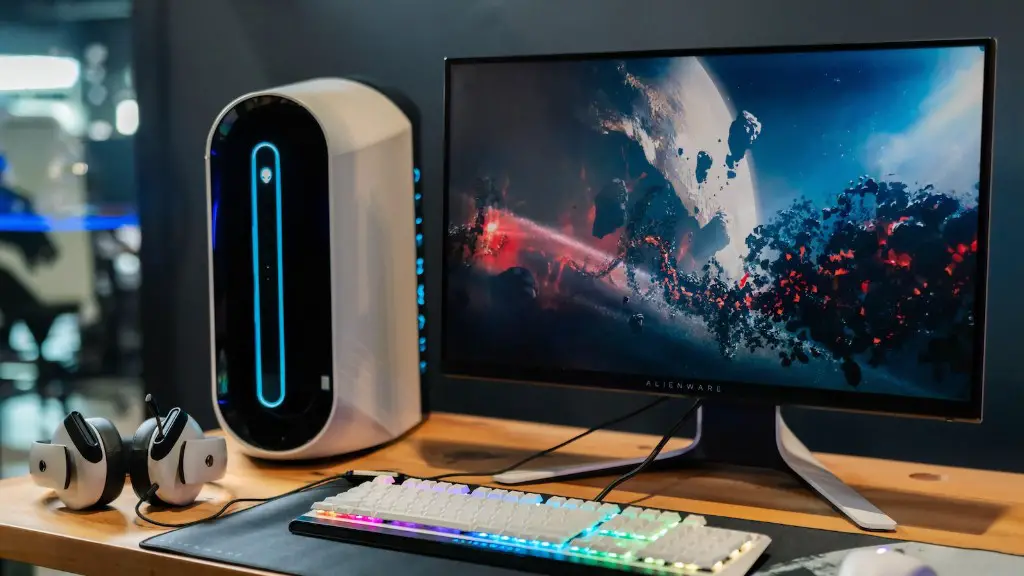
Next up is the type of RAM you choose. More RAM will allow you to multitask with ease and provide a smoother gaming experience. 8GB of RAM is the bare minimum, while 16GB is ideal. Opting for higher clock speeds above 2400MHz can give you the extra performance boost you need.
Storage is another important component you’ll need in order to run the latest games. The best choice for gaming is an SSD. An SSD provides lightning-fast performance thus making loading times a thing of the past. Consider opting for the Samsung Evo or Crucial MX series. Both are reliable and offer plenty of storage for your needs.
The right type of casing can help keep your components cool. Choose one with plenty of space and high-quality fans. This will help ensure all components are functioning properly. Airflow should also be considered. It’s also important to check with your motherboard choice to make sure the case fits.
Finally, the type of power supply you choose is important. Make sure you buy a PSU with enough wattage to power your components. Also check if the power supply is certified by organisations such as 80 Plus and has ample protection features such as over-voltage protection and short-circuit protection.
Building the PC
Once you have all the necessary parts for your gaming PC, it’s time to put it all together. Building a gaming PC can be a daunting task, but stick with it and you should end up with a powerful gaming PC you can be proud of. Always follow the instructions provided by the manufacturer when assembling your PC.
It’s important to ensure the components you have chosen are compatible. This means making sure that all the parts – the motherboard, processor, RAM and graphics card – are from the same manufacturer and support each other. Check with your motherboard manufacturer as they will often list compatible processors and/or graphics cards.
If you’re in any doubt, it’s best to consult with an expert or watch some tutorials online. Many popular sites such as YouTube have video tutorials on how to build a gaming PC and this is a great way to get started. Additionally, make sure you have all the right tools such as screwdrivers and cable ties.
Another important step is to check the connections. Make sure all cables are connected properly and you have the right power supply. If the connections are incorrect, it could lead to failure or even damaging components.
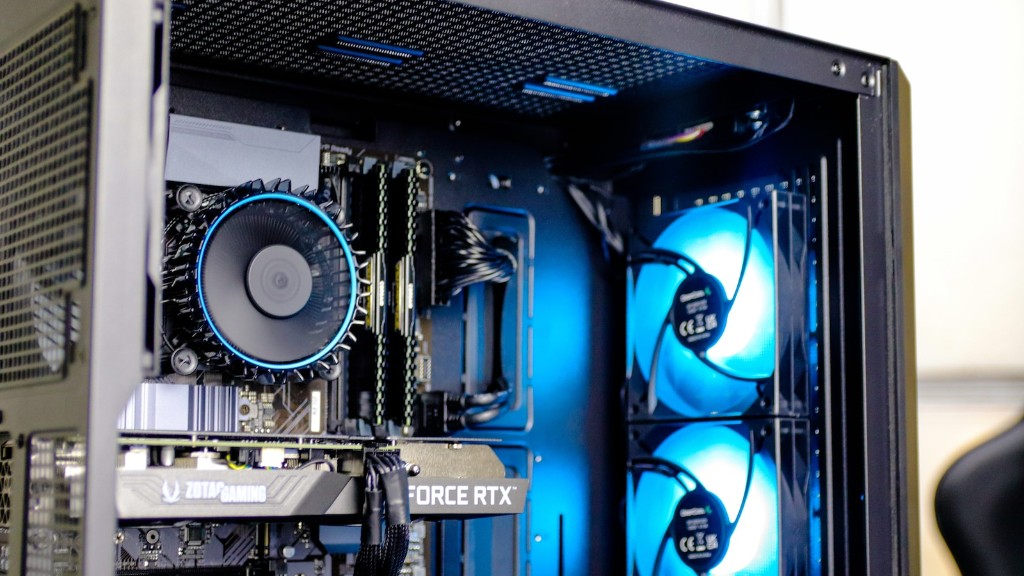
Finally, once everything is connected, power it on and run the software setup. This will help ensure everything runs smoothly when you start using your gaming PC. You may also need to update drivers for your components to get the most out of your hardware.
Installing Software and Games
After all that’s done, you’re now ready to start installing software and games. The first step is to install an operating system such as Windows 10, which is the standard in the gaming world. You will also need to install an antivirus program to protect your gaming PC from malicious software.
After your operating system is installed, it’s time to start installing the software you need for gaming. This includes gaming software such as Steam, Origin and Uplay, as well as any additional drivers you may need for specific games or hardware. Additionally, make sure you install any necessary system updates as these can help ensure your games run smoothly.
Now it’s time to install the games you want to play. This can be done through the gaming platform or directly from the website. Make sure to download the latest version and check if it is compatible with your hardware. Once the game is installed, you’re now ready to start playing.
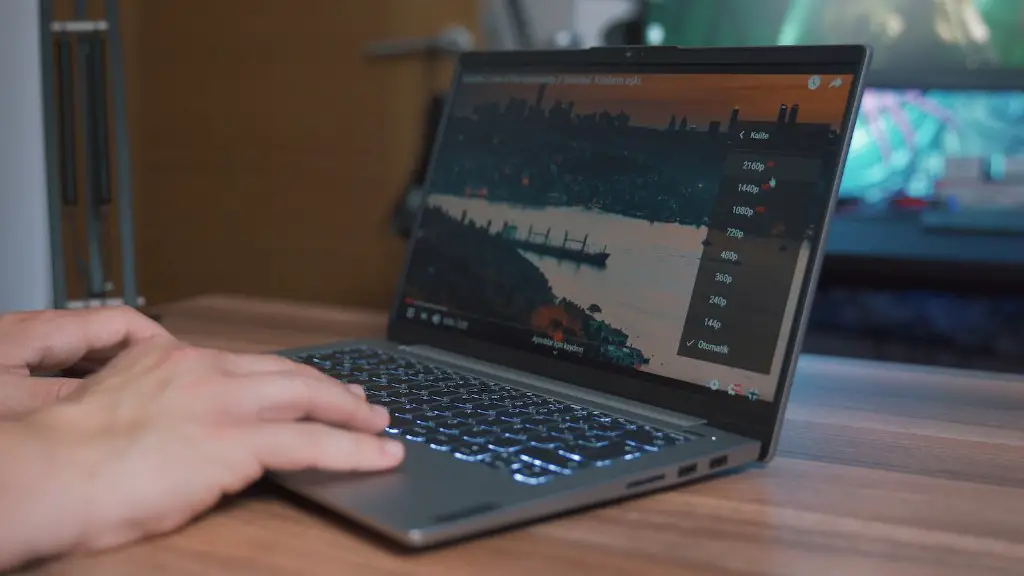
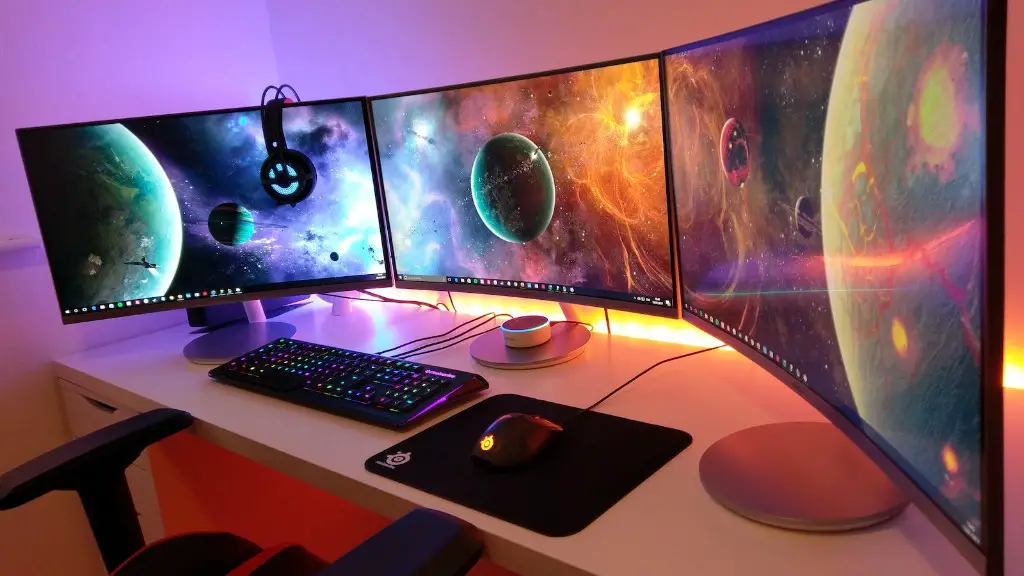
You can also consider buying a gaming headset, controller and monitor to complete the gaming setup. A gaming headset can help to create an immersive gaming experience while a controller can offer an alternate way to play. Additionally, a monitor with a high refresh rate is extremely useful for competitive gaming.
Customising and Upgrading
Finally, you can also consider customising and upgrading your gaming PC. Customising your gaming PC can help create a unique look and feel for your setup and make it stand out from the rest. Additionally, opting for aftermarket components such as water cooling and custom casings can help to improve the performance and aesthetics of the PC.
Upgrading your components can also help improve the performance of your PC. This includes updating the graphics card and processor to get the extra performance boost you need. Additionally, consider getting more RAM and storage to get the most out of your PC.
Finally, consider investing in good cooling systems as this can help keep temperatures down and prevent hardware failure. Additionally, dust filters can help keep your system clean, which is important when it comes to keeping your gaming PC running at its best.
Maintenance
Finally, it’s important to perform regular maintenance on your gaming PC to keep it running in tip-top condition. This includes checking on the temperatures of the components as well as making sure they are working as intended. Additionally, cleaning the case and fans can help to prevent dust build-up.
It’s also important to check for software updates to ensure all components are up-to-date. This includes drivers and gaming software such as Steam, Origin and Uplay. Additionally, use the security software you have installed and make sure it’s configured correctly to protect your PC from malicious software.
Finally, it’s important to back up your data. This includes game saves, profiles and settings, which can be important to preserve progress. Consider using an external hard drive or online storage for this as it can provide extra security for your data.
Conclusion
Building a gaming PC can be a great way to enjoy high-end gaming experiences. It’s important to choose reliable components and make sure they are compatible. Additionally, consider investing in customising and upgrading parts to get the best performance. Finally, make sure to perform regular maintenance and back up your data.
