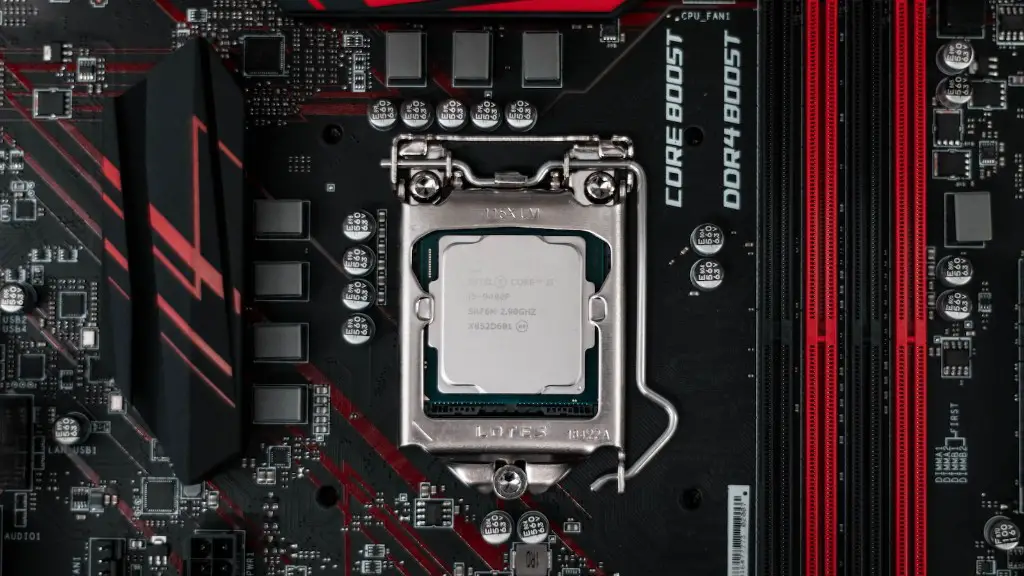
In the gaming arena, having plenty of storage on-hand is essential to make your gaming experience as pleasant and effortless as possible. With the right gaming PC, you can do that. But what storage do you need? This article will address this question in detail.
When it comes to gaming PCs, you need to consider both speed and capacity. Not all storage solutions deliver the same level of speed and capacity. Generally, you will need to choose between Solid State Drives (SSDs) or Hard Disk Drives (HDDs). SSDs are the current go-to for speed, while HDDs provide a cost-effective solution for larger capacities.
SSDs operate faster than HDDs because they are made with no moving parts. The solid state disks use microchips instead, giving access to information much faster. Therefore, an SSD drive would be a great storage choice for a gaming PC, if you have the extra budget to afford it.
HDDs, on the other hand, are much more economical. They are generally cheaper, yet offer much larger capacities than SSHs. However, since they are composed of moving parts, speed can be an issue. They do not offer the same speeds as an SSD, but still should provide relatively quick load times for games.
When selecting an HDD for a gaming PC, look for a drive with 7200rpm. This refers to the rotational speed of the drive and the faster the speed, the faster the read/write speeds. 7200rpm is an ideal speed for someone using an HDD for gaming, although there are many other options available as well.
In addition to SSDs and HDDs, hybrid drives also exist. Hybrid drives are a combination of both, combining the benefits of both drives. They are more expensive than HDDs, but still cheaper than SSDs. Furthermore, they offer faster speeds than HDDs, but not as fast as SSDs. That said, hybrid drives are a great option if you wish to have both speed and capacity.
In general, make sure you pick a storage drive that offers the combination of speed and capacity that is right for your gaming needs. If you prioritize speed and performance, an SSD or hybrid drive is the way to go. Meanwhile, if you prioritize larger storage and cost-effectiveness, an HDD would be the better option.
Type Of Gaming PCs
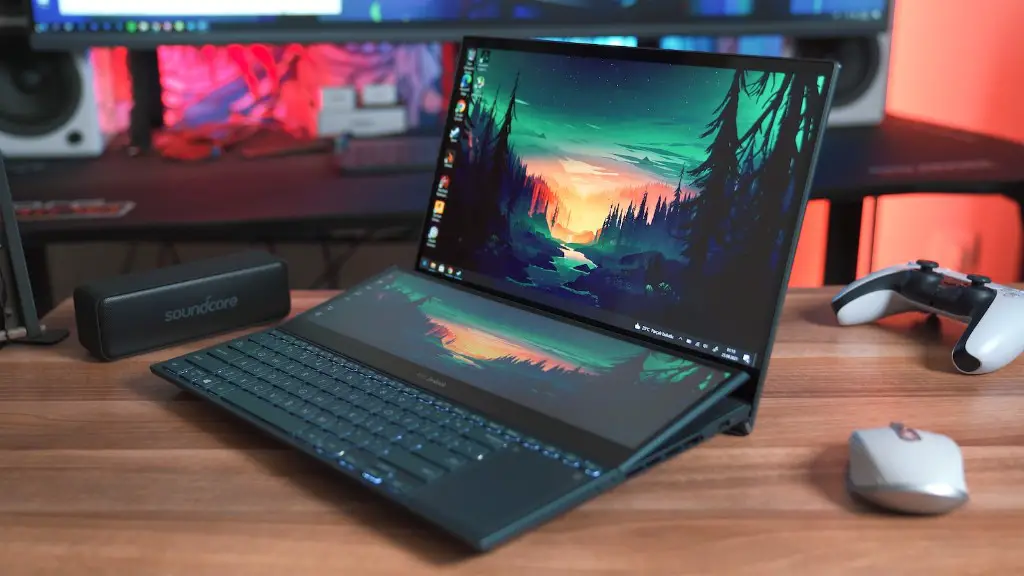
When it comes to gaming PCs, there is a wide variety of types available. Gaming PCs range from basic entry-level builds for those who are just starting their gaming journey, all the way up to insane custom gaming rigs for advanced gamers and hardcore gamers. Some prominently used gaming PCs include desktop PCs, gaming laptops and home console PCs. The storage needs for each type of gaming PC also vary significantly from one another.
Desktop PCs are popular for gaming due to their increased power and performance. These computers can run more demanding games at better quality settings than other types of PCs. To get the most out of your gaming experience, the amount of storage you need on your desktop PC depends on the games you are running and the hardware components installed in it. As a general rule of thumb, it is recommended that you have at least 500GB of storage for gaming with a desktop PC.
Gaming laptops are the perfect choice for those looking to play on-the-go, as these computers are portable and lightweight. In this case, it is important to consider size and weight in addition to storage. For gaming laptops, we recommended 250GB of storage or more, depending on the type of games you are running.
Home console PCs are great for a living-room gaming setup, as they offer a great way to stay comfortable and enjoy gaming. Home console PCs come with different types of storage, but usually have either 500GB or 1TB of storage. The amount of storage you need to run a game depends on the game in question, however, it is recommended to go with a console PC with 1TB of storage if you want to enjoy all the latest games.
Storage Needs For Different Games
The storage needs for different games vary significantly. Modern games can take up anywhere from 10GB up to more than 200GB, depending on the complexity of the game and the size of the game files. Games such as Call of Duty tend to come closer to the 200GB mark, while some indie games are significantly smaller.
In general, game files should not take up more than 1GB each. This means that if you have a gaming PC with 1TB of storage, you would be able to store 1000 games fitting up to 1TB of data. This is usually plenty of storage to keep up with the latest gaming trends.
Furthermore, downloading and installing games is a growing trend as physical media is becoming less and less used. Games such as Overwatch and Red Dead Redemption 2 are exclusively available through digital downloads. Therefore, make sure to account for the extra size needed to store the download of these files as well.
Other Storage Considerations
Having an adequate amount of storage is important, but it is not the only factor to consider when buying a gaming PC. Another important consideration is the type of storage medium. For instance, if you are buying a gaming PC, you must make sure to get one with plenty of RAM to handle larger game files. Additionally, it is important to make sure that your storage is fast enough for gaming, as game files tend to be rather large.
In addition to the type of storage medium and RAM, you will also want to make sure that your gaming PC has good airflow. Heat management is key to keeping your PC running smoothly and efficiently, and good airflow is essential to make sure that heat is dissipated properly. Investing in high-quality cooling fans and cases can help ensure that your gaming PC remains cool and working properly.
Finally, it is important to consider which operating system you are using for your gaming PC. If you are using a Windows PC, then you will want to make sure your storage capacity is large enough to handle the massive Windows 10 update. If you are using a Mac for gaming, then you will want to make sure to get a fast drive as Macs tend to be slower than PCs.
Storage Capacity And Speed
Storage capacity and speed are both important factors to consider when purchasing a gaming PC. As we’ve already discussed, a variety of storage types are available, including SSDs and HDDs. Each of these have different speed and capacity attributes. For example, an SSD would provide quick data access, but might not have enough capacity as an HDD.
When selecting a storage type for your gaming PC, it is important to consider both the capacity and speed. Higher speed and capacity will provide better performance, so make sure to select a drive that meets both of these requirements. Also, keep in mind that there are hybrid drives available which combine the speed of an SSD with the capacity of an HDD, providing an excellent balance.
In addition to storage type, you also need to make sure that your gaming PC has enough capacity. As games are increasingly pushing the boundaries of professionalism and creativity, storage capacity is very important. Luckily, storage capacities are getting bigger and bigger these days, so it is fairly easy to find a drive with enough capacity to fit your gaming needs.
Choosing Storage for Your Gaming PC
Choosing the right storage for your gaming PC is essential to getting the most out of the gaming experience. When it comes to storage, you need to consider the type, capacity and speed that are right for your needs. SSDs provide the fastest read/write speeds, while HDDs provide more capacity at budget-friendly prices. Hybrid drives exist as well as an option to have both speed and capacity. Whatever storage you choose, make sure it provides the features and capacity you need to get the most out of your gaming PC.
In addition to the type of storage, it is also important to keep in mind the size and weight of the device. If you are using a gaming laptop, you will want to select a storage drive that is both fast and lightweight for the most portable gaming experience. Also, consider the type of games you will be playing and the price point of the storage drive you are considering.
Finally, don’t forget to select a drive with enough storage capacity to fit your needs. Modern games are increasingly pushing the boundaries of professionally and creativity, and storage needs are getting larger and larger. Make sure you pick a drive with enough capacity for your gaming needs and that meets both your performance and budget needs.
