Building a gaming PC can be intimidating, but it doesn’t have to be. With a few essential components, you can get started on the path to building a powerful gaming machine. So, what should you buy first when putting together a gaming PC? Fortunately, there are a few key items that will get you off to a good start.
The first thing you need to buy when building a gaming PC is a processor. This is the most important piece of the puzzle, as it is the brain of your PC and largely determines how powerful it will be. When selecting a processor, it’s important to choose one that is powerful enough to handle the type of gaming that you intend to do, as well as any other applications you might be running. Popular processors include those from Intel and AMD.
The second item to consider is a graphics card. This is another essential piece of the puzzle, as it controls how your games look and feel. GPUs from Nvidia and AMD both offer a range of options, from basic models for casual gaming to powerful ones for serious players. The amount of RAM you have in your PC can also make a difference in the type of graphics you get, so it’s important to find the best fit.
Next up is RAM. This is probably the most overlooked component when building a gaming PC, but it’s incredibly important. RAM helps your system run faster and smoother, allowing games to run more efficiently and your system to multitask more effectively. It’s important to get enough RAM for the type of gaming you plan to do, as it can make a huge difference in performance. An 8GB kit is usually a good starting point.
Storage is also an important consideration. Having enough space for your games, as well as for other software and applications, is essential. Hard drives are the most popular option, but solid state drives can provide greater storage speeds and a more reliable storage solution. As well as storage size, you should also consider the speed of your drive. For gaming, an SSD is usually the best choice.
Power supplies are also an important consideration. It’s important to have a power supply that is powerful enough to support all the components in your PC, as well as offering reliable and efficient power delivery. There are a few different power supply types, so it’s best to do some research before settling on one.
Finally, you’ll need to buy a case. This is the last piece of the puzzle, and it holds all your components in place. Cases come in a variety of shapes and sizes to fit different needs, so it’s important to pick one that will house all your components and give easy access for maintenance and upgrades. Fortunately, cases come in a range of prices and styles to fit a variety of budgets.
Motherboard
The motherboard is another key component in the gaming PC build. The motherboard is the core of the PC, connecting all of the other components, and allowing them to communicate with each other. It needs to be compatible with your processor, graphics card, memory, etc., as well as support any other features you may need, such as multiple USB ports, extra RAM slots, etc. It’s important to check the specifications of each component before selecting a motherboard to ensure they will be compatible.
When selecting a motherboard, it’s also important to look at the form factor. This refers to the size of the board and dictates where it can be installed. Motherboards come in several different sizes, from mini-ITX to full-sized ATX, depending on the size of the case and other components being used. It’s important to select the right one for your build.
The BIOS is also another important consideration when it comes to picking a motherboard. This is the basic software that allows the PC to boot up and control its hardware. It’s best to select a motherboard with a UEFI BIOS, as this is more advanced than the legacy BIOS and can offer more features, such as faster boot times and better power management. It’s also important to ensure that the BIOS is kept up to date, as new hardware can require updated firmware.
Finally, it’s also important to look at the connectivity of the motherboard. Make sure it has the right ports for your graphics card, Wi-Fi, Ethernet, USB ports, etc. These ports should also be compatible with the other components you are using, such as a monitor, keyboard, and mouse.
Cooling
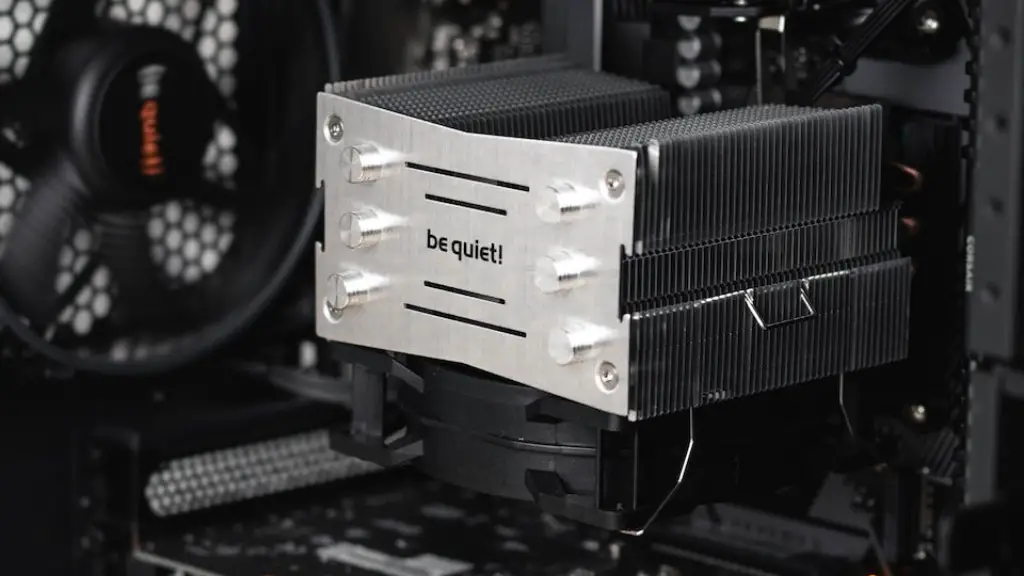
Cooling is vitally important when it comes to a gaming PC. If a gaming PC is not cooled properly, it can run into some serious performance issues. It’s important to choose the right cooling system for your build, as this can dictate the performance and stability of your components. Air cooling is the most popular solution and is generally easier to install than liquid cooling.
Air cooling is usually the most affordable route, and it consists of individual heatsinks, fans, and other components. The heatsinks are usually made of metal and are designed to absorb heat generated by the processor and other components. Fans are used to circulate the air and direct it over the heatsinks, thus cooling the components.
For those looking for more powerful cooling solutions, there is liquid cooling. This involves using a liquid coolant to absorb heat and then dissipate it away from the components. The coolant is circulated through a radiator and a pump before being sent back around. This type of cooling can be very effective at removing heat, but it is also more expensive and complex to install.
Finally, it is important to look at the noise level generated by your cooling system. An upgraded CPU cooler or fans can increase the speed of the fan, however this can add to the noise output. It’s important to find a balance between performance and noise, as too much noise can quickly get annoying.
Peripherals
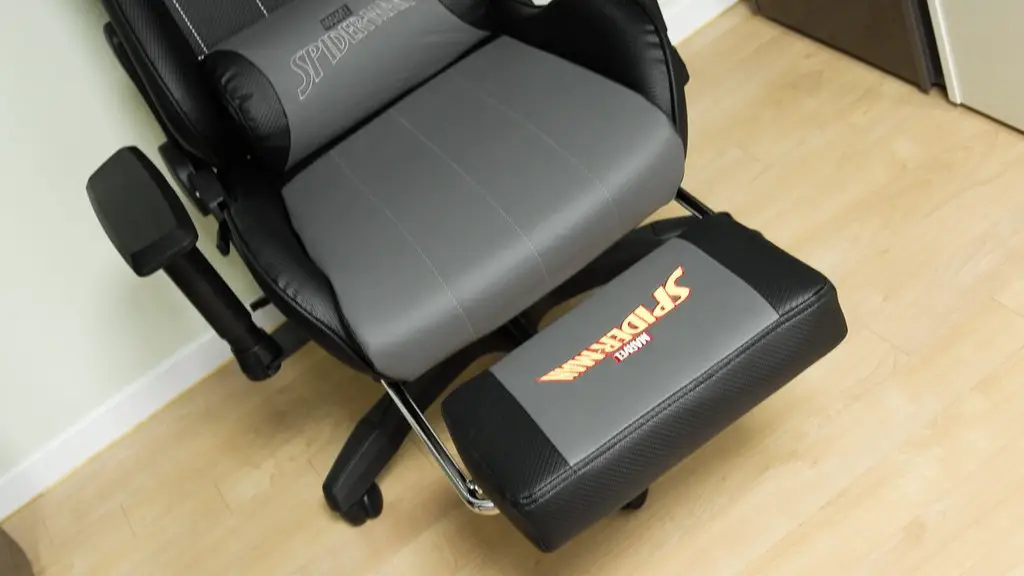
Once your gaming PC is built and running, it’s time to consider some of the other components. This can include everything from monitors and mice to headsets and keyboards. When selecting peripherals, it’s important to look at the type and features that are available. Monitors usually come in various sizes and resolutions, so it’s important to select one that fits your needs and budget.
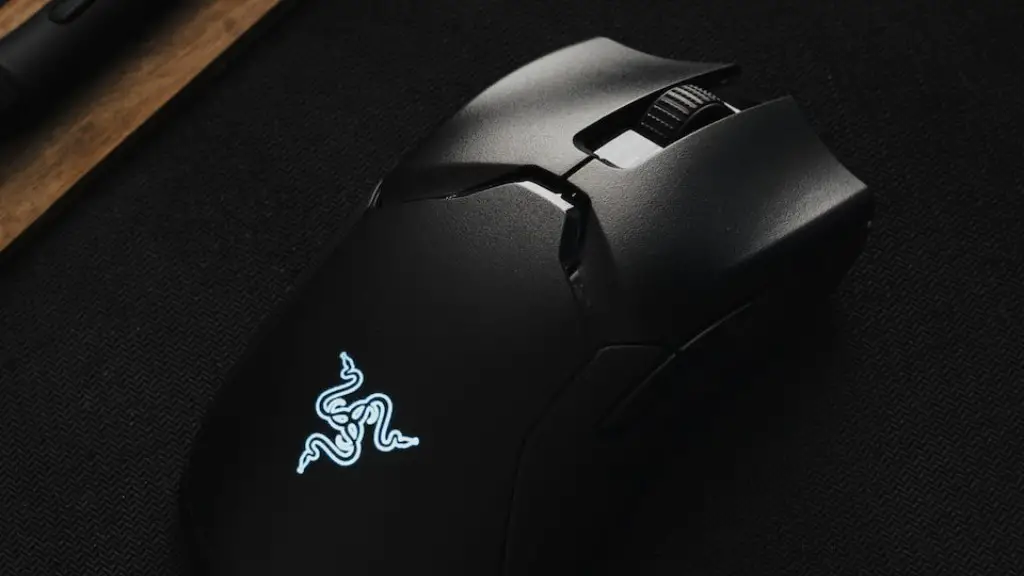
Mice and keyboards are also important pieces of kit, as they allow you to interact with the PC and control your games with greater accuracy and speed. For first person shooters and real-time strategy games, a gaming mouse and keyboard combination is usually the best choice. Many gaming mice have adjustable weights and sensitivity levels, allowing you to customize the feel and performance.
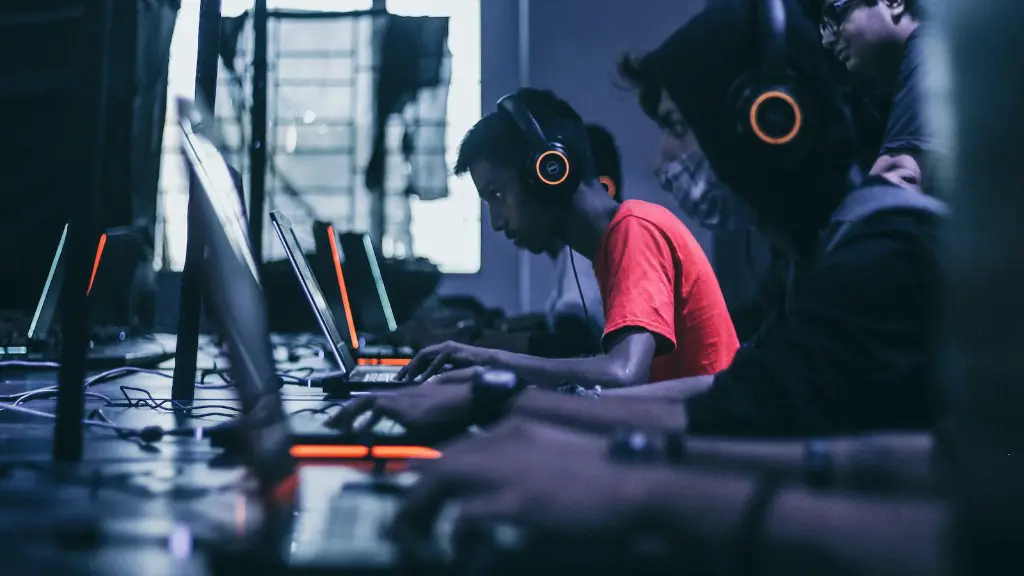
Headsets are also essential for gaming, as they allow you to feel immersed in the game and take advantage of the sound design. There are a wide range of headsets available for gaming, from basic models to high-end surround sound models. It’s important to select a headset that fits your budget and needs, as well as one that is comfortable enough to wear for extended periods of time.
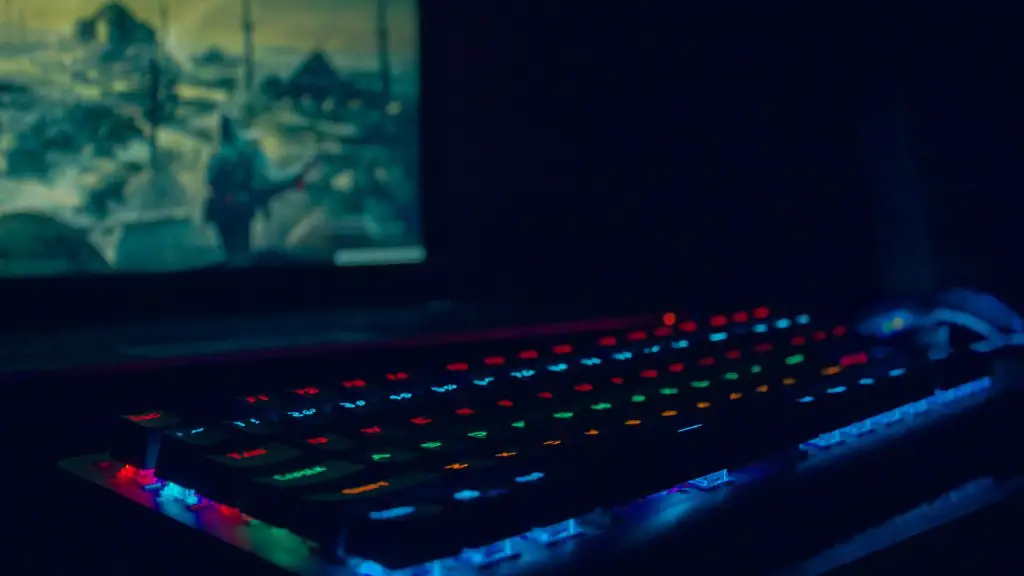
Finally, gaming keyboards and mice often come with additional features such as lighting, macros, and media controls. These can add to the overall gaming experience, making them popular amongst serious gamers. However, it’s important to select the features that you need, as many of the extra features can quickly add up in price.
Cables And Connectors
Once all the components have been chosen, it’s time to consider the cables and connectors. This is another step of the build that is often overlooked, but it’s important to make sure everything is connected properly. This usually involves buying the right cables and connectors, making sure they are all compatible with each other, and connecting them the right way.
For the most part, cables are fairly simply for the average build. You will need a power supply cable to connect the power supply to the motherboard and a monitor cable to connect the monitor to the graphics card. As for the connectors, you will likely need a variety of fan connectors, SATA cables and USB cables.
When connecting the cables and connectors, it’s important to pay attention to where each one goes. This ensures that everything is connected properly, as incorrect connections can cause damage to the components or prevent the PC from working properly. Make sure to refer to a guide or manual to familiarize yourself with the cables and connectors before making a purchase.
Once the build is complete, it’s also important to consider cable management. This involves organizing the cables to keep the airflow inside your case as unobstructed as possible. This can help keep your PC running cooler and reduce the potential for overheating. It’s important to route the cables neatly and tie them off when necessary.
Conclusion
Building a gaming PC is a fun, exciting process. It’s important to research the different components and pick the right ones for your PC. The processor, graphics card, RAM, storage, power supply and case are the foundation of the build, while the motherboard, cooling, peripherals, and cables and connectors should be considered to ensure your PC is running optimally. With some research and preparation, you can build the perfect gaming PC for your needs.
