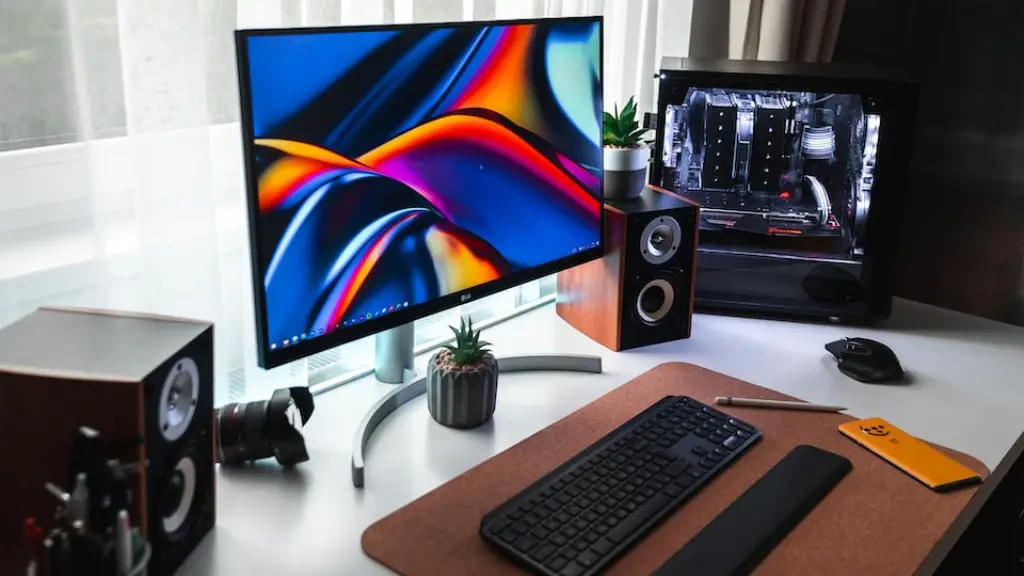
Building a gaming PC is one of the most exciting tasks for any PC enthusiast. You’ll need to choose powerful, reliable components and bring them together to create a machine capable of running all your favorite titles. But don’t go overboard on your budget. It’s possible to assemble a great gaming PC for far less than you might expect. Here are some tips for building a good gaming PC on a budget.
Choose a reliable processor. The processor is the heart of your gaming PC, so it’s best to opt for a reliable option from a trusted manufacturer. A good processor will enable you to get the most out of your gaming experience without breaking the bank. Intel and AMD both offer solid options.
Choose quality RAM. RAM is an important component of your gaming PC and it is one of the most affordable upgrades you can make. It’s important to choose RAM that is compatible with your processor and can handle the necessary amounts of data quickly and efficiently. Look for quality RAM from confirmed brands.
Find compatible graphics card. Depending on what type of gaming you’re interested in, you will need a compatible graphics card to get the most out of your gaming experience. If you’re a fan of shooters and first-person games, look for a card that can handle the levels of detail involved. If you’re into MMOs and strategy games, look for cards that are designed for those genres.
Get a reliable storage drive. When it comes to storage, you have a number of options to choose from. Solid State Drives (SSDs) offer reliable storage with quick access speeds, making them a great choice for gaming PCs. Many gamers opt for a hybrid drive, which combines a HDD and SSD for a balance of speed and storage space.
Look for deals and discounts. With so many components to choose from, it can be easy to overspend on your gaming PC. Keep an eye out for sales and discounts on the components you want. Also, be sure to compare prices between different vendors to get the best deals.
Ensure adequate cooling. Heat can be an enemy of gaming performance, so be sure to invest in a quality cooling solution. This can range from heavy-duty liquid cooling setups to more affordable fan-based options. It’s essential to pay attention to the cooling needs of your gaming PC to ensure its longevity and performance.
Choose a Reliable Case
The case is the protective housing for your PC’s components. Not only does it need to look good, it should also provide adequate space for your components and accommodate cooling solutions. With so many options available, it’s important to consider factors such as size and air flow, as well as compatibility with your other components. Look for cases at reasonable prices from reputable manufacturers.
Ensure Quality Power Supply
Without a reliable power supply, all your careful planning and component selection will be for naught. A quality and reliable power supply will ensure not only that your PC operates safely and reliably, but also that you get the most out of your parts. Look for 80+ certified power supplies, which will offer better performance and efficiency.
Invest in Quality Peripherals
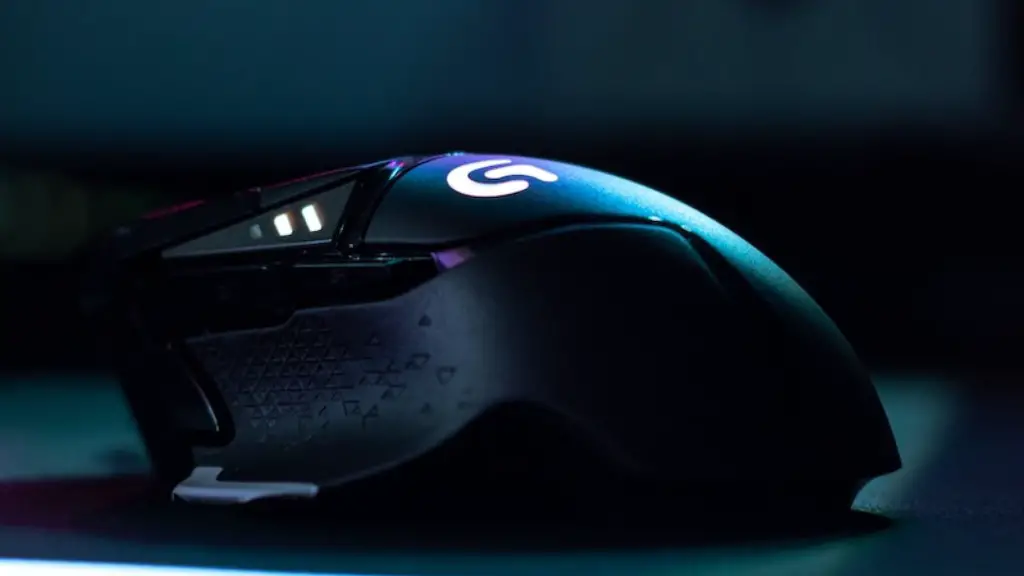
Your gaming setup won’t be complete without the right peripherals. Invest in a quality monitor, gaming mouse, and gaming keyboard. You may also want to look into a quality headset and one or two controllers depending on your gaming preferences. Look for accessories that are in your budget but still offer reliable performance.
Choose the Right Operating System
The operating system plays an important role in gaming performance. If you’re building a gaming PC on a budget, your best bet is to opt for the latest version of Windows 10, as it has solid support for gaming and is easy to set up. Keep in mind that you may need to purchase a license for certain versions.
Perform Basic Maintenance

Once you’ve finished building your gaming PC, be sure to perform basic maintenance on a regular basis. This includes regularly cleaning your PC’s components and updating drivers to ensure the best performance possible. You should also pay attention to the physical condition of your PC, making sure that components haven’t been damaged or exposed to hot temperatures.
Install Antivirus Software
Security is an important consideration when it comes to gaming PCs. Be sure to install reputable antivirus software to ensure that your PC is protected from the latest threats. Make sure you keep the software up to date and look into two-factor authentication and other security measures to further protect your personal data.
