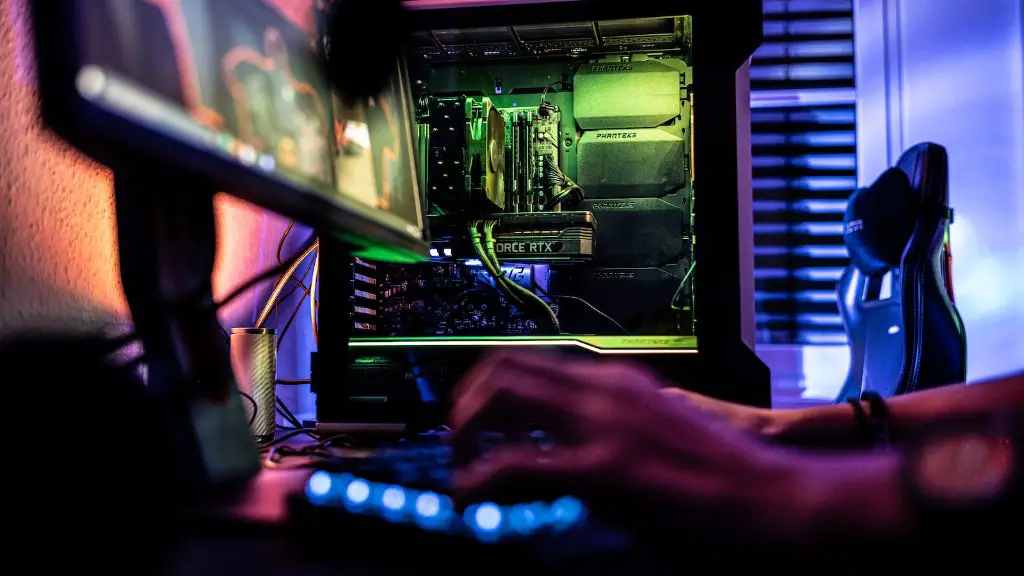
Building a retro gaming PC has become increasingly popular as the demand for retro gaming increases. With the rising popularity of classic titles like Super Mario and Sonic the Hedgehog, gamers are now looking to the past for a great gaming experience. In this article, we’ll show you how to build a retro gaming PC. We’ll cover the components you’ll need, how to assemble it, what to consider, and more.
First, you’ll need to decide on your budget and determine what type of retro gaming PC you want to build. Do you want to build a console-based system or a PC-based system? Once you’ve determined this, you should research what type of components will be necessary to build the system. You’ll need to acquire a motherboard, CPU, GPU, RAM, storage, and a case.
Next, you’ll need to select compatible components for your build. It’s important to ensure that the parts you purchase are compatible with each other and with your operating system. You should also decide how much RAM and storage you’ll need for optimal performance.

When it comes to assembling your system, you’ll need to install each of your components into the case. To do this, you’ll need to follow the instructions provided with the components. Be sure to use the correct hardware and connect the cables securely.
Once your components are installed, you’ll need to install an operating system. For a console-based system, you can install an emulator and download classic games. For a PC-based system, you can install an operating system such as Microsoft Windows or Linux.
After your system is up and running, you’ll need to configure the settings correctly. You may also have to install drivers for some of your components. Once everything is configured properly, you can begin to enjoy your classic gaming experience.
Finally, you should consider adding more RAM or storage, depending on your needs. You may also want to invest in an additional controller or a graphics card. These additional components can greatly improve your gaming experience.
Graphics Cards
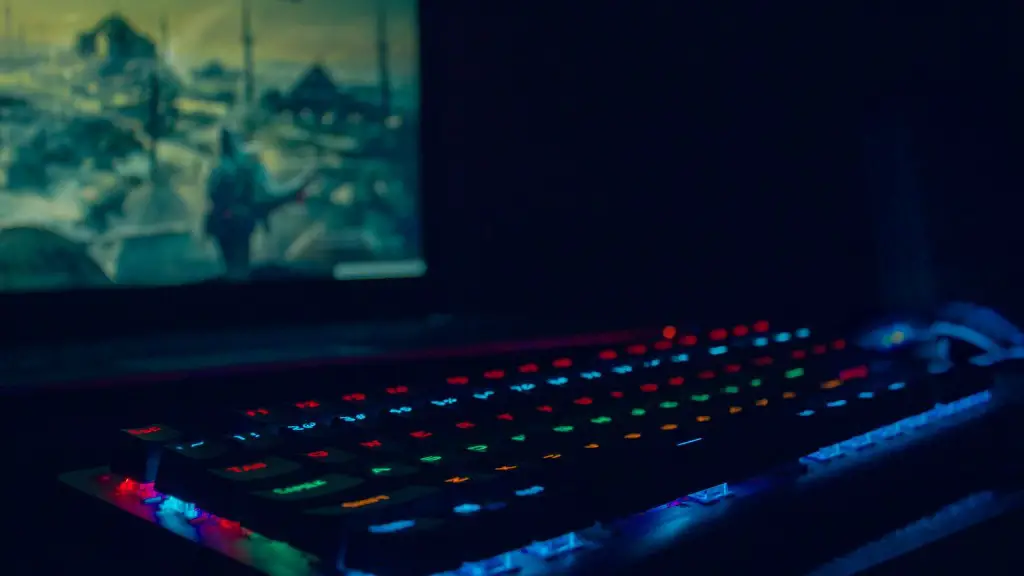
Finding and installing the right graphics card for your retro gaming PC can be a challenge. You should research the best graphics cards for your system and look for a card that is compatible with your components and operating system. When selecting a card, consider the ports available, the amount of memory, and the power consumption.
You can find graphics cards from a variety of manufacturers, such as Nvidia and AMD. Many graphics cards also come with additional features such as DirectX support, multiple ports, or VR support. Be sure to read the specs for any card you’re considering.
Generally, a mid-range graphics card should provide more than enough performance for classic titles. But if you’re looking for some higher-end titles, you may want to consider investing in a more powerful card.
Additionally, you should install the latest drivers for the card. Drivers provide improved performance, stability, and compatibility, so be sure to check for any available updates on the manufacturer’s website.
Finally, you should consider overclocking your graphics card. Overclocking will provide additional performance and can help further improve your gaming experience. Be sure to consider the risks associated with overclocking.
Emulators
An emulator is a piece of software that allows you to run classic games on your computer. You can find a wide variety of emulators on the internet, including console emulators and PC emulators. Emulators generally provide good performance and compatibility with a variety of titles.
Console emulators are available for a variety of gaming consoles, such as the Nintendo 64, PlayStation, GameCube, and more. They generally require ROMs of the game to run, which you can download from the internet. Be sure to make sure the ROMs are legal before downloading.
PC emulators allow you to play classic PC titles, such as the Command and Conquer or Civilization series. These emulators generally won’t require ROMs, but you will need to purchase the games before you can play them.
When selecting an emulator, it’s important to select one that is compatible with your operating system and hardware. You should also read user reviews and look for an emulator with a good performance track record.
Additionally, you should be sure to read the documentation for the emulator. This will help you configure the emulator properly and provide more information on how to get the most out of the emulator.
Finally, some emulators may require additional plugins and settings to run properly. If you find that a game isn’t working properly, be sure to read the documentation and set the appropriate settings.
Controllers
Controllers can greatly enhance your gaming experience and provide an enjoyable way to play your classic titles. You can find controllers for PCs, consoles, and even mobile devices.
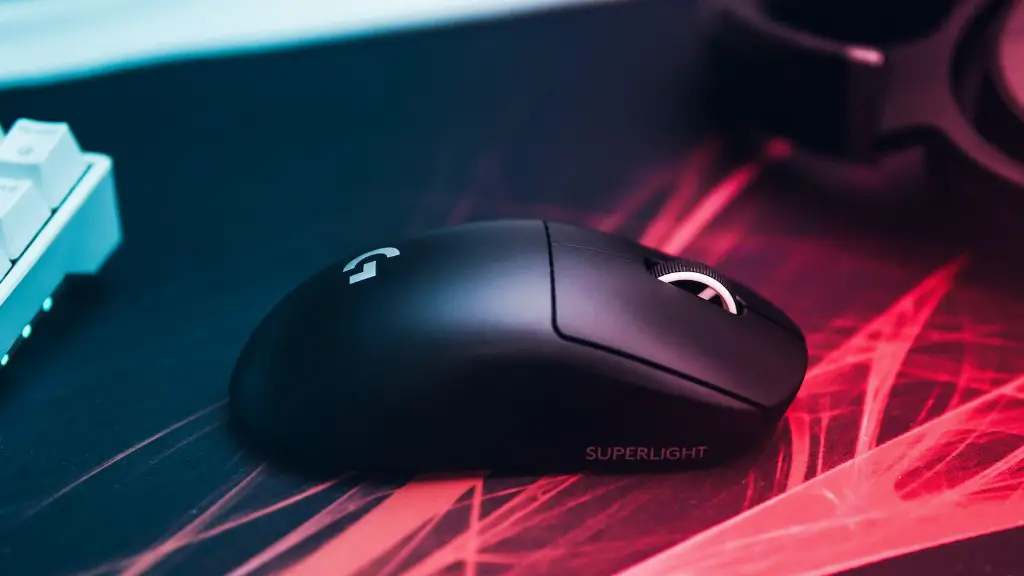
For a console or mobile device, you can usually buy OEM controllers from the manufacturer. These controllers will connect directly to your device and will often provide the best gaming experience.
For a PC, you can purchase either a wired or wireless controller. Generally, wired controllers will provide the best performance, but wireless controllers offer convenience and flexibility. Be sure to select a controller that is compatible with your operating system and hardware.
Additionally, you should consider investing in an adapter. An adapter will allow you to connect multiple controllers to your PC, which can be useful if you’re playing games with multiple players.
Finally, you should read the documentation for your controller. This will help you to configure it properly, as well as provide information on any additional features.
Peripherals
You can also add peripherals, such as a joystick, headset, or gamepad, to your retro gaming PC. Peripherals provide an even better gaming experience and most are compatible with a wide variety of devices.
For example, joysticks are often used for flight simulators and driving games. You can find joysticks from a variety of manufacturers, such as Logitech and Thrustmaster. Be sure to select a joystick that is compatible with your operating system and hardware.
Headsets can also provide great audio for gaming. You can find headsets from a variety of manufacturers, such as Razer and Logitech. Be sure to select a headset that is compatible with your operating system and hardware.
Gamepads are great for playing platformers, fighting games, and more. You can find gamepads from a variety of manufacturers, such as Sony and Microsoft. Be sure to select a gamepad that is compatible with your operating system and hardware.
Finally, you should consider investing in a home theater system. A home theater system can provide you with an even better gaming experience. Be sure to select a system that is compatible with your operating system and hardware.
Conclusion
Building a retro gaming PC can be a fun and rewarding experience. With the right components and peripherals, you can create a system that will bring back the classic gaming experience. Be sure to do your research and consider your budget when selecting the components for your build.
