
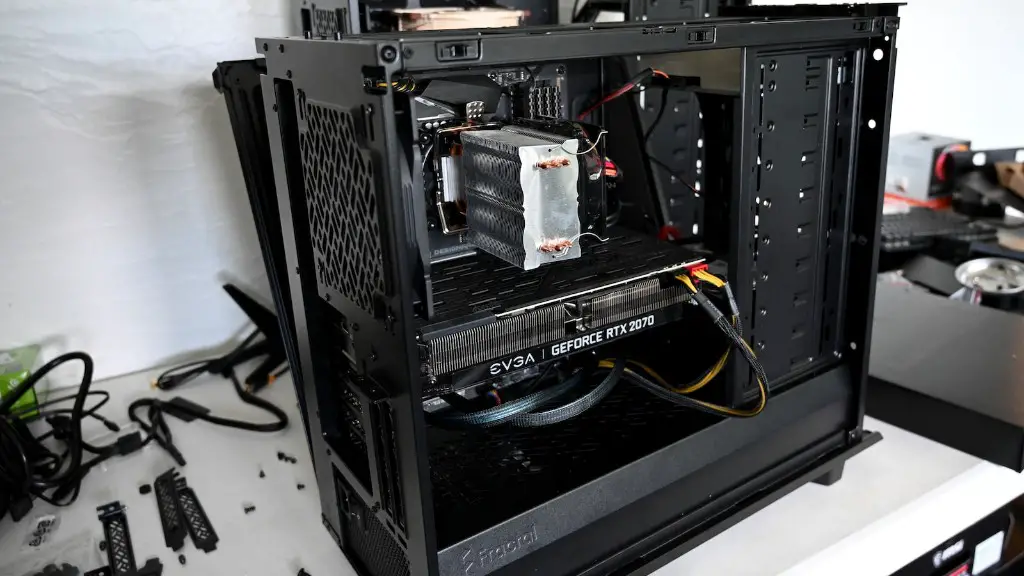
A gaming PC is an optimized desktop computer designed to run high end games with maximum performance and stability. It combines powerful hardware, like an advanced CPU, a high-end GPU, and a fast RAM to deliver smooth frame rates and high resolution visuals. When building or upgrading a gaming PC, it is important to understand the components involved and how they affect the overall performance of your gaming rig.
There are a variety of components to consider when building a gaming PC. The CPU, or Central Processing Unit, is the brains of your outfit, handling many of the calculations needed to run modern games. It’s important to choose the right CPU depending on your budget and what type of games you are playing. GPUs, or Graphics Processing Units, are responsible for displaying images on your monitor. A good GPU ensures smooth and detailed game visuals, so make sure to choose a model that fits your budget. The RAM, or Random Access Memory, is also an important factor in your system’s gaming performance; more RAM allows for more complex calculations and improved performance for modern games.
A higher quality monitor is also important when it comes to gaming performance. A bigger monitor size and a higher refresh rate mean better visuals and smoother gameplay. Make sure to choose one that fits your budget and requirements. Last but not least is the storage, which is responsible for saving and loading game data. A conventional HDD can slow loading times, so if you can afford to upgrade to an SSD you’ll get a huge performance boost.
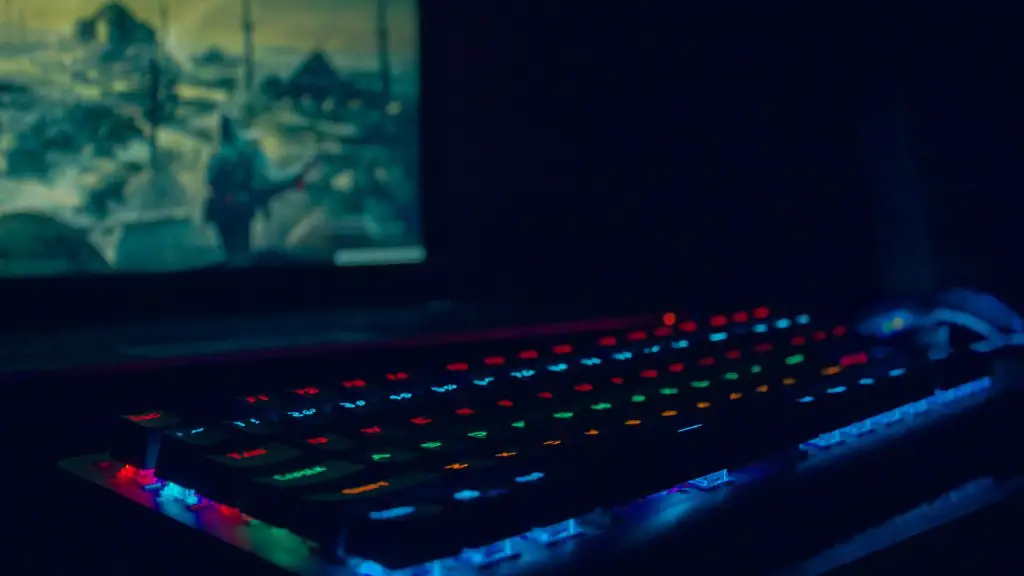
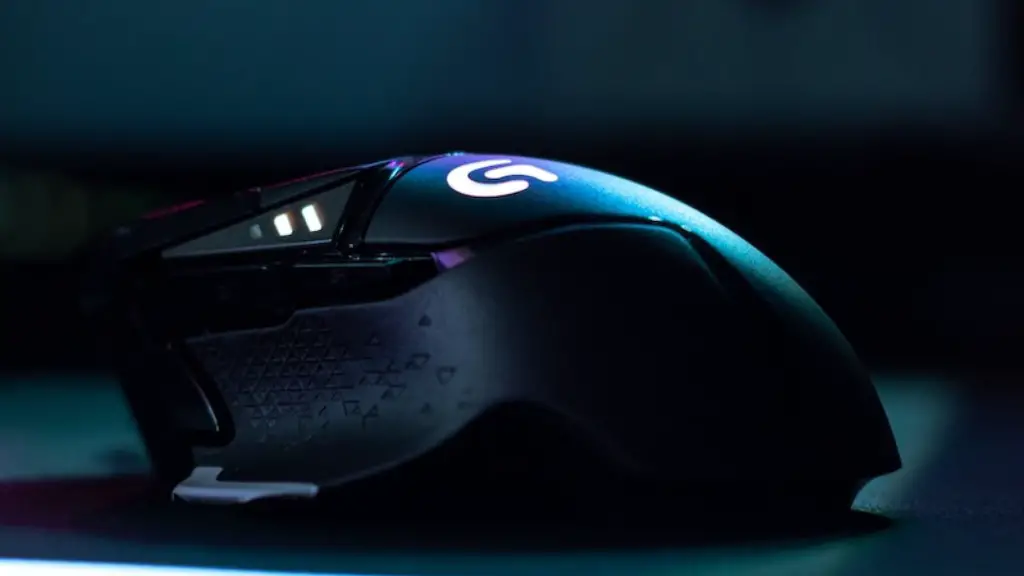
Besides the components in your gaming PC, extra accessories, such as gaming mice, gaming keyboards, and gaming headsets, can help improve your gaming experience. A gaming mouse, for example, offers higher levels of accuracy with its higher DPI than a normal mouse, allowing for better aiming and faster reactions. There are also gaming keyboards with mechanical switches and backlit lighting that can further enhance your gaming performance.
Finally, a good gaming PC should have ample cooling and airflow to prevent any overheating. Make sure to pick the right case and look for aftermarket cooling solutions such as additional fans or liquid cooling.
The Benefits of Building a Gaming PC
There are several benefits to building a gaming PC, as opposed to purchasing a pre-built model. First, building your own computer allows you to customize your rig exactly how you want it. You can choose the exact components you want, ensuring you get the best performance. Additionally, building a gaming PC gives you the opportunity to save some money, as it’s usually cheaper to build your own machine, as compared to buying one pre-assembled.
Another advantage is that you can easily upgrade your hardware in the future. As technology evolves, you can replace and upgrade individual components, such as your GPU, as your budget allows. This way, you don’t have to buy a new machine every time the latest hardware becomes available. Last but not least, building a gaming PC gives you a sense of accomplishment and can be a sentimental keepsake for years to come.
Overclocking For Better Performance
Overclocking is the process of boosting the performance of your gaming PC by tweaking the voltage and frequency settings. This process can yield impressive performance gains, often increasing frame rates and overall performance. However, overclocking is an advanced endeavor, as it can cause decreased stability if done incorrectly. Additionally, it may also cause your hardware to become damaged or wear out faster.
If you decide to overclock your CPU or GPU, make sure to research the right settings for your specific setup. Increasing the voltage of your CPU, for example, can put excess strain on it and decrease its lifespan, so make sure you understand overclock limits before meddling with your components.
There are lots of tools available that can make overclocking easier. Many motherboards have their own built-in overclocking tools, and there are also third-party programs like MSI Afterburner and CoreBand that can help. Make sure to research the different utilities available and find the tool that best fits your gaming PC.
Modern Graphics Settings And Performance
Modern games can be quite demanding, with detailed graphics settings and a long list of features that require grunt work from the hardware. A good gaming PC should be up to the task, with power to spare. However, at times, that may not always be the case. If you find that your gaming PC lacks the necessary power to run the latest games, there are a variety of tricks you can use to squeeze out some extra performance.
The first thing to consider is the graphics settings of your game. The higher the resolution and level of detail, the more stress it puts on your hardware. Lowering the settings can give a nice boost in performance, allowing your gaming PC to run the game with more stability. Additionally, there are a variety of other graphics settings that can give you an extra performance boost, such as disabling v-sync and reducing anti-aliasing.
Moving beyond graphics settings, other factors such as RAM usage and system cache can also affect gaming performance. Make sure you have enough RAM for the games you play, and close unnecessary background programs to free up more memory. Additionally, defragmenting your hard drive every now and then can also create some noticeable performance gains.
The Best Gaming PC For Your Budget
Regardless of your budget, there are always great deals when it comes to gaming PCs. There are pre-assembled models available, but if you want the best performance and the most flexibility, then building a gaming PC is the ideal option. Here are some tips to help you get the best gaming PC for your budget.
First of all, look at what games you’re planning to play and how much power they require. With this information in hand, you can determine what type of hardware you’ll need, as well as how much you’re willing to spend on each component. In general, it’s always best to invest more in the main components, such as the CPU and GPU, as these will be the most important for gaming performance. Additionally, consider looking for used hardware if you’re trying to save some money.
Once you’ve chosen your components, you’ll need to assemble and install them in the right order. Research how to build a gaming PC and carefully follow the instructions in the user manual. Don’t forget to check the bios and make sure your hardware is compatible with the motherboard. Also, consider getting a case with good airflow to prevent overheating.
Finally, make sure you get the latest drivers for your hardware. Downloading and installing the most recent driver updates for your graphics card, for example, can give you additional performance boosts and improved stability. With the right care and maintenance, you should be able to enjoy a powerful and reliable gaming PC for years to come.
