
The cost of gaming PCs can be daunting, but there are a number of ways you can save money for a gaming PC without sacrificing quality. Here’s how you can save money for a gaming PC.
First, make a list of components for your gaming PC, and research the components to ensure that you get the best quality at the lowest possible price. Don’t be tempted to purchase components from the first vendor you encounter, consider other distributors and price compare. This allows you to make sure you get the best deal. Additionally, try to purchase components in bulk. Buy larger quantities to save money on each unit.
Second, shop around for the best deals. Compare prices on reputable websites and look for sales and discounts. If something is on sale, consider buying it right away. You can also use price comparison websites to make sure you get the best deal.
Third, consider buying a pre-built system. This can save you time and money in the long run because you don’t have to worry about picking and matching components yourself, and you can usually find pre-built systems for a lower cost that are just as good as those you would build yourself.
Fourth, look for the best timing to buy. Buying components when demand is low (like during holiday sales or other sales) can help you get discounts and lower prices. Additionally, look for deals that offer discounted upgrades from the original base model and save you money.
Fifth, think about parts that can wait. If you absolutely need a top of the line CPU for your gaming needs, you may want to wait for a sale. But if you can do without the newest GPU, consider buying it the next year when it’s cheaper.
Finally, be patient. Take your time and shop around to find the best deal. Waiting a few months can save you a lot of money on components. Be sure to conduct due diligence on any vendor before buying components from them to ensure that you are getting a quality, reliable part.
Tips on Saving Money on Your PC
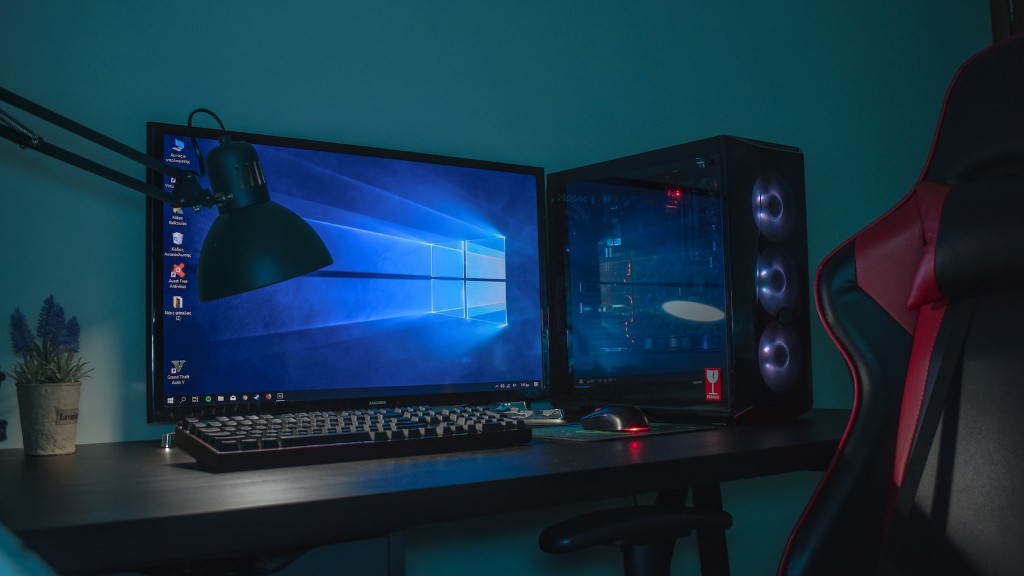
When researching the components you need, try to budget each item separately. Make sure you purchase components that can be easily upgraded later, such as those with the same socket type, so that you can upgrade without replacing the entire system. Additionally, Dell and other vendors offer periodic promotional deals and discounts, so be sure to take advantage of those.
Be mindful of the components that you can refurbish or restructure instead of buying anew. The graphics processing unit (GPU) and RAM are two of the most common components that can be reused. This can help you save a lot of money without compromising performance.
Replacing faster RAM is one of the most effective ways to improve the performance of a laptop. Always check the maximum RAM that a system can support and plan ahead on buying the desired RAM. This will help you both save money and future-proof your device.
If you are on a budget, you may want to think twice and read reviews before buying components separately. Pre-built PCs usually come in bundles and cost significantly less than purchasing components separately.
Additionally, always do your research when it comes to warranties. Many vendors offer warranties on their components, and it is a good idea to have one in case something goes wrong with your hardware. Be sure to read the fine print so you know what you are getting.
Tips on Researching and Comparing Components
When researching for components for your gaming PC, consider reading reviews and perusing online forums. There you can find honest opinions and advice from other gamers who have bought similar components for their computers. Go into detail about what is important for you and don’t forget to compare prices.
In addition, don’t forget to check out websites that specialize in specific components since they may offer better deals than regular e-commerce sites. And look out for resellers who may have discounts on certain models.
Also, keep an eye out for bundles that offer components like RAM and video cards together. This could help you save a significant sum of money and get everything you need in one purchase. Finally, don’t forget to join mailing lists for popular websites, as vendors may offer exclusive discounts for their loyal customers.
Saving Money on PC Upgrades
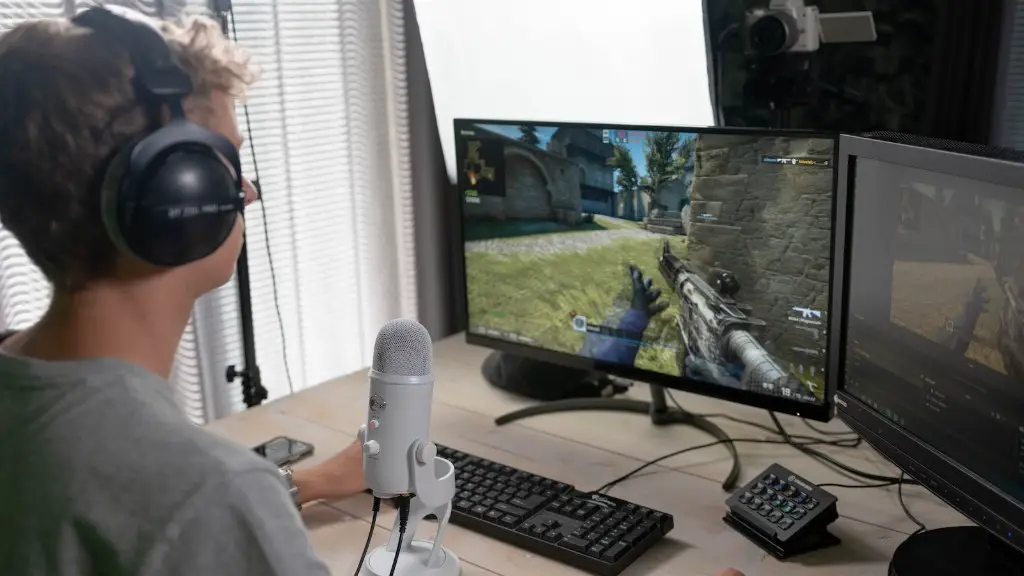
You don’t always need the latest components for gaming. Some games will run just fine on older components and can even save you money. An older graphics card or CPU may not be able to handle the latest games, where you can benefit from purchasing the latest components. But if you’re playing older games, you can save a lot of money by not upgrading right away.
Don’t forget to look for used components. They can be significantly cheaper than new parts, but make sure to read reviews and be wary of sellers. Try to find the most reliable seller, and if the part comes with a warranty, make sure you read the fine print and understand any of the limitations.
If you’re using an older PC, you can save money on upgrades by only getting the components that you need. For example, if you notice that your computer is lagging, upgrading the RAM and getting a SSD could be more cost-effective than buying a new processor and graphics card.
Finally, if you’re considering buying a new processor and the latest graphics card, consider whether you can afford to wait for the next generation of components. Often, the jump in performance and price between one generation of components and the next can be significant.
Saving Money on Accessories
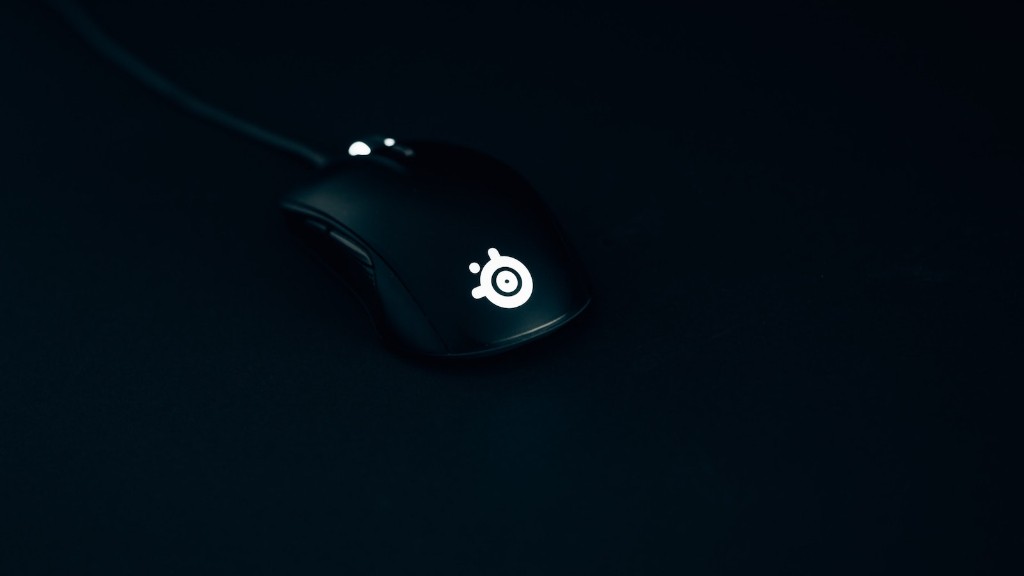
When it comes to gaming accessories, you don’t need to spend a lot of money to get great quality gaming equipment. Many of today’s mice and keyboards are designed to be durable and have features that enhance your gaming experience. For example, an inexpensive gaming mouse can come with a 12,000 dots-per-inch (dpi) sensor, meaning you will never have to worry about lack of accuracy while gaming.
When it comes to monitors, don’t worry about buying the priciest option. Even cheaper LCD monitors these days offer visuals that are as good, if not better, than more expensive gaming monitors. But always make sure to check the specs before buying and compare them to the more expensive monitors.
Headphones can be expensive, but depending on your gaming needs, you can save money by looking for lowerpriced options. Some gamers only need basic stereo sound while others need 7.1-channel surround sound. Consider buying a headset with different audio inputs or removable cables to meet your needs.
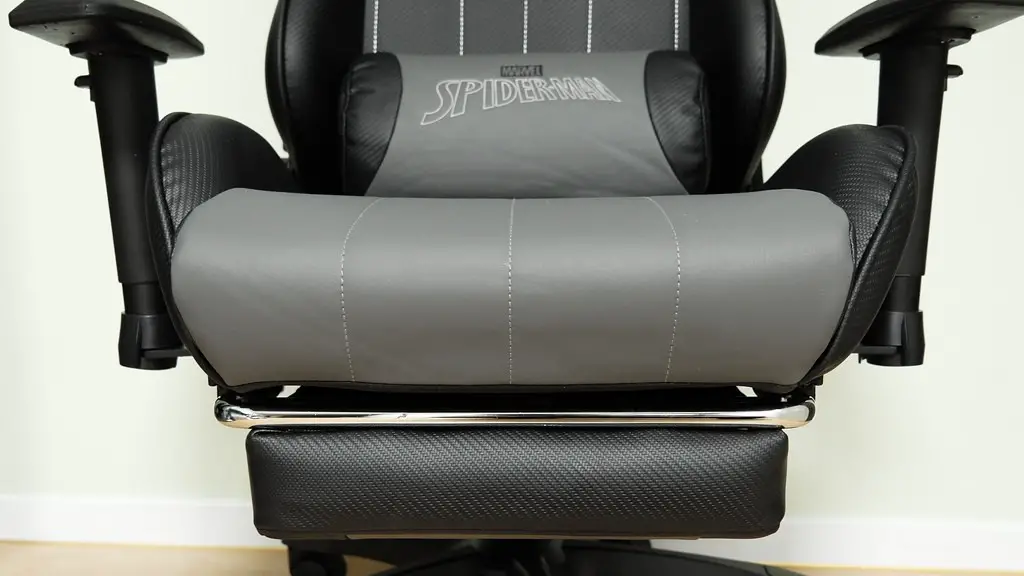
Finally, don’t forget to invest in a good gaming chair. Spending the extra money can provide extra comfort and help to improve your gaming experience. Plus, it can serve as a chair for everyday use.
