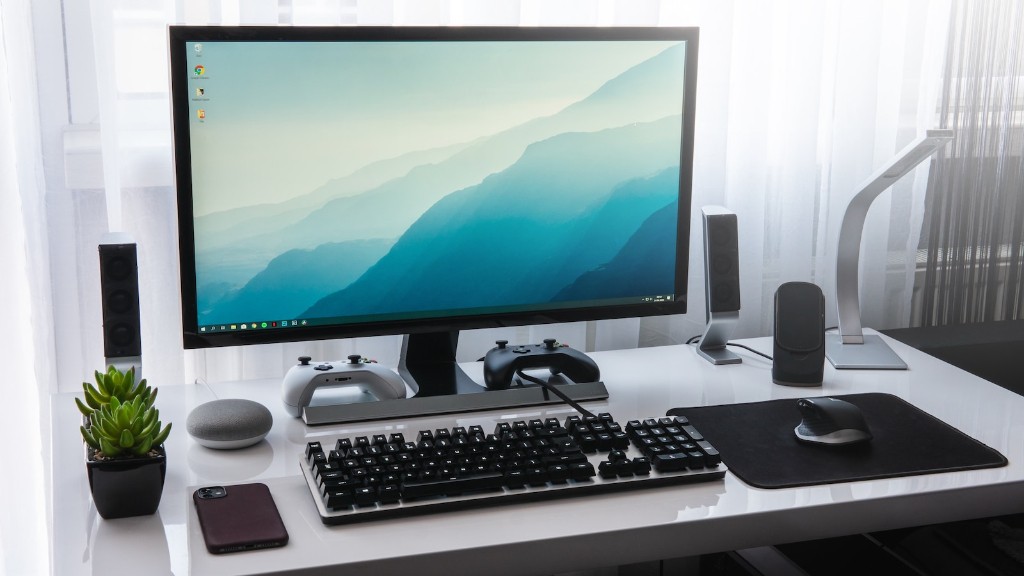
Building a gaming PC is a great way to get the power you need to run your favorite games. Whether you are looking to build a budget gaming PC or one to compete against the best players in the world, there are some important items that you need. These include the motherboard, processor, graphics card, memory, storage, power supply and case. This guide will provide detailed information on each of these items in order to help you build your own gaming PC.
The first item to consider is the motherboard. This is essentially the brains of the PC and provides the connections between all the other components in the system. It is important to select one with the right features, such as the type of processor it supports and the amount of memory it can handle. It is also important to consider future upgrades when selecting a motherboard.
Next, the processor is one of the most critical components for a gaming PC. A good processor will provide the power needed to run all your games at the highest settings. The two most popular processors for gaming are the Intel Core i7 and the AMD Ryzen 5. It is important to select a processor that can handle the tasks you want to do, as well as future upgrades.
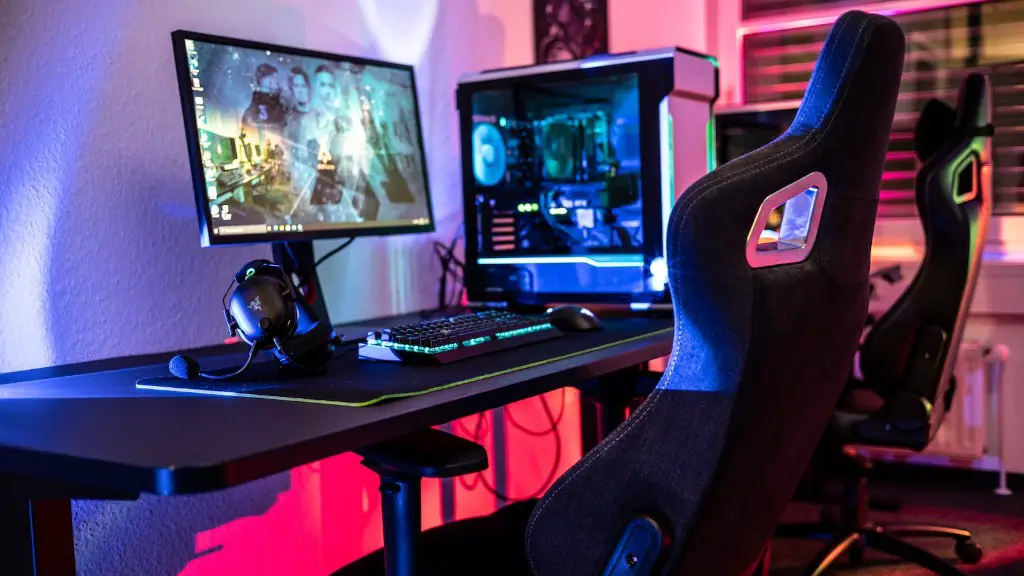
The graphics card is the component that brings life to your games. It is important to choose one that can handle the resolution and settings you want to play at. Popular options include the Nvidia GeForce RTX 2060 and the AMD Radeon RX 5700. It is also important to consider the amount of onboard memory, which is typically measured in gigabytes (GB).
To ensure your PC runs smoothly, it is important to choose the right memory. This is typically measured in gigabytes (GB) and can range from 8GB to 32GB. It is important to ensure that you select enough memory to handle the games and programs you plan to use. High-end graphics cards often require large amounts of memory.
Storage is important for any PC, but it can be especially important for a gaming PC. This is used to store games, programs and other data. Common storage options include solid state drives (SSDs) and hard disk drives (HDDs). SSDs provide faster performance and HDDs provide more storage capacity, so it is important to choose the right option for your needs.
The power supply is another essential component for a gaming PC. This provides power to the components in the system and can affect the overall performance. Be sure to select one with enough wattage to meet your needs, as well as one that is reliable and efficient.
Cooling
The final item you need to consider is a case to house all your components. It is important to select one with plenty of cooling options to keep your components running at optimal temperature. Cooling options include fans, liquid cooling and even external temperature sensors. While some cases come with built-in cooling options, others require you to purchase additional cooling components separately.
In addition to the items mentioned above, there are several other components to consider when building your own gaming PC. These include a sound card, an operating system, keyboard and mouse, Wi-Fi adapter and gaming headset. Once you have all the components you need, it is time to build your PC and start enjoying the latest games.
Peripherals
Your gaming PC will be incomplete without peripherals. These items provide further support and provide added convenience. There are a number of different peripherals to consider, including a gaming mouse and keyboard, a gaming headset, controllers, external storage devices and virtual reality headsets. Keeping in mind all the considerations mentioned above, you can easily build your own gaming PC and get ready for an immersive gaming experience.
Upgrades
Most gamers tend to upgrade or customize their gaming PCs as time goes by. This allows gamers to enhance performance or add additional features to their gaming PCs. Common upgrades include better graphics cards, cooling systems, higher-capacity memory, larger storage drives and even custom lighting. You can customize your gaming PC according to your preferences and experience the best performance possible.
Maintenance
It is important to keep your gaming PC in top shape. This includes cleaning the internals, updating software and drivers and running occasional stress tests. Keeping your system up to date and free of viruses is also important for optimal performance. Furthermore, proper maintenance will help prevent costly repairs and extend the life of your gaming PC.
