The focus of this post is to discuss what makes a good starting gaming PC. As an academic expert in gaming PCs, I can tell you that the components you select can make a significant difference in your gaming experience. There are several key factors to consider when choosing your starting gaming PC: processor, GPU, RAM, and storage.
First and foremost, the processor is paramount for gaming. CPUs make all the calculations for your games, and as such, need to have good performance. To ensure your gaming PC is capable of running the latest titles at good fps and image quality, it’s important to get a processor with good clock speed, high single-thread performance, and multi-thread support. This means that you should look for the best possible processor from AMD or Intel that you can afford.
For your GPU, it’s important to choose one that’s powerful enough to drive the resolution and image quality that you want. You should also consider GPU features like ray tracing or DLSS to ensure that your games look their best. The GPUs currently available from Nvidia and AMD offer excellent performance and features. The key is to find one within your budget that can offer the performance you need.
RAM is a crucial part of any gaming PC build. For most gamers, 8GB of RAM is considered the minimum, while 16GB is the ideal option. More RAM allows more applications to be loaded onto it at once, which is one of the reasons why your games will run more smoothly. It also helps reduce loading times and latency.
Finally, storage is important for any gaming PC, as it provides the necessary space for the OS and your games. Nowadays, Solid State Drives (SSDs) are the preferred choice over Hard Disk Drives (HDDs), due to their faster read and write speeds. For a good starting gaming PC, an SSD with at least 500GB of storage capacity should suffice, although higher capacities are also available.
Price
The price of your starting gaming PC is another factor to consider. The components you need to create a good gaming PC build are not cheap, and you can easily spend several hundred dollars. To get the best bang for your buck, try to find deals on components, as they can save you a lot of money. Some components can also be bought second-hand, which is also a great way to save some money.
Pre-built gaming PCs are another option, and they can be a great way to get started. Most manufacturers have multiple tiers that range from entry-level to high-end, and these machines can be purchased for quite a bit less than building one from scratch. That said, you won’t have as much control over the specifications of your PC.

Another option is to rent a gaming PC. This way, you won’t have to worry about the cost of buying one, and you don’t need to purchase any components or worry about assembling them. However, you will be limited in terms of what you can do with the PC. You will also have to pay for the rental fee, on top of the cost of the software you need.
Finally, there are ways to minimize the cost of your gaming PC by choosing components with lower TDPs and lower prices. For example, processors like the AMD Ryzen 5 3400G and Ryzen 3 3200G perform well, and they don’t cost as much as some other processors. Similarly, GPUs like the Nvidia GTX 1650 Super are a great choice for entry-level gaming, and they are much more affordable compared to high-end GPUs.
Usability
It’s also important to consider the usability of your gaming PC. This means looking at how you’re going to be using it, such as gaming or streaming, and what type of games you’ll be playing. This will determine what kind of components you’ll need, and it will help you decide how much money you should spend on your starting gaming PC.
Game-specific components are a great option to consider, such as a gaming mouse, keyboard, and headset. These will allow you to make the most of your gaming PC and give you the edge over your competitors. Additionally, you may want to consider buying a gaming laptop if you plan to take your PC with you. Laptops are more expensive than desktop PCs, but they offer portability and can still provide excellent performance.
In addition to the hardware, you should also think about the software you need. Your operating system and drivers should be up to date for optimal performance. You should also be aware of anti-virus and malware protection, as well as any other software applications you might need to install.
Finally, there is the question of which games you want to play. Games come in a variety of sizes and requirements, so it’s important to know what you need before you start buying components. You should also check the minimum system requirements for games you’re interested in, as these can help you get an idea of what kind of performance you can expect from your gaming PC.
Power Supply
An often overlooked component of a gaming PC is the power supply. It’s important to choose the best possible power supply for your gaming PC, as it’s the component that supplies all your other components with the necessary power. It’s important to make sure the power supply is reliable and efficient, as this will ensure your components are running properly and won’t be affected by power issues.
The wattage required depends on the components used in your gaming PC. It’s important to calculate the wattage you need based on the components you will be using. Once you know the wattage, you can select a power supply that is able to handle that amount. It’s also important to check the efficiency rating of the power supply, as this will affect the performance of your PC.
Cooling

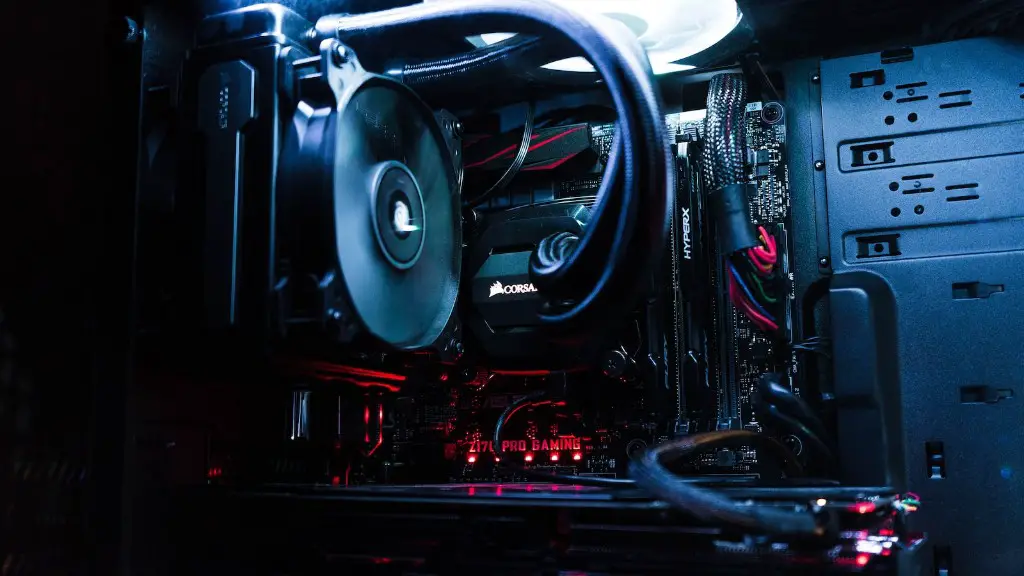
Cooling is also important for your gaming PC. When you’re gaming, your components can get hot, and if they’re not cooled properly, they can suffer from performance issues. There are several ways to cool your PC, such as air cooling and water cooling. Air cooling is more affordable and easier to set up, but water cooling can offer better performance.
Air cooling is the most common method used in gaming PCs. For air cooling, you’ll need a fan or two and a heatsink. You’ll need to make sure the fan is big enough to handle the airflow, and the heatsink needs to be big enough to cover all the components that need to be cooled. Additionally, you’ll need to make sure the fan is properly installed.
Water cooling is a bit more complicated, but it’s also more effective. It requires a radiator, pump, and tubing to move coolant through the system. To ensure adequate cooling, it’s important to select a radiator with the right size and a pump that is powerful enough for the job. With proper setup and maintenance, your water-cooled gaming PC should be able to handle intense gaming with high performance.
Cases And Peripherals
Last but not least, there are cases and peripherals to consider. Cases come in a variety of sizes, styles, and colors, so they are an important part of the aesthetic of your gaming PC. You should also consider if you want to customize your case with features like RGB lighting or liquid cooling.
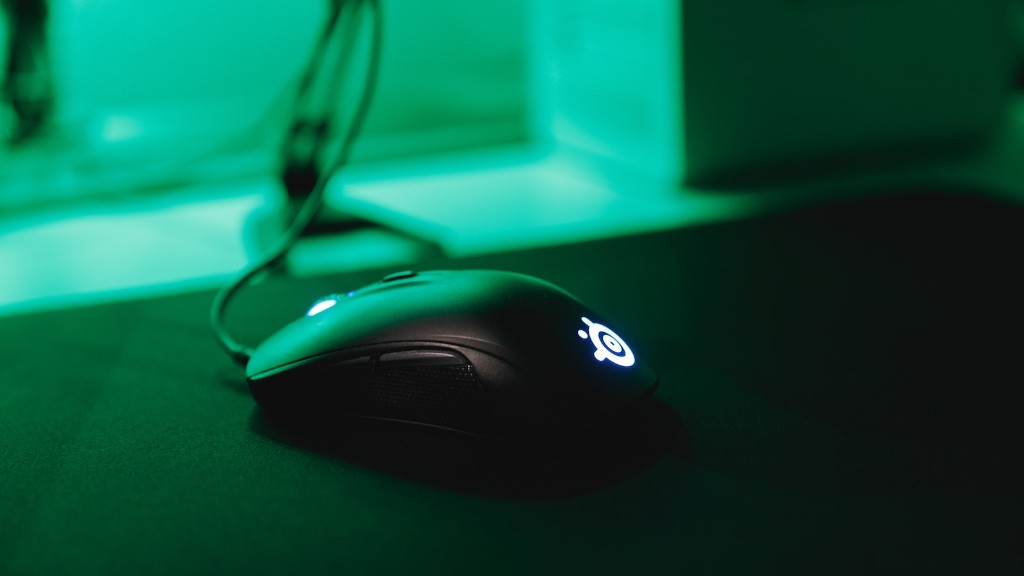
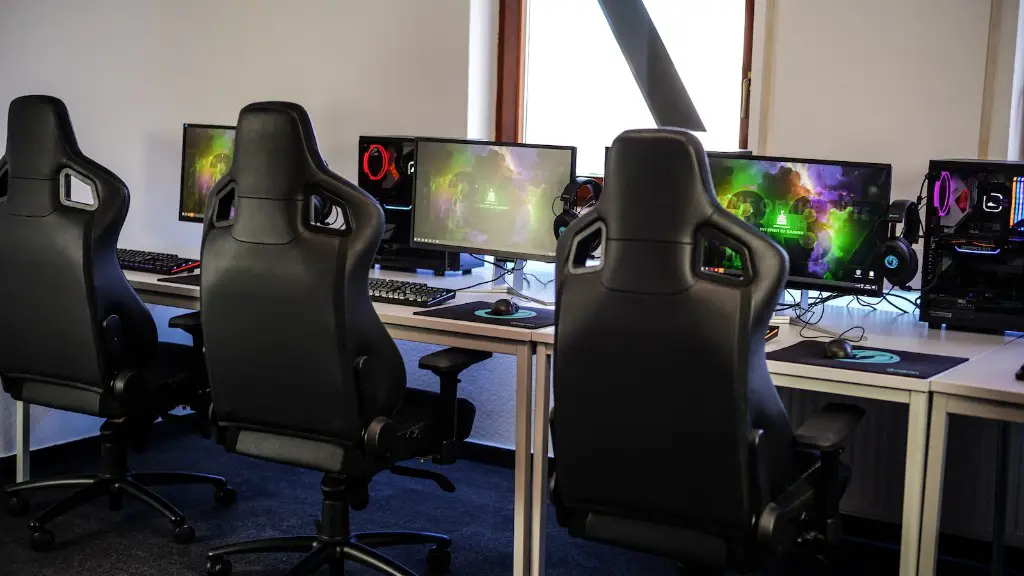
Peripherals such as a mouse, keyboard, and gaming chair are also important for an optimal gaming experience. These can be anything from basic, budget-friendly models to more expensive models that offer better performance, more features, and more comfort. It’s important to consider the type of games you’ll be playing and your budget before making a decision.
Ultimately, when looking for a good starting gaming PC, you need to consider the components and their associated cost, the usability of the PC, the power supply, and the cooling system. Cases and peripherals are also important, as they are a key part of the aesthetic and gaming experience. Armed with this knowledge, you should be able to make an informed decision on what makes a good starting gaming PC.
