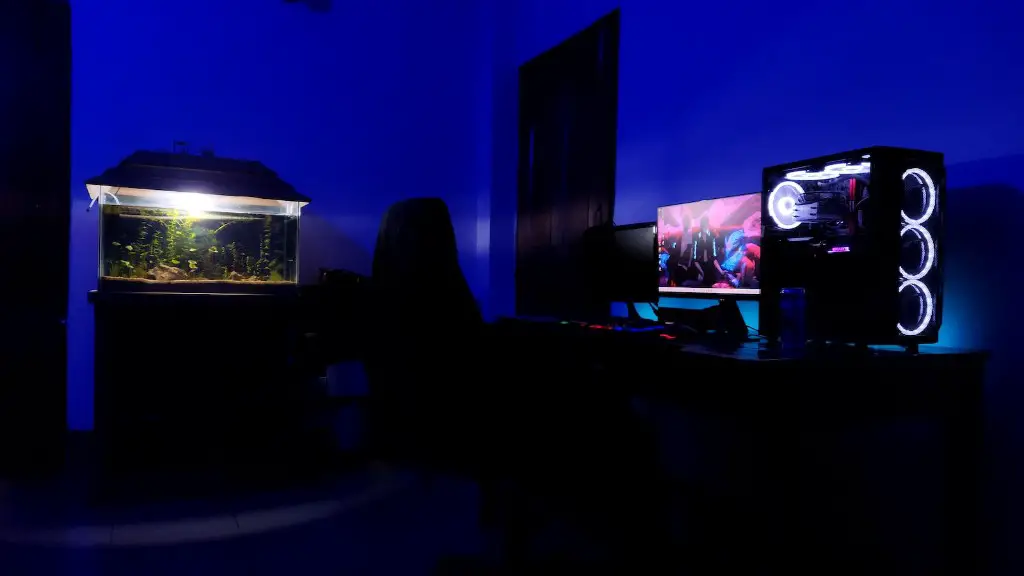
Building a gaming PC on a budget is possible with the right components and configurations. It can be difficult and stressful to acquire the best components and build a system without breaking the bank. In this post, I will go through a few tips and tricks on how to build the best gaming PC for cheap.
Firstly, when it comes to building a cheap gaming PC, you must upgrade components, instead of buying a complete system altogether. This will allow you to get maximum performance while keeping the buy, build and upgrade cost low. Avoid buying all the components at once in order to save money.
Second, look for deals and refurbished components to find the best pieces at the lowest prices. New components are always very expensive, and buying slightly used parts can save you a ton of money. Make sure you always check the warranty period before you buy.
Thirdly, you must carefully select components and buy them according to your system requirement. Buying cheap components which are lower on performance is a waste of money, especially in the gaming scenario. Instead, buy components which are the best in their category.
Fourthly, you must think about the form factor. Many components come in multiple form factors and choosing the right form factor is important when building a PC for gaming. For instance, you must choose a motherboard which can fit the GPU, CPU and RAM size.
Fifthly, you need to think about cooling. Keeping the components cool while gaming is essential. Buying a decent cooler can make a huge difference.
Finally, you must keep updating the BIOS and drivers of the components regularly. This will make sure everything is working in top condition and you will be able to maximize the performance of your gaming rig.
CPU and GPU combination
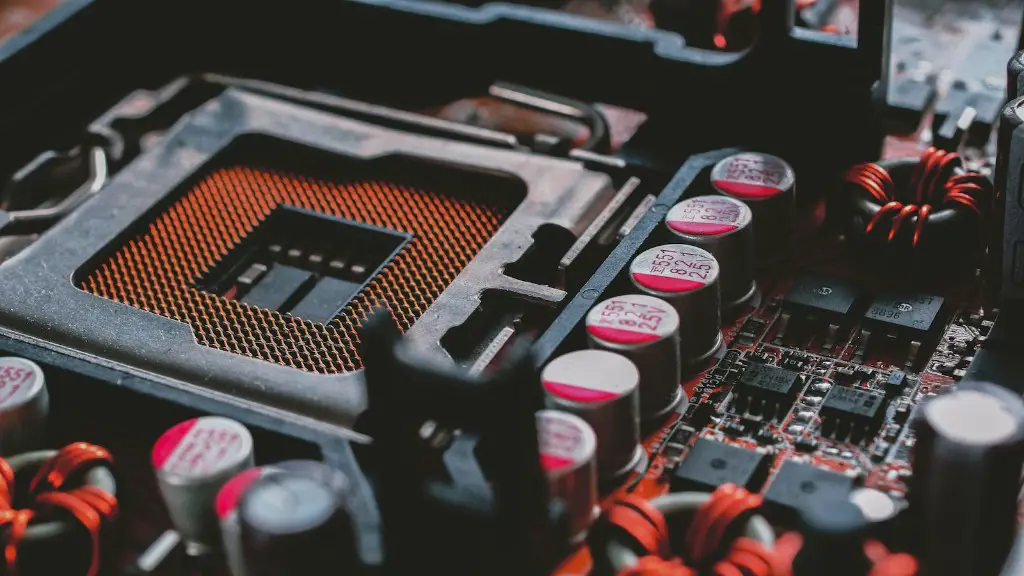
One of the most important components when building a gaming PC is the CPU and GPU combination. You must choose components which can work together to give you the best performance. For example, if you have an Intel Core-i processor, then you must choose a dedicated GPU from the same brand or an AMD GPU. It is important to choose the right CPU and GPU combination, as it will determine the performance of your gaming PC.
Choosing the right combination of CPU and GPU will also help you save money. As with any other components, when buying from the same brand, you can get discounts, or bundle deals which can make them cheaper. In addition to this, you must also consider the power draw of both the components and choose components which can be powered by the power supply you have installed.
When choosing a CPU and GPU combination, it is important to look at the benchmark scores to get a better idea of the performance of the components. Benchmark tests are available on various websites and can give you a good idea of the performance of a specific combination.
Finally, it is important to have a good understanding of the game you are playing. If you are playing a game which requires more CPU power than GPU power, then you must opt for a higher-end CPU. On the other hand, if the game demands more GPU power, then you must opt for a higher-end GPU.
Memory
The memory of a gaming PC is another important component to consider when building the best gaming PC. You must choose a memory kit which has the right speed and capacity for your system. A high-end memory kit will give you better performance, but it will cost you more.
When choosing the memory for your gaming PC, it is important to look at the latency and frequency of the kit. Higher frequency and lower latency memory kits are ideal for performance-oriented gaming PCs.
It is also important to note that the memory size will determine the performance of your gaming PC. It is important to choose a memory kit which has the right size and speed according to the system you are building.
Finally, it is important to buy the right type of RAM for your motherboard. Most DDR4 motherboards will accept both DDR3 and DDR4 memory. Make sure to select memory kits which are compatible with your motherboard.
Storage
The storage of a gaming PC is just as important as its other components, and it must be chosen carefully. You must always choose an SSD for your OS and games, as it will significantly reduce load times and improve performance.
An SSD will also reduce the noise of your PC, as it does not use fans or moving parts. In addition to this, an SSD will consume less power than a HDD.
For storage, it is best to use a combination of SSD and HDD. SSDs are expensive and have limited capacity, while HDDs are slower but have more storage space. Using a combination of both can give you the best of both worlds.
It is also important to consider the size of the drives you are buying. If you are building a gaming PC for the long-term, then you must opt for larger drives. This will ensure that you have enough storage space for all your games and other applications.
Finally, it is important to consider the reliability of the hard disks you are buying. Reliable hard disks will last longer and will not fail easily. They usually come with a warranty which can help you if the disk fails.
Motherboard
The motherboard is another important component of a gaming PC and must be chosen carefully. It is important to choose a motherboard that is compatible with the other components of your system, such as the CPU, GPU and RAM.
The motherboard must also have adequate features and ports. Make sure to check the features and ports before you buy the motherboard. If you are looking to add multiple GPUs and multiple storage drives, then make sure the motherboard can accommodate them.
The motherboard should also have the right type of socket for the processor you are using. For example, if you are using an Intel Core-i processor, then you must get an LGA1151 socket motherboard.
It is also important to consider the overclocking potential of the motherboard. Some motherboards come with built-in overclocking capabilities, which can give you a slight performance boost. Although this is not essential for gaming, it can help in certain situations.
Finally, it is important to consider the quality of the motherboard. Buying a good quality motherboard can ensure that your system remains stable and running for a longer time. It is always better to invest in a good quality motherboard than to save a few bucks.
Power Supply
The power supply of your gaming PC is another important component which must be chosen properly. It is important to choose a power supply which is capable of powering all the components of your gaming PC.
When choosing a power supply, you must look at the wattage rating and the efficiency. A higher wattage power supply will be more powerful and will be able to power more components. On the other hand, a higher efficiency power supply will consume less power and will be more efficient.
It is also important to consider the number of connectors of the power supply. If you are using multiple GPUs, multiple hard disks and multiple points of expansion, then you will need a power supply with multiple connectors.
Finally, it is important to choose a good quality power supply. Cheap power supplies are risky and can cause damage to the components of your gaming PC. It is always better to invest in a good quality, reliable power supply.
