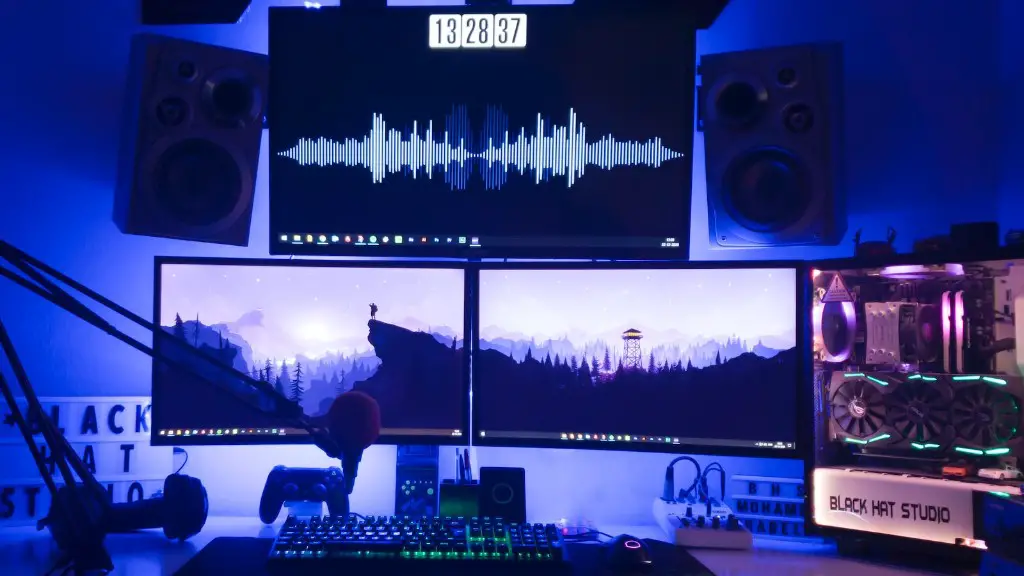
Building a gaming PC for 300 dollar or less is not impossible. There’s actually a surprisingly large selection of parts available for a budget gaming PC. To get the most out of your money, it’s important to be savvy and to shop around for the best deals. In this article, we’ll take you through exactly how to make a 300 dollar gaming PC that can run games, depending on the games you want to play and other factors.
Before you get started, you should understand the importance of upgrading your cpu, graphics card, memory and storage, as they are the core components of any gaming PC, and they determine whether your gaming PC will be able to handle the games you want to play. To save money and still get a decent gaming experience, focus on these components, and try to choose parts that are both affordable and of good quality.
Once you’ve decided what components you want, it’s time to gather the parts and put the gaming PC together. There are a few important steps you need to take:
- Choose a CPU: A good budget CPU for gaming is AMD’s Ryzen 3 series.
- Choose a GPU: An AMD RX 570 or GTX 1650 is a good entry-level GPU.
- Choose RAM: 8 GB of DDR4 RAM is adequate for most games.
- Choose a Storage Drive: Get an SSD for the OS and a 1TB hard drive for games.
- Choose a Power Supply: Look for a reliable 500W power supply.
- Choose a Motherboard: Look for an AMD B450.
- Choose a Case: Choose a solid mid-tower case.

Once you’ve chosen the parts and gathered them all together, it’s time to put the gaming PC together. First, make sure you have all the tools you need. It’s generally easier to build a PC if you have an anti-static wrist strap to avoid accidental damage to the components. Installing components can be daunting, but with patience and care, it’s perfectly doable. A few tips: read the instruction manual, follow the steps carefully and be gentle with connections.
Once you have the PC built, it’s time to install the OS. You can do this through a USB drive or a disc, but for this guide, we’ll be using a USB drive. First, you’ll need to create a bootable USB drive, then boot your PC from the drive. To do this, you’ll need to enter the BIOS/UEFI setup and modify some settings. Once you have the settings configured, you can install the OS as normal.
Optimizing Your 300 Dollar Gaming PC
Once the operating system is installed, you can install drivers and software to optimize the performance of your gaming PC. Look for drivers for your GPU, and update them regularly to get the best performance. Additionally, you can overclock the processor to get a boost in performance. Overclocking is a tricky process and should only be done after you’ve done your research.
Once the drivers are installed and the PC is optimized, it’s time to install a few games so you can test out your new gaming PC. Look for free games on the internet to keep costs down, and be sure to install anti-virus software to protect your gaming PC’s data.
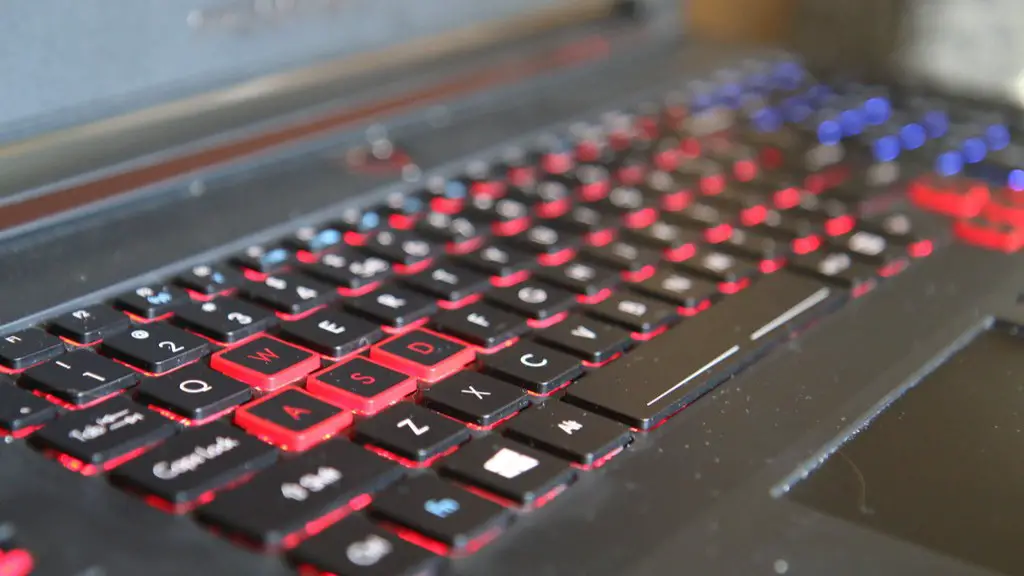
Finally, you can also customize your gaming PC to make it more personal. Invest in peripherals like a gaming mouse and keyboard, and consider adding RGB lights and custom fans to the case.
Upgrading Your 300 Dollar Gaming PC
If you want to upgrade your gaming PC, there are a few ways to do it. The easiest way is to upgrade the RAM and storage. Both are easily accessible, and you can add more RAM and a faster storage drive without needing to replace any other components.
If you’re looking for a bigger performance boost, you can upgrade the GPU. As long as your power supply is up to the task, adding a better graphics card can give you a significant performance boost.
The processor is a bit more tricky to upgrade, as you’ll need to replace your motherboard and possibly your RAM. If you want a processor upgrade, research carefully to make sure your motherboard and RAM are compatible with the new processor.
Ultimately, upgrading your 300 dollar gaming PC is a worthwhile investment if you’re looking to get more performance. Again, be sure to research any upgrades you make, as you need to make sure they are compatible with each other.
Maintenance Of Your 300 Dollar Gaming PC
To keep your gaming PC running in tip-top condition, regular maintenance is a must. Regularly check your PC for dust build up, as it can clog up fans and components and cause them to overheat. A can of compressed air is a great tool for cleaning out dust without breaking any components.
Additionally, make sure to check for software updates regularly. Keeping your PC up to date will keep it running smoothly and reduce the chances of security or compatibility issues. Finally, keep an eye on your CPU and GPU temps. If you notice them getting too hot, you may need to clean out your PC again or upgrade your cooling system.
Troubleshooting Your 300 Dollar Gaming PC
If your gaming PC is acting up, there are a few things you can do to troubleshoot the problem. If you encounter a software issue, check your software drivers and make sure they are up to date. If you encounter hardware issues, make sure you have the right power supply and that it’s connected correctly.

Additionally, if your gaming PC is experiencing crashes or other performance-related issues, you may need to upgrade the components. If you’re still having issues, contact a computer repair shop or check online forums for support.
Final Thoughts On Building A 300 Dollar Gaming PC
Building a gaming PC for 300 dollar is definitely possible – you just need to be savvy and shop around for the best parts. Research each part and make sure it’s compatible with other components. Once your gaming PC is built, remember to regularly clean it out and update drivers and software to keep it running smoothly.
Finally, if you ever encounter any issues, check online forums for solutions or contact a computer repair shop for help. With the right components and a little bit of know-how, you can easily make a 300 dollar gaming PC that can handle some of today’s most popular games.
