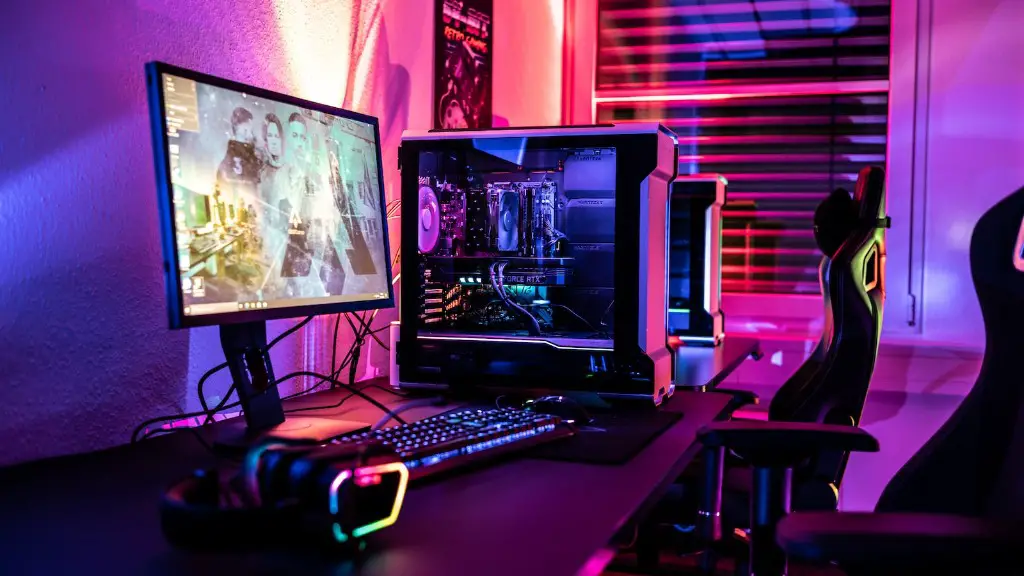
Gaming PCs have been popular items to buy over the past decade. But there still remains a point of debate: is it worth it to invest in a gaming PC? This article will dive into the key considerations of cost, performance, and other technical aspects that should be weighed up before making the financial commitment.
Firstly, the cost of a gaming PC is a major factor. You can source the individual parts and build your gaming PC by hand for a lower cost compared to buying it pre-built. However, it can be difficult for the average consumer to determine the compatibility of the components and this is the place where many go wrong.
On the other hand, the performance gains from investing in a gaming PC can be substantial. A gaming PC will generally boast superior hardware components which will support more intense graphics, more efficient cooling systems, larger and faster RAM, and a more resilient power supply compared to stock PCs.
However, for casual gamers, the benefits of performance may be offset by the costs. Many casual gamers could get away with a basic system that is easily configurable, with replaceable parts and components.
When evaluating overall performance, one should look beyond the hardware components and consider the software side. It’s important to ask yourself if there are any specialised gaming software or programs that will boost performance that are provided by the specific make and model of gaming PC that you wish to purchase.
Finally, the technical aspects of a gaming PC should not be overlooked. The latest gaming laptops boast powerful processors and graphics cards, as well as features such as anti-glare displays and anti-ghosting keypads for keyboard commands.
Compatibility
One of the primary considerations when deciding to buy a prebuilt gaming PC is compatibility. A gaming PC can come packaged with many parts and components which need to be compatible with each other to be deemed fit for gaming.
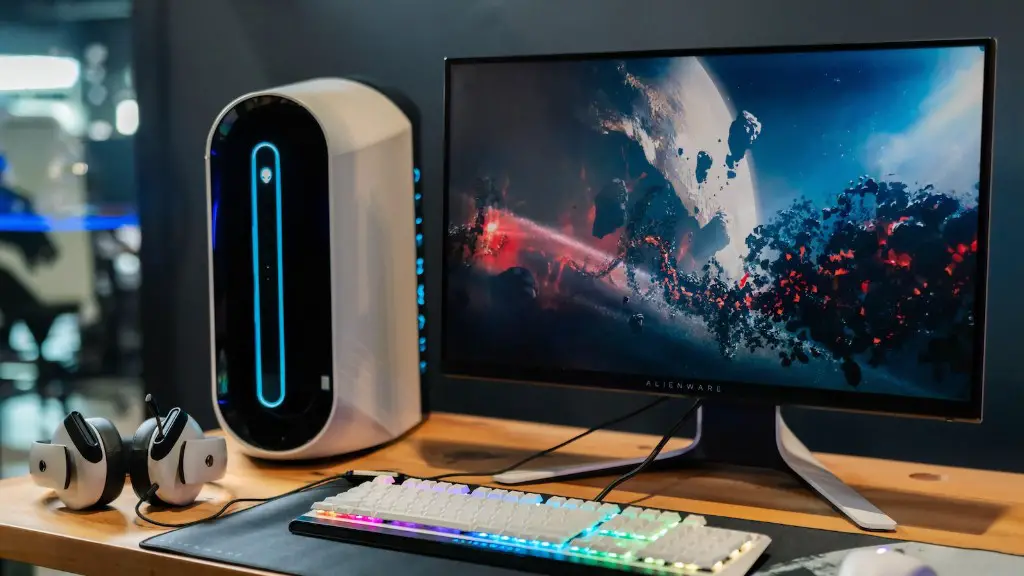
On the other hand, buying parts and components off the shelf may provide more flexibility in terms of compatibility but at a price. Consumers would have to ensure that each part is compatible and also test the performance of their gaming build.
Additionally, one should also factor in any extra cooling components you may need such as extra cooling fans, radiators or water-cooling systems to enhance your gaming experience.
It is important to remain up to date on the latest parts and components in the market, both to check if they are compatible and to see if they offer a cost-effective upgrade over existing parts and components which may have been previously installed.
Buying a prebuilt gaming PC will cost more but it may have been tested and is more likely to be fully compatible out of the box, offering the user a hassle-free setup.
Performance
When looking to purchase a gaming PC, performance should be a top priority and is closely tied with compatibility. Depending on the complexity and demanding nature of the games you wish to play, different components may be required in order to produce the best performance.
For example, the graphics card is a core component when it comes to gaming on a PC and it should have enough memory and power in order to handle the games you wish to play. It should also include the latest and greatest features to ensure the most immersive gaming possible.
In addition, the PC should also have enough RAM which helps support the graphics card for seamless rendering and will ensure that the game does not crash or lag due to insufficient RAM capabilities. A PC with the latest processor will also boost the performance of the game and provide smoother, faster, and more reliable loading times.
For more intensive gaming, one should look into investing in a gaming PC with additional hardware components such as more powerful motherboards, bigger power supplies and solid-state drives to store games and software faster.
Finally, there is no point investing in pricey hardware if the operating system or platform it is running off is dated or not supported by the game you are playing. Make sure you check the system requirements of the game before investing in a gaming PC.
Software
Software on a gaming PC is just as important as the hardware. There are a range of gaming software available which can help optimise the performance of the machine and enhance the gaming experience.
For example, there are a range of software which can help you monitor the temperature and performance of the game and make sure that it is running at an optimum level. This allows you to prevent any potential crashes or lag which can otherwise be caused by hardware failure.
Moreover, these gaming software packages can also help boost the speed and responsiveness of the game by synchronising all the hardware components so that they are running efficiently. This helps to ensure smooth performance and eliminates the unnecessary lag which can sometimes plague a game.

Finally, some software packages may come preinstalled on the gaming PC with additional add-ons available to further customise the gaming experience. Make sure you double check what is included before purchasing as this can save you time and money in the long run.
Support and Warranty
When making the financial commitment to invest in a gaming PC, it is important to factor in the support and warranty of the manufacturer. Most gaming PCs come with a limited 2 or 3 year warranty which covers any possible faults with the hardware or technical issues that may arise due to usage.
Additionally, the support package of the gaming PC should be robust. It should include customer service, technical assistance and also include any additional services which may be beneficial when it comes to setting up, operating and maintaining the gaming PC.
It is important to find out in advance the type of repair services and any additional care the company provides for its customers. After all, not only does it protect your money but it also offers peace of mind that you are getting the best support when you need it.
Furthermore, in the event that the gaming PC is damaged or faulty, the manufacturer should offer a return policy to refund or replace the product if you need to. Be sure to thoroughly check the conditions of the warranty beforehand so you understand your rights as a consumer.
Customisation
For the more experienced gamers, customisation may be the strongest deciding factor on whether or not they choose to invest in a gaming PC. The ability to be able to customise a gaming build allows gamers to personalise the system to the specific games they wish to play and to the experience they wish to take away from them.
Customisation starts with the hardware components. After sourcing the compatible parts, gamers can then pair the PC with additional hardware such as cooling systems and graphic cards to optimise gameplay and also enhance the aesthetics of the PC.
In regards to software, gamers can also customise the PC to their personal needs by topping it off with personalised gaming software such as peripherals and gaming monitors. This ensures that the game runs smoothly and enables gamers to take full advantage of their PC.
Moreover, customising a gaming PC also gives gamers the ability to tinker with the settings and settings of the game to give themselves a competitive edge. Professional gamers often customise the system with gaming settings such as macros and key binds to achieve faster reflexes and better performance.
Finally, customised gaming PCs offer gamers the ability to integrate their own Wi-Fi and LAN connection so they can play games at a faster speed and more reliably. This makes gaming enjoyable by eliminating buffering times and unexpected disconnects.
