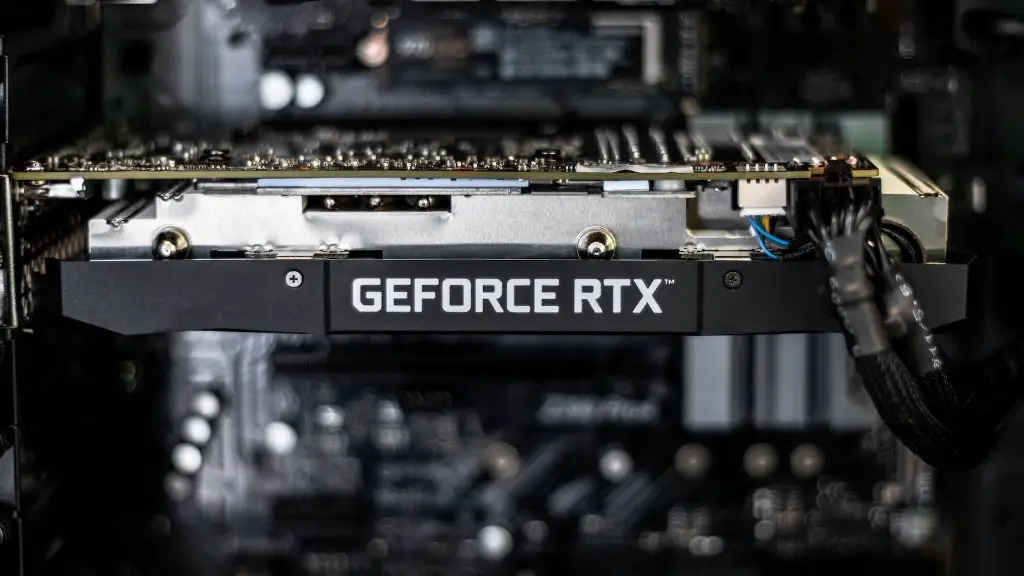
Building a decent gaming PC can be a daunting, but ultimately rewarding, experience. It all comes down to having the right components and assembling them in the correct order. In this article, we’re going to detail exactly what you’ll need to build the perfect gaming PC. Whether you’re a gaming enthusiast or tech-savvy wiz, with this guide you’ll have no problem building a gaming system that will last you for years.
To start, you’ll need a decent motherboard. Pay attention to the size of the board, as it should fairly easily fit within your standard ATX-sized case. You may want to consider a mini-ITX case if you’re looking to downsize. Next, you’ll need to select a CPU. The most important factor to consider here is clock speed and number of cores. You should go with at least an 8-core processor at a minimum on the 8th Gen Intel Core. Finally, don’t forget to match your processor up with a compatible CPU cooler, as this will help ensure more consistent temperatures.
Once you’ve got all that configured and in place, you can move on to the memory and storage. For memory, a minimum of 16GB is highly recommended, but more is better. If you’re looking for speed, go with DDR4 RAM modules. For storage, a good 1TB drive will be plenty. If you want the speed and don’t mind the added cost, an SSD is the way to go.
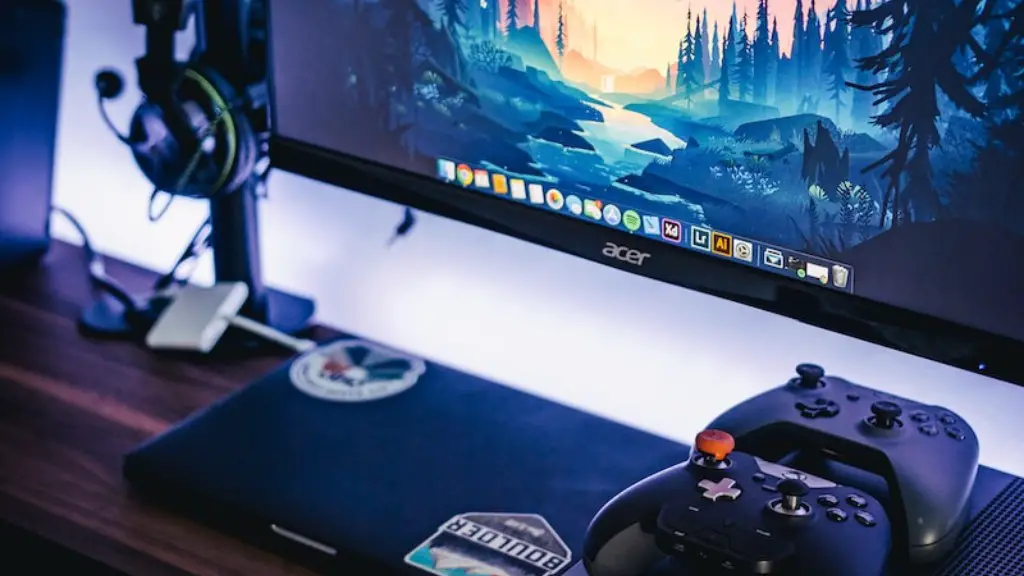
Next, you need a reliable and powerful graphics card. Try to purchase a card within the GTX 1060 or GTX 1070 range; these models offer really great performance and value. Additionally, be sure to select a PSU (power supply unit) that can handle your graphics card as well as your entire system. A suitable PSU should have at least 750-watts and offer power protection.
After the component selection is complete, it’s time to put it all together. Start by carefully mounting the motherboard to the motherboard tray – make sure to use sufficient amount of thermal paste to maintain good temperatures. Now that the board is secure, it’s time to install your memory and CPU, followed by the graphics card and power supply. Make sure to attach all necessary power and data cables according to your motherboard’s instructions.
Your gaming PC is nearly complete. All that’s left is to hook up your storage and give it the necessary software. Be sure to install the latest driver packages for your chosen GPU. Also, you should consider installing an overclocking program for optimal performance. With that, your gaming PC is now ready for action.
Cooling and Fan Systems
Aside from the basic hardware components, you’ll need to consider some advanced peripherals. Proper cooling systems are essential to prevent component failure due to excessive heat. For basic gamers, a liquid cooler should do the job; however, if you’re engaged in competitive gaming, then a high-end air cooler is highly recommended.
Additionally, since high-performance gaming hardware can get quite loud, it’s a good idea to invest in a good fan system. A variety of sizes and types are available, so shop around. Liquid cooling and effective fan systems will ensure the longevity of your PC’s components.
Finally, once all the hardware and peripherals are installed, it’s time to install an operating system. Whether you go with Windows, Mac, or something else, be sure to backup your drivers, files, and data after a successful installation.
Upgrading Your Gaming Hardware
Gaming PCs don’t necessarily need to be upgraded that often, but it’s always nice to keep ahead of the latest and greatest hardware. If you’re a more experienced, tech-savvy gamer, then you may want to look into regularly upgrading your gaming PC’s hardware.
If you’re a serious gamer, it’s highly recommended to upgrade every couple of years, as new technologies always become available. For instance, with the recent introduction of the NVIDIA RTX series, gamers can now enjoy an immersive gaming experience with deep ray-tracing technologies.
Furthermore, if you’re looking to make your current gaming PC faster and more powerful, you could look into overclocking the CPU and GPU. By overclocking your PC’s components, you can squeeze out more performance from them, unlocking their true gaming potential.
As always, be sure to do plenty of research before making any upgrades to your PC, as different models can have vastly different recommended upgrade paths. In any case, regularly upgrading your gaming PC’s hardware is always a good way to stay ahead of the game.
Performance Optimization
Finally, performance optimization should always be in mind when building a gaming PC. If you want to squeeze the most out of your hardware, then optimizing performance should be your primary goal. Performance optimization can come in many forms, but it usually involves managing thermal output and maximizing component speeds.
Tweaking the settings on your graphics card is a great way to optimize performance. Most modern graphics cards come with software that allows you to manually adjust settings for more optimal gaming performance. Additionally, you should look into turning on vertical synchronization (VSync) to reduce stuttering and tearing.
Finally, use programs like MSI Afterburner or EVGA Precision to adjust your CPU and GPU clock speeds. This is a great way to slightly bump up your system’s performance without risking hardware damage. Bear in mind though that this isn’t a guarantee of perfect performance, as hardware components do have their own respective limits.
Optimizing Thermal Output
To keep temperatures in check, you’ll need to focus on proper thermal management. For this, first and foremost, start by using thermal paste when mounting the processor and graphics card. You should also make sure that there is sufficient air circulation within your case.
Additionally, replace the stock fan that comes with your heat sink with a more powerful one. This will help keep temperatures lower, thus extending the longevity of your PC’s components. Additionally, you can add extra fans to the interior of your case to further reduce temperatures.
Finally, there are several PC temperature monitoring programs available which can give you an accurate reading of your PC’s thermal output. This is a great way to get a full overview of your system and optimize cooling performance. And with that, your gaming PC is now optimized for peak performance.
Gaming PC Maintenance
Once you’ve built your gaming PC and have it running at peak performance, it’s important to keep up with proper maintenance. Cleaning the interior of your PC is essential when it comes to reducing dust build-up and preventing hardware failure. A can of compressed air is great for removing dust and debris from hard-to-reach areas.
Additionally, it’s important to monitor your hardware components and ensure that they’re running optimally. If temperatures ever seem too high, then consider looking into better cooling solutions. Finally, pay attention to any software updates for your drivers and keep them up-to-date for more consistent stability and performance.
Conclusion
Building a decent gaming PC may seem intimidating, but the end result is worth it. With the right components, proper maintenance and optimized performance, your PC should last you many years of gaming ecstasy. Just remember to do your research and double-check your components before you start building. With that, you’re now ready to take your gaming to the next level.
