What Do You All Need To Build A Gaming Pc?
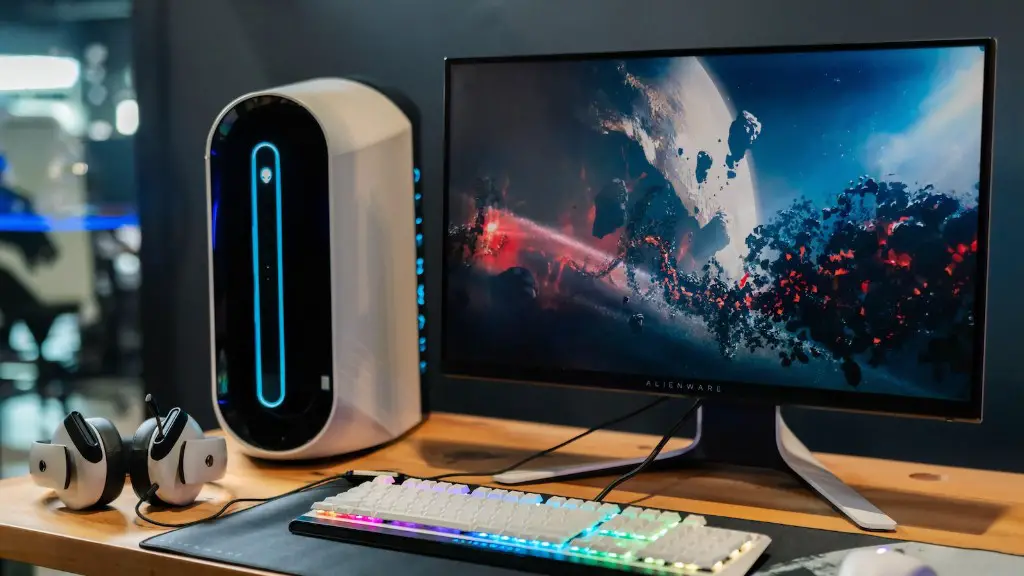
Building a gaming PC is an exciting venture that can be a bit overwhelming if one doesn’t know the mechanics of gaming PC components. Lucky for you, we’re here to help. Below, we will discuss the components necessary for building a powerful gaming PC that won’t break the bank.
At the heart of any gaming system is the CPU, or Central Processing Unit. This component is responsible for executing tasks and calculations, as well as managing memory, input/output (I/O), and any other components that require access. It is important to be mindful of both the number of cores and clock speed when selecting a CPU. Recent gaming PC builds should feature a minimum of 8 cores; four cores are optimal if budget is an issue. Gaming PCs should also be equipped with a GPU, or Graphics Processing Unit, which is responsible for rendering 3D graphics. When selecting a GPU, it is important to be mindful of the amount of video RAM, or VRAM, that can be utilized by the card.

The motherboard is another essential component of a gaming PC, as it functions as the main connection platform for other components. The motherboard will dictate the type (Intel or AMD) of CPU as well as the variety of slots and ports available when constructing the gaming rig. RAM, or Random Access Memory, is a vital component for gaming machines as it governs how quickly information and tasks can be processed. Lastly, gaming PCs will require a storage solution, usually in the form of a Solid State Drive (SSD). SSDs are much faster than traditional hard drives and are the best choice for loading games; the larger the capacity of the SSD, the more games that can be installed at once.
In order to build a gaming PC, one will need to gather these important components: a CPU, a GPU, a motherboard, RAM, and a storage solution. Be sure to research the specs of each component to ensure smooth and seamless gameplay. With just these few components, you will be ready to start gaming right away!
Putting Everything Together
Now that the essential components have been selected, it is time to bring the machine to life. All components should be compatible with each other, though a thorough research of part compatibility should be completed prior to buying the components. Additionally, cooling solutions, such as fans and liquid cooling for processors, should be purchased for cooling off the hardware during extended gaming sessions. To complete the build, power supply units, cable and connectors, and a PC case should be acquired.
The standard is to install components onto the motherboard outside of the case and then mount the motherboard into the case. Once the motherboard and CPU are installed, the RAM modules should be slotted into their designated spaces on the motherboard. Afterwards, the GPU, as well as any additional video cards, are to be installed in the appropriate slots. Installing the storage solutions, power supply and any additional peripherals, such as custom USB cables and additional monitors, completes the build.
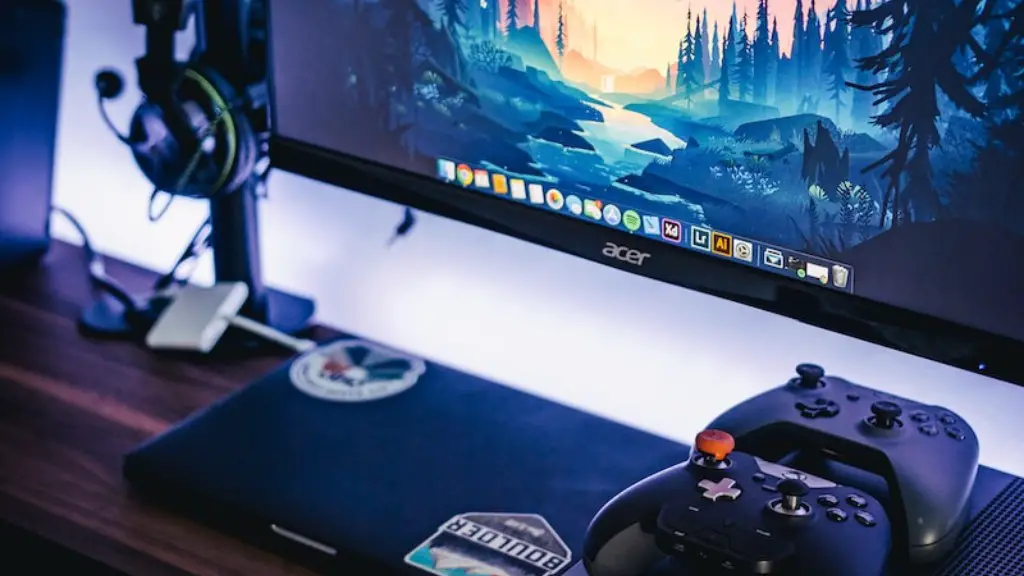
To install the operating system and any additional software, the machine will need to be booted for the first time. This can be done by connecting the power supply, keyboard and mouse to the PC, and turning the power switch on the case. Installation of any software, as well as all necessary device drivers, should be done after the initial boot completes.
Powering the PC
Once all components are installed and the necessary drivers have been installed, the PC is ready to be configured. Utilizing the BIOS, system monitoring, fan speeds and booting from the correct storage solutions should be adjusted to work optimally. This is also the time to set up custom overclocking settings. Overclocking allows the user to run components faster than the manufacturer-specified speed, while also allowing them to adjust the maximum temperatures of the components.
It is possible to monitor and increase the overclocked performance directly through the BIOS; however, third-party programs, such as Intel Extreme Tuning Utility or AMD OverDrive, allow for more granular control of the overclocked settings. Note that overclocking a machine too far can cause extensive damage to the components, so knowing the recommended settings is an important part of this process.
In order to ensure that your PC is running well, frequent benchmark tests should be completed. This will monitor the stability of the rig, as well as the performance of components relative to time. Additionally, cleaning dust and debris from the components will lengthen the lifespan of the components and help ensure a healthy machine.
What To Do After Building A Pc

To ensure optimal performance, regular software and driver updates should be made. Peripherals, such as game controllers, should also be kept up-to-date with the latest firmware to ensure maximum compatibility. It is also recommended to make backups of important files, such as game saves, or any settings that you want to keep safe in case of emergency.
Finally, it is important to consider the type of games that will be played on the machine. Different games necessitate different levels of hardware requirements, so the budget must be considered when researching new games to purchase. Furthermore, certain games require subscription services, such as Xbox Live or PlayStation Plus, in order to enjoy the full gaming experience.
Optimizing The Rig
If one wants to maximize the performance of their gaming PC, then further steps should be taken. For example, if graphic settings are not up to snuff, then tweaking settings through programs like Nvidia Control Panel or AMD Catalyst Control Center can help increase visual fidelity. Furthermore, if internet connection is an issue, then purchasing an Ethernet switch might be necessary.
If storage needs to be freed up, then utilizing compression software, such as WinRAR or 7-zip, can reduce the overall size of installed games. Additionally, it might be necessary to remove extraneous applications, such as old games and programs, in order to liberate valuable space and reduce the amount of processing power being used.
Finally, an SSD requires additional care, so it is important to manage the amount of space being used and delete temporary files on a regular basis. Performance will deteriorate if the user continues to fill an SSD to capacity, so it is important to add an additional storage solution if one finds themselves quickly outgrowing their current one.
