
With the amount of different computer components available today, it’s easy to get overwhelmed when making a gaming PC. The most important question is what do you need to make a good gaming PC? To make a good gaming PC, you’ll need to pick out a quality CPU, GPU, RAM, power supply unit, Motherboard and a good solid state drive.
A quality CPU is the brain of your gaming PC and will determine how powerful your system will be. Typically, Intel’s Core i7 processor family and AMD’s Ryzen 7 processor family would be considered powerful enough for gaming purposes. You don’t have to opt for the most expensive processor on the market, but you do need one that is powerful enough to handle all the tasks that you need it to do.
The GPU is the powerhouse of your gaming PC and will determine how well your games will look. NVIDIA’s GeForce RTX family and AMD’s Radeon RX family are the most popular GPUs available right now. To get the most out of your gaming experience, you’ll want to get a GPU that meets or exceeds the recommended requirements for the games you will be playing.
To make your gaming PC run smoothly, you’ll need to purchase decent RAM. The standard amount is 8GB and that should be more than enough for most gaming purposes. 16GB of RAM would be recommended for high-end gaming, or if you plan on doing any streaming or recording on the side.
The PSU (Power Supply Unit) will provide all the energy that is required by all of your components. You’ll want to get a PSU that is powerful enough to handle all of your components, while also being efficient and reliable. Look for a PSU that is 80 PLUS certified and try to get one that is rated for at least 500W.
To help ensure a reliable system, you should look for a Motherboard that is compatible with all of your components. Its always a good idea to pick a motherboard that has more features and ports than you need, as this will give you flexibility to upgrade your system later.
Finally, you’ll need a solid state drive (SSD) to run your operating system, games and programs. An SSD is much faster than a traditional hard drive and will help improve your computer’s overall performance. Depending on how large your library of games and programs is, you may need to purchase multiple drives.
Peripheral Components
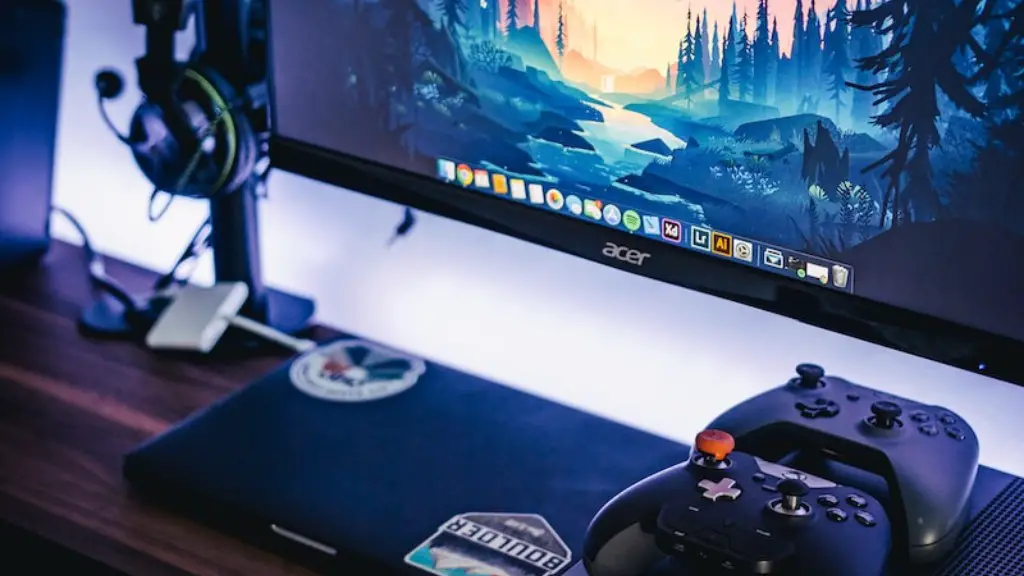
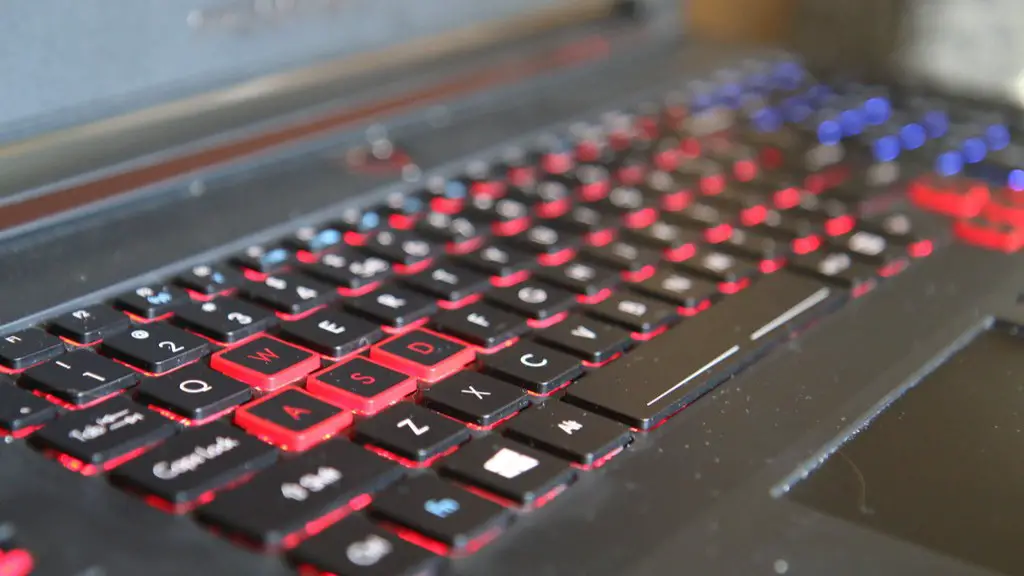
Aside from the core components listed above, you will also need some peripheral components to complete your gaming PC. A quality keyboard and mouse could make a huge difference in terms of your gaming experience, so you should consider getting a decent pair. A quality monitor is also essential as it will determine how good your gaming experience will be. Look for a monitor that has a high refresh rate, short response time and AMD Free Sync or G-Sync support.
You may also want to invest in a gaming headset to get the most out of your gaming experience. A good headset should provide you with clear audio and accurate sound positioning, as well as good comfort and aesthetic.
If you are a fan of console-style gaming, then you may want to consider getting a gamepad. Gamepads usually offer smoother control than traditional game controllers and provide increased comfort and better ergonomics.
Finally, if you want to take your gaming experience up a notch, you can look into getting a gaming chair. Some gaming chairs come with vibration and audio functions, as well as adjustable seating positions for ultimate comfort.
Other Accessories
If you really want to take your gaming experience to another level, there are plenty of other accessories that you could consider. External storage devices like portable hard drives and flash drives can be used to store additional games and programs.
You may also want to invest in a second monitor or TV to make your gaming rig look more impressive. Multiple monitors can improve overall visibility and allow you to multitask more easily.
If you are looking for a more immersive experience, then you may want to invest in a VR headset and some VR accessories such as the VR Tracker. With the right setup, you can explore virtual worlds and take your gaming experience to a whole new level.
Finally, if you want to make your gaming experience even more enjoyable, then you should consider getting a gaming light strip. These are LED strips that you can attach to the inside of your PC and they can add some extra lighting and colour to your gaming setup.
Cases and Cooling
Once you’ve picked out all of your core components and any additional peripherals, it’s time to start thinking about the PC case and cooling system. PC cases come in a variety of styles and colors, so you should think about how you want your PC to look. You should also check to make sure that your components will fit into the case before purchasing.
The cooling system is important for keeping your components working correctly, so you should make sure that the case you pick out can accommodate a good cooling system. You will need at least one fan and you may want to get additional fans if you plan on overclocking any of your components. Cooling systems also come in a variety of colors, so you can customize your gaming PC to your liking.
Liquid cooling systems are also available, although they tend to be more expensive than traditional fan systems. They provide increased cooling efficiency and can help reduce noise levels.
Finally, it’s important to ensure that the case you buy has enough ports and connectors so that you can easily plug in all your components. Make sure that the ports are compatible with your components and look out for cases that have additional ports such as USB 3.0 and USB-C.
Thermal Solutions
Once you’ve got your PC case and cooling solution in place, you should consider investing in a good thermal solution for your components. Heat sinks, heat pads and air cooling fans can all be used to help keep your components cool. Heat pads are usually more affordable and do a good job at passively cooling components, whereas heat sinks require more installation effort but can provide better cooling performance.
Air cooling fans are a good active cooling solution and can help keep your components from overheating. Make sure to get fans that are the correct size for your case and don’t forget about dust filters, as these can help keep your fans clean and efficient.
You may also want to consider getting thermal paste or pads, as these can help improve the cooling performance of your components.
Finally, beware of cases with poor ventilation. This will lead to increased heat levels, lower performance and a shorter life span for your components. Look for cases that are designed to have good airflow, as this will help your components stay cooler and perform better.
