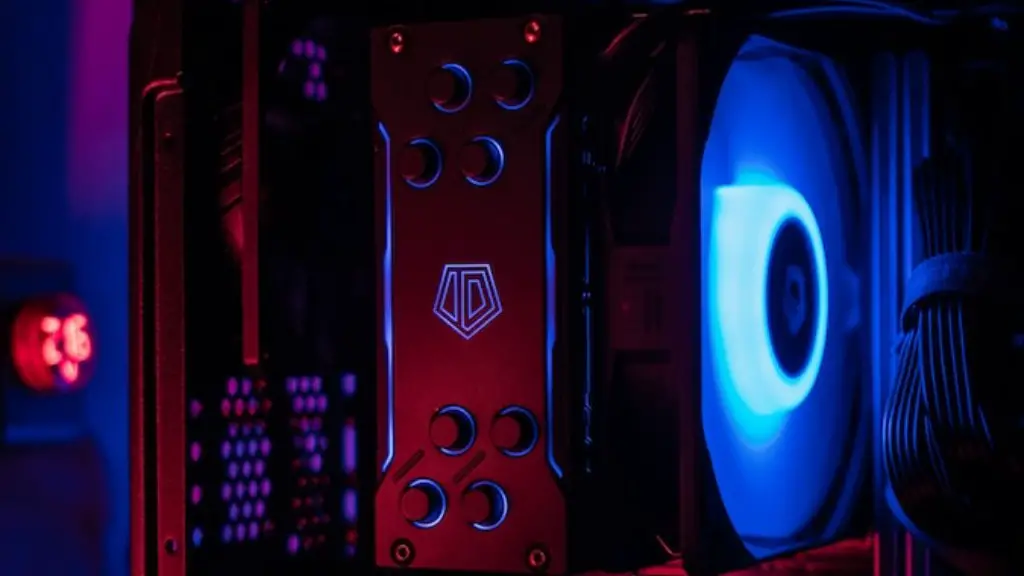
Playing games on a PC can be an incredibly fun and rewarding experience. However, the key to a great gaming experience is having compatible components. Knowing which gaming PC parts are compatible is essential, and there are a few things to consider.
The first thing to think about is your budget. It’s important to consider the cost of each component, as well as the overall price of the build. In general, it’s best to component parts that are within your budget. Additionally, if you are looking to upgrade in the future, try to decide which parts you think you might need to upgrade, and aim to buy those parts slightly above your budget. This will give you extra room to upgrade in the future.
Next, it’s important to look at the physical size of the components. Make sure they will all fit inside your existing computer case, or into a new one if needed. Pay special attention to the size of the power supply and the graphics card, as these will take up the most space. Additionally, look at the ports each component has, as you may need to purchase adapters to make them compatible.

Thirdly, consider the wattage of the components. The wattage of a component determines how much power it will use. Your PC’s power supply must be able to handle the wattage of all the components you want to install. If the wattage of all the components exceeds the wattage of the power supply, your system will overload. Therefore, it’s important to confirm the wattage of the components before making a purchase.
Lastly, evaluate the overall compatibility of the components you’re looking to purchase. A great resource to use is the PCPartPicker website. This website allows you to select the components you are looking at, and will automatically highlight any incompatibilities. Additionally, PCPartPicker will make sure you select a good power supply for your build, and can help you select the best price/performance components.
How To Tell if Components are Compatible with Operating System
When choosing gaming PC parts, it’s also important to make sure they are compatible with your operating system. Most components will be compatible with the latest versions of Windows and macOS. However, if you have an older version of Windows or macOS, it’s important to make sure the components will work with your operating system. You should be able to find this information on the manufacturer’s website, or by contacting customer support.
In addition to operating system compatibility, you should also make sure the components have the necessary drivers. This is especially important if you’re using older components that may not have fully compatible drivers. Again, this information can usually be found on the manufacturer’s website, or from the customer support team.

It’s also important to consider the upgrade path for your PC. Most parts should be compatible with future upgrades, but it’s always worth double-checking. If you’re looking to upgrade your processor, for example, make sure the motherboard is compatible with the new processor. Additionally, you should check to see if any other components will need to be upgraded, such as the power supply.
Finally, it’s important to read reviews of the components before making a purchase. Reviews can provide a great insight into the real-world performance of the components, and can save you time and money in the long run. Additionally, they can alert you to potential compatibility issues, or point out any hidden problems with the component.
Importance of Knowing All Components Compatible
It’s important to know if gaming PC parts are compatible because it can save you a lot of time and money in the long run. If components are not compatible, it can cause your game to crash, or even worse, cause hardware failures. Additionally, incompatibility can prevent you from upgrading in the future. Always make sure to double-check the compatibility of any components you’re considering purchasing.
Another reason why it’s important to make sure gaming PC parts are compatible is for optimal performance. If components are not compatible, it can lead to poor performance, or even hardware failure. Additionally, if components are not properly configured it can lead to poor gaming results.
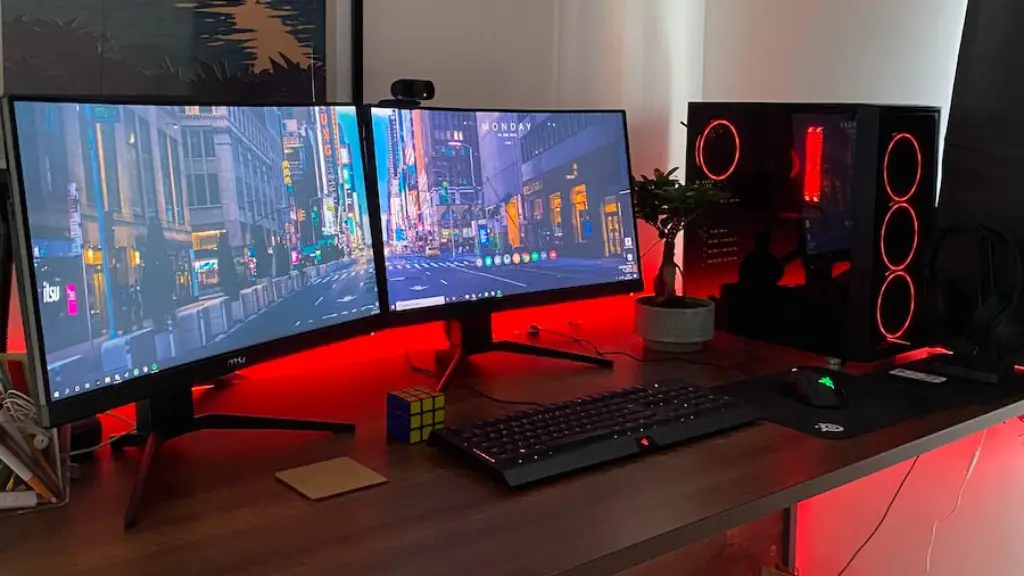
Finally, it’s important to make sure the components of your gaming PC are compatible in order to have an optimal gaming experience. If components are not compatible, you may run into performance issues or hardware failures. Additionally, incompatible components can prevent you from having a smooth and enjoyable gaming experience.
Tips For Selecting The Right Gaming PC Parts
When selecting gaming PC parts, it’s important to choose components that not only fit within your budget, but also offer good performance and compatibility. Here are some tips to help you make the best decisions:
Research – One of the best ways to ensure you purchase compatible components is to do your research. Read reviews on websites like Newegg, Amazon, or PC PartPicker to get a better understanding of each component. It’s important to consider both real-world user reviews and technical specifications.
Consult Other Gamers – If you know any experienced gamers, ask them what parts they recommend. Experienced gamers can often provide invaluable advice on the best components for your specific needs.
Check Compatibility – As mentioned earlier, it’s important to make sure all components are compatible. This can be done by using a website such as PCPartPicker, or consulting customer support at the store where you are purchasing the components.
Think About The Future – When buying components, it’s important to think not just about the current build, but potential future upgrades. Make sure to buy components that will be compatible with future upgrades, such as a new graphics card or processor.
Buy Quality – Quality components are a must when it comes to gaming. Buy the best components you can afford, and avoid buying cheap, low-quality components that may require frequent upgrades.
Tips To Keep Your Components Working Optimally
After you have purchased your gaming PC parts and ensured they are compatible, there are a few things you can do to ensure they keep working optimally.
Keep It Clean – Make sure to keep your gaming PC dust-free. Dust can cause components to overheat and malfunction, so it’s important to make sure your PC is free of dust and debris.
Perform Maintenance – It’s important to perform regular maintenance on your gaming PC. This includes updating components, as well as running anti-virus and anti-malware scans. Additionally, it’s important to check for driver updates to ensure all components are functioning properly.
Check Temperature – Make sure to check the temperature of the components in your PC. If the temperature is getting too high, it can cause components to fail or overheat. There are many tools available that can help you monitor the temperature of your PC’s components.
Replace Components – When components age, their performance drops. Therefore, it’s important to replace aging components, such as the power supply or graphics card, as this will ensure your PC remains as fast and efficient as possible.
Know The System – If you are having trouble with your system, it’s important to know exactly which components are installed. That way, if you need to troubleshoot an issue, you can easily tell what components might be causing the problem.
