As the technology in gaming systems continues to advance, it’s understandable why many are looking to build their own gaming desktops. After all, with a DIY PC build you get top-tier performance for a fraction of the cost of a pre-built system. But how do you go about building an affordable, yet powerful 800-dollar gaming PC? Here’s a brief guide to help you get started.
First, you should select the components for your PC build and research the specifications of those components. This includes things like the processor, motherboard, RAM, storage, graphics card, and other accessories. Look for components that offer the best performance for their price, as this will ensure that you get the most from your 800-dollar gaming system.
Next, you’ll need to find a good case for your gaming PC. You’ll need one that provides enough room for all of your components to fit inside, as well as adequate cooling. A good case should also have plenty of airflow and necessary ports to connect your peripherals.
Third, it’s time to decide on the power supply unit (PSU). It’s important to select a quality PSU that offers sufficient power, while also having the necessary cables to connect your components. Pay close attention to the Watts and Amps of the PSU to ensure that it can handle your system’s load.
Fourth, you should select the storage for your gaming PC. You can opt for either a solid-state drive (SSD) for faster data access, or a hard disk drive (HDD) for more storage at a lower cost. Keep in mind that it’s also a good idea to have an extra backup drive to store important files.
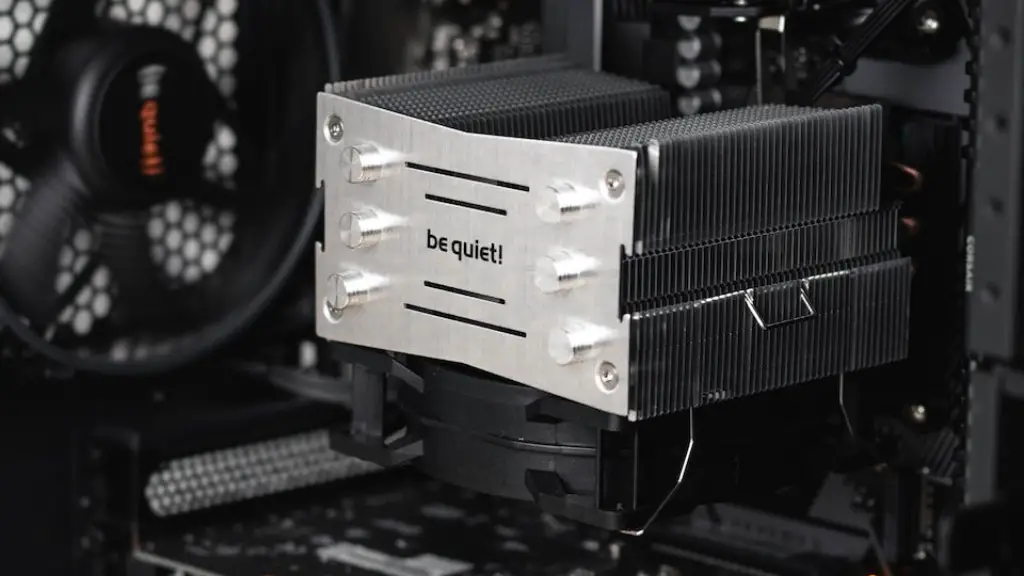
Fifth, it’s time to choose a CPU cooler. This is an essential component of a gaming PC, as it prevents the processor from overheating due to long gaming sessions. There are many types of CPU coolers to choose from, so ensure that you select one that offers good cooling performance and is compatible with your system.
Finally, you need to install your components and connect the necessary cables. This includes connecting the power supply to the other components, and connecting the hard drive, memory and other accessories to the motherboard. You should also install the drivers required for your components and configure the BIOS settings, if necessary.
Basic Components to Build an 800 Dollar Gaming PC
To build an 800-dollar gaming PC, the components you will need include a motherboard, RAM, processor, a graphics card, storage, and a power supply unit. The motherboard should be compatible with the RAM and processor, and should have the necessary ports and slots for connecting the other components. The RAM should also be compatible with the motherboard and processor, while the processor should be suitable for gaming purposes.
The graphics card is one of the most important components for a gaming PC; it’s responsible for running the graphics and delivering a smooth gaming experience. Look for a graphics card that provides excellent performance for its price, as this is essential for a good gaming PC. The power supply should also provide enough wattage for your system, and should have the necessary cables for connecting other components.
When it comes to storage, an SSD is recommended for faster loading times and improved performance, although an HDD can offer more storage for the same price. Once you’ve selected the components for your build, it’s time to assemble them and install the necessary operating system and drivers.
Choosing the Right Peripherals for Your 800 Dollar Gaming PC
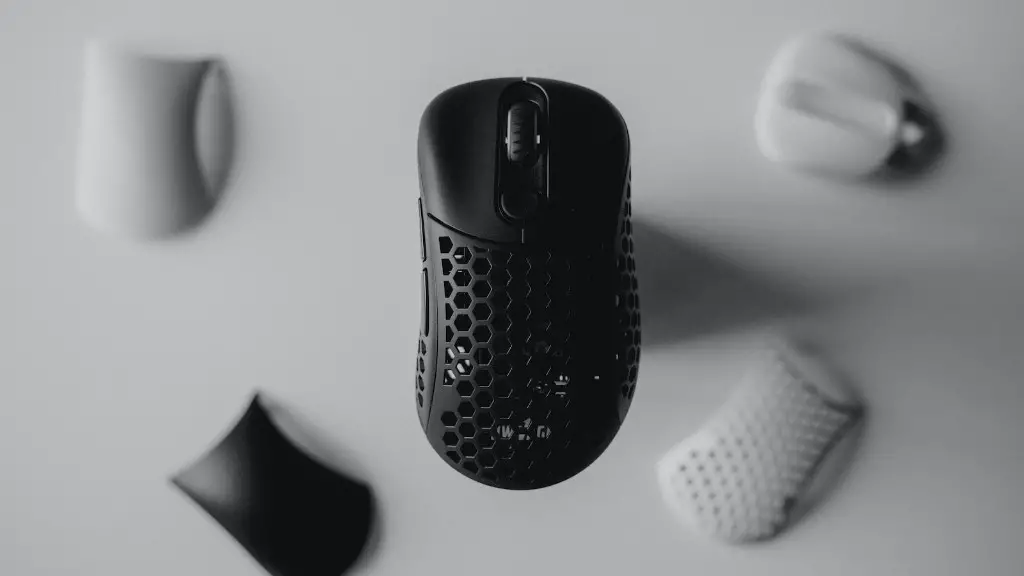
Aside from the hardware components, you’ll also need to consider the peripherals you’ll need for your gaming PC. This includes a monitor, keyboard, mouse, and other accessories. When it comes to the monitor, look for one with at least a 1920×1080 resolution for best results. As for the mouse, you should look for one that is comfortable and has features such as adjustable DPI and ergonomic design.
The keyboard should also offer a comfortable typing experience and should have features like adjustable backlighting and programmable its macros. If a mechanical keyboard is out of your budget, then a regular membrane keyboard should suffice. Other peripherals you might want to consider include a gaming headset, gaming controller, and other accessories such as a mouse pad and external hard drive.
These components and peripherals will help you make the most out of your 800-dollar gaming PC build. Remember to shop around for the best prices, and research the specs of each component to ensure that you get the best performance out of your gaming system.
How to Install a CPU Cooler
Installing a CPU cooler is an important part of building a gaming PC. It helps keep your processor from overheating and ensures a smooth gaming experience. There are many types of coolers available, so before selecting one for your system, ensure that it is compatible with your motherboard and processor. Once you’ve chosen the CPU cooler, you can start the installation process.
First, you will need to remove the existing cooler from the processor socket and clean any remaining thermal compound. You can then install the new cooler onto the processor, making sure that the mounting holes are correctly aligned. After that, you can attach the mounting brackets and screws, and attach the fan to the cooler’s base. Once everything is in place, you can connect the fan to the motherboard.
Finally, it’s time to apply thermal paste to the CPU and cooler. Apply a small dab of the compound onto the processor’s integrated heat spreader, and spread it evenly with a thermal paste spreader or a plastic card. Then connect the fan wires, secure it in place, and plug it into the motherboard.
Connecting the cables on your 800 Dollar Gaming PC
Now that your gaming PC components are installed, you can start connecting the necessary cables. This includes the SATA cables for storage devices, the power cables for the motherboard and other components, and the cables for the display and peripherals. You should also make sure to route the cables neatly and securely in order to reduce clutter.
Start by connecting the power cable to the power supply and the other components such as the motherboard, processor, graphics card and storage drive. You should then connect the SATA cables to the storage devices, as well as the display cable to the monitor. Finally, you should connect the peripherals, such as the mouse and keyboard, and the power button cable to the motherboard.
Once the cables are connected, you can now start the PC to make sure that everything has been connected properly. You should also check your BIOS to ensure that it can detect all of the components, and that the settings are configured correctly.
Testing and Troubleshooting Your 800 Dollar Gaming PC
Before you can enjoy your new gaming system, you should test it to make sure that everything is working correctly. This involves running the necessary stress tests on all of the components to ensure that the performance is up to spec. If you encounter any issues, you can use tools like MemTest86 to diagnose and troubleshoot any potential problems.
It’s also important to note that when troubleshooting your gaming PC, you should always start by checking the power supply and other components first. If the issue is with the processor, then you should check the CPU cooler and make sure it is properly installed and connected. If the problem is with the graphics card, then make sure that the drivers are updated and the settings are configured correctly in the BIOS.
Building a gaming PC can take some time, but it’s a rewarding experience. With the right components, you can build an 800-dollar gaming PC that provides top-tier performance for a fraction of the cost of a pre-built system. With this guide, you’ll be one step closer to enjoying the best PC gaming experience possible.
