The best configuration for gaming PCs depends on the game, the hardware you need to run it, and how you want the system to perform. It’s important to consider your budget, and the type of gaming experience you are looking for when choosing the best configuration for your gaming PC. Some of the components that make or break a good gaming PC include the processor, graphics card, RAM, storage, RAM, cooling system, and power supply.
The central processing unit (CPU) is a key component of any gaming PC. A good processor should be capable of achieving top processing speeds with ample memory and multiple cores. The CPU should also have higher efficiency ratings and be supported by the latest operating system. Higher-end processors like the Intel Core i5 or AMD Ryzen 9 might be the ideal choice for individuals looking to game at a higher level.
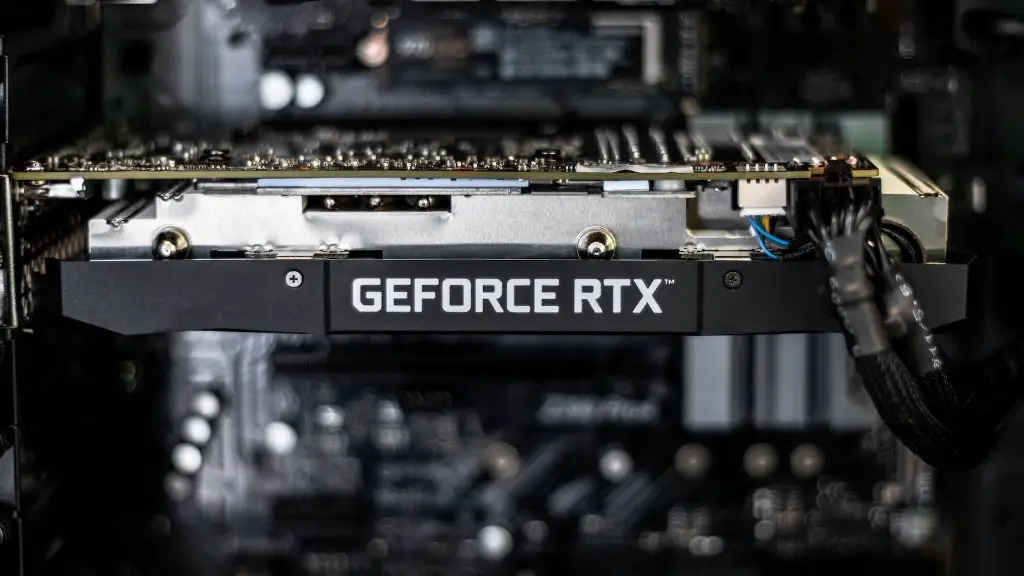
A gaming PC is only as powerful as its graphics card. When it comes to graphics cards, gamers should aim for graphics cards that offer a higher level of performance, larger frame buffers and faster display outputs. Examples of premium graphics cards include the Nvidia GeForce RTX 2060, 2070 and 2080. However, for those on a budget, the Nvidia GeForce GTX 1660 Series is a great option.
RAM is essential for running large programs or games. 8GB is the minimum recommended RAM for gaming. However, if you plan on playing modern games, 16GB is ideal. For those looking for the ultimate gaming experience, 32GB RAM is the best configuration.
Storage is a critical component of any gaming PC and determines the type and amount of data stored. To reduce game loading times, an SSD is recommended. An SSD offers faster data access speeds, a more responsive interface, and faster load times. On the other hand, HDD offers more storage at a lower cost.
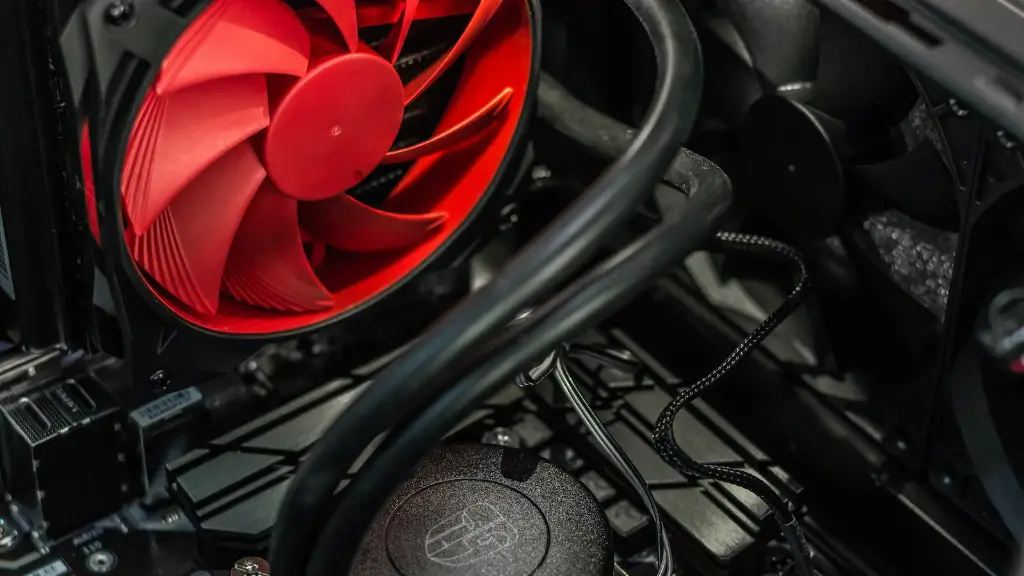
Cooling systems help keep your gaming PC at optimal temperatures. To avoid overheating and performance issues, ensure your gaming PC is equipped with high-quality fans and RGB lighting. Ensure your cooling system is capable of efficiently cooling your system.
A powerful power supply is essential for powering the various components of your gaming PC. It’s important to invest in a PSU with high efficiency, quality components, and good wattage. Computer with high wattage require more power than those with low wattage and you don’t want to experience brownouts or power spikes.
Advantages Of A Powerful Gaming PC
A powerful gaming PC is vital for getting the most out of modern PC games. Performance is often limited by hardware, so having a high-end gaming PC means you can enjoy the best graphics and game textures. If you’re playing a game with highly detailed landscapes and textures, you’ll need a powerful gaming PC to handle the graphics.
A gaming PC allows you to access the latest games as they are released as well as running media streaming apps and multitasking with other programs such as Photoshop, Word and Excel. Compared to gaming consoles, gaming PCs are more customizable and allow gamers to tweak the hardware and software to get the most out of their gaming experience. The higher the performance and specs on a gaming PC, the better the gaming experience will be.
Modern games tend to have more advanced graphics and visual effects. Having powerful hardware components, such as a good graphics card and CPU, will ensure that your gaming experience is smooth and lag-free. You will also be able to play games with higher resolutions and have today’s advanced in-game features.
Powerful gaming PCs also allow for smoother streaming and recording. You can record and stream your gaming and upload it on platforms such as YouTube and Twitch for others to watch. Twitch streaming requires fast upload speeds which can be accommodated by a powerful gaming PC.
A powerful gaming PC has shorter loading times and faster game updates. A high-end gaming PC is equipped with enough RAM and an efficient CPU to ensure that games don’t stutter and hassle-free multitasking while playing. Using a gaming PC also offers gamers access to a wide range of games, including many titles that are not available on consoles such as PC exclusives.
Cost Of Configuring A Gaming PC
The cost of configuring a gaming PC depends on the type of components you choose, with higher-end components being more expensive. High-end components cost more due to the increased performance, specifications, and features they offer. For instance, premium graphics cards or CPUs can cost up to three times more than basic ones.
RAM and storage play a significant role when it comes to gaming performance. Generally, higher-end RAM and storage are associated with an increase in gaming performance and also cost more. On average, good RAM and storage can cost around $100-200 depending on the capacity and speed required.
For best performance, you’d want a powerful power supply and a decent cooling system. Power supply units start from around $50 and go up to $150 for higher-end units. Cooling systems vary depending on the design, size and technology used, with pricing ranging from $20 – $200.
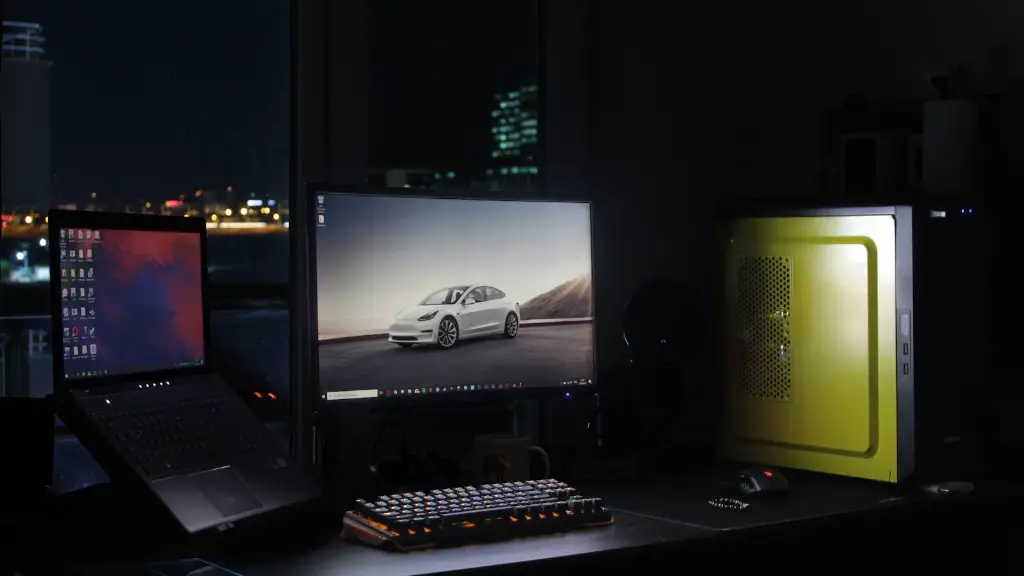
Given the right budget, gamers will be able to find the best components to suit their gaming needs and desires. Investing a little more on hardware components could pave the way for better gaming performance and a lag-free gaming experience. Gamers can start with basic components and upgrade when their budget allows.
When looking for the best configuration for gaming PCs, it’s important to consider your budget, the requirements of the game and your desired gaming experience. High-end components may cost more, but these can give you higher performance and a better overall gaming experience.
Upgrading Components Of A Gaming PC
Upgrading the components of a gaming PC is the best way to improve its performance. Replacing hardware components such as the processor, graphics card, RAM, storage, and power supply can do the trick and boost your gaming performance. However, upgrading components comes with a few risks that gamers must be aware of.
The first factor to consider when upgrading components is compatibility. It’s important to ensure that the components you are purchasing are compatible with both your existing hardware components and the operating system. Compatibility is essential for proper installation and optimal performance.
It’s also important to make sure that your power supply can handle the upgraded components. An old or outdated power supply might not be able to adequately supply power to the new components, leading to system instability and performance issues. Gamers should look for a power supply that is rated higher than the total power draw capacity of the components.
Software compatibility is another issue that can arise when upgrading components. When installing new hardware, you must make sure that the software you are using is compatible with the new components. Drivers must be installed correctly and must be up to date. Lastly, fans and the cooling system must be considered, especially when adding power-hungry components.
Overall, upgrading components is a great way to get better performance out of a gaming PC. It is important to do your research and ensure that you buy compatible components and have the right software and firmware installed. Invest in a good power supply and cooling system to avoid system instability and overheating issues.
Tips For Configuring A Gaming PC
Careful and thoughtful considerations should be taken into account when configuring a gaming PC. Here are some tips to help you select the best gaming configuration.
First, consider the type of game you’d like to play. Some games require higher-end hardware and performance, so it’s important to select components accordingly. Determine the minimum specs needed to run the game and select components that provide an enhanced gaming experience at affordable prices.
Next, consider your budget and pick components that offer the best value. Factors such as brand, performance, quality and pricing should be taken into consideration. It’s also important to look for components that can be upgraded, as this will give you the flexibility to expand your gaming PC later on.
Overclocking might be a good option if you’re looking to save on money and get some extra performance. But it’s important to properly understand the intricacies of overclocking and the associated risks it can have on your system. Additionally, it’s good to invest in additional cooling systems to prevent overheating.
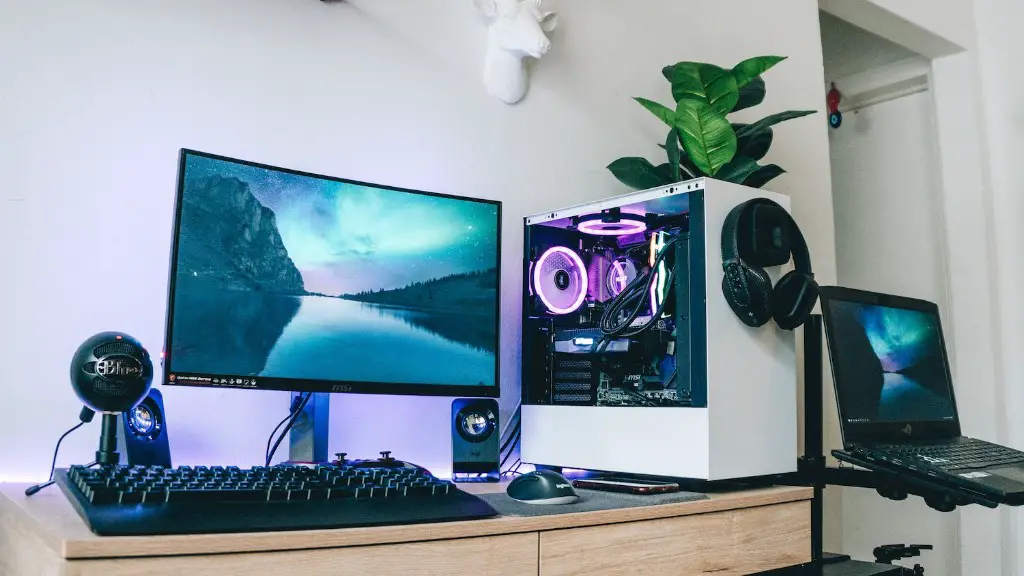
Finally, consider the aesthetics of the gaming PC. Look for components that have features such as RGB lighting, as this can enhance the look of your gaming setup. Aesthetics can make or break your gaming setup, so it’s important to consider your options.
Configuring a gaming PC can be an overwhelming task, especially for those just starting out. But with the right research and know-how, gamers can select the best configuration for their gaming needs. Careful consideration of budget, performance, brand and aesthetics should be taken into account when selecting the best gaming PC configuration.
