Gaming PCs require quality components to provide an immersive and lag-free gaming experience. Long gone are the days of buying a gaming PC and having to sacrifice on power. Now, there are high-end components available that are designed to enhance the gaming experience. The following are the core components that most gaming PCs require.
The first component of any gaming PC is the CPU, or Central Processing Unit. CPUs have grown in power and popularity since their inception in the early 1950s. Today, CPUs are found in many shape and sizes, from low-powered mobile CPUs to powerful desktop CPUs. The processor must be able to handle the load that the gaming puts on it. For example, if the game requires high-end graphics, then the processor must be capable of running the game at its maximum settings. For most gaming PCs, any of the modern Intel or AMD processors will be more than capable of meeting the needs of most games.
The second component gamers will need to purchase is a graphics card. This is the hardware that will be responsible for rendering the images on the screen. For high-end gaming PCs, a discrete graphics card is recommended. These cards are more powerful than integrated graphics cards, and offer better performance. A good choice for a gaming PC is an NVIDIA or AMD graphics card. These cards come in different tiers, and gamers should select a card that is right for the games they are playing.
The third component gamers will need is RAM, or Random Access Memory. This is the memory that the computer uses to store data while it is running. Since gaming can take up a lot of resources, having enough RAM is very important. Most gaming PCs will require 16GB or more of RAM. This will ensure that the computer can handle the most demanding games.
The fourth component gamers will need is storage. This is the hard disk drive or solid state drive that the computer uses to store data. A large storage capacity is important for gamers, as it will give them the ability to store a lot of games and data. An SSD is recommended for gaming PCs, as it will offer faster loading times and quicker access to data.
The fifth component gamers will need is a power supply. A power supply is the component that provides power to the other components inside the PC. A good power supply will ensure that all components get enough power to function without issue. It is important to get a power supply that is at least 80 Plus certified, as this will provide stable and reliable power.
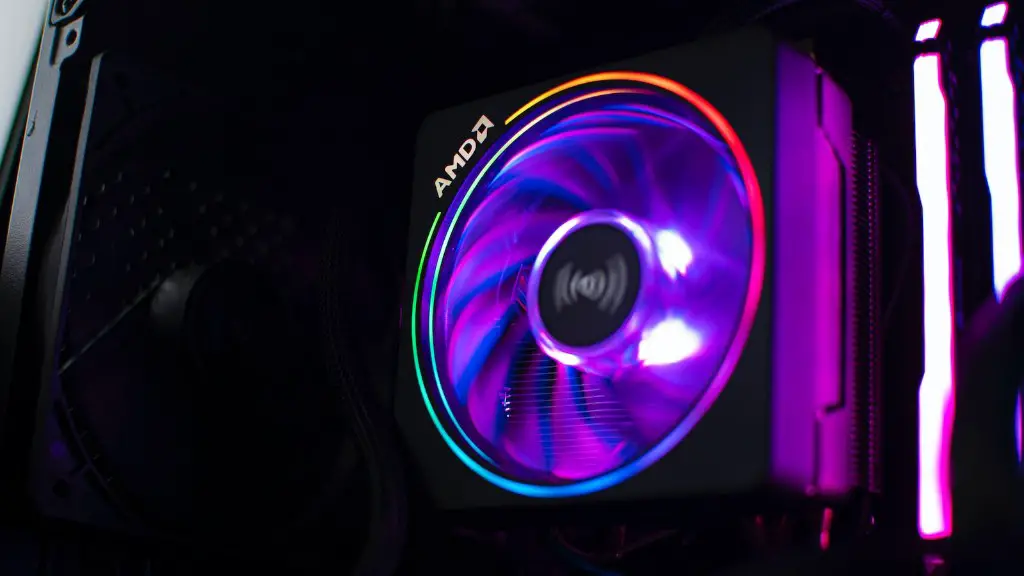
Finally, gamers will need a good case and cooling solution. A good case will keep the components cool and will provide extra space for additional components. A good cooling solution will help keep the components at optimal temperatures. This will ensure that the components can run at their maximum performance without overheating.
Motherboards
A good motherboard is essential for a gaming PC. A motherboard provides the electrical connections for all the components inside the system. It will also be responsible for routing all the power to the required components and ensuring that the components are all compatible with each other. When selecting a motherboard, it is important to ensure that it is compatible with the rest of the components that will be used in the system, such as the CPU and graphics card.
Cables and Connectors
Power and data transmission between the various components requires cables. High-end gaming PCs will require high-quality cables and connectors to ensure that there is no data loss or interference. It is important to select cables that are certified and of good quality. It is also a good idea to check the power output and make sure that it is compatible with the components.
Peripherals
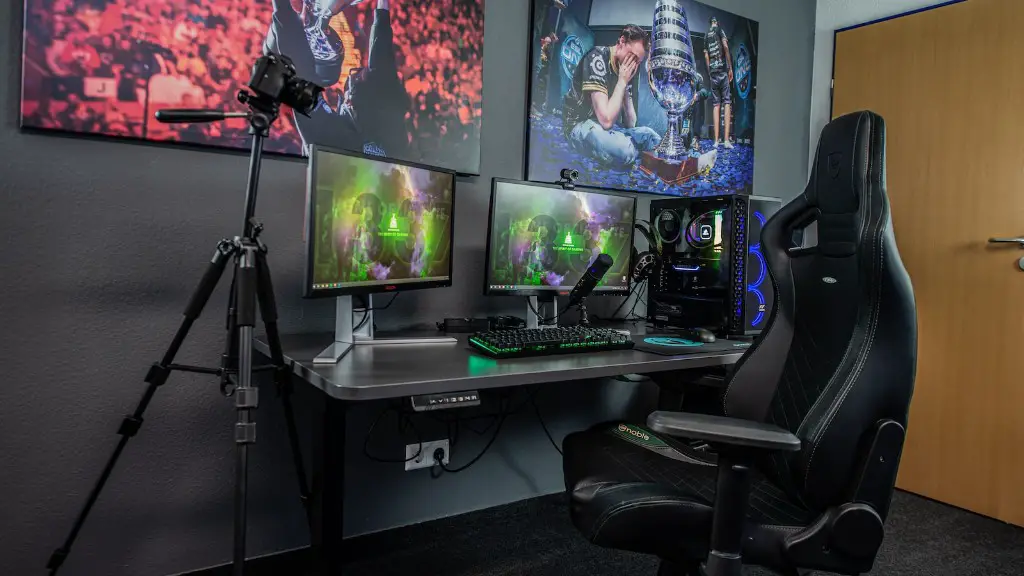
High-end gaming PCs require various peripherals to make the gaming experience complete. Things like gaming keyboards and mice, gaming headsets, and specialized controllers all help make gaming more immersive and enjoyable. It is important to select peripherals that are compatible with the system and that are of good quality.
Software
A gaming PC won’t be complete without the latest version of Windows installed. This will ensure that the system is up to date with all the latest drivers and security patches. It is also important to have a good antivirus program installed to help protect the system from viruses and other malicious software.
