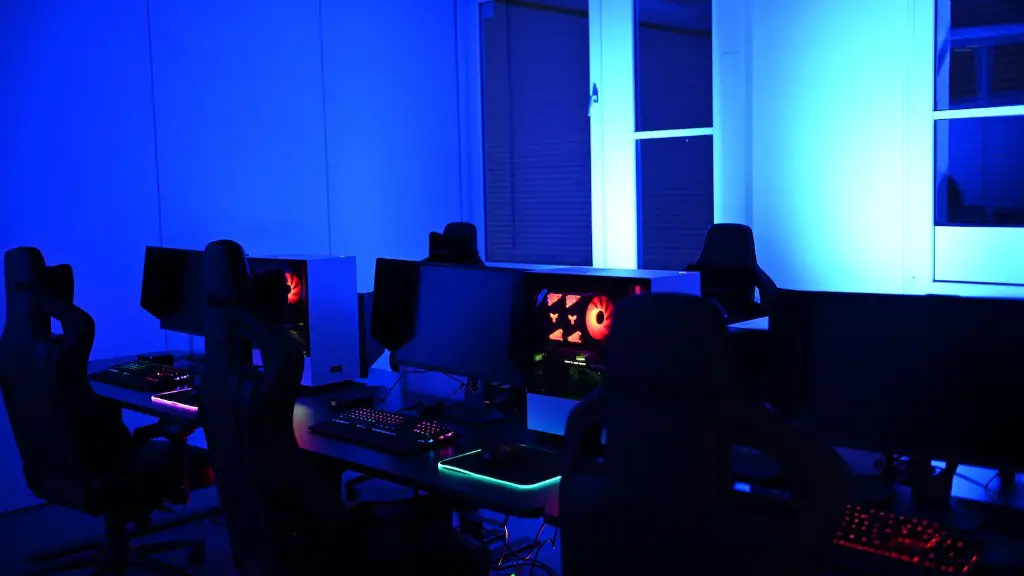
Building a gaming PC from scratch can seem like a daunting task and an expensive exercise. However, with some skill and planning, it is possible to create a gaming PC that falls within a budget of $300. This article will provide the necessary guidance on how to assemble a gaming PC for under $300.
The first step any aspiring PC builder should take is to decide what components are needed and which ones should be purchased. Depending on the intended use of the gaming PC, choosing the components may require some additional research. While the most powerful and costly components tend to provide the most performance, there are some budget-friendly alternatives available. Popular components often found in low-cost gaming PCs include Intel and AMD CPUs, graphics cards from the Radeon and GeForce families, and hard drives from Western Digital or Seagate.
Next, it is important to ensure that the components will be compatible with each other. Compatibility may depend on certain criteria such as the type of processor, graphics card, and motherboard. If a component has been chosen that does not match the criteria for compatibility, it may be necessary to exchange it for another item.
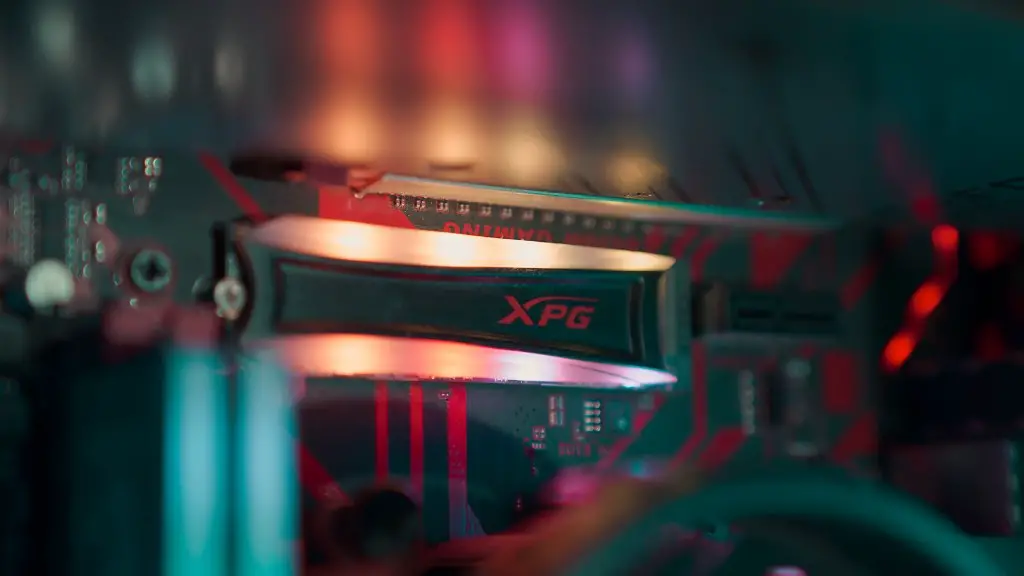
The third step is to assemble the components. All components must be removed from their packaging prior to assembly, and any included instructions must be followed closely. This can help avoid any errors that may lead to a faulty product. Once all components are assembled, the computer will need to be tested to ensure that the parts are properly connected.
Finally, the gaming PC must be given an operating system and the necessary software needs to be installed. Microsoft Windows provides the most support for PC gaming, but there are other alternatives available such as Linux. Essential software includes drivers and support software for the various components. Additionally, any preferred gaming software should also be installed.
Controlling The Temperature
Once the gaming PC is assembled and the operating system is installed, it is important to make sure the temperature is kept low. Components such as the GPU, CPU and RAM generate heat while they are in operation, so they must be kept in a well-ventilated area or with the aid of a cooler or fan. This can help to keep the temperature of the gaming PC at a reasonable level.
Controlling Power Consumption
Most gaming PCs require a considerable amount of power to operate properly. To avoid any sudden power fluctuations, it is advisable to connect the gaming PC to an uninterruptible power supply (UPS). This will provide a steady flow of energy to the gaming PC and prevent any sudden power spikes that could damage the components.
Choosing The Right Monitor

In order to fully enjoy the gaming experience, it is important to choose a monitor that meets the needs of the intended usage. The type of monitor, such as LCD or LED, depends on the user’s preferences. Popular features to consider when selecting a monitor include the refresh rate, resolution, size, and display technology.
Selecting Accessories
A gaming PC is nothing more than a collection of components without the necessary accessories. These accessories can range from gaming controllers and headsets to a full gaming setup with a mouse, keyboard, and monitor. All of these components must be chosen based on their compatibility with the gaming PC and their suitability to the user’s preferences.
Making The Most Of Your Budget
When building a gaming PC on a budget, it is important to ensure the best possible value. Shopping around for the best deals can help save money on individual components as well as on complete kits, while also providing the necessary components. Additionally, research can be conducted to determine the most cost-effective components in terms of performance and value.
Conclusion
Building a gaming PC on a budget of $300 is possible with the right components and careful planning. The gaming PC must be assembled with compatible parts, tested for compatibility, and provided with an operating system and necessary software. Controlling the temperature and power consumption should also be done to ensure that the gaming PC runs optimally. Lastly, the user must select the appropriate monitor and accessories depending on their needs. With all of these steps having been completed, the gaming PC will be ready to use.
