Outfitting your new gaming pc can be a thrilling experience, as well as a daunting one. With so many components, peripherals and applications out there to choose from, it can be overwhelming to find the best setup for your rig. Here’s a step-by-step guide for setting up your new gaming pc, briefed up with a concise list of “to-dos”.
Firstly, make sure you’ve got all the components you need to get started. A solid gaming pc should include at least 8GB of RAM, a quality motherboard, a reliable processor, and good cooling. You’ll also need a power supply, hard drive, and graphics card.
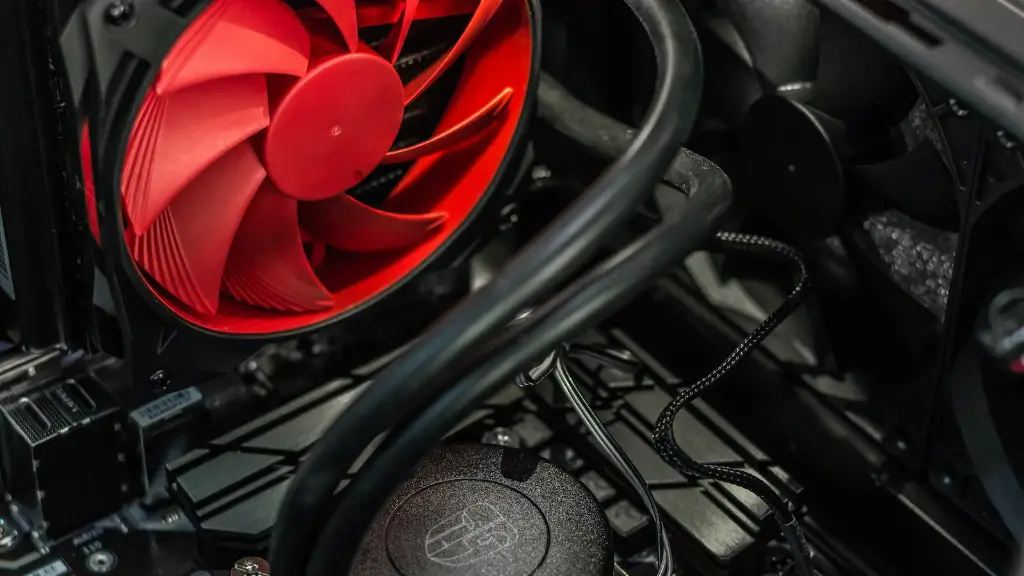
Next, it’s time to assemble the parts. Start by preparing the case and then insert the components such as the processor and RAM. Make sure to properly attach each component. Install the power supply on top and plug it in to power your rig.
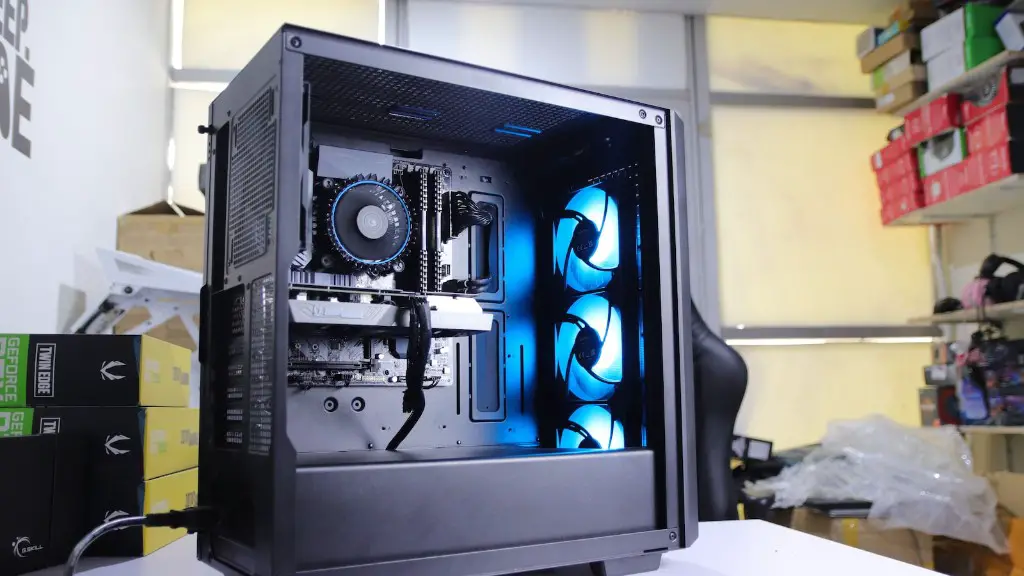
Thirdly, install the graphics card. Put it into the slot and make sure it sits firmly in the pcie socket. Then plug in the power supply and screws to make sure it’s secure. Put in your hard drive and connect it to the motherboard.
Fourthly, connect any external devices you may need, such as a mouse and keyboard. You’ll also need to connect audio cables and other peripherals.
Fifthly, configure your system. Install your operating system and then begin setting up the BIOS. Configure storage, data transfer, and custom settings.
Finally, you’re ready to install applications. Download games, tools, and other software, and install them on the drive you’ve chosen. In some cases, you may need to download drivers for certain games and applications.
Installing Additional Components

Once you’ve finished all the basics, you can now install additional components to further enhance your gaming experience. For instance, you can get an extra RAM to improve the speed of your machine, as well as more powerful graphics cards for high resolutions.
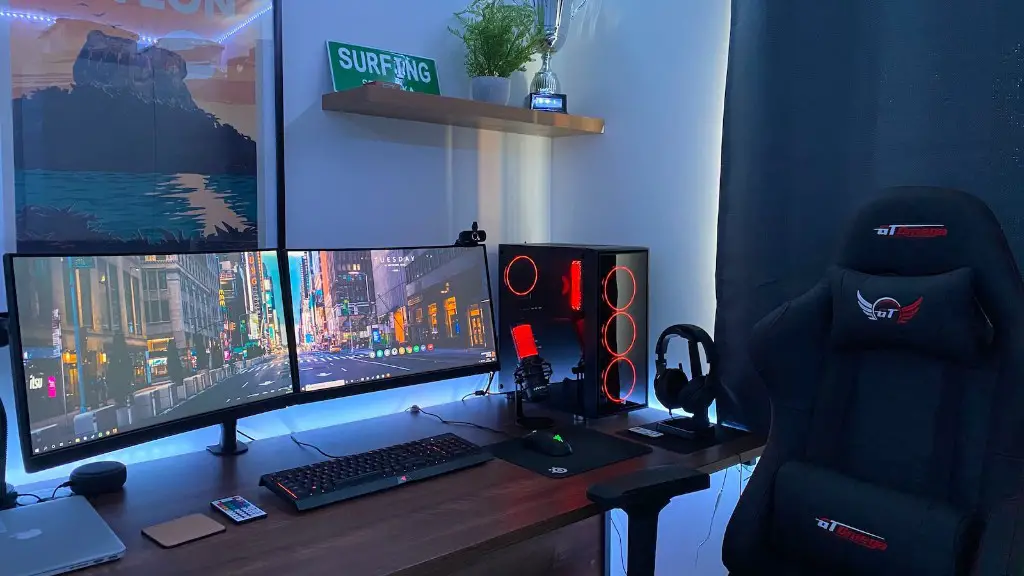
You’ll also want to look into gaming accessories such as RGB lighting and cooling systems. RGB lighting can add a unique look to your gaming pc, while cooling systems prevent your machine from overheating. Additionally, a decent chair and desk are important to ensure you’re comfortable as you play.
A high-quality pair of headphones and/or speakers are also essential when it comes to gaming. Quality headphones allow you to get the most out of your gaming sessions, while speakers provide an immersive auditory experience.
Last but not least, consider investing in a quality monitor. Not only does the size and quality of your screen affect your gaming performance, but it also determines which games you can run on your rig.
Network Connectivity and Network Security
When setting up your gaming pc, you’ll also need to consider network connectivity and network security. Make sure to purchase an internet router that’s compatible with your system. This ensures that you’re able to access the internet when playing online games.
In addition, you should also look into purchasing a VPN service to secure your connections. A VPN encrypts your connection to the internet and masks your online activities, protecting your identity, data, and IP address.
Lastly, you should consider purchasing additional security software to protect your device from malware and other threats. A good antivirus program is essential to keep your machine safe while gaming.
Configuring Performance Settings and Updates
It’s also important to configure your system’s performance settings and updates. You’ll want to optimize your game settings to get the most out of your gaming pc. You can do this by adjusting the in-game settings of your chosen game, as well as your computer’s settings.
It’s also recommended to keep your system up to date with the latest drivers and software. This increases the performance of your gaming pc, as well as improves the stability of your system.
Creating and Backing Up Your Data
Creating and backing up your data is one of the most important steps when setting up your pc. Creating backups ensures that all your important files and gaming data are safe in the event of a technical incident.
A good solution is to use an external drive or cloud storage. This way, you’ll always have a backup of your data in the event of a system failure.
You can also create a restore disk that allows you to restore your system to its original settings in the event of a crash. This ensures that any troubleshooting you may need to do won’t require you to reinstall your operating system.
Connecting to Online Communities and Store

Once your pc is set up, you’ll want to start connecting to online communities and stores. Online gaming communities provide a place for gamers to socialize and interact with each other, as well as an opportunity to find new games.
You’ll also want to take advantage of online stores, such as Steam, Origin, and Battle.net. These stores offer a variety of titles, as well as discounts on some of the biggest games. Additionally, these stores let gamers access DLCs, patches, and updates for their favorite games.
Finally, joining Twitch, YouTube, and Discord channels allows you to further immerse yourself in the gaming community. These platforms offer gamers the ability to share tips and experiences with each other as well as giving you an opportunity to watch your favorite pros and players compete.
