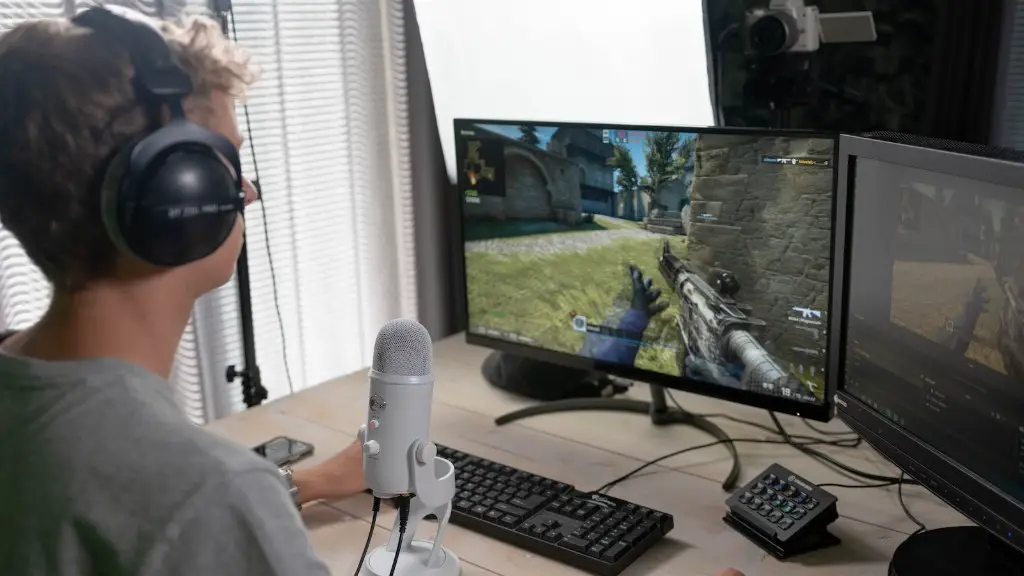
Building a high end gaming PC in 2020 is an exciting and intricate endeavor that requires consideration of your budget, components, and overall performance. Here we will provide some tips on how to make the most out of your gaming setup.
It all starts with what motherboard you’ll be purchasing. You’ll want to get a motherboard that can support the processor, memory, and video card you’ll be using. It’s important to ensure the motherboard you select is compatible with those components. Additionally, look for features such as added USB ports, higher bandwidth speeds, and multi-GPU support.
When purchasing your processor, be aware that some CPUs are better suited for certain types of games. Generally, if you’re an enthusiast gamer you should be looking for a powerful processor with a higher clock speed as it can run more demanding games. It’s also important to make sure that the processor you choose isn’t too out of date. The new Intel i7 6th generation is one of the most popular options which offers great performance per dollar.
Memory is another essential component of a gaming PC. The type and amount of memory you’ll need depends on the games you typically play and the resolution you’d like to achieve. DDR4 memory is the preferred type and is available in various sizes and clock speeds. The more memory you have in your system the better, so aim for 16GB as a minimum.
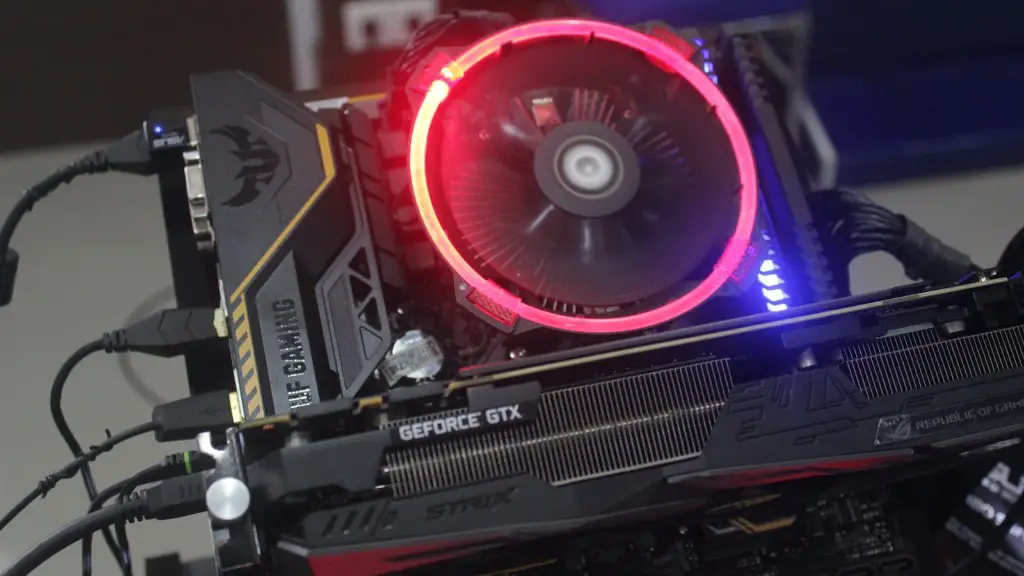
A powerful video card is a major component of your build. Higher quality video cards can handle intense graphics details and high resolutions typically found on large monitors. There are two major brands when it comes to video cards: AMD and NVIDIA. Check out benchmark scores for the video cards you are considering to decide which is best for your gaming setup.
Next you need to purchase a solid-state drive (SSD). This will allow you to access your games and files more quickly than a traditional hard disk drive. An SSD is also excellent for loading games faster and ensuring a smooth performance during intense gaming sessions.
Finally, you’ll wanna make sure your setup is properly cooled. A decent cooling system is necessary to prevent any overheating that may slow down or damage your components. There are various coolers available, and it’s best to select one based on the type of processor you have.
Optimizing Your Build
When it comes to gaming PCs, optimization is a must to get the best performance out of your setup. Installation of an updated BIOS can help you achieve this. You can flash the BIOS with a new version from the manufacturer’s website and that can improve your gaming performance. Additionally, some hardware offers specific servicing tools, such as Dell’s Alienware utility, which can be used to optimize system settings for gaming.
Knowing what games you plan to play is an critical factor when it comes to optimizing your build. Every game varies in the performance it will require on various hardware and you’ll need to adjust the configuration accordingly. For instance, a game that requires 4GB of RAM to run, then you’ll want to get 8GB of RAM to ensure that it runs optimally.
Software also plays a pivotal role when it comes to optimizing your gaming PC. An operating system such as Windows 10 is essential for playing the latest games, and Microsoft’s Xbox app has been recently improved for gaming. Additionally, some games may require other software such as DirectX and Vulkan. It’s important to be aware of any additional software those games may require.
Finally, overclocking can help you optimize the performance of your gaming PC. Overclocking is the process of increasing the speed of certain components by running the processor, memory, or video card faster than their intended operating speeds. This can boost performance significantly, so be sure to research the brand and model of each component you’re using to find out if it’s possible to overclock them.
Getting the Best Peripheral Devices
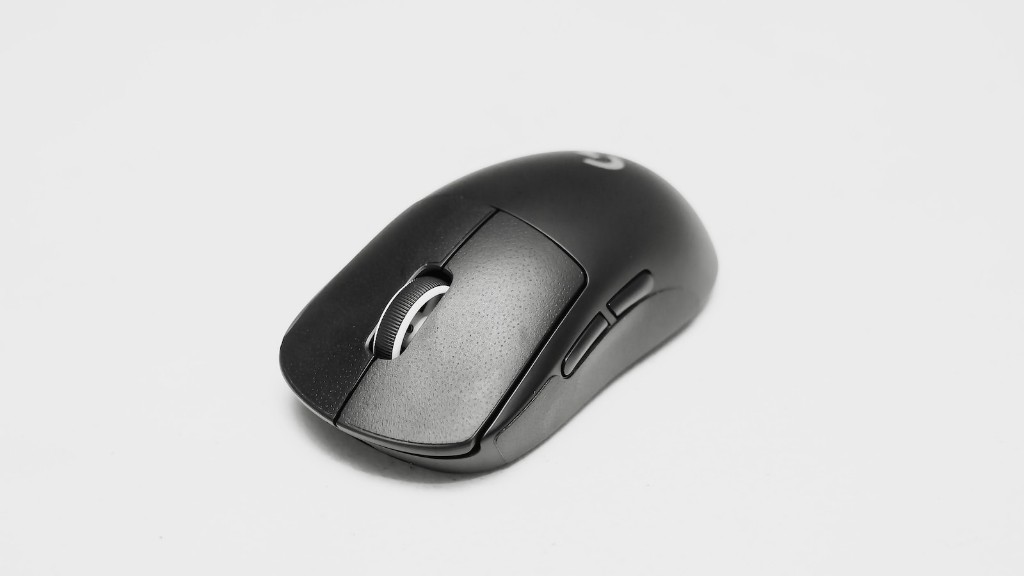
Although it’s not essential, having the right gaming peripherals can significantly improve your gaming experience. A gaming mouse and keyboard can give you more accuracy and control while a quality headset gives you the right sound experience. Additionally, picking a good quality monitor can improve the visuals of your setup. Look out for ones with higher resolutions, refresh rates, and plenty of inputs. Some of the best monitors offer up to 4K resolution.
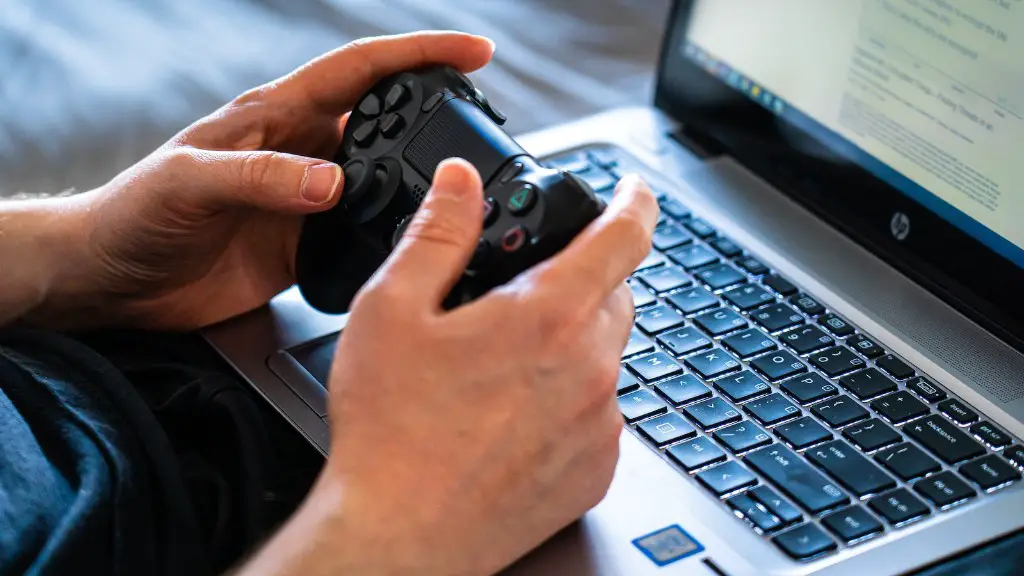
You should also pick the right controller for the console games you’ll be playing. Get one with more buttons to give you more control, such as the Xbox One Elite controller from Microsoft. Having the right controller can make all the difference when it comes to enjoying the game.
Other accessories such as stands, cooling systems, and speakers can also bring your gaming experience to the next level. Choose the ones that complement the components you’ve opted for and make sure the products you choose are compatible with the components you have.
When selecting the right accessories make sure to evaluate the quality, compatibility, and price. Investing in quality gaming accessories can make your setup look complete while offering improved performance. Shop around to explore what peripherals are available.
Choosing the Appropriate Descriptors
It’s important to know the right descriptors when choosing components and peripherals for your gaming PC. Pay special attention to details such as the RAM clock speed, the number of cores and threads of the processor, the size of the SSD, the size of the monitor, and the type of video card. The higher specs here can make a serious difference in performance.
Avoid being swayed by marketing gimmicks, aggressive sales pitches, and extravagant brands. It’s important to compare the core specs of each component and peripheral to ensure you’re making the best purchase for your gaming needs. Additionally, search for reviews of each one to know how the product actually stands up in the real world.
It’s also essential to select components that can be upgraded in the future when new games require higher specs. As an example, you may want to get a processor with a better clock speed, a graphics card that has more GDDR5 RAM, and a motherboard that supports higher memory modules.
Finally, consult with a tech guru if you have any doubts about which components and peripherals to get. Having the right guidance can save you a lot of money. Don’t be afraid to ask questions or ask for advice to make sure you’re getting the right components.
Building the Machine
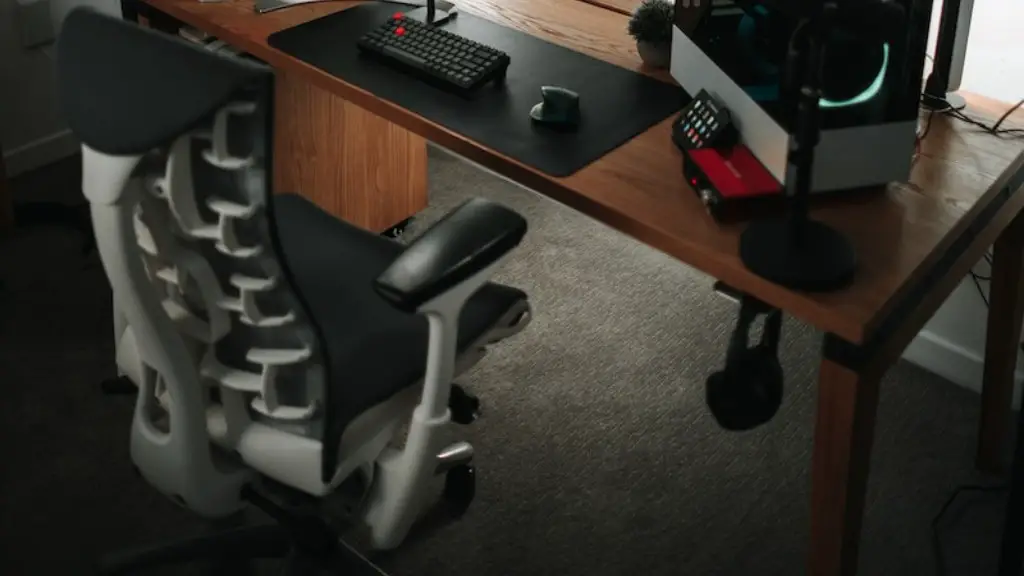
Once you’ve got all the parts and peripherals for your gaming PC it’s time to start building. Have a look around for instructional videos and read through tutorials so you’re aware of what needs to be done. This way you can avoid misplacing essential components and damaging any of the components.
A great option is to order a pre-built gaming PC with the components already installed. This eliminates the need for having to build the machine yourself and you can get a gaming PC setup with minimal fuss.
If you’re building the PC yourself, start by laying out all the components in front of you. It’s important to insert the RAM sticks and the CPU into the motherboard before attaching the processor. Apply thermal paste to the processor, as this helps it to transfer heat into the cooler.
Next, attach the power supply and make sure the cables are connected properly to the components. After that, install the video card into the PCI-E slot and connect the monitor via the appropriate connection. Finally, connect the storage drives, external components such as a webcam, and insert any additional cards.
If all has gone well, you should have a functioning gaming PC that you can start gaming on. Now you can enjoy playing the latest games, run graphics intensive software, and live stream your gaming adventures.
