Building a gaming PC on a budget can be done without sacrificing too much performance. By following these tips, you can get an affordable gaming PC with the necessary power and features to play your favourite games.
First, focus on the processor and GPU. That is the highest priority if you want the best gaming experience. Get the latest and greatest hardware, as they offer the most powerful combination of performance and value. When looking for a GPU, consider contracts that offer a dedicated graphics card with a powerful built-in graphics processor. These graphics cards are much cheaper in the long run.
Second, look for a RAM kit that can handle heavy multitasking. 8 GB or 16 GB RAM is recommended, depending on your budget. For gamers, DDR4 RAM is the best option. It provides the most stability and performance while gaming.
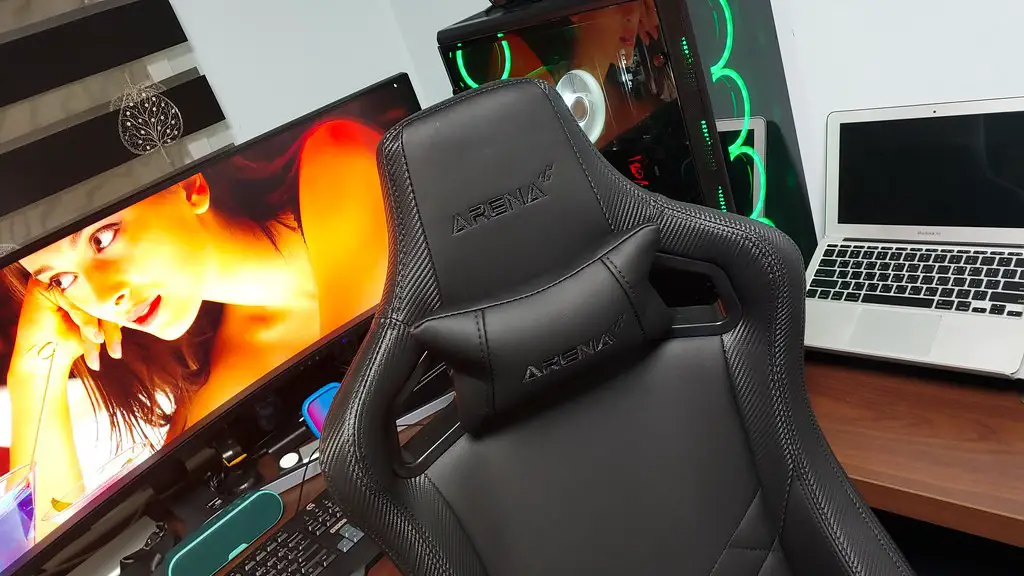
Third, find the best deals on motherboards. An affordable gaming motherboard should have a great audio chip and features. It should also include enough USB ports for all your peripherals. If you want to overclock your PC, you’ll need a Z170 chipset motherboard.
Fourth, get a great power supply unit that won’t fail in the long run. A quality PSU should provide reliable power to all your components, even when overclocking. It should also feature power efficiency and low noise levels.
Fifth, get a gaming case that offers enough room for your rig. It should have enough air flow to keep your components cool. A window in the front can also be useful when looking in on the components during gaming.
Sixth, get a storage drive that offers storage space, but also quick access and reliability. SSDs are much faster than HDDs, but they are expensive. An hybrid drive is a good compromise that combines speed and storage space.
Lastly, get a reliable cooling solution. You can get an air cooler as it is more affordable and easier to install, or a liquid cooling system for a quieter experience.
Buying Components
Buying the best components for an affordable gaming PC is key. Knowing how to spot the best deals can save you a significant amount of money. When looking for components, always keep an eye on both the specs and the price. Compare recommended benchmarks from other websites and look for special offers or sales.
Reviews and user testimonials can also help you make an informed decision. Visit forums and read what other people have to say. Moreover, consider buying refurbished components to save even more money. Refurbished CPUs, GPUs and RAM kits can all be found online.
Getting Supporting Components
Aside from the graphics card, there are a few other components that are essential to building your own gaming PC. You will need a monitor, a keyboard, a mouse, and a headset. Get a curved monitor for gaming, as it offers better viewing angles. A good gaming keyboard should include lots of keys and backlighting for added comfort.
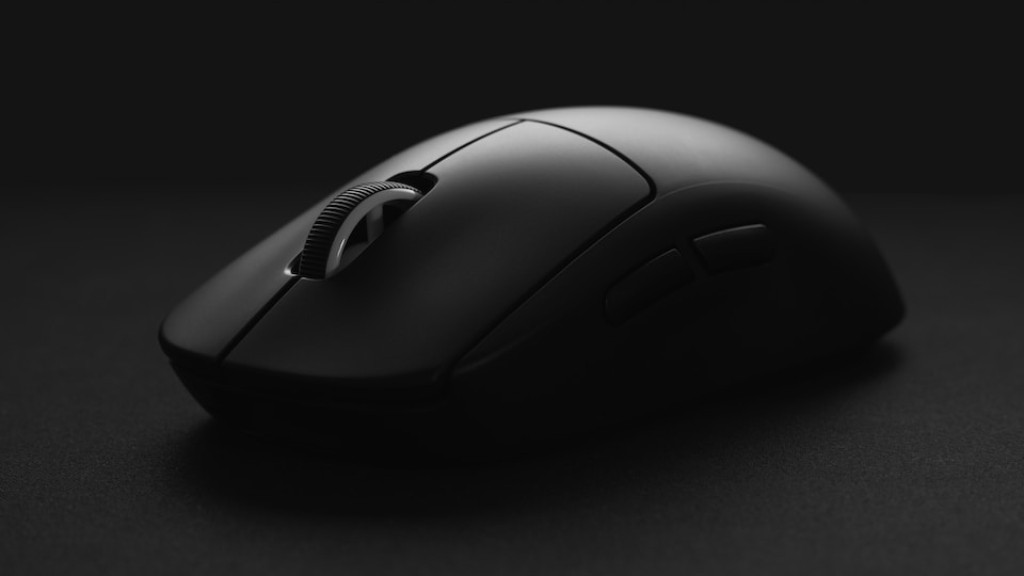
A gaming mouse should pack way more features than a normal mouse. Look for one with programmable buttons and a great optical or laser sensor. Finally, a headset will take your gaming experience to the next level. Get one with a comfortable fit, good sound isolation and great sound reproduction.
Installing Your Components
Once you have gathered all the pieces of the puzzle, you can start putting them together. You should begin by installing the processor and the CPU fan onto the motherboard. Then, install the memory and connect the power supply. After that, come the graphics card and storage drive. Finally, install the CPU cooler and the case fans.
Make sure to mount all the components correctly and that the cables are all in proper order. If you ever encounter a problem, there are plenty of resources online that can help you out. If you don’t feel comfortable with your installation, contact a professional for help.
Testing and Troubleshooting
After a successful installation of your components, you can finally turn your gaming PC on and test it. Install the OS and confirm that all components are detected correctly. Run some benchmarks and stress tests to see if everything is up to par.
You should also make sure your games are running smoothly. Lower the graphics settings if needed, until you are able to play your games with no issue. In case of any glitches or crashes, you can try updating your drivers or search online for a bug fix.
Upgrading Your System
The great thing about building your own gaming PC is that you can easily upgrade it in the future. If you have any spare money lying around, you can replace components such as the graphics card or memory to improve performance. However, if you’re on a tight budget, you can also overclock your processor and graphics card.
Overclocking will bring more tuning options for your PC. With the right combination of CPU-Z settings and a stable voltage, you can reach higher clock speeds with your processor and graphics card. You can read through online guides and tutorials to make sure you do it right.
When it comes time to buy new hardware, keep an eye out for sales or retail discounts. You can always find unbeatable deals online or at local retailers, so make sure to keep your eyes open.
