
Building a gaming PC doesn’t have to be expensive. In fact, with careful planning and knowledge, you can assemble a gaming PC for as little as $400. So, How much it cost to assemble a Gaming PC?
The components you need to assemble a gaming PC will depend on your budget and what games you plan to play. To build a gaming PC, you need a CPU, motherboard, RAM, storage device, graphics card, power supply and case. Each of these components can range in price greatly, and they can be bought online or at a nearby computer store. Prices can range from around $100 – $1000, depending on the quality and brand of the components you choose. You’ll also need couple of other components such as CPU cooler, fans, cables, etc.
The most expensive component in a gaming PC is likely to be the graphics card, but it doesn’t have to be, especially if you’re aiming for a budget build. You can use an integrated graphics card, provided you have a compatible motherboard, or you can get a mid-range card and some good RAM. CPU and motherboard will almost certainly be the biggest expense, but it won’t necessarily be the most expensive.
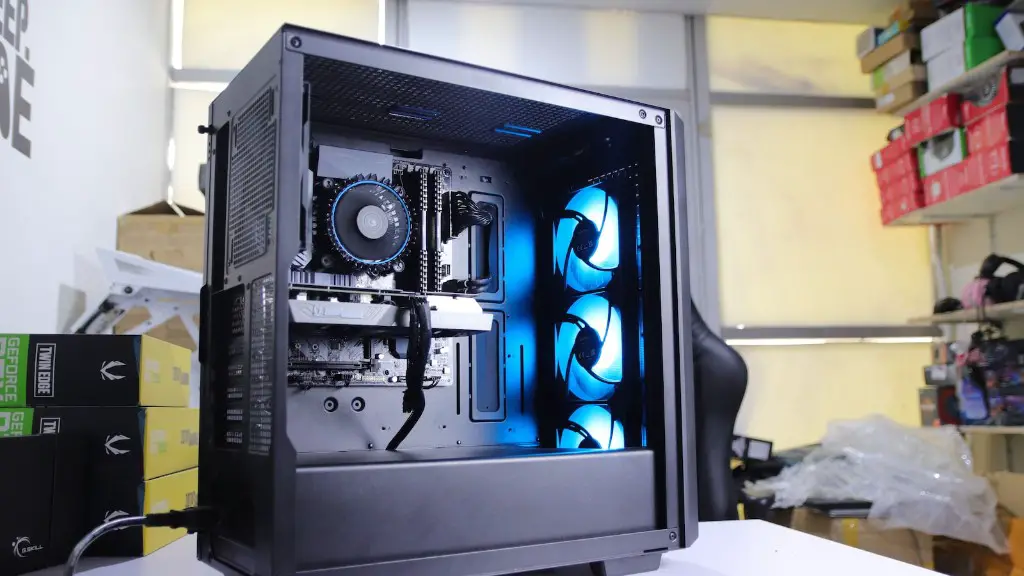
Apart from the core components for the build, you also need to factor in accessories such as monitor, keyboard, mouse, headset, and other gaming peripherals. These items can range in price, but they are not necessarily required for a gaming PC. A decent monitor and gaming peripherals will increase the cost of the build, but they are not essential.
Another factor to consider when pricing up a gaming PC is the cost of software. If you’re planning to play the latest games, then you will need a good anti-virus software, as well as a game platform like Steam. These are both necessary for the gaming experience, but the cost of these is not included in the initial cost of the build. The cost of games themselves will also add to the cost of building a gaming PC.
Overall, the cost of assembling a gaming PC will vary greatly, but it shouldn’t be too difficult to put together a decent setup with quality components for under $800 – $1000. That being said, if you’re on a tight budget, you can still build a basic gaming PC with mid-range components for around $400 – $500.
In summary, the cost of assembling a gaming PC can vary greatly depending on the components and accessories you choose, but it is possible to build a decent gaming PC on a budget. By carefully planning and researching the components you need and sticking to your budget, you can assemble a gaming PC that looks good and plays great.
Graphics Card
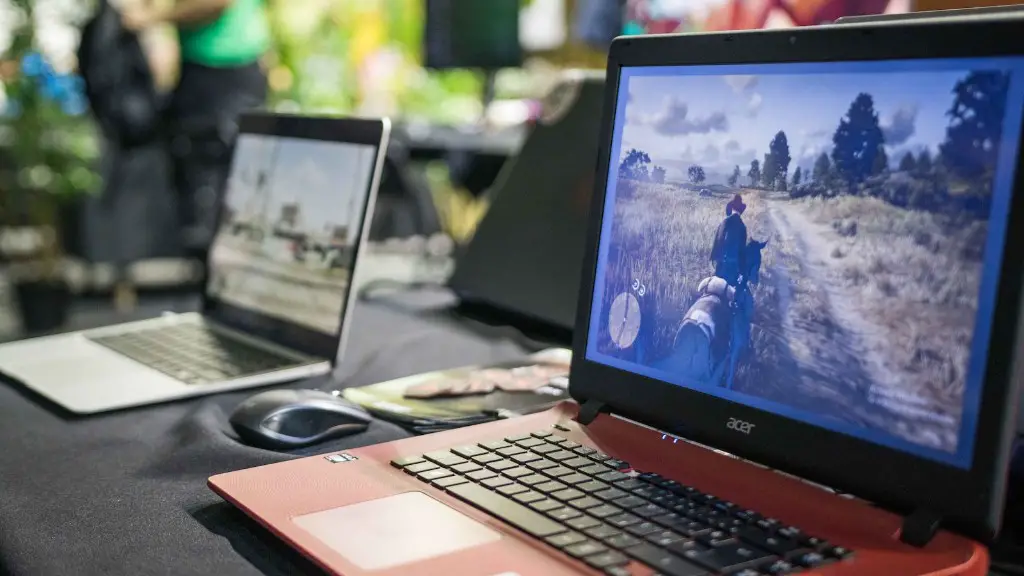
A graphics card is an essential component for any gaming PC, and it is one of the more expensive components to consider. Graphics cards come in all shapes and sizes, from high-end cards costing hundreds of dollars to mid-range cards that are much more budget friendly. Depending on your budget, you may be able to get away with an integrated graphics card, or a mid-range dedicated card.
When making your decision, it is important to consider the type of games you will be playing, as well as the resolution of your monitor. If you’re playing mostly older games, or games that are not as demanding on hardware, then a mid-range card may be the best option. On the other hand, if you plan to play the latest titles, then you will need to invest in a high-end card.
It is also worth noting that different brands of graphics cards offer different levels of performance, so it is worth doing some research to find out which card is best for you. Some cards may have better cooling or better features than others, so it is worth considering all the options before making a decision.
In summary, the cost of a graphics card will depend on your budget and the type of games you want to play. If you want to play the latest games, then you will need to invest in a high-end card, but if you are just play older games, then a mid-range card might suffice.
Memory
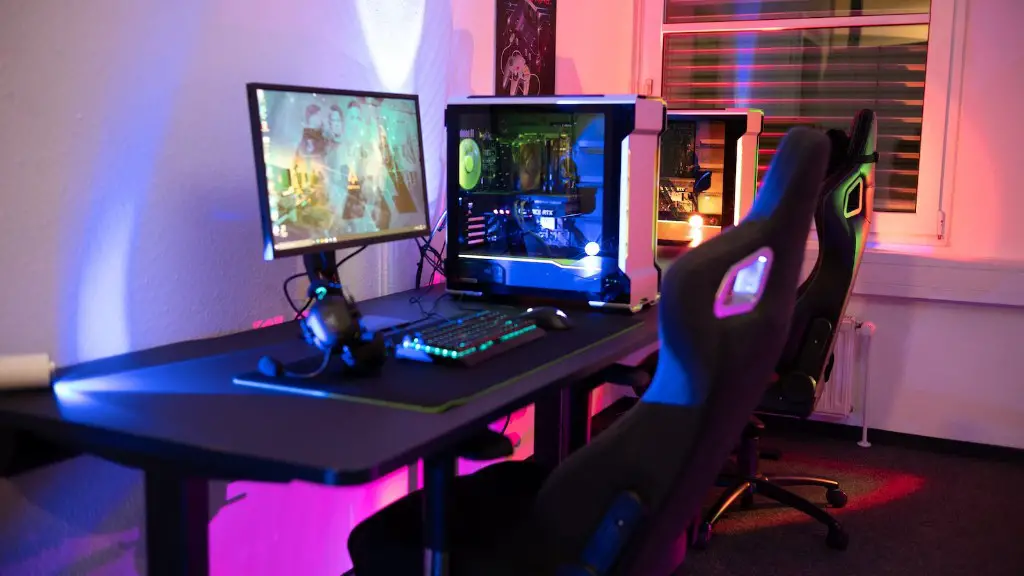
When building a gaming PC, RAM is another important component to consider. RAM is essential for multitasking and gaming, so you will need enough to run the games you want to play. Different games require different amounts of RAM, so it is worth checking the system requirements of the games you plan to play before making a purchase.
The type of RAM you choose will also depend on the motherboard you have chosen. Most modern motherboards use DDR4 RAM, which is faster and cheaper than the previous generation of DDR3 RAM. If you have a motherboard that supports DDR4, then you should definitely consider getting some, as it will offer a noticeable boost in performance.
When pricing up RAM, the cost of each stick can vary greatly depending on the size and speed. Most RAM sticks come in 4GB, 8GB, 16GB and 32GB sizes, and the cost can range from around $20 – $100, depending on the size and speed. If you are on a tight budget, then it might be worth going for two 8GB sticks instead of two 16GB sticks.
Another factor to consider is the type of RAM you need. Most games and applications can take advantage of dual-channel RAM, so it is worth considering buying two sticks instead of one. Dual-channel RAM will offer a significant performance boost, and it is not that much more expensive than single-channel RAM.
In summary, the cost of RAM will depend on the size and speed of the RAM sticks you choose, as well as the motherboard you have chosen. RAM is essential for a gaming PC and is relatively cheap, so it is worth spending a bit extra to get some decent RAM sticks.
Storage
Storage is an important component for any gaming PC, and there are many different types and sizes available. SSDs are usually the preferred choice, as they offer much better performance than HDD and are generally cheaper. SSDs come in various sizes, ranging from 120GB – 1TB. The cost of an SSD will generally range from around $50 – $250, depending on the brand and size.
HDDs are still a popular choice for larger storage needs, as they offer more space for less money. HDDs come in various sizes, ranging from 500GB – 4TB, and the cost can range from around $50 – $200. It is worth bearing in mind that HDDs are not as fast as SSDs, but they do offer more storage for your money.
It is also worth considering the type of storage device you need. If you are only using your gaming PC for gaming, then a high-end SSD is likely to be the best option. However, if you plan to store photos, videos and other large files, then an HDD might be a better option.

Finally, it is also worth considering additional storage peripherals such as external hard drives, network attached storage (NAS), or even cloud storage. These options can be used to store games and other files, and they often offer better value for money than internal storage devices.
In summary, the cost of storage will depend on the type, size and brand of the storage device you choose. SSDs offer better performance, while HDDs offer better value for money. Neither is necessarily better than the other, so it is worth considering your needs before making a decision.
Case
A PC case is the most visible component of a gaming PC, and there are many different types and sizes available. The case you choose will depend on your budget and the type of games you plan to play, as well as the size of the components you have chosen. Cases range in size from mini-ITX to full-tower, and the cost can range from around $50 – $200, depending on the size and features.
Smaller cases can be more budget friendly, and they can also fit into tighter spaces. However, it is important to consider that smaller cases have less room for cooling and can be a bit more cramped for components. On the other hand, larger cases offer more space for cooling and components, but they can be more expensive and can take up more space in your home.
It is also worth considering the type of case you want. Some cases come pre-built with LEDs and fancy panels, while others are more understated. It is entirely up to you which style you prefer, but it is worth bearing in mind that the more fancy cases can cost more. Most cases also come with a range of features, such as dust filters and USB ports, but it is worth checking that a case has the features you need before buying.
In summary, the cost of a PC case will depend on your budget, the size of the components you have chosen, and the type of case you need. Smaller cases are usually more budget friendly, while larger cases can offer more space for cooling and components. It is worth considering your needs and researching the options before making a decision.
