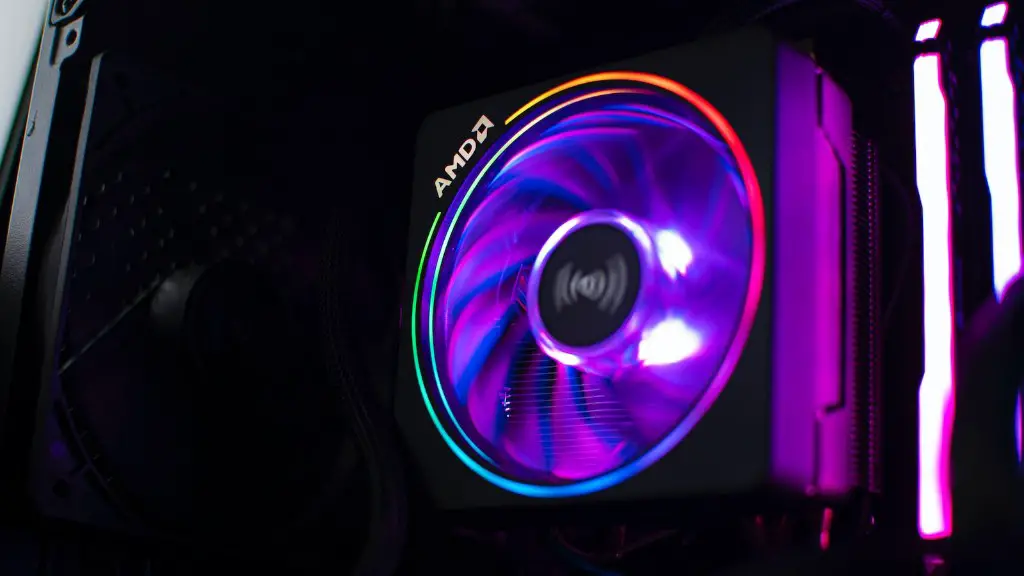
After purchasing a gaming PC, the first step is to get it set up for gaming. Remember to unpack the box carefully and make sure that all the parts are in the correct condition. Put the components together, plug in the power supply, and attach the cables. Once everything is connected, simply plug the monitor and speakers into the correct ports and turn on the gaming PC. Then, it’s time to check if everything is working correctly.
The navigational device, such as the mouse and keyboard, are essential to the game. Check if it is working correctly by testing it out on some different games. Then, if needed, change the settings of the mouse, keyboard, and any other connected peripheral. This ensures that all your gaming peripherals are compatible and offer a comfortable gaming experience.
The next step would be to install the operating system of your choice. After installing the OS, you can install additional software and drivers that come with the gaming PC to expand its functionality. Then, once the OS and drivers are installed, it’s time to start downloading the games you want to play.
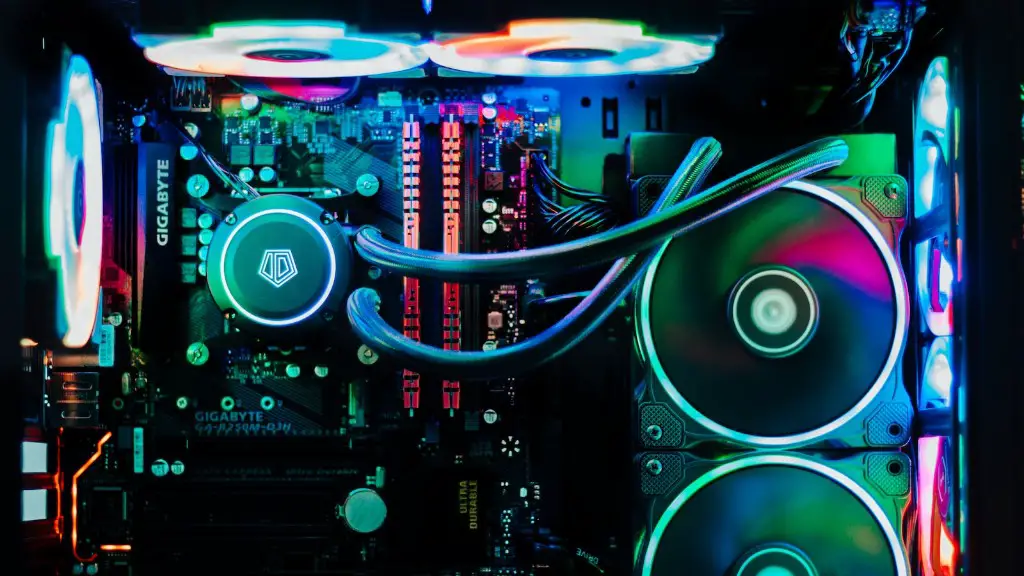
The majority of games come with their own recommended hardware setup and requirements. Make sure to check the system and hardware requirements before installing a game and make sure to get the exact hardware that the game needs. Furthermore, check out game mode settings and make sure to adjust them to get the best gaming experience possible.
It’s necessary to back up your data in case of any issues. Make sure to have a data backup strategy in place and back up your data regularly. That way, in the event of an issue, you have your data stored safely and can restore your game progress easily.
After the games are installed, make sure to adjust their settings and graphics to get the optimal gaming performance. During the entire set up, it is best to make sure that your gaming PC is protected from malicious threats. Install antivirus software, as well as any other security software you deem necessary, to make sure it is fully protected.
Last but not least, update all your games regularly. In doing this, you get the best possible gaming experience. Particularly, with online games, the developers tend to release frequent updates to fix bugs and add new content. Thus, it is essential to keep your games updated to remain competitive.
Choosing the Right Games After Buying a Gaming PC
Choosing the right games for your gaming PC is essential for a great gaming experience. After buying a gaming PC, check out reviews of games that feature the hardware required for optimal gaming performance. Furthermore, decide on the type of game you want – be it a single-player game, a multiplayer game, a shooter game, or an open-world game. Moreover, do not forget to check out the minimum and recommended hardware setup for each single game.
Before purchasing a game, it’s always best to test it out. That way, you can get a first-hand feel of the game and decide whether you like it or not. You can play the game in a trial version before buying it, or watch streaming videos of the game. Also, exploring different genres and playing a variety of different games is an excellent way to guarantee an enjoyable gaming experience.
Research the other players of a particular game. If possible, play with people who are at your level or better. If you play with people who are too advanced, you can become frustrated or intimidated quickly. Also, the reviews of the players give you an insight into the gaming culture of the game.
Another factor to consider when choosing games for your gaming pc is the game’s age. Generally, new games are more complex and utilize the most recent technology, providing the best gaming experience possible. But also, some older games have stood the test of time and remain as entertaining as newer games with a large fan base.
Lastly, it’s essential to remember that budget games can be as engaging and enjoyable as premium games. Also, reviewing the system requirements of a game before buying it is recommended as it lets you ensure that your gaming PC meets the required specifications.
Storing Games After Buying a Gaming PC
Secure storage for your games is essential for a great gaming experience. There are different ways of storing games, from physical storage to digital storage. Every option has its advantages and disadvantages, so it’s up to you to decide which one works best for you.
For physical storage, you can buy game discs, cartridges, or external hard drives. It’s up to you to decide which one is the most suitable for your purpose. Physical copies are more reliable but also more expensive, while digital versions often offer more convenience but can be prone to digital theft.
Digital storage is becoming more popular nowadays and offers many advantages. Games can be stored on an internal hard drive or an external hard drive. It’s essential to remember that digital games need to be backed up regularly to make sure you don’t lose your data. Also, get a gaming subscription if you plan on downloading and playing games frequently.
Cloud storage is also an excellent way of storing games. Generally, cloud storage is more secure, and depending on the type of plan you subscribe to, it can be incredibly cost-effective. However, the download and upload speeds are not as fast as when you store your games on a hard drive, so it’s up to you to decide which one works best for you.
For more secure and advanced storage of games, you can install game streaming software, such as Steam, which allows you to store and access games from anywhere. It’s much more convenient and secure as it stores your games in the cloud and lets you play from any device. Last but not least, game streaming software also offers an easy way to keep your games organized and readily available.
Maintaining the Gaming PC After Buying it
Maintaining your gaming PC is essential to ensure a great gaming experience. From installing new drivers to cleaning the fans and components, proper maintenance is needed to ensure that the gaming PC remains in excellent condition.
The first step should be ensuring that the drivers are up to date. Performing regular driver updates ensures that the games run smoothly and that the system is secure. When updating the drivers, make sure to install only trusted and verified drivers, as some drivers can cause damage to the gaming PC.
Next, make sure to clean the components regularly. Dust and dirt can accumulate easily, and if not taken care of, it can cause damage to the gaming PC and its components. Also, when cleaning the PC, make sure to be gentle and not use any sharp objects as they can cause scratches or damage to the components.
If you want to make sure that your gaming PC remains in the best condition, it’s best to register the device with the company. That way, you can benefit from the services and warranty provided by the company.
Furthermore, clean up your gaming PC regularly by uninstalling programs you do not use, as well as deleting unnecessary files. That way, you free up more storage space and keep your gaming PC clutter-free. Finally, make sure to check for system updates on a regular basis.
Improving Gaming Performance After Buying a Gaming PC
For the best gaming experience, it’s essential to keep your gaming PC up to date. Whether it is updating the drivers, improving the system, or upgrading the hardware, making sure that the gaming PC is running on the latest technologies is essential.
Start by ensuring that the drivers are up to date and that the gaming PC is running on the latest firmware and software. Also, make sure to check for any available OS updates and install them if necessary. Software updates are essential to ensure the best gaming performance.
Next, check if the gaming PC meets the recommended system requirements in order to perform its best. Upgrading the hardware is often necessary to make sure the gaming PC is up to the latest standards. From the power supply to the GPU and the RAM, upgrading the components of the gaming PC can significantly improve the gaming performance.
Another way to increase the gaming performance is to overclock the components. It increases the clock speed of the components, usually the CPU and GPU, to achieve better gaming performance. Though it provides free performance gains, it may not be stable always, and it can cause damage to the components.
If you want to get the most out of your gaming PC, it’s essential to invest in accessories, such as gaming headsets or gaming keyboards. Steering wheels, gaming mouses, and other gaming peripherals can add to the gaming experience, so it is a good idea to invest in them.
In order to get a great gaming experience, it’s essential to keep up with the latest gaming trends. Make sure to check out the seasonal events and the limited-time offers. Also, joining gaming communities such as Steam or Battle.net can provide you with access to exclusive content and bonuses.
