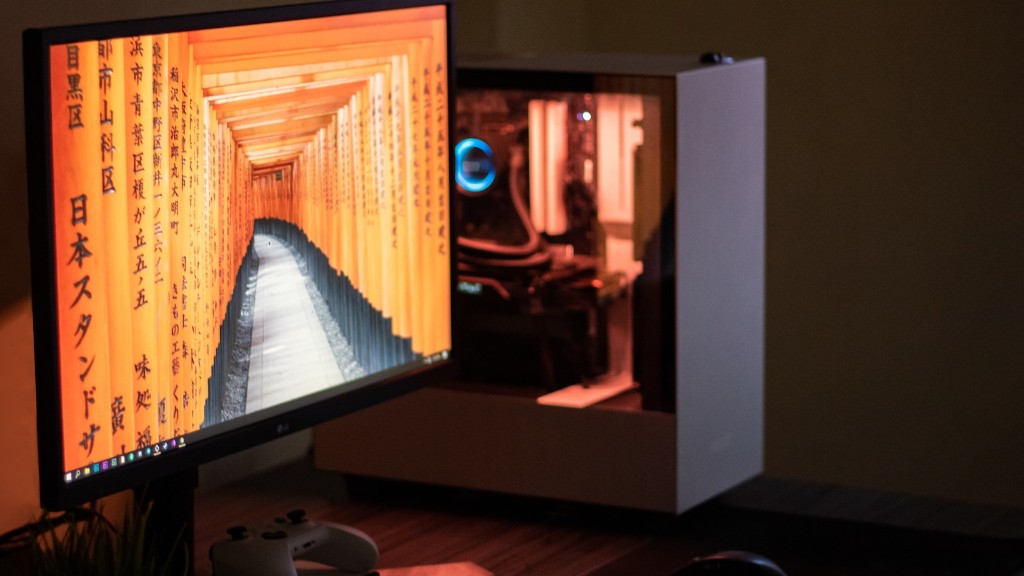
For any avid gamer out there, wondering how much to make your own gaming PC, is a frequent question. As PC gaming continues to be on the rise, there’s no better time than now to build your own. Doing this yourself provides a much more customizable and personal experience, and also has the potential to save you money over pre-built rigs.
How much you need to spend to make your own gaming PC is highly variable, depending on the type of gaming you plan on doing, what type of system you want to assemble, and your budget. Generally, a high-end system will cost around $1,500, but you can build a mid-to-high end rig for around $800-$1,000. Low-end systems can be assembled for around $400-$600.
When looking to build your PC, the most important component to think about is the graphics card. This component is critical for smooth and reliable gaming performance, so it’s worth investing in high-end graphics hardware. You’re also going to need a decent processor, plenty of RAM, and a large hard drive for storage. Make sure that all the components are compatible with each other and read the reviews before you commit to a build.
You’ll also need to factor in other costs such as the operating system, a case to enclose the whole system, a monitor and peripherals such as a mouse, keyboard and headset. Don’t forget to budget for a few tools and supplies, as well as a surge protector to help keep your computer running smoothly.
Once all your components are chosen and ordered, you’re ready to get building. If you’re new to this process, there’s plenty of helpful tutorials online to help you along. With a little bit of patience and the right attitude, you’ll be able to put together a highly customizable, personalized gaming PC of your own.
Choosing the Right Computer Parts
When it comes to making your own gaming PC, choosing the right components is critical for ensuring smooth performance. It’s important to do your research and decide exactly what you want from your rig. It’s not just the price of the components that matters, but also the performance and features that you’re after.
The processor and graphics card are two of the most important components when it comes to making your own gaming PC. Both of these need to be at a level that you’re comfortable with. You should also consider how much RAM and hard drive storage you need. If you’re storing lots of large digital media such as music and photos, you’ll likely want more storage than the typical gaming PC build.
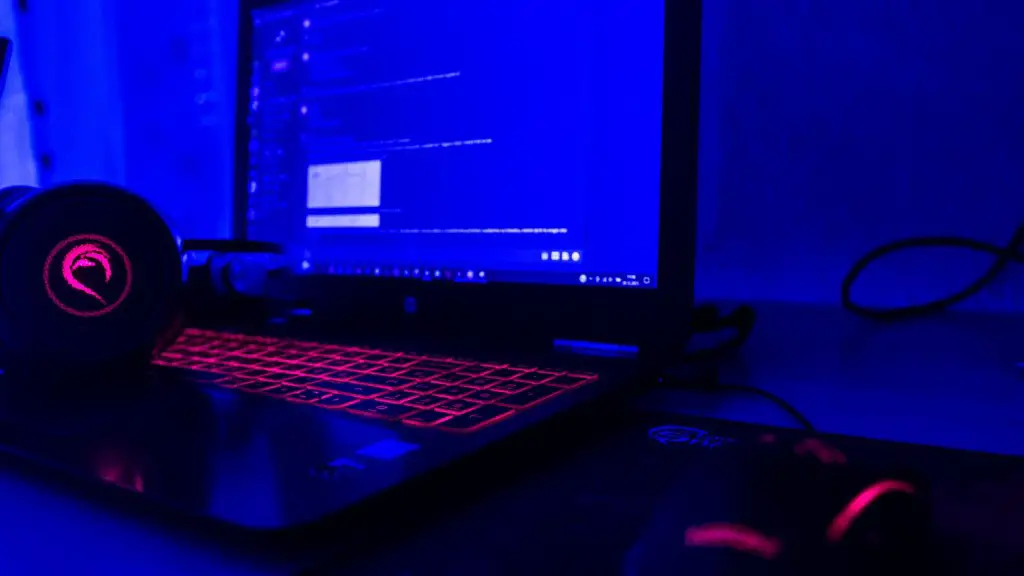
In addition to these components, it’s important to pay attention to what type of case you want to use. Your case should protect your components and be able to handle the heat that is generated. It’s also important to pick a case that looks good and can be easily transportable, if needed.
Last, but not least, consider investing in a power supply that’s powerful enough to take on the components you’ve chosen. The last thing you want is for your gaming PC to short circuit due to a weak power supply.
PC Building Tips & Tricks
Building your own gaming PC can be a daunting prospect if you’ve never tackled something like this before. Here are a few tips and tricks to help make the building process a bit easier:
• Make sure you have all the components you need before you start, as this will help you to save time and stress during the build.
• Be methodical with the build and double check your work at every stage to make sure that everything is secure.
• Most importantly, take your time and keep an eye out for any potential problems or issues that could arise.
• Keep organized. Have all your components placed in a way that makes it easy to find and access them.
• Use the right tools. Having the right tools at hand such as a screwdriver and a pliers will save you a lot of time and effort during the build.
• Finally, take pictures throughout the build process so you don’t forget how you put things together. This will allow you to quickly reference any step if you need to.
DIY vs Pre-built
When it comes to making your own gaming PC rather than buying a pre-built system, the feel of accomplishment is real. DIY builds are generally much more customizable than pre-built gaming rigs. You know exactly what’s in it and can customize it to suit your needs perfectly. Plus, there’s potential for cost savings with DIY builds.
The downside is that you need to have the time and technical know-how in order to actually make your own gaming PC. Building your own computer requires research and careful consideration, as well as some basic knowledge of hardware. It can take hours or days depending on your skill level, so you’ll need to be willing to invest the time into the project.
If you’re not confident with technical tasks and rather need something that’s ready to go out of the box, pre-built might be a better option. That way, you can just open the box and start gaming without much effort. Of course, if you go down this route, then there’s less flexibility and you’ll be paying a premium for convenience.
DIY Troubleshooting & Solutions
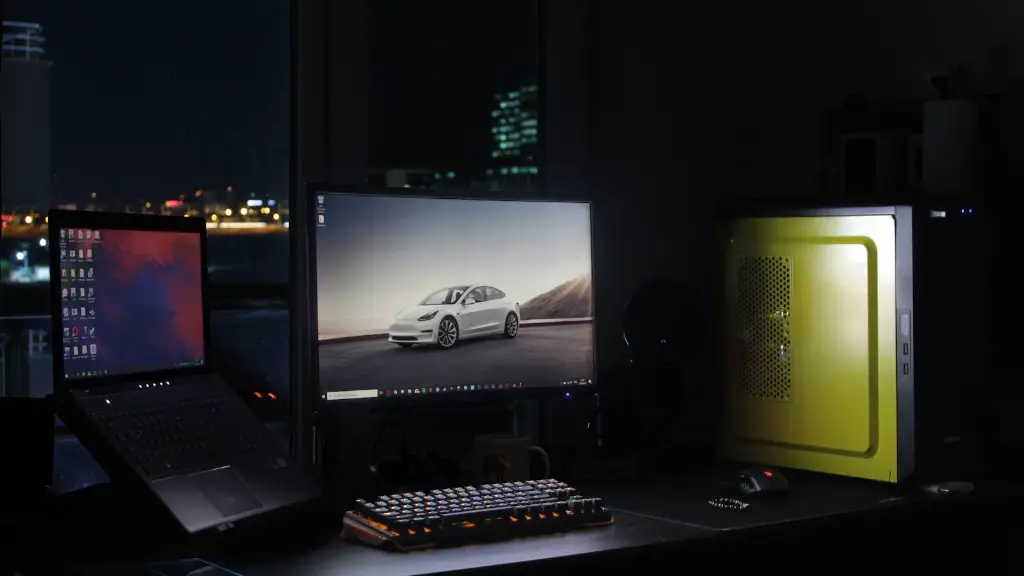
If you are experiencing any technical difficulties while making your own gaming PC, you’re not alone—most people run into a few hurdles along the way. Check for potential issues and use these tips to help you troubleshoot:
• Check all the cables and connections to make sure they are secure. Make sure the power supply is connected properly and the graphics card is securely fitted into the PCIE slot.
• Make sure all the components are compatible with each other. Even if the parts all fit physically, there may be an incompatibility issue.
• Go through the BIOS settings and ensure that everything is set up correctly. If nothing else works, resetting the BIOS may solve the issue.
• If your computer won’t boot, try removing all components, except the processor and memory. If it still won’t boot, there may be an issue with the processor or RAM.
• If your computer is up and running, but you’re having trouble with a particular game, check the system requirements and make sure your components meet them.
If you’ve followed all the steps above and you’re still experiencing difficulty with your gaming PC, consider checking out forums and discussion boards for help from other users.
