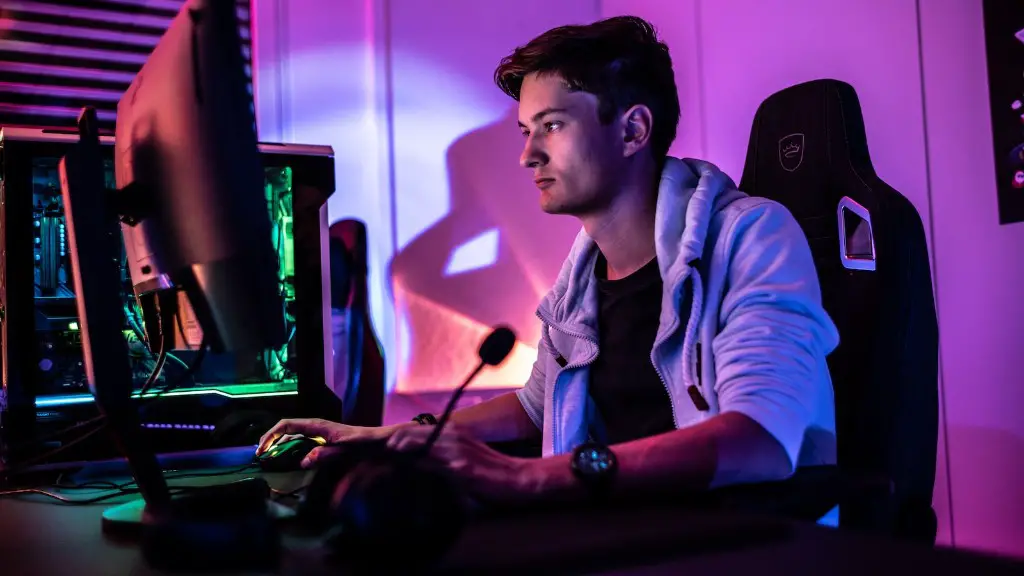
Building a gaming PC is an exciting endeavor. The components of a gaming PC are what make it different from other computers and enable you to experience the thrill of gaming. A proper selection of parts for a gaming PC is important to ensure optimal performance and to avoid several rookie mistakes.
It is crucial to pick a CPU that has sufficient power for the type of games you intend to play. A powerful CPU such as the Intel i7 9700K or the Ryzen 9 3900Xwould be enough for most gaming needs as well as for some moderately intensive tasks. However, for more demanding games, a top-of-the-line processor such as the Intel Core i9 10900Kor the AMD Ryzen Threadripper 3970X may be necessary.
For graphics, the best option is usually a dedicated video card. An NVIDIA GeForce RTX 3080 or AMD Radeon RX 6800 XT are excellent options for modern gaming, while a less expensive option like the NVIDIA GeForce RTX 2060 would also provide good performance.
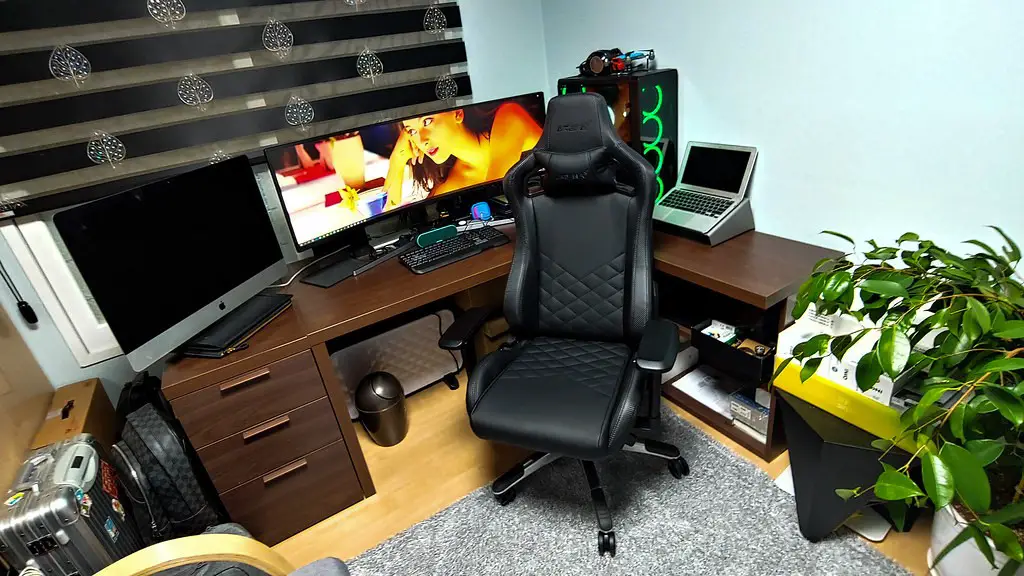
A motherboard should offer adequate compatibility with the processor and have enough ports for the components you want to add. If you plan to overclock your CPU, a Intel Z490 or an AMD X570 board may be the best option. Performance-wise, boards such as the Asus ROG Maximus XII Extreme or the MSI MEG Z490 Godlike can easily accommodate high-end parts for gaming.
RAM is also important for a gaming PC. High-end gaming PCs should use 16 GB or 32 GB of RAM, while less demanding titles may require only 8 GB. Make sure to pick RAM that is compatible with the motherboard and opt for higher clock speeds if possible.
Finally, storage is an essential component of a gaming PC. For modern games, an SSD is almost a necessity. Choose an SSD with sufficient storage capacity, such as the Samsung 970 EVO Plus or the Seagate FireCuda 520, and consider using an HDD for extra storage.
Cooling Components
Operating a gaming PC for extended periods of time can cause the components to become quite hot. Therefore, it is important to equip the computer with proper cooling components. A CPU cooler such as the Corsair Hydro Series H100i Pro or the NZXT Kraken X72 are excellent options as they provide adequate cooling even when overclocked. Air coolers such as the Noctua NH-U12S or the Cooler Master Hyper 212 EVO are also very good choices, offering excellent cooling at a lower price point.
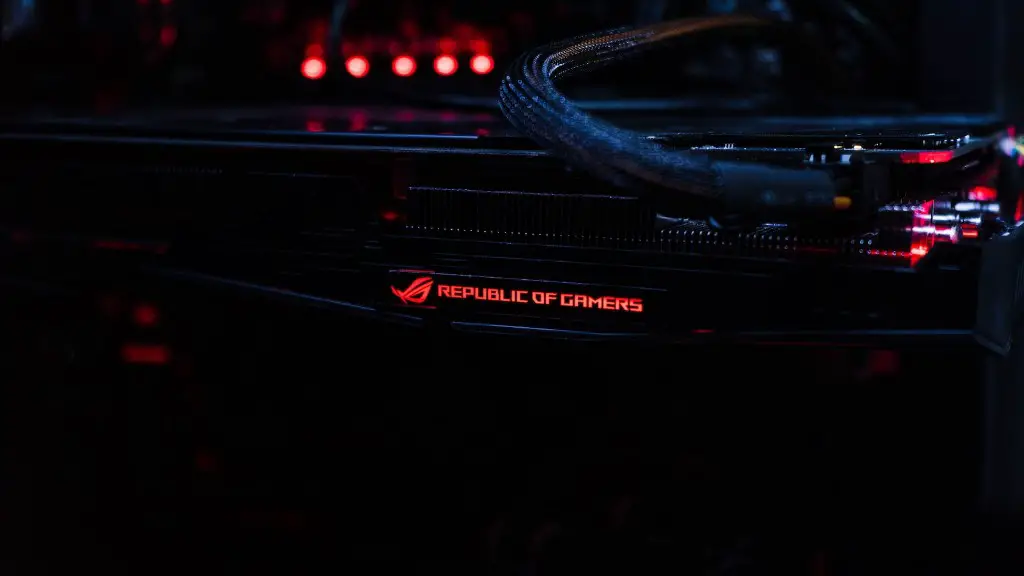
Additionally, a high-end graphics card needs to be properly cooled in order to maintain peak performance. A dedicated graphics card cooler such as the MSI Trident RTX Cooler or the Gigabyte AORUS GeForce RTX 2080 Super Waterforce can provide excellent cooling performance and make sure that the GPU is working at its full potential.
In order to ensure that airflows inside the computer are efficient, a good case should be selected. A good case will provide optimal cooling and make maintenance of the PC easier. Cases such as the Corsair Crystal Series 570X RGB or the Cooler Master MasterBox MB520 RGB should be considered.
Peripherals
A gaming PC is not complete without proper peripherals. A good mouse is an essential component of the gaming setup. Top-tier gaming mice such as the Logitech G502 or the Razer Mamba Wireless have a comfortable design and numerous buttons, making them ideal for gaming. Additionally, a keyboard should also be chosen – gaming keyboards such as the Corsair K95 RBG XT or the Logitech G310 are excellent options.
A gaming setup also needs a monitor with a high refresh rate and low input lag. Monitors such as the LG Ultragear 27GL850 or the ASUS MG279Q offer excellent image quality and can be a perfect addition to any gaming setup. Gaming headsets such as the SteelSeries Arctis 7 or the Razer Nari Ultimate can also be a great choice for an immersive gaming experience.
Power Supply
A good power supply can make or break a gaming PC. It should be powerful enough to provide enough power to the components and capable of handling overclocking and additional components such as an SSD or a dedicated graphics card. Power supplies such as the Corsair RM750x or the Cooler Master V650 are great options for gaming PCs.
Furthermore, the power supply should be from a reputable brand and certified for safety. The certification label should be clearly visible on the box and should indicate the wattage of the power supply as well as the type of connector it uses.
Conclusion
It is essential to select the right components for a gaming PC in order to ensure optimal performance. Careful consideration must be given to each component, as each one plays a crucial role in the overall performance of the system. High-end components such as a powerful CPU and a dedicated graphics card are essential for gaming, while an SSD and adequate cooling components are also important to consider. At the end of the day, the performance of the system will depend on the components you choose.
