To build a gaming PC on a budget, it’s important to focus on getting the most bang for your buck. You need the right components for the best performance within a given budget. This can be tricky but here are a few tips.
First, select the processor. Choose a gaming processor from Intel or AMD with a base clock speed of at least 3GHz. Your gaming performance will be enhanced by selecting a processor that comes with a good built-in graphics card.
Second, select a graphics card that is best for gaming. It’s recommended to choose a high-end GPU that delivers good frame rates. Make sure you stay within your budget though and don’t opt for a super-expensive card.

Third, choose a motherboard that can support your gaming pc build. Look for one with at least two RAM slots, an Graphics card slot and multiple USB ports. It should also be compatible with the processor and graphics card you’ve chosen.
Fourth, select a good amount of RAM. 8GB is considered the minimum to get decent FPS in modern games. If you are building a budget gaming PC, you could settle for 4GB RAM.
Fifth, select a good hard drive. Invest in an SSD for the operating system and key programs for faster loading time and better performance. An HDD can also be used for secondary storage such as movies, music and photos.
Finally, invest in a good quality power supply unit. You don’t want to skimp out on this key component as it supplies power to all the other pieces that make up your gaming pc. Go for one that is 80 plus-certified and has at least 500W of power.
Casing and Cooling
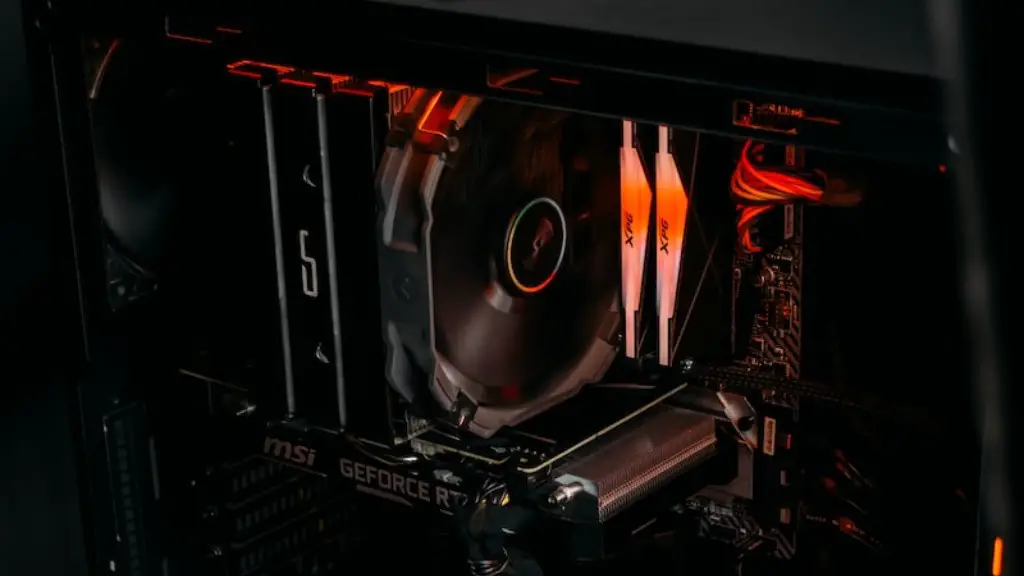
Casing and cooling are important when it comes to building a gaming pc on a budget. Consider the size and weight of your gaming PC when selecting the casing. Heavier casings can be more difficult to move. Make sure you get one with enough room for cooling fans which will help keep your gaming PC running cool and quiet.
Investing in an aftermarket cooling system such as a liquid cooler or air cooler can also help better regulate temperatures of your gaming PC. This can be an effective way to extend the life of your components.
It’s important to select the right fans for your gaming PC. Choose fans with high airflow to help dissipate heat from your components. Consider fans that are adjustable for your convenience.
Peripherals and Accessories
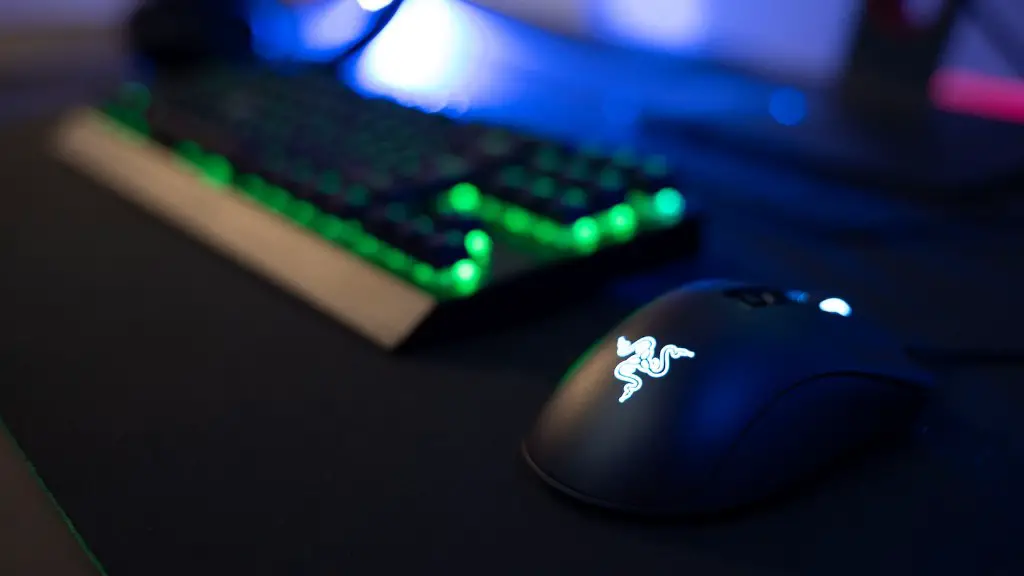
When building a gaming pc on a budget, you should also consider investing in a monitor. Invest in one that has a good refresh rate for smoother graphics. Invest in a mouse and keyboard that are suitable for gaming and will last a long time.

Also, invest in a good pair of headphones so you can enjoy immersive audio while gaming. Make sure you consider your budget and get one that provides good sound reproduction.
If your budget allows, consider investing in additional accessories such as a gaming chair and gaming control pad. This can improve your gaming experience significantly and make it more enjoyable.
Software
When it comes to software, there are a few essential ones for a gaming pc. You’ll need an operating system such as Windows so you can play modern games. You should also consider getting any necessary software for the peripherals such as drivers and gaming software.
Also, anti-virus, anti-spyware and backup software are essential for protecting your gaming PC. Keep your gaming PC safe by installing updated versions of these software as well.
Furthermore, select and install any programs necessary for the games you would like to play such as Steam, Origin, etc. Make sure you read the identified requirements of any software and games you plan to install.
Installation and Maintenance
Once all your parts are ready, it’s time to assemble your gaming PC. You should familiarize yourself with the assembly process and look for tutorial videos to help you out. It’s important to stay calm throughout the assembly process.
Once your gaming PC is ready, install the software and perform any necessary updates for the hardware and software. Make sure all the components are compatible with each other and your operating system. Check for any signs of intermittent or slowed down performance due to overloading or power issues.
Perform regular maintenance by updating drivers, software and firmware regularly. It’s also important to back up your system and files often to prevent data loss.
Upgrading
When building your gaming pc on a budget, consider future upgrades in case you want to improve the performance of your gaming PC. Invest in components that are upgradeable. Having a GPU with switchable graphics can be a great way to upgrade later on.
Make sure to stick to your budget and select components that are the best value for money. Do plenty of research and read up on reviews to make sure you are getting the most out of your gaming PC.
Don’t forget to leave some breathing room in your budget for investing in games and other necessary gaming accessories. This will help you get the most for your money when building a gaming PC on a budget.
