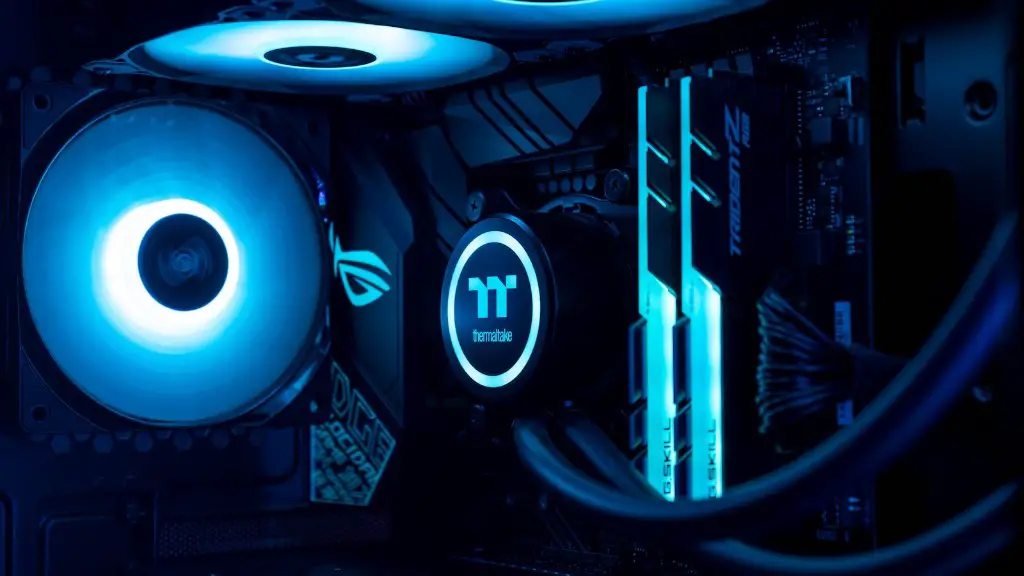
Are you looking to turn your regular PC into an awesome gaming powerhouse? You’ll be happy to know that it isn’t as complicated as you may think. With a few tweaks and upgrades, you’ll have your gaming PC ready in no time. Here are some tips to help you get started:
1. Upgrade your graphics card. A graphics card is perhaps the most important piece of hardware to upgrade if you want to turn your PC into a gaming PC. There are many different types and brands of graphics cards, so it’s important to research what type will work best for you. Be sure to factor in things such as your budget, the type of games you’re playing, and what resolution you want to be able to run. You don’t want to purchase a card that won’t be powerful enough for the type of games you’re playing.
2. Upgrade your CPU. The Central Processing Unit (CPU) is the “brain” of your computer. It is responsible for handling almost all of your PC’s processes. To ensure your PC can handle all the newest games, it is important to upgrade your CPU to a newer, more powerful version if you haven’t done so already.
3. Upgrade your RAM. Random Access Memory (RAM) helps your computer run swiftly and efficiently. Games usually require quite a bit of RAM, otherwise they may lag or freeze up altogether. While upgrading your RAM is relatively cheap compared to other components, it can be tricky to install on a new PC. Make sure you follow the installation instructions carefully and use the appropriate type of RAM for your computer.
4. Time for a new power supply. Games use a considerable amount of power and may require your computer’s power supply to be upgraded. Before you make any purchases, research your available power supplies and make sure it meets the necessary requirements. Don’t settle for a cheaper or used power supply as quality dictates performance.
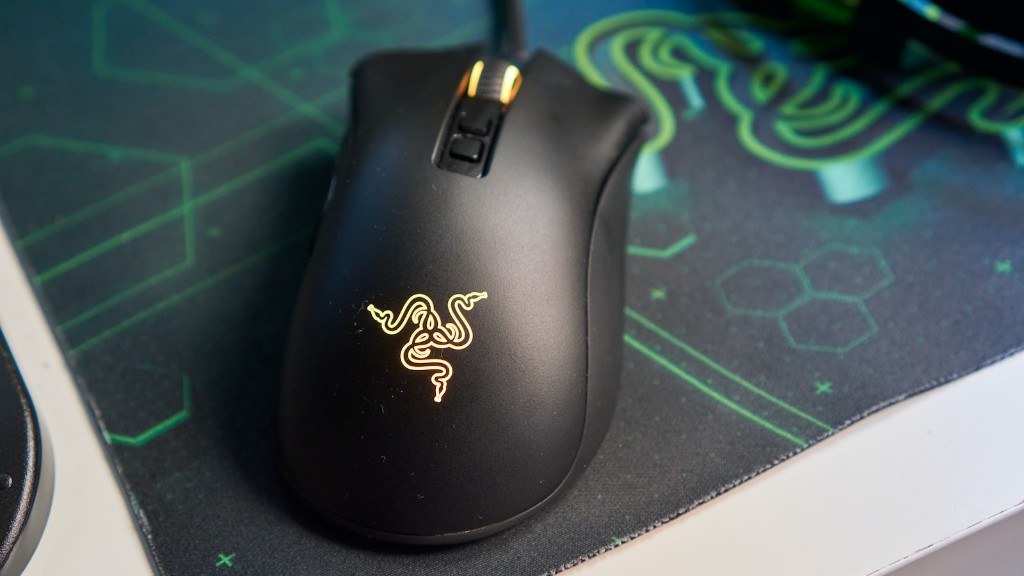
5. Add a gaming mouse. A gaming mouse makes your gaming experience more enjoyable, as it will provide you with more control. Research the mice available to make sure it matches the type of games you are playing and if the specific mouse has extra features that may be beneficial. Additionally, some gaming mice are customizable, which allows you to adjust the buttons to your liking.
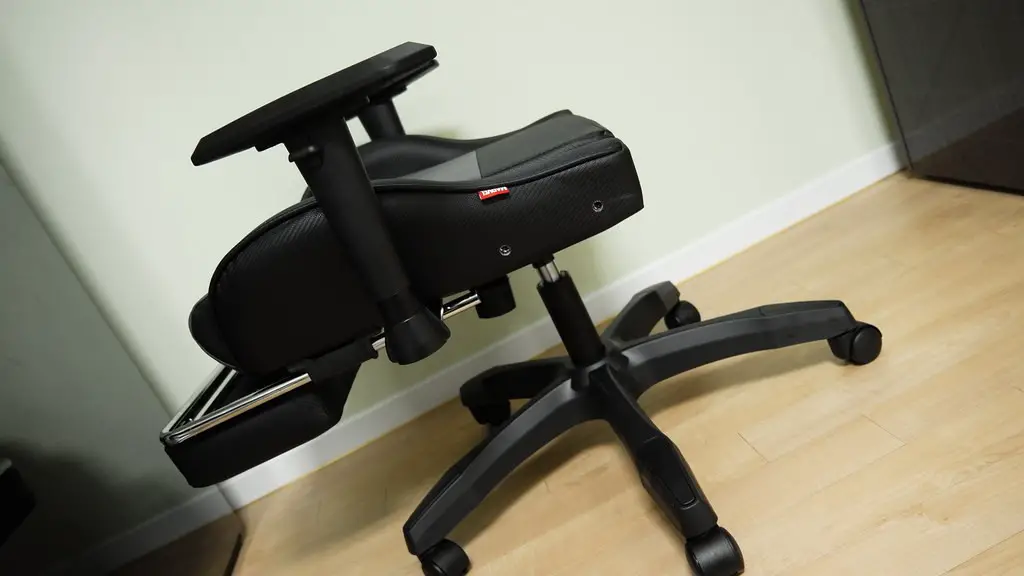
6. Invest in a comfortable chair. To ensure that your gaming sessions are enjoyable, invest in a comfortable chair. You also don’t want to forget to invest in proper posture. A proper gaming setup should include both a comfortable chair and keyboard.
7. Upgrade your cooling system. Games can cause your computer to overheat, which can lead to performance lag. Upgrading your cooling system is a great way to prevent your computer from overheating and keep the performance up. Look for a cooling system specifically designed for gaming, as these tend to be more effective and efficient.
How to Improve the Quality of your Components
PC gaming is an enjoyable pastime, but for a truly amazing experience, it’s important to upgrade the quality of your components. Buying the best parts for your PC will help to minimize lag and maximize performance. Here are a few tips to help you improve the quality of your components:
1. Upgrade your graphics card with a higher end one. Upgrading your graphics card is the best way to ensure smooth graphics and improved performance. Higher end graphics cards tend to be pricier but they offer more features such as better resolution, faster performance, and better image quality.
2. Invest in a DDR3 or DDR4 RAM. Investing in a DDR3 or DDR4 RAM will help to improve the speed of your PC. DDR3 comes in low-end and high-end variations and is more affordable than DDR4. Conversely, DDR4 is the fastest RAM but it tends to be more expensive.
3. Invest in a high-end power supply. A high-end power supply will help to ensure your PC has a steady stream of power and can effectively handle games with demanding requirements. Additionally, it allows for multiple components to be plugged in, which is especially beneficial for gamers with multiple accessories.
4. Purchase a better monitor. Monitors vary widely, from cheap bargain models to high-end models for gaming enthusiasts. If you’re a serious gamer, investing in a high-end monitor will be beneficial to ensure you have the best image quality and color accuracy.
5. Purchase a gaming mouse. Gaming mice provide more control than regular mice while also providing features such as customizable buttons and the ability to adjust the sensitivity. Additionally, many gaming mice now come with wireless technology, which allows for more freedom while playing games.
How to Optimize Your PC for Gaming
While upgrading the components and hardware of your PC is important, optimizing your PC is also essential for gaming. Optimizing your PC means tweaking the settings and software to ensure your computer can process games at their fullest potential. Here are a few tips to help you optimize your PC for gaming:
1. Delete unwanted programs. Having too many programs running at once can slow down your PC significantly, which can lead to freezing during gaming. Go through your PC and delete any programs you don’t need. This will help to free up memory and allow your PC to perform better.
2. Clean up and defragment your hard drive. Fragmented files take up more space and cause your PC to lag. Manually clean up your hard drive and defragment it to make sure everything is organized properly and games can run smoothly.
3. Update your drivers. Having outdated drivers can lead to poor performance. Check to make sure your drivers are up to date, as this can help your PC run more smoothly.
4. Tweak settings. Every game will have different settings that, when adjusted correctly, can help to improve performance. There are settings for things such as graphics, resolution, and frame rate.
5. Overclock your components. If you have an overclocking-capable processor, you can try raising its speed. This involves raising the speed of the processor’s clock multiplier, so you’ll want to do some research. There is a potential risk of damaging your PC, so be sure to follow all the steps and monitor your temperatures closely.
How to Improve the Efficiency of your PC
Once your PC is optimized and your components are of high quality, there are a few more steps you can take to improve the efficiency of your PC. These steps involve making sure all your components are running at maximum capacity and are working in tandem. Here are a few tips to help you do this:
1. Ensure your components match. Make sure all your components match in terms of specs, such as a graphics card and processor. If one component is significantly faster than the other, the faster component might be bottlenecked, which will reduce its performance. Make sure you follow the compatibility rules for components.
2. Utilize an automatic overclocking program. If you want to try overclocking your PC, there are numerous free automatic overclocking programs available. These programs can help you to get the most out of your hardware while also keeping temperatures in reasonable limits.
3. Monitor temperatures. Temperature is key to ensure your components are running smoothly and your performance is optimal. Utilize temperature monitoring programs to keep your components running cool and at maximum capacity.
4. Install a gaming-focused operating system. There are numerous operating systems designed specifically for gaming, such as Windows 10 or SteamOS. Make sure you research each one properly and choose the one that is best suited for your needs.
5. Reapply thermal paste. Thermal paste is essentially the glue between a CPU and its cooler. If the paste isn’t applied correctly, it won’t be able to transfer heat properly. Reapply thermal paste periodically to make sure you can maintain your optimal performance.
Common Mistakes to Avoid when Making Your PC a Gaming PC
Making your PC a gaming PC can take a bit of time and effort, and it is important to avoid common mistakes to ensure your PC is running at its utmost potential. Here are a few mistakes to avoid:
1. Don’t buy components you don’t need. Upgrading a PC can get expensive, so be sure to buy components you actually need. Research your requirements thoroughly and decide which parts are worth the money and which can be skipped.
2. Don’t forget about cooling. Make sure your components are adequately cooled to prevent your PC from overheating. Invest in a good cooling system and use temperature monitoring programs to make sure your PC is running at the proper temperatures.
3. Don’t skimp on power. Make sure the power supply you choose can handle the components you plan to install. Having an inadequate power supply will lead to decreased performance and could even damage your hardware.
4. Don’t push the limits. Overclocking has its benefits, but it also comes with certain risks. Always start with small overclocks, as this will help to reduce the chances of any damage. Additionally, make sure you monitor the temperatures closely.
5. Don’t forget about the software. Making sure your PC is running efficiently also involves optimizing your software. Ensure all programs are up-to-date and delete any unnecessary programs, as this will help to free up space and speed up your PC.
