
Building a gaming PC can seem like a daunting prospect, but it doesn’t have to be. There are several components you need to put together to create your own ultimate gaming rig. Before getting started, you’ll need to decide which parts you want and what kind of budget you have. Here’s what you’ll need to build a gaming PC.
For starters, you’ll need a motherboard. The motherboard is the backbone of your computer and all the other components will connect to it. Your choices of motherboard will depend on the type of processor you choose to use. Most gaming PCs use Intel’s Core i5 or Core i7 processors. You’ll also need to consider GPU or Graphics Processing Unit. This component is responsible for producing the graphics that you see on-screen.
A good case is also necessary for building a gaming PC. It should be big enough to hold all your components as well as provide good air flow for your system. You’ll also need a power supply to turn on your system. Look for one with good wattage and reliable brand. You’ll also need RAM or Random Access Memory. This component is responsible for helping your system quickly access data. Consider the amount of RAM you need based on the type of games and programmes you’ll be running.
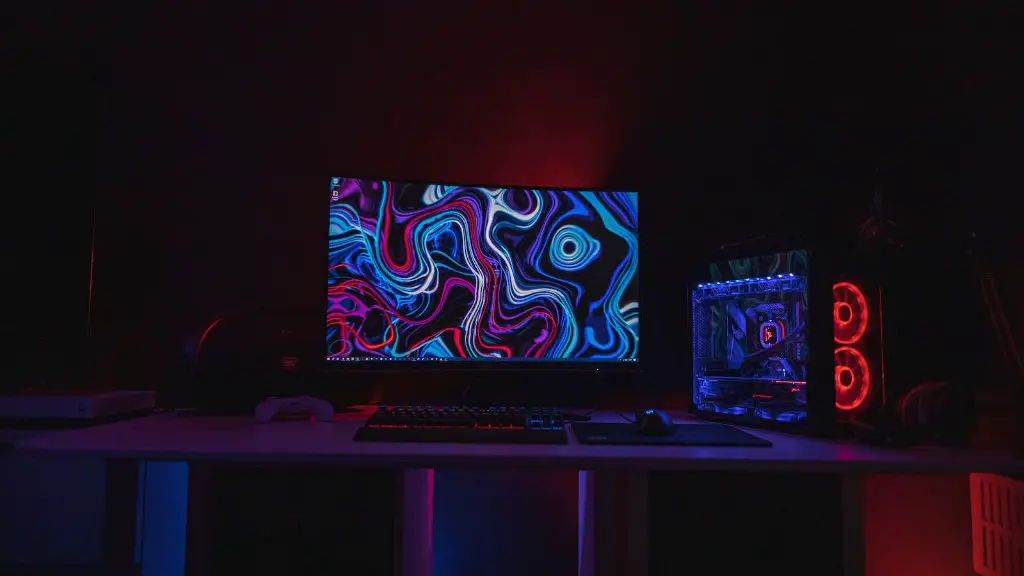
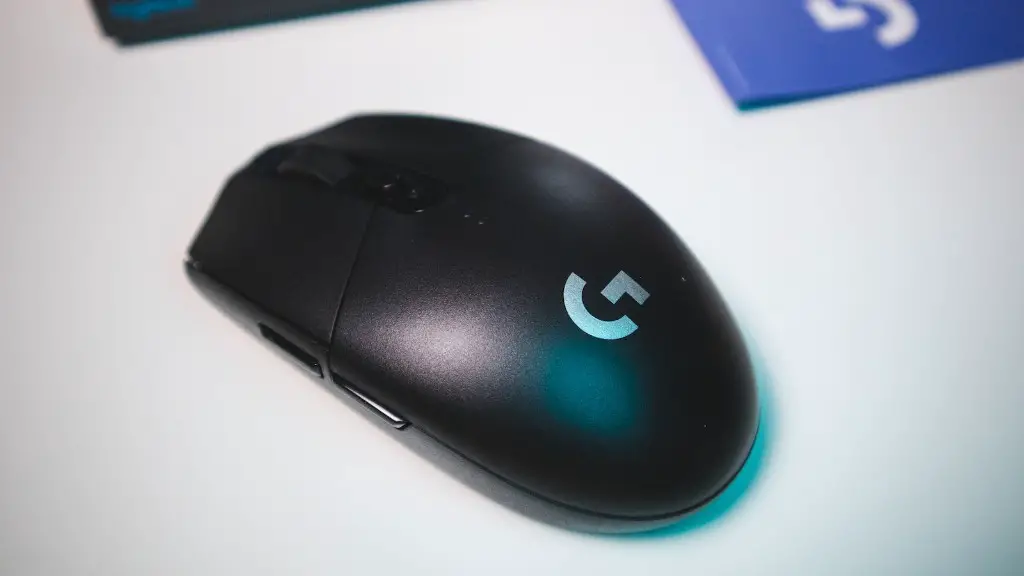
Besides the hardware components, you’ll also need some other accessories and peripherals like a monitor, keyboard, mouse, and speakers. Make sure the monitor you choose can handle the type of games you’ll be playing and at least match the refresh rate of your graphics card. A gaming mouse and keyboard can make the gaming experience more comfortable and allow you to perform better. You will also need a good pair of gaming speakers to deliver sound effects and background music to the gaming environment.
Finally, you’ll need an operating system for your system. Windows is the OS of choice for most gamers, although Linux is also becoming increasingly popular. If you’re building a gaming PC from scratch, you’ll have to purchase the full retail version of the OS yourself. Now that you have all the components, you can put it all together in the case, connect the cables, and turn it on.
Tips To Choose The Best GPU
When choosing the best GPU for a gaming build, it’s important to consider not only the performance of graphics card but also the power efficiency and cost. Check the graphics card reviews to determine the best model for your needs. Look for ones with a more efficient cooling system and higher core clock speeds.
The type of video output is also important in gaming PCs. Make sure the graphics card you choose has the right output port for your gaming monitor. If you are using a certain type of monitors like 4K monitors, the GPU must be powerful enough to support the displays. For gaming, the more powerful the GPU, the better gaming performance you will get.
The size of the graphics card is also important. If you have a smaller gaming PC, you will have to make sure that the graphics card can fit in the case. The height of the card should not exceed the maximum height of the case as well or it will overheat inside the case.
Finally, check the profile of the graphics card. If you want a graphics card for 4K or VR gaming, you should look for one with extra power connectors and more power output. Also, make sure the graphics card has drivers that can support the latest games and have a good customer support.
Choosing The Best Processor
It’s important to choose the right processor for your gaming PC as it will affect the overall gaming performance. Intel is usually the preferred choice of processor for gamers and professional gamers alike, offering higher levels of gaming performance over AMD. It’s also important to choose the right processor size depending on the type of games you’re planning to play.
When it comes to Intel, the i5 and i7 processors are the best choices. The i5 offers great performance at a lower cost while the i7 offers a bit more power. For 4K gaming, the i7 is the better processor to go for. For heavy gaming, however, you’ll need an i9 processor.

When choosing an AMD processor, the Ryzen 5 and Ryzen 7 are the popular choices. AMD processors are less expensive than Intel and offer great gaming performance. They may not be as powerful as the Intel Core i7, but they are still good enough for 4K gaming experiences. If you’re on a budget, the AMD Ryzen 5 or Ryzen 7 would be great for your gaming needs.
If you’re going for an AMD processor, make sure you get a compatible AMD motherboard. Make sure the motherboard is compatible with the motherboard you choose and make sure the RAM that you choose is also compatible with the motherboard.
Selecting The Right Amount Of RAM
Random Access Memory (RAM) is essential for any gaming build. It helps the system quickly access data and improves system performance. The amount of RAM you’ll need will depend on the type of games you’ll be playing and the programmes you’ll be running. 8GB is usually enough for most gaming projects but if you’re playing the latest games, you can opt for 16 GB RAM.
The type of RAM you choose is also important. Higher end gaming PCs may need more RAM and so it’s important to consider how much RAM you will need before purchasing it. DDR4 RAMs are usually used as they are faster and more efficient than DDR3 RAMs. DDR4 is also more expensive, so if you’re on a budget, you may want to get a DDR3 RAM.

Make sure the motherboard you choose is compatible with the type of RAM that you choose. You also need to make sure the RAM can overclock. Overclocking is when you increase the speed of RAM above its rated frequency to increase performance. It’s important to buy RAM from a reliable brand as it can be unreliable if it is faulty.
Buying The Right Power Supply
To power your gaming rig, you need a power supply that can handle the load of all the components. Look for one with good wattage, high efficiency rating, and from a reliable brand. It’s important to get the right wattage as the wrong power supply can damage your computer components. A good rule of thumb is to get a power supply at least 30% more powerful than the components.
For example, if the sum of all your components is 500W, then you should get a 700 W power supply. However, if your components require more than 700 W, then you can opt for a 1000 W power supply. Also, make sure the power supply has enough power connectors to connect all the internal components.
When buying a power supply, make sure it comes with all the necessary connectors. Your power supply should have one or more 12V connectors to support the graphics card and should have multiple peripheral connectors to connect all your devices. Also, make sure the power supply is modular so it’s easier to manage and the cables won’t get in the way.
Choosing The Right Monitor
When choosing a gaming monitor for your gaming PC, you’ll need to make sure it can handle the type of games you’ll be playing and match the refresh rate of your graphics card. For 4k gaming, you’ll need to find a monitor with a 4K resolution and a high refresh rate. For example, a 24-30” monitor with a 4K resolution and a refresh rate of 144 Hz would be great for 4K gaming.
Make sure the monitor you choose has the right connectors such as DisplayPort, HDMI, and DVI. If you want to be able to use multiple monitors, make sure the graphics card and monitor both can support multiple displays. Also, consider the response time and input lag of the monitor. A shorter response time will help reduce ghosting and blurring issues while a low input lag will help reduce input delay.
Finally, look for a monitor with good ergonomics. If you’re planning to play for long hours, make sure the monitor is adjustable and the tilt and swivel settings are comfortable for you. Also, look for a monitor with built-in speakers for gaming audio but if you want better sound, you can always opt for external speakers or a headset.
