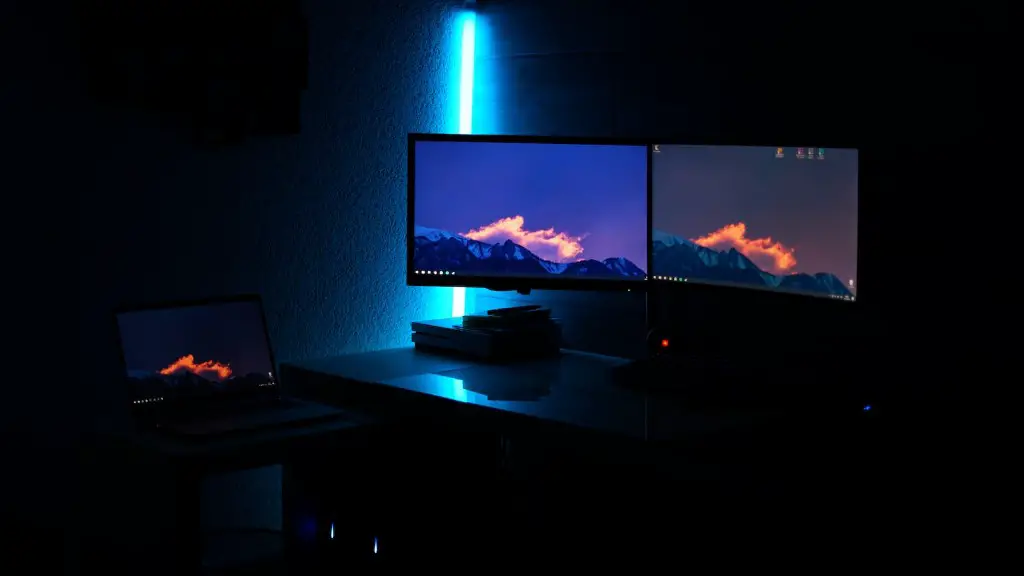
What Is The Best Gaming Pc Setup? The best gaming PC setup must meet the needs of the user’s games and budget. The components of a gaming PC include a processor, video card, RAM, power supply unit, motherboard, storage, and a case. Each of these components can be tailored to meet the gamer’s gaming and budget needs. When considering the components for a gaming PC setup, it’s important to consider the processor’s clock speed, the size of the RAM, the video card’s specs, the needed wattage from the power supply unit, and other features such as whether the motherboard has SLI and/or CrossFire support.
At the heart of any gaming PC setup is the processor. The right processor choice is dependent on the type of games being played, as some games are more reliant on a processor’s clock speed than others. Therefore, it is essential that prospective buyers understand their gaming needs and match the type, speed, and core count of the processor to fit their needs.
The graphics card also plays a vital role in a gaming PC setup. For a basic PC, an integrated graphics card is a great option, but for serious gamers, investing in a dedicated graphics card will offer a better gaming experience. Furthermore, it is important to look for video cards that can be overclocked and that offer SLI support for those wanting to get the best performance out of their system.
RAM is also essential for gaming performance and must be chosen carefully. Most games today require at least 8GB of RAM, with 16GB becoming more and more common. It is also important to consider the speed of the RAM, as gaming performance can suffer with slower RAM.
The power supply unit (PSU) is another often overlooked, yet important part of a gaming PC. It is important to choose a PSU that is certified, as cheap PSUs often don’t last. Furthermore, it isn’t uncommon for gaming systems to require a power supply with at least 500w of power. It is also important to oversize the PSU, as doing so will help minimize bogging down the system due to power intake.
Finally, a gaming PC setup requires a good motherboard. Motherboards like those from ASUS and gigabyte often have superior VRMs and offer additional features such as SLI or CrossFire support, easier overclocking capabilities, and better audio features.
Video Card Requirements
Video cards are essential to any gaming PC setup. The right video card must be chosen carefully to ensure smooth gameplay and good performance. It should be able to handle the latest games and feature the latest features. It is important to consider the type, clock speed, and graphics memory of the graphics card. In addition, it is essential to choose a graphics card that is capable of overclocking to get the most out of the card.
A good quality video card should also have dual fans for cooling, a robust heat sink, and a good GPU clock speed for more demanding games. Furthermore, some cards offer additional features such as DirectX 12 and Vulkan support, as well as AMD’s FreeSync or Nvidia’s G-Sync technology. Finally, it is important to take the resolution of the monitor into consideration, as a high-end graphics card will be wasted on a low resolution display.
In conclusion, choosing the right video card for gaming is a key part of a gaming PC setup. It is important to understand the type and speed of the video card, as well as any additional features it offers that could enhance gaming performance. Additionally, understanding the resolution of the gaming monitor is essential, as this will help determine which graphics card should be chosen.
Motherboard Requirements
A motherboard is a crucial component in a gaming PC setup, as it will affect performance, features, and stability. When looking for a good gaming motherboard, it is important to ensure that the motherboard has the right socket type for the processor chosen. In addition, the motherboard should offer sufficient ports and slots for peripherals, memory and storage.
Most modern gaming motherboards offer features designed for overclocking and gaming performance, such as additional power phases for increased GPU performance, PCIe slots for multiple GPUs and add-in cards, and onboard LEDs. Furthermore, some motherboards offer SLI/Crossfire support for multiple GPUs, as well as Ethernet ports for the fastest internet connection speeds. Finally, when choosing a gaming motherboard, it is important to check for the VRM design and the quality of the onboard audio.
In conclusion, choosing the right motherboard for a gaming PC setup is important for optimizing performance and achieving the best gaming experience. It is essential to choose a motherboard with the right processor socket, as well as sufficient ports and slots for peripherals, memory, and storage. Additionally, features such as SLI/Crossfire support, VRM design, and onboard audio should be taken into consideration.
Power Supply Requirements
Power supply units (PSUs) are essential components of any gaming PC system. It is important to choose a PSU that is certified and offers enough wattage to power the system. Most gaming PC systems require a minimum of 500W of power and it is best to go with a PSU that has more wattage than is required. Oversizing the PSU helps minimize power intake from the system.
When looking for a PSU, it is important to look for a brand that is reliable and efficient. Additionally, it is a good idea to look for PSUs that offer additional protections such as over temperature, over current, and short circuit protection.
The power supply is a critical component of any gaming PC setup and it is important to choose one that is certified, efficient, and has enough wattage to power the system. It is best to choose a PSU with more wattage than is required, as this will help minimize power intake from the system. Additionally, it is important to look for a brand that is reliable, as well as additional protections such as over temperature, over current, and short circuit protection.
Case Requirements
Choosing the right case for a gaming PC setup is important for optimizing cooling, as well as for adding a personal touch to the build. Cases come in all shapes and sizes, from small form factor cases to full tower cases. It is important to choose a case that is able to fit the components inside and offer adequate cooling.
Most gaming PC cases offer a range of features including multiple fans, dust filters, cable routing options, and liquid cooling support. Additionally, it is important to consider the I/O panel and whether or not the case has the necessary connections for the peripherals.
The right case is essential to any gaming PC setup and it is important to choose one that not only fits the components but also offers adequate cooling. Most gaming PC cases come with features such as multiple fans, dust filters, cable routing options, and liquid cooling support. Additionally, it is important to make sure the I/O panel offers the necessary connections for the hardware peripherals.
Storage Requirements
Storage is an overlooked component of a gaming PC setup and it is important to choose the right type for the games being played. The two main types of storage are solid state drives (SSDs) and hard disk drives (HDDs). SSDs are faster but more expensive, while HDDs are slower but more affordable. It is important to choose the right type of storage for the games being played.

Additionally, the size of the drive is important, as some games require a lot of space. For example, many large games require multiple TBs of storage space. Furthermore, most modern motherboards offer support for either RAID 0 or RAID 1, which can be used to increase performance or data redundancy.
In conclusion, it is important to choose the right type of storage for the gaming PC setup. SSDs are faster and more expensive, while HDDs are slower but more affordable. Additionally, it is important to consider the size of the drive and whether or not the motherboard offers RAID support. Finally, the number of drives and their configuration should also be taken into consideration.
