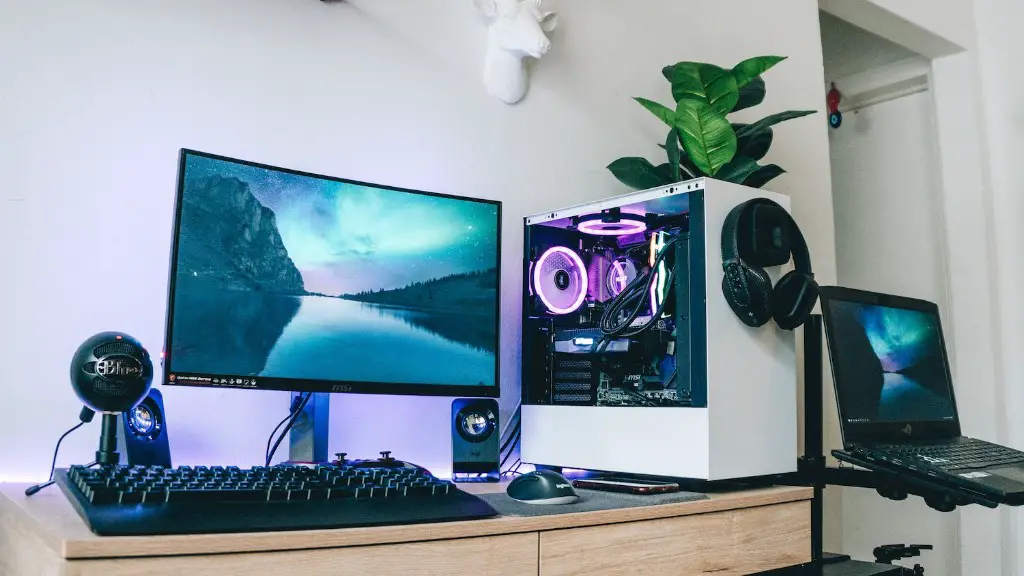
For Minecraft players, finding the best gaming PC is a highly personalized endeavor. Depending on whether you are a casual or serious gamer, the specifications of your gaming PC will differ. To start, it’s important to consider a few basics that all gamers should consider: the components powering the PC, the type of graphics card, and any additional peripherals that are necessary.
CPU: The central processing unit is the most important component in any system, and even more so when playing a demanding game like Minecraft. A high-quality CPU like Intel’s Core i7 or the AMD Ryzen 5 is recommended for maximum performance. Depending on how demanding the game can become after mods, it may be wise to consider a more powerful processor like the Intel Core i9 or AMD Ryzen 9.
Graphics Card: A powerful graphics card is essential for any gaming PC and is especially important for a game like Minecraft. Both NVIDIA and AMD make excellent cards, and an RTX 3080 or an RX 6900 XT should do the job for most players. Keep in mind that the type of card you choose will largely depend on the game you are playing, as well as on any other programs you will be running on the system.
RAM: For a gaming PC, 16GB of RAM is more than enough to handle the average workload. If you plan on playing particularly demanding games or running multiple applications at once, consider upgrading to 32GB.
Storage: For Minecraft, an SSD is almost mandatory. It should have enough storage to store all of your game data and any additional programs you may be running.
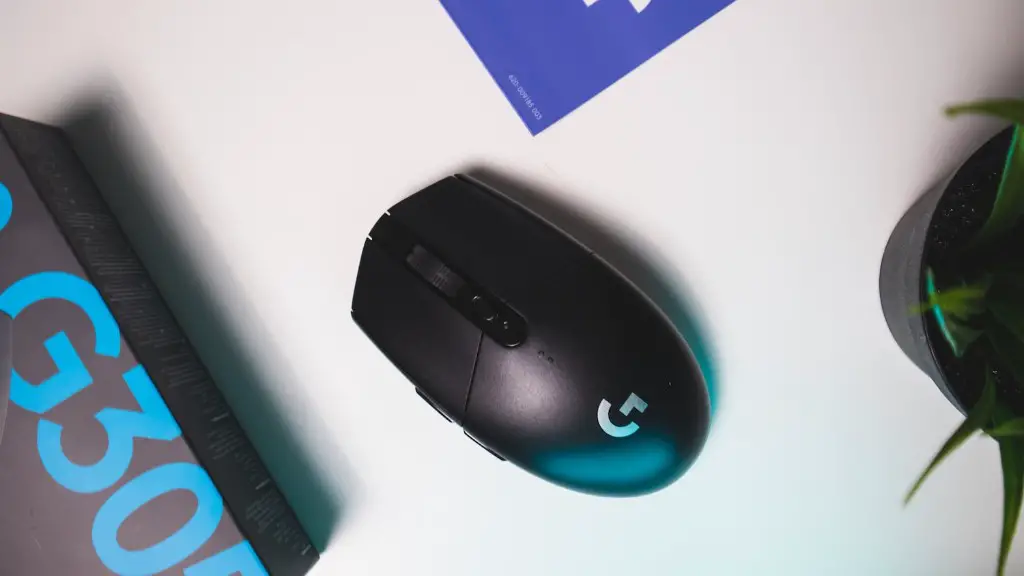
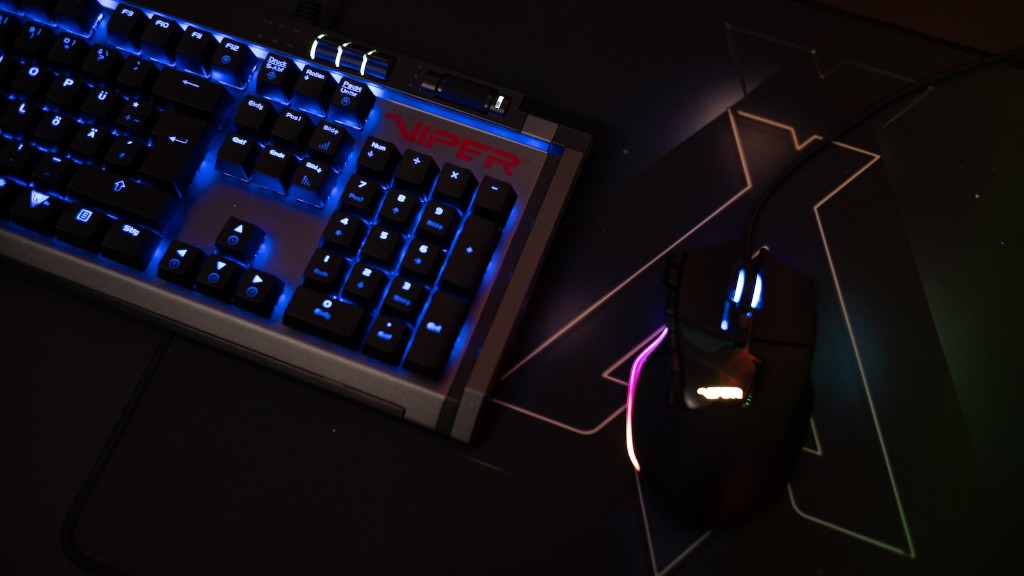
Peripherals: What good is a gaming PC without the necessary peripherals? Trackball mouse, gaming keyboard, gaming headset – these are all important components that should accompany your gaming PC.
Price: Finally, consider the price of your gaming PC. Depending on how many of the above components you decide to include, the price will vary. Try to keep a balance between power and affordability.
Minecraft Performance
Most gamers will want to find the best gaming PC for Minecraft that is capable of achieving the best performance possible in Mojang’s much-loved crafting phenomenon. Generally speaking, the best way to upgrade performance is by installing a high-end CPU and GPU combination. An incredible gaming experience results when you have the right combination of CPU and GPU, both of which should be powerful enough to run the game with high settings on any resolution of monitor you choose.
More specifically, a quad-core Intel Core i7 processor and a Nvidia GeForce GTX 1080 Ti will provide top-notch performance and enable you to max out at 1080p even with one of the more demanding mods. Extra RAM can be helpful if you’re planning on running multiple mods at once. Of course, you can always tone down the settings or play on an HD monitor for better performance.
Increasing the graphical fidelity settings without having the CPU and GPU to handle it won’t actually improve frame rate performance, though. It’s important to take into account the bottleneck in the system and pair the graphics card with a compatible CPU.
While updating the GPU is an obvious way to improve performance, bear in mind that it should be done in tandem with the CPU or you could end up with a computer that still has performance issues.
Also, consider the RAM, as having more of it will enable multiple mods to run simultaneously. Lastly, it’s wise to have a cool and well-ventilated gaming PC build to avoid the possibility of overheating.
Mods
Mods become even more important when looking for the best gaming PC for Minecraft. All the different modpacks available require you to have the newest parts in order to take full advantage of their features. Moreover, the more unstable or larger a modpack is, usually the more RAM and CPU power will be required.
FPS boost mods will utilize the extra GHz of power your CPU has and reducing lag spikes in the process. It is recommendable to go for CPU’s with more GHz as they will allow you to take full advantage of more optimized modpacks as they often require more multithreading. Also, remember that you can use a powerful CPU to enable multiple mods at once and take your gaming experience to the next level.
Last but not least, don’t forget your graphics card. A powerful card should enable you to render higher texture sizes, enabling fuller and more immersive environments. The GPU should also handle simple environment elements like blasts of light and fire, providing an even more dynamic experience.
Portability
When looking for the best gaming PC for Minecraft, portability is also something to take into account. If you’re trying to squeeze the most power possible in a portable gaming PC, note that having a less powerful and more portable GPU can mean serious battery life savings.
Weight and size are important considerations too, so look for a laptop that is as light and slim as possible. Another way to reduce weight is to opt for a device with a smaller battery as well. Most laptops with powerful specifications will be bulky and require you to sacrifice portability, but it’s possible to get a decent gaming laptop with a reasonable weight.
Note that gaming laptops should have at least 8GB of RAM and an i5 processor, but try to get one with at least 16GB of RAM, as it will give you more flexibility in terms of program running. Furthermore, the GPU should be at least an NVIDIA 1070 or AMD RX 580 to ensure you’re getting the most out of your Minecraft mods.
One of the most important features to consider is a good cooling system as many laptop gaming systems tend to overheat quickly. A good cooling system will ensure your laptop will stay cool for longer, enabling you to enjoy your gaming experience for longer.
Ready-Made PCs
If you’re not into building your own gaming PC, an option you can consider is the purchase of ready-made gaming PCs. Here, you’ll get PC products with factory-installed components designed for gamers. This can be a great option, allowing you to play Minecraft and several other games with minimal effort.
These systems come with more than enough power to run Minecraft on full settings and even work great with the top-of-the-line mods. As mentioned before, look for a system with at least 8GB of RAM and an Intel i5 Processor, as well as an AMD RX 580 or NVIDIA 1070 GPU in order to enjoy higher-quality textures and smoother gameplay.
Ready-made gaming PCs are typically able to offer decent hardware, providing players with enough power to run their games with all the eye candy turned up. And with the discounts from some gaming PC vendors, you can get unbeatable prices for any components you decide to purchases. This is a great way for gamers to get an excellent gaming system without having to build it themselves.
Conclusion
These are only some of the basic factors to consider when looking for the best gaming PC for Minecraft. Everyone has their own personal preferences when it comes to gaming, so it is ultimately up to you to determine which type of computer works best for you. Whether you build it yourself or buy one ready-made, it’s always a good idea to keep in mind the power, budget, portability and graphics that your system will need to deliver the best Minecraft experience possible.
