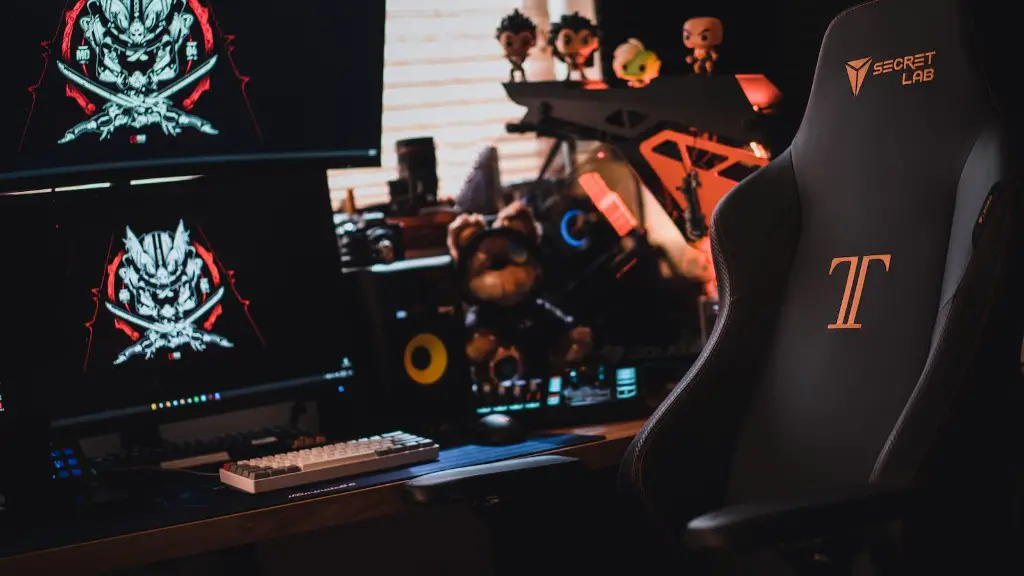
What Am I Looking For in a Gaming PC?
When it comes to gaming PCs, there are several aspects I’m looking for. First and foremost, a powerful gaming computer requires an up-to-date processor, preferably an Intel Core i7, with a clock speed of at least 4.0 GHz. This will ensure that lag and latency won’t be an issue when playing games. Additionally, the motherboard should support DDR4 RAM, support for multiple graphics cards, and USB 3.2.
Having many ports and USB ports is also a must. Those looking for a gaming PC won’t find any worth buying unless it has at least 6 USB ports (ideally USB 3.2), and at least one HDMI 2.0 port, as well as support for DisplayPort. This will allow for non-gaming tasks such as streaming media, as well as ensuring that playing games will be more enjoyable.
In terms of the graphics card, I’m looking for something that’s powerful but not overly expensive. An AMD RX 480 or Nvidia GTX 1060 should suffice for most gaming experiences. The processor should also be capable of 4K gaming, as this is becoming the norm when it comes to gaming PCs. Having a reliable cooling system is also important, as gaming often generates a lot of heat. Finally, a large storage capacity – preferably an SSD with at least 500GB – is a must.
These are the main features I’m looking for in a gaming PC. Not only do they ensure smooth performance in the latest games, but they also offer the necessary specs to do other tasks. Additionally, it’s important to ensure that all of the components are of high-quality, as this will help to keep the system running for longer.
Ultimately, I’m looking for a gaming PC that is powerful, reliable, and offers the best value for money. Being able to use the PC for tasks other than gaming is also a major plus.
What Key Components Should My Gaming PC Have?
My gaming PC must have several key components in order for it to be truly powerful. The processor and motherboard must be of a high standard, allowing for features such as multiple graphics cards, a high RAM capacity, USB 3.2 ports, and a reliable cooling system. The graphics card should offer 4K gaming and a large storage capacity should be present – preferably an SSD.

The RAM should also be of a high quality, with a minimum of 8GB DDR4 preferrably. This will ensure smooth performance in modern games. I also suggest buying an aftermarket cooling fan, as these can greatly improve the lifespan of components and ensure the machine runs as intended.
My gaming PC must also be able to run the latest games without issue. This means making sure that the processor is powerful enough to handle modern games, as well as the graphics card. Additionally, a reliable cooling system is essential, as this prevents damage from overheating.
It’s also important to buy a reliable power supply, as this will reduce the risk of damage to other components if there is a power surge. Finally, a high-quality display is essential, as this will allow for the best gaming experience.
How Do I Know Which Gaming PC Is Right For Me?
Deciding on the right gaming PC for your needs is an important decision. Knowing what your budget is, and researching the different components available, will ensure you get the most bang for your buck.
When looking at a gaming PC, the main areas to focus on are the processor, graphics card, and RAM. A powerful processor, such as an Intel Core i7, should be at the top of the list, as this will allow for smoother performance and less latency in-game. The graphics card should have 4K gaming capabilities, as this will ensure the most immersive experience. Additionally, 8GB of DDR4 RAM should be the minimum, as this will allow for better multitasking and smooth game performance.
It’s also important to look at the other components of the PC, such as the cooling system, power supply, and display. A reliable cooling system is essential to ensure the system runs smoothly, while a powerful power supply will reduce the risk of damage and malfunctions. Finally, a high-quality display should be considered, as this will enhance the gaming experience.
By considering all of these factors, you’ll be able to find the best gaming PC for your needs.
Where Is the Best Place to Buy a Gaming PC?
When it comes to purchasing a gaming PC, there are several options available. Those looking for a pre-built machine may prefer to buy from a specific manufacturer, such as Dell, HP, or ASUS. These companies offer high-quality machines that come with all of the necessary components, such as the graphics card and processor.
However, those looking for a more customised experience can always opt to build their own PC. This involves buying the individual components separately, such as the processor and graphics card, and then assembling them into a complete computer. This can sometimes be more cost-effective, but requires more knowledge and effort to do.
Finally, those looking for a high-powered machine can always opt for a custom-built gaming PC. This involves ordering the parts from a custom PC builder, such as Maingear, Origin PC, or Digital Storm. These companies will assemble the components into a powerful machine, ensuring that the computer meets the exact requirements of the customer.
Choosing the right place to buy a gaming PC is important, as this will ensure you get the best machine for your needs.
What Are Some Tips For Maintenance Of My Gaming PC?
Once you’ve bought your gaming PC, it’s important to make sure it stays in good condition. Regular maintenance will ensure that the system runs optimally, as well as preventing damage from occurring due to overheating or dust build-up.
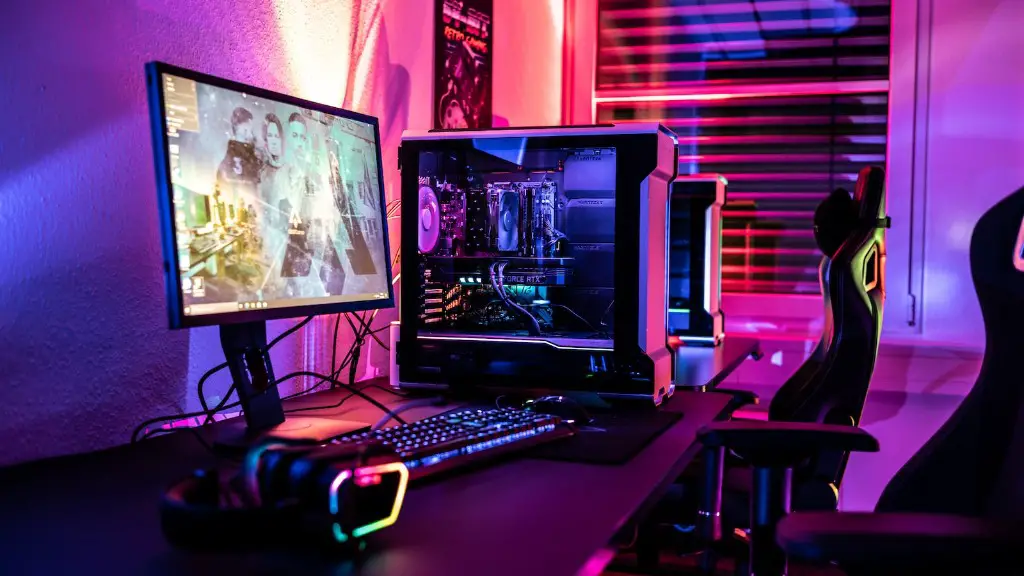
First, it’s important to clean the inside of the machine every few months, as dust can damage and restrict airflow. Additionally, the display should be kept free from dirt, as this can cause glare and reduce visibility. It’s also important to check on the cooling system, as dust can accumulate in the fans and stop them from working properly.
Regular software updates and driver updates are also important, as they can ensure the system runs as intended. And when playing games, it’s always a good idea to close any other unnecessary applications to prevent them from using up resources. Finally, having a reliable antivirus program installed is essential, as this can help prevent any malicious software from infecting the machine.
By following these tips, your gaming PC will remain in top condition and will be able to run the latest games with ease.
