When buying a Gaming PC, you need to pay attention to several factors, such as size and power. You’ll also want to determine your budget and shop around to find the best deal. Here’s a look at what to consider when purchasing a Gaming PC.
CPU
The CPU (Central Processing Unit) is the heart of any PC, and the same is true of a gaming PC. You’ll want to find a CPU that’s powerful enough to handle the games you play. Multicore processors are good choices, as they allow you to run multiple tasks in parallel. That means you can play your games while still being able to listen to music or chat with friends simultaneously.
RAM
When looking for a gaming PC, look for one with at least 8GB of RAM, though more is better. This helps with multitasking, and you’ll need enough RAM to run the graphics-heavy games you’ll be playing.
Storage
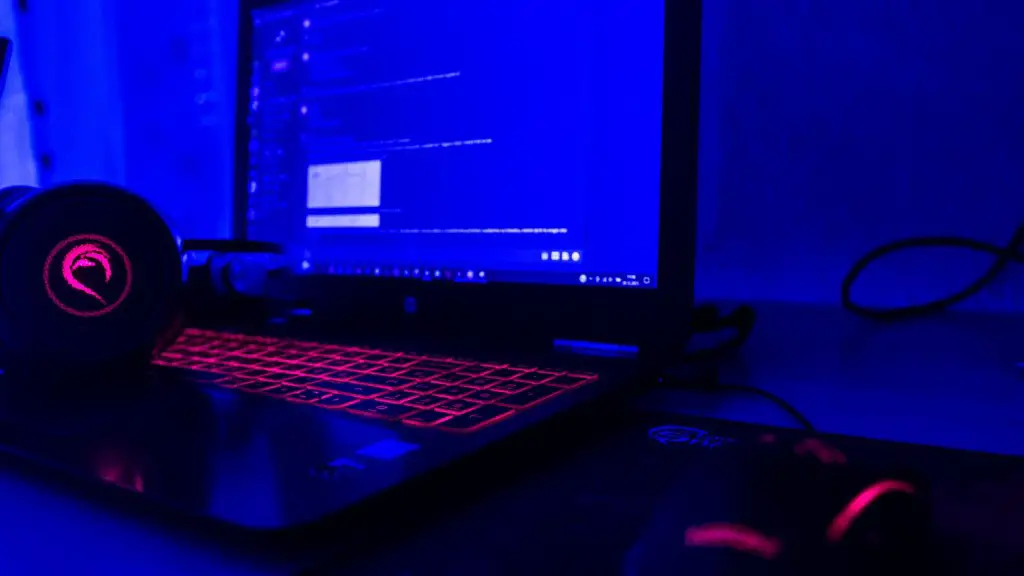
A good gaming PC should offer plenty of storage space. You’ll likely need at least 1TB of hard disk space, but if you’re serious about gaming you may want more. If you plan on downloading and playing a lot of games, you’ll need room for all the data. You can also look for a computer with an SSD (Solid-State Drive) instead of a hard disk drive; this will give you faster access to your games and software.
Graphics
A gaming PC requires a good graphics card, as this will directly affect the gaming performance. You’ll want to make sure you purchase a card that is powerful enough to run the latest games at the highest settings. An Nvidia GTX 1080 or AMD Radeon RX Vega 56 are good options.
Monitor
Your gaming PC won’t be much use without a capable monitor to display your games. Look for a monitor with at least a 1920×1080 resolution and a refresh rate above 60Hz. You may also want to look for a monitor with G-Sync or FreeSync technology, which can reduce screen tearing.
Cooling System
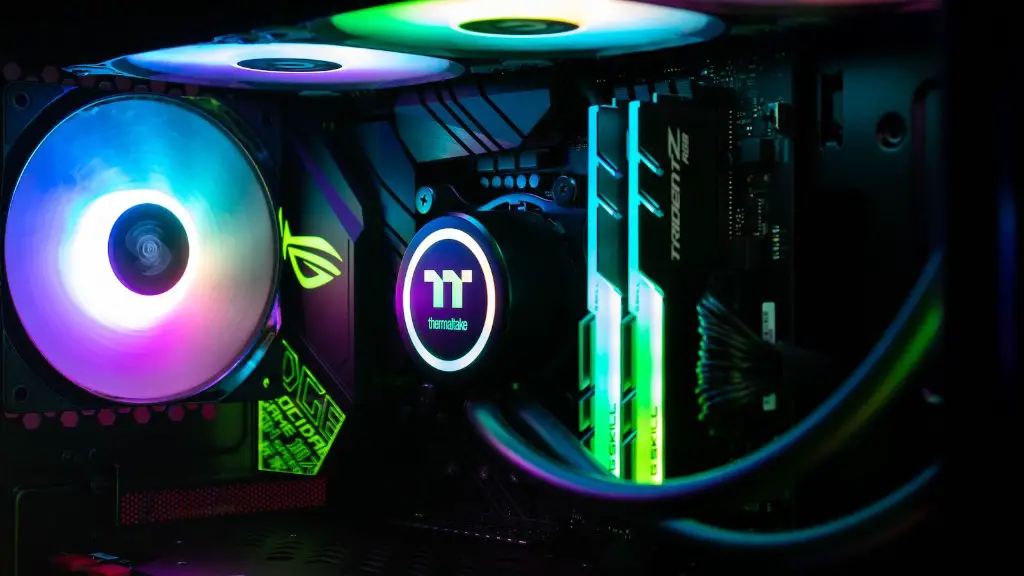
Computer components generate a lot of heat, and intense gaming can cause even more. That’s why you’ll want to find a gaming PC with a good cooling system. Make sure that the computer has at least one fan, though the more the better. An airflow system is also important, as this helps keep the components cool and prevents them from overheating.
What Else To Look For
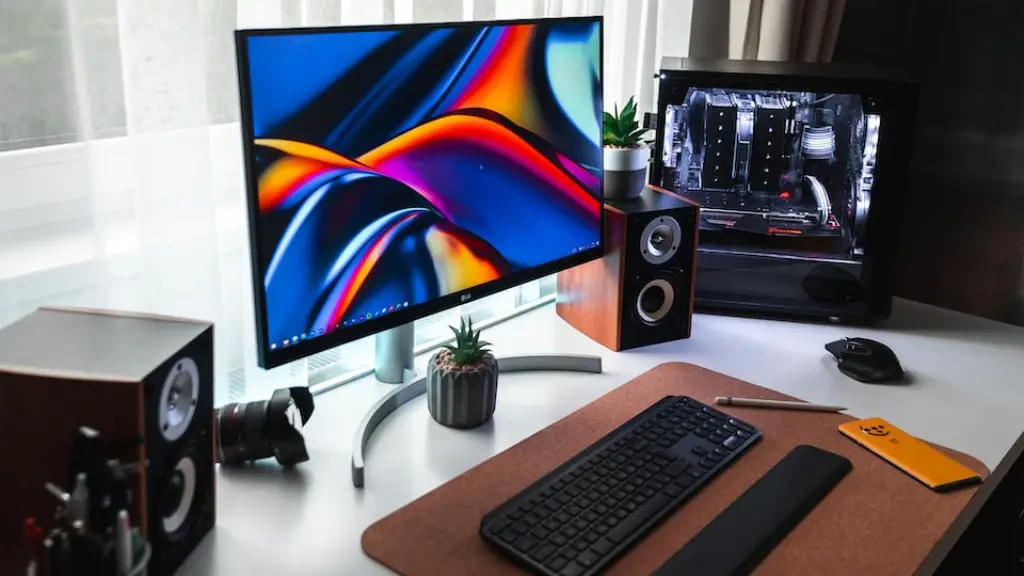
When shopping for a gaming PC, keep an eye out for extra features. Look for a PC with extra USB ports and a media card reader, as these can come in handy. Headphone jacks and a microphone jack are also nice to have. A good keyboard and mouse can also make a huge difference.
Processor And Manufacturer Considerations
When buying a gaming PC, consider the type of processor as well as the manufacturer. Some processors are better-suited for gaming than others, so research the specs of the processor and compare them to the games you plan to play. You should also take a look at the warranty provided by the manufacturer and check out online reviews of the product.
Network Connectivity
A good gaming PC should have good network connectivity. Look for an Ethernet port or wireless adapter, as this will allow you to connect to the internet. If you plan on playing online games, make sure the PC includes a wireless network card or USB Wi-Fi dongle. You’ll also want to make sure the connection speed is fast enough and that the router can support the number of players you plan to have.
Case And Design
Design and portability are important factors when it comes to gaming PCs. If you’re often travelling for gaming tournaments, you’ll need to find a small and lightweight PC that you can easily transport. If you plan to play from the comfort of your home, then you may want to look for a larger case with more bells and whistles.
Peripherals And Accessories
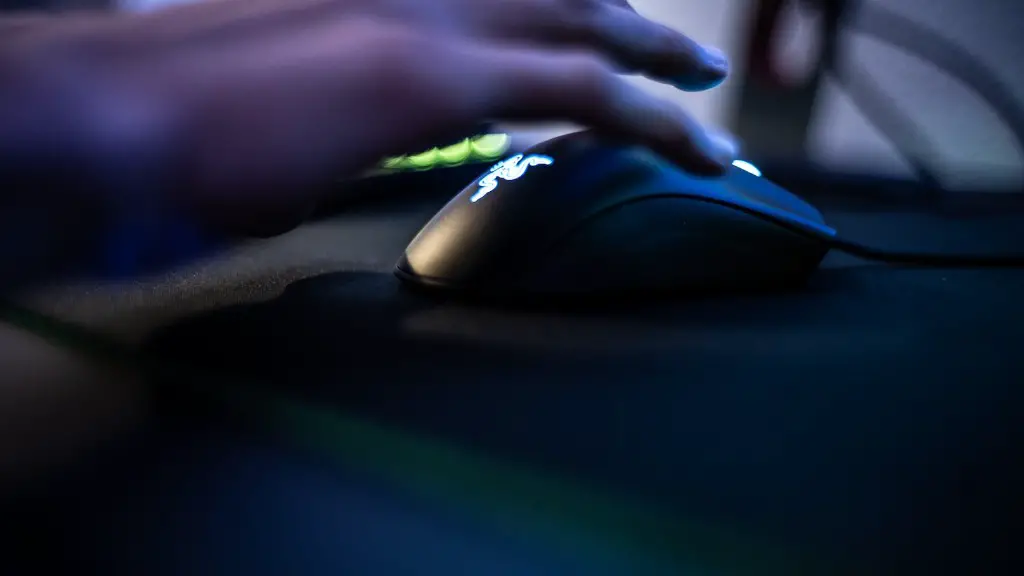
When shopping for a Gaming PC, don’t just look at the hardware and software. Look for monitors, mice, keyboards, headsets, and other peripherals to customize and improve your gaming experience. You may also want to get a gaming-focused mousepad or joystick to improve gaming accuracy.
Conclusion
When shopping for a Gaming PC, there are several things to consider: the CPU, RAM, storage, graphics card, monitor, cooling system, and more. You should also look for a good processor and manufacturer, network connectivity, case and design, peripherals and accessories. With the right gaming PC, you can enjoy games and other tasks without worrying about performance or lag.
