When choosing a gaming PC, there are various things to consider. Many of these features are of personal preference and depend on the user’s individual needs. But there are some things you should always look for, regardless of your own preferences. Here are some key points to consider when buying a gaming PC.
Processor
The heart of a gaming PC is its processor or CPU. It determines the performance of the system. You should always pick a processor with a good clock speed and core count, such as Intel’s Core i7 or AMD’s Ryzen 5. Make sure the processor supports the latest technologies, such as HyperThreading, Turbo Boost, and more.
Graphics Card
Your graphics card determines the quality of graphics your system can produce, and is an essential part of gaming PCs. Look for a card from a reputable manufacturer, such as Nvidia or AMD, with a high-end GPU, such as the RTX 2080 or RX Vega. If you’re on a tight budget, you can opt for a lower-end card.
Motherboard
The motherboard is an important factor to consider. It determines the compatibility of the processor and other components. Look for a board with all the key features, including support for the latest CPUs and graphic cards, multiple expansion slots and plenty of RAM sockets. It should also provide adequate storage and BIOS options.
RAM
Whenever you buy a gaming PC, you need to ensure that it has enough RAM. 8GB should be sufficient, but 16GB is more Future proof. The type of RAM you buy depends on the motherboard, so make sure it’s the right kind. DDR4 is the recommended RAM for any gaming PCs.
Storage
Storage is an important feature on a gaming PC. You need enough space to store all your games and programs, and it also affects the performance. Look for SSDs, or a combination of SSDs and HDDs, to get the best of both worlds. For gamers, 2TB should be enough.
Cooling
PC temperatures can get very high, particularly when gaming. An adequate cooling system is essential to maintain your components. Look for fans and heatpipes to keep your system cool and running smoothly. Watercooling is also an option for more serious gaming enthusiasts.
Display
Another important factor in gaming PCs is the display. Although it won’t affect the overall performance, having a good monitor will make your gaming experience more enjoyable. Look for features like 144Hz refresh rate, IPS panel, HDR support and more. A good monitor will also allow you to enjoy higher resolutions.
Aesthetics
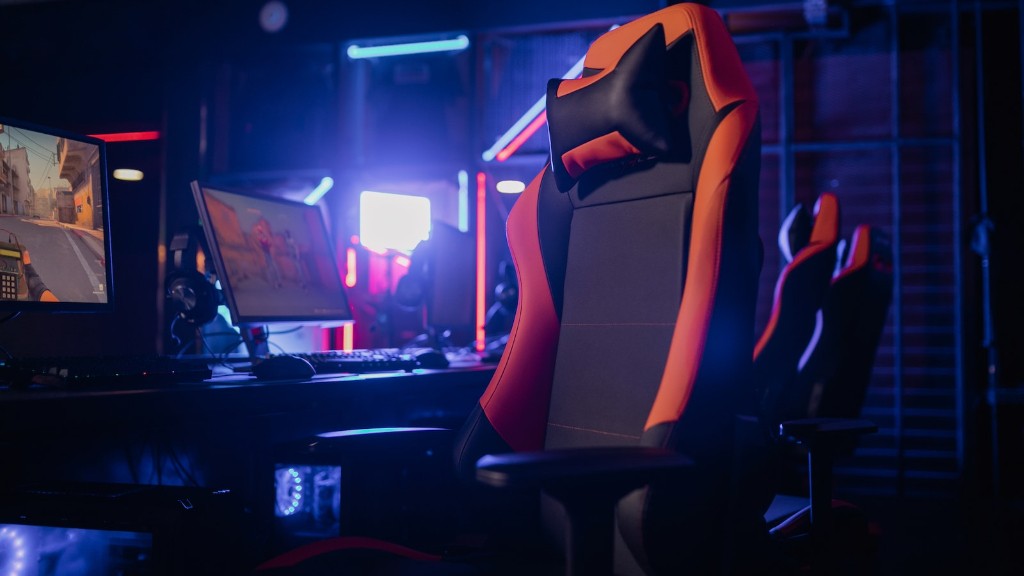
Having an aesthetically pleasing gaming PC can make all the difference. Pick a case with built-in RGB lighting and cable management options, and aim for an overall sleek look. You can find cases in different colors, materials and sizes to suit whatever look you prefer.
Peripherals
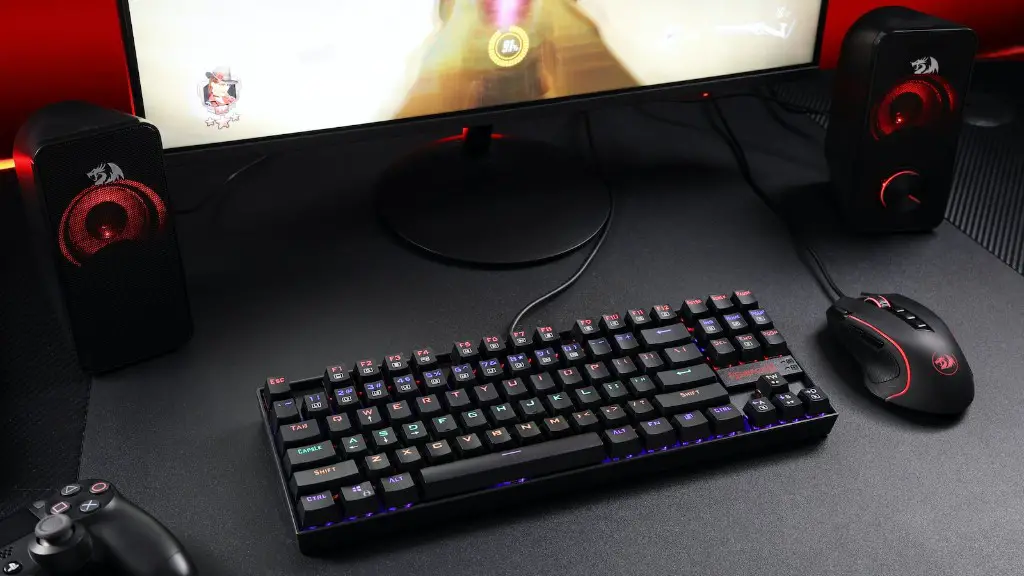
Having a great gaming PC isn’t enough. You’ll also need compatible peripherals such as a mouse, keyboard, headset and more. Make sure all the peripherals are compatible with the system and look for features that benefit your gaming. For example, look for mechanical keyboards with anti-ghosting capabilities, and gaming headsets with virtual surround sound.
Customization and Upgrade Options
When choosing a gaming PC, make sure that the manufacturer offers options for customization and upgrades. This way, you’ll be able to tweak and upgrade the system as needed. You can opt for an affordable pre-built system, or buy the components separately for more flexibility.
Budget

Last but not least, you’ll need to consider your own budget. Set a realistic budget for your system and look for the best value for money. You can get a decent gaming system for a reasonable price, but be prepared to spend more for higher-end components and features.
After Sales Support
It’s important to consider the after sales support provided by the manufacturer. Look for companies that offer help when the system needs to be repaired or upgraded, and make sure they provide speedy service and reliable customer service. A reputable manufacturer should provide tech support and help guides to resolve any issues.
Warranty
Make sure you get an extended warranty on your gaming PC. Companies offer various levels of cover and different terms, so read the small print and ensure you’re getting the coverage that you need. This is important if you ever have any problems with your system.
