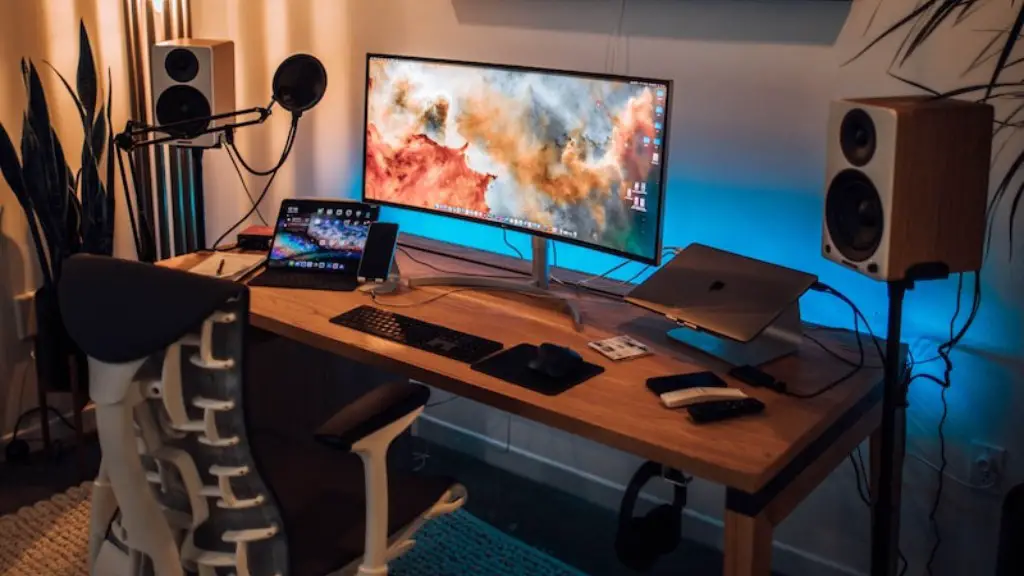
For those who are interested in buying a gaming PC, there are a few key points to consider. Firstly, knowing the type of games you’re playing will play a large role in determining whether buying a gaming PC is the right decision for you. You’ll need to consider the system requirements of the games you’re playing to see if your existing computer can handle them. If not, buying a gaming PC may be the most cost-effective way to go.
Secondly, when choosing a gaming PC, you’ll need to make sure it has the right hardware. The main components to consider are the CPU, GPU, RAM and storage. The CPU, or Central Processing Unit, is responsible for running the game’s commands, while the GPU, or Graphics Processing Unit, is responsible for running the game’s visuals. RAM is important for loading assets in the game quickly, and storage determines how much space your PC will have for games and other files. Choosing the right components for your gaming setup is essential for gaming performance.
Thirdly, you’ll have to decide what type of display you’re using. For games that require high performance, you’ll need a high-resolution display to maximize image quality. A gaming monitor is the best option, as it has a specialized design specifically for gaming. You can also opt for a standard monitor, but keep in mind that the output quality won’t be as good.
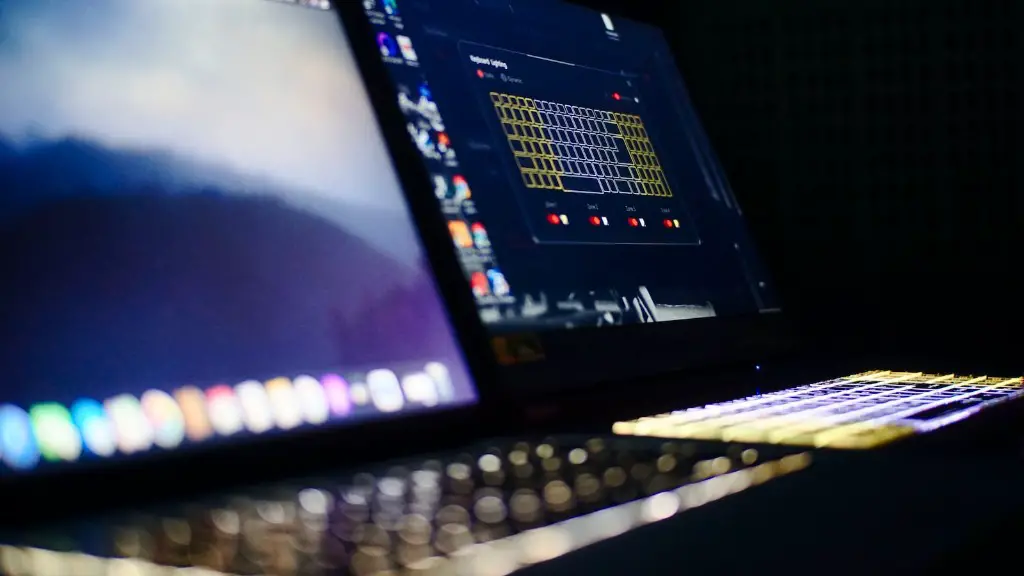
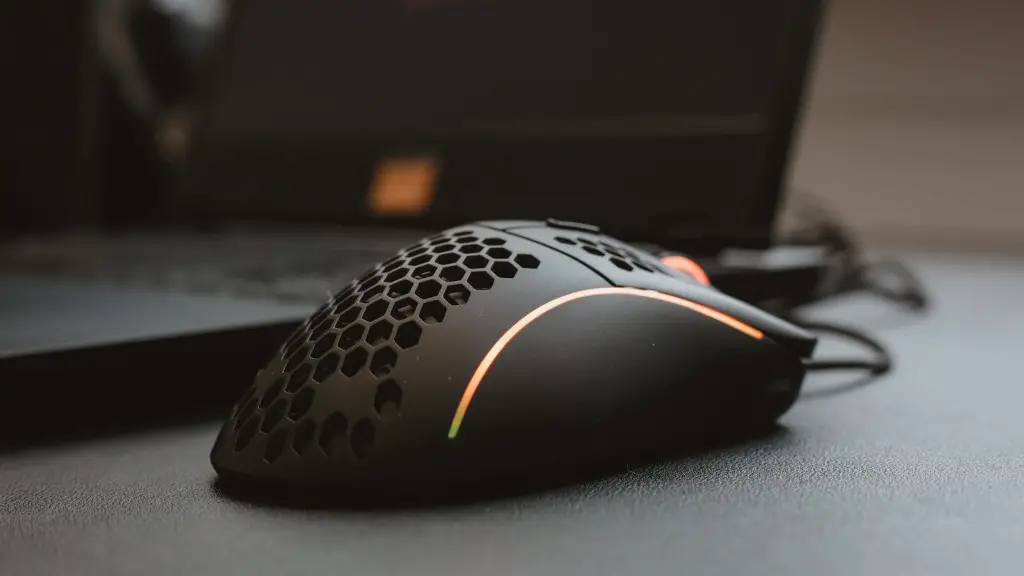
Fourthly, you’ll need to think about the type of peripherals you want. Gaming peripherals like a gaming mouse, headset and keyboard are essential for a complete gaming setup. You’ll also need to consider the type of connection they use, as well as the sensitivity and accuracy they offer. Investing in quality peripherals ensures that you can get the most out of your gaming experience.
Fifthly, you’ll need to consider the cost of the gaming PC. While gaming PCs usually cost more than traditional PCs, they also offer much better performance. Therefore, you’ll need to factor in the cost of the hardware, as well as any additional peripherals you might need. But with the right components and setup, you can get the best performance for your budget.
Finally, before buying a gaming PC, it’s important to make sure the company has a good customer service. If you encounter any problems, you’ll want to be able gaming PC to be able to get help quickly and easily. Check out customer reviews online, or contact the manufacturer directly to ensure that you get the best customer experience.
What You Need To Know About Graphics Cards
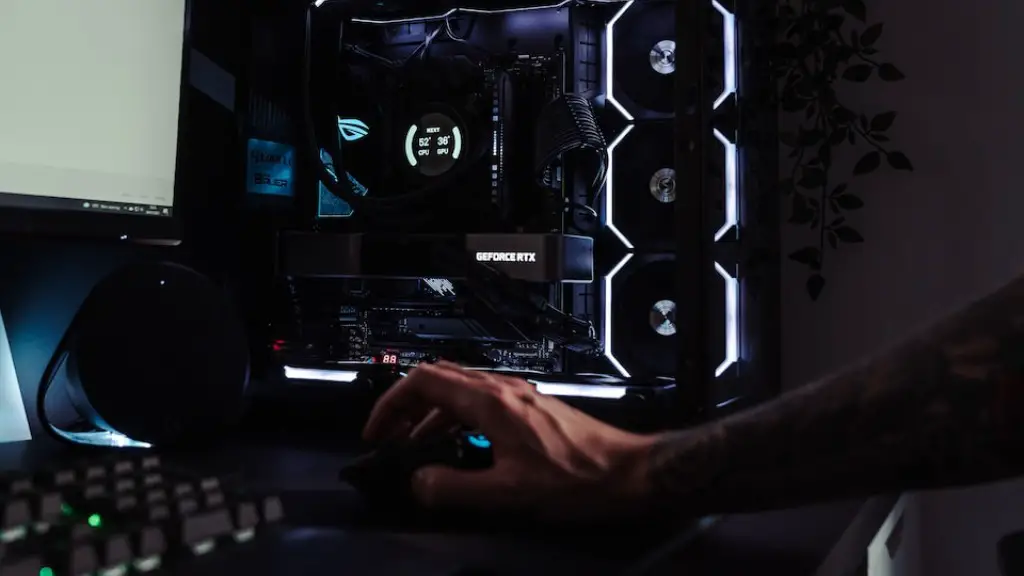
When it comes to gaming PCs, one of the most important components is the graphics card, also known as the GPU. This is the device responsible for creating the images on the screen and ensuring the smooth gameplay. It’s important to choose the correct graphics card based on the performance and budget you have in mind.

For best performance, you’ll need to look for a dedicated graphics card, as opposed to an integrated one, which uses the CPU’s RAM to create pictures. Dedicated graphics cards have their own dedicated memory, allowing for higher performance.
The two main manufacturers of graphics cards are Nvidia and AMD. Both offer different models, ranging from entry-level to flagship models. The model you choose will depend on your budget, as well as the games you want to play.
When choosing a graphics card, you’ll also need to think about other considerations such as power consumption and noise levels. Some graphics cards are designed to generate less heat and consume less power, making them better suited for a home theater or living room setup. You should also look out for the overall noise output of the card.
Finally, it’s important to remember that buying a gaming PC isn’t just about having the most powerful hardware. You’ll need to take into account the games you’re playing, as well as the other components of the system, before you make your final decision.
What You Need To Know About Sound Hardware
When it comes to the sound hardware of a gaming PC, the sound card plays an important role. It’s responsible for converting the game’s audio into sound waves that can be heard in your headphones or speakers.
The two most commonly used sound cards are onboard sound cards and dedicated sound cards. Onboard sound cards are integrated into the motherboard and are usually good enough for basic gaming. Dedicated sound cards offer better sound quality and more features, however they cost more and require extra space in your gaming setup.
When looking at sound cards, you’ll need to consider factors such as number of inputs and outputs, sound quality and power consumption. Higher-end sound cards can offer features such as Dolby Surround and multi-channel audio. It’s important to choose the right sound card for your gaming setup, as this can have a big impact on your gaming experience.
Another factor to consider is the type of speakers you’re using. For basic gaming, a pair of regular speakers is usually enough. But for more immersive audio, you may want to consider purchasing a surround sound system or a headset.
Finally, you’ll need to consider the type of connection between your sound hardware and the devices you’re using. Most sound cards and speakers use USB or 3.5mm connectors for audio output, but some more expensive models may support other connections such as HDMI or S/PDIF.
What You Need To Know About Operating Systems
When it comes to gaming PCs, the operating system plays a big role in determining the performance of the system. While Windows is the most popular OS for gaming, there are other options such as macOS and Linux.
Windows offers the widest selection of games, as well as the most features. It also has the benefit of being very easy to use and it’s often the go-to option for gamers. However, it’s important to note that Windows does require more resources than some of the other operating systems.
macOS is best suited for Mac-compatible games and it comes with many of the same features as Windows. It also has a smaller footprint and is more secure, making it a good choice for those who are looking for a more secure setup.
Finally, Linux is an option for those who are looking for more flexibility. It’s highly customizable and open source, allowing you to customize your gaming setup to the exact specifications you need.
Regardless of which OS you choose, it’s important to note that not all games are compatible with all of them. Be sure to check the system requirements of the game you’re playing to make sure that your OS can run it.
What You Need To Know About VR Ready PCs
For those looking to get the most out of their gaming setup, a VR ready PC may be the best option. VR ready PCs are designed specifically for virtual reality gaming, and they come with the hardware and software necessary to run the most demanding VR games.
VR ready PCs usually have faster processors, more memory, higher-end GPUs, and superior cooling solutions. This allows them to run the most demanding virtual reality games without any performance issues.
Another benefit of VR ready PCs is that they come with specialized software and hardware for a smoother and more immersive VR experience. This includes custom displays, controllers and headset mounts.
Finally, VR ready PCs also come with upgraded VR software such as SteamVR and Oculus Home. This allows you to access a library of games and experiences in order to make the most out of your VR setup.
What You Need To Know About Building a Gaming PC
If you’re looking to get into the hobby of PC gaming, building your own PC is a great way to go. Building a PC gives you total control over your gaming setup, allowing you to customize it to your exact needs and budget.
When building a PC, the first step is to choose the components. This includes the processor, motherboard, RAM, storage, power supply and graphics card. Choosing the right components is essential for getting the best performance from your gaming setup.
Once you’ve chosen the components, you’ll need to assemble them into the system. This usually involves plugging the components into the right ports, as well as setting them up in the correct order. If you’re new to building PCs, it’s important to follow the manual that comes with the individual components to ensure they are correctly installed.
Once the system is assembled, you’ll need to install the operating system. The most popular OS for gaming is Windows, although there are other options such as macOS and Linux. After that, you’ll need to install the necessary gaming software, such as Steam, and the drivers for the peripherals.
Finally, you’ll need to ensure the system is optimized for gaming. This includes using the most up-to-date drivers and making sure the game settings are set correctly. Once everything is set up, you’ll be ready to start gaming.
