
Building a gaming PC can be an intimidating task if you’re a beginner but with proper planning and research, you can build your own gaming PC without breaking the bank. Here are the essential steps you need to take before building your PC.
First, decide on a budget. This is the most important step in building your own gaming PC. Set a budget for your build so you know what type of parts you can get and what accessories you need to buy. This will also help you decide which games to play and what performance level you are looking for.
Second, research the parts that you need. Once you have a budget, it’s time to find out what type of parts you need. Check out reviews and compare different types of components to ensure you get the best value for your money. You also need to research which games you want to play to ensure you get the right components to run them.
Third, purchase the parts. Now that you’ve done your research and have a budget, it’s time to purchase the parts you need for your custom gaming PC. Try to buy from reputable brands and don’t be afraid to ask for help from the experts if you’re feeling overwhelmed.
Fourth, assemble the parts. Once you’ve purchased the components, you need to assemble them. This is the most difficult part of building a gaming PC, so it’s important to read instructions carefully and research which parts go together. Be sure to use proper safety precautions when assembling computer components and make sure everything is connected properly.
Fifth, install the operating system. Once the components are assembled, you can install the operating system. This is the software that will allow you to run your games and other programs. Make sure you select the appropriate version of the operating system and install all the necessary drivers.
Sixth, install the games. Now that your gaming PC is ready to go, it’s time to install your games. Make sure you double-check to ensure they are compatible with your hardware and read all the instructions carefully before installing. Install any patches and updates to ensure the optimal performance of your games.
Customize the Settings
The seventh and the last step of building the gaming PC is customizing the settings. This involves tweaking the settings of the games and system to make sure that you get the most out of your gaming experience. This includes adjusting the graphics, altering the sound effects, selecting appropriate input settings, and more.
In addition to these settings, you will also want to adjust the lighting and cooling of the PC, as well as install any additional software and hardware. Depending on the games you will be playing, you may want to install a gaming mouse, gaming keyboard, and other accessories. Doing so will affect the overall performance of your gaming experience.
Your gaming PC should now be ready to go and you can start playing your favorite games. Make sure you keep the components clean and maintain the PC regularly to ensure the best gaming experience. By following the steps above, you can build the perfect gaming PC to meet your needs.
Choosing the Right Components
Choosing the right components for your gaming PC is essential for the overall performance. If you’re on a tighter budget, you should opt for mid- to high-end components which can offer good performance at a reasonable price. Make sure to research and compare different components before making a decision.
When it comes to CPUs, Intel Core i5 and i7 processors offer the best performance. For graphics cards, NVIDIA and AMD are the two main companies offering dedicated GPUs and these will provide you with decent performance. For RAM, look for at least 8GB of DDR4 memory. A solid state drive will provide quick loading times and a good-sized HDD will provide you with plenty of storage for your games.
You should also consider a quality motherboard with enough ports to upgrade components in the future. A good power supply is essential as well and you will want to find one that performs efficiently and is reliable.
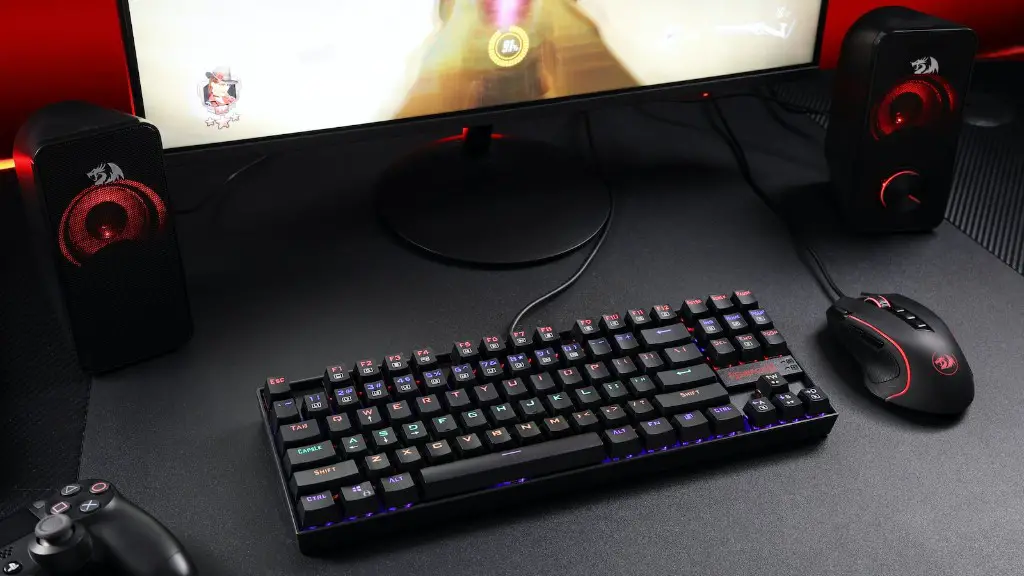
Other components such as a gaming mouse and keyboard, gaming headset, and a monitor with a good refresh rate and response time, can all help to enhance your gaming experience. It’s better to pay a little extra for quality components as these will last longer and provide you with the best performance.
Ensuring Optimal Performance
To ensure your gaming PC performs at its best, there are a few things you need to consider. First, make sure you keep all components clean and dust-free. If a fan is clogged with dust, the PC may overheat and cause damage or a shutdown.
Second, make sure to keep the PC up-to-date by installing updates and patches. This includes the operating system, graphics card drivers, and other components. By doing so, you ensure optimal performance and stability.
Third, you want to make sure your power supply is sufficient. It’s better to get a more powerful PSU than you need as this will provide more stability and energy to your gaming setup. You should also check for power leaks and make sure no cables are loose.
Finally, remember to maintain your gaming PC regularly. This includes scanning for viruses and malware, deleting unnecessary files, running a disk defragmenter, and uninstalling unused programs.
Conclusion
Building a gaming PC requires careful planning and research. You need to decide on a budget, research the parts you need, purchase the components, assemble them, install the operating system, install the games, and customize the settings. Additionally, you should make sure to choose the right components for your gaming PC and keep everything up-to-date to ensure optimal performance.
